FOTOOWL STUDIOFO-01
The Runner
Beam · Camera-to-cloud
Carries every frame from your camera to the cloud while you shoot.
- Shift
- 24 / 7
- Reports to
- You
- Uploads
- Live
 On shift · Delivery · FO-01The Runner · Beam · Camera-to-cloud
Upload photos from a compatible FTP-enabled Canon, Sony or Nikon camera directly to your FotoOwl AI Gallery while you shoot. Beam connects capture to gallery delivery for wedding and event photographers — no card readers, no laptop at the back.
 ● BEAM
Live gallery
LIVE · 1,248 photos
 NEW




Act 1 · One wedding night
Every photographer has a second job at every event: getting photos off the camera and to people. You've been doing the Runner's job all along. Here's the same night, with and without it.
Without Beam · you are the runner
7:42 PM
You get the shot. The best one of the night. It sits on a card in your camera.
9:15 PM
You walk to the laptop at the back, swap cards, start an import. You miss the first dance.
11:40 PM
Uploading 2,000 photos over guest Wi-Fi isn't happening tonight. You'll do it at home.
Day 3
The moment's gone. Guests have already posted their phone photos. Nobody tagged you.
With Beam · the Runner's on shift
7:42:10 PM
You get the varmala shot.
7:42:15 PM
It's in the cloud, backed up.
7:42:40 PM
The bride's sister has it on her phone.
9:15 PM
You're still on stage. No laptop, no card swap.
Same camera. Same shot. The only difference: something else carried it.
The Runner
Beam · Camera-to-cloud
Carries every frame from your camera to the cloud while you shoot.
Act 2 · Meet the Runner
FotoOwl is building an AI crew for photographers — one teammate for every job you do alone today. Beam is the Runner: it carries every frame from your camera to the cloud, then hands it to the Curator (AI Gallery), who sorts photos by face and gets them to guests.
Act 3 · Live demo
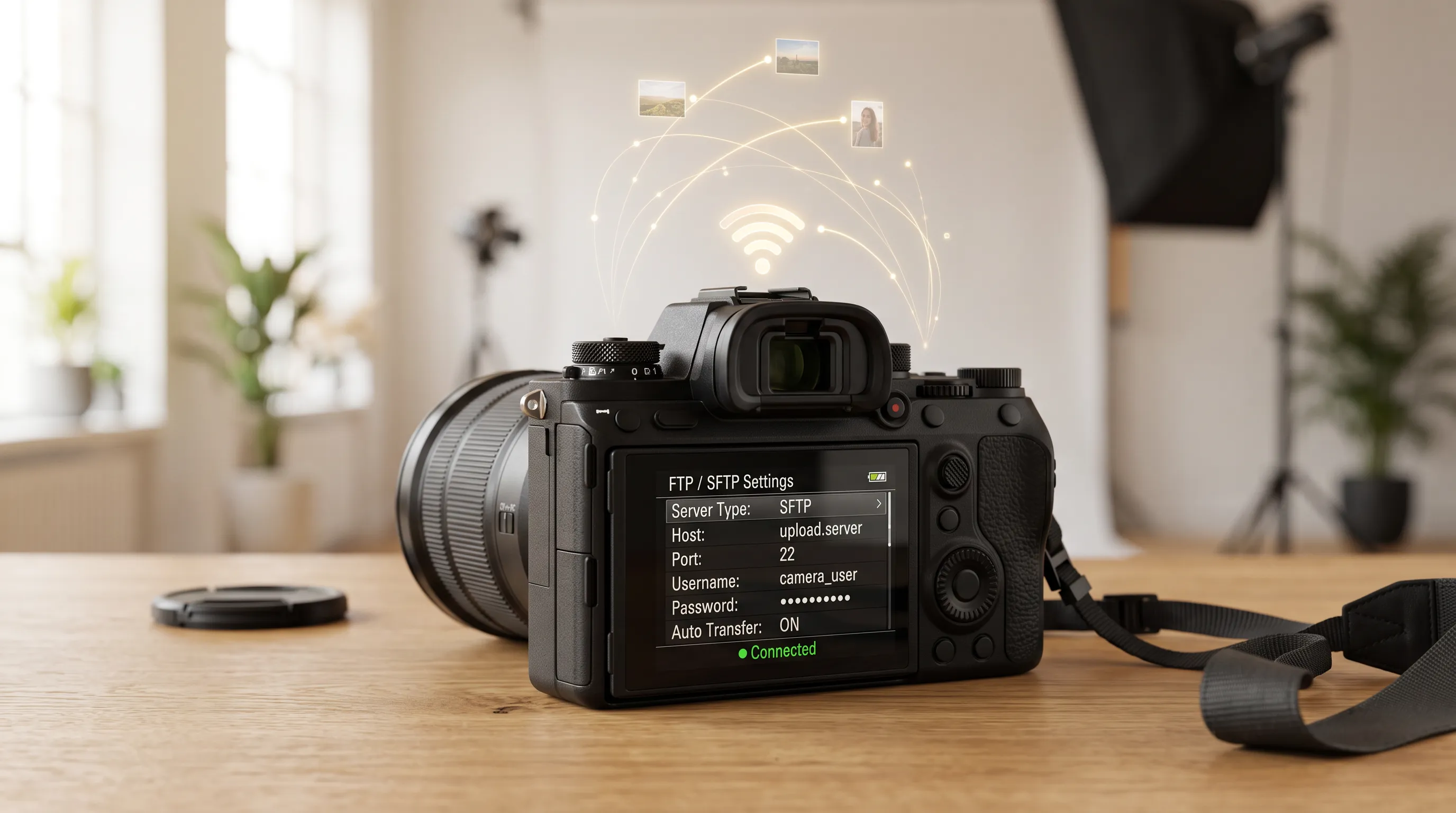
Your camera's built-in Wi-Fi FTP sends a copy of each photo to Beam the moment you take it — about 5 seconds to upload. Beam drops it into your event, and AI Gallery gets it to every guest in it in under 30 seconds. Your original stays on the card.
Lead + second shooter? Each camera gets its own Beam login — one gallery.
All photos
LIVE · 1,248


Demo timing. Real upload speed depends on the venue's internet upload bandwidth.
Camera Wi-Fi → FTP or SFTP. Works with FTP-capable bodies like Canon R5 / R6 II, Nikon Z8 / Z9 and Sony A7 IV / A1.
Tether the camera to your phone and send with the maker's app — e.g. Canon Content Transfer Professional.
Any FTP client — FileZilla, Cyberduck, Transmit, WinSCP. Drag whole folders for batch uploads.
Beam uploads JPEG, PNG and WebP. Check your camera supports FTP before you buy.
Act 4 · Put the Runner on shift
Pick your camera. Each step shows the screen you'll see — set it up once, and Beam runs on every event after.
Beam (Secure FTP) Server Details
Secure FTP Users
+ Add Secure FTP UserAdd New Secure FTP User
Step 1 of 11 · Create a Beam login in your dashboard
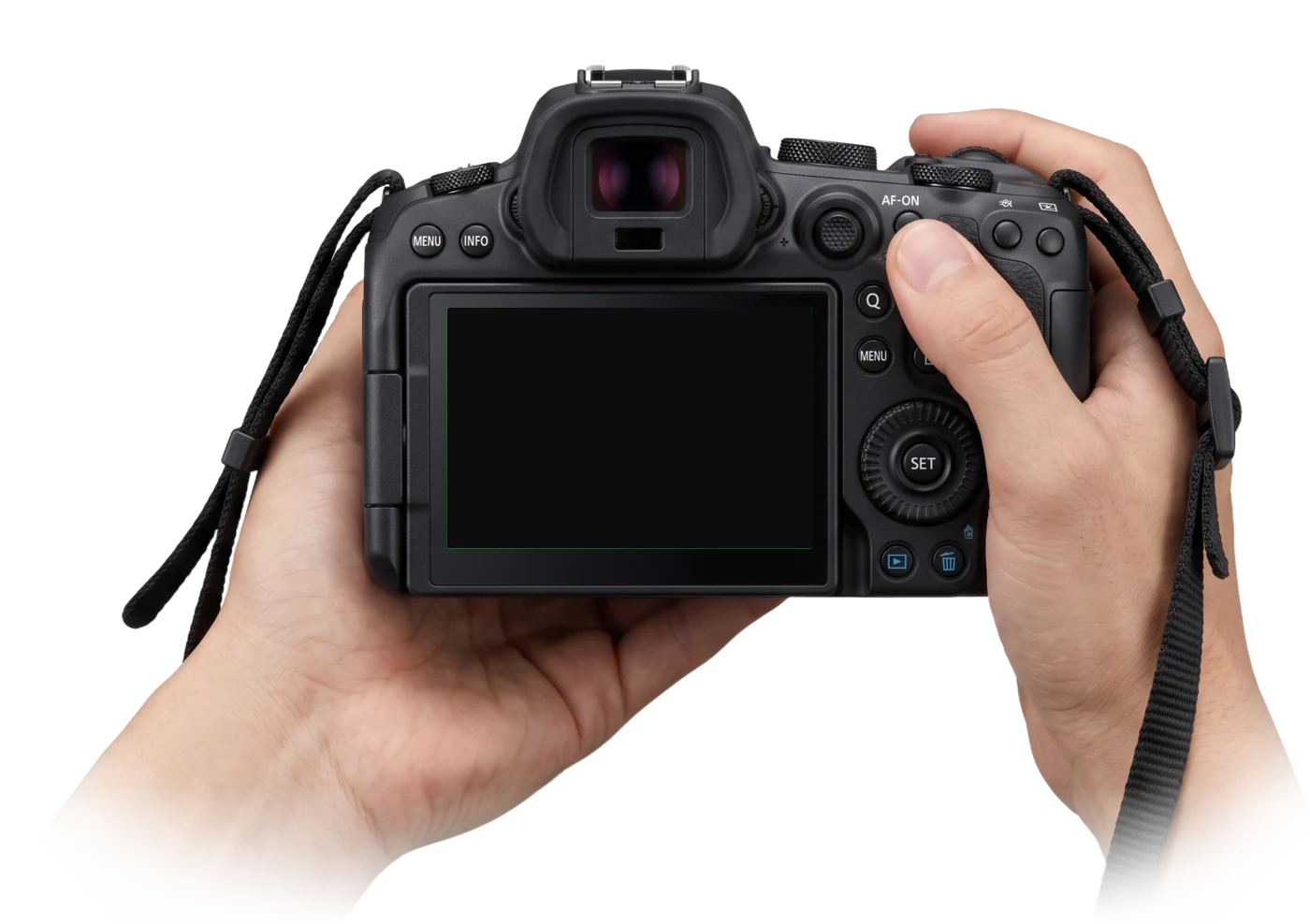
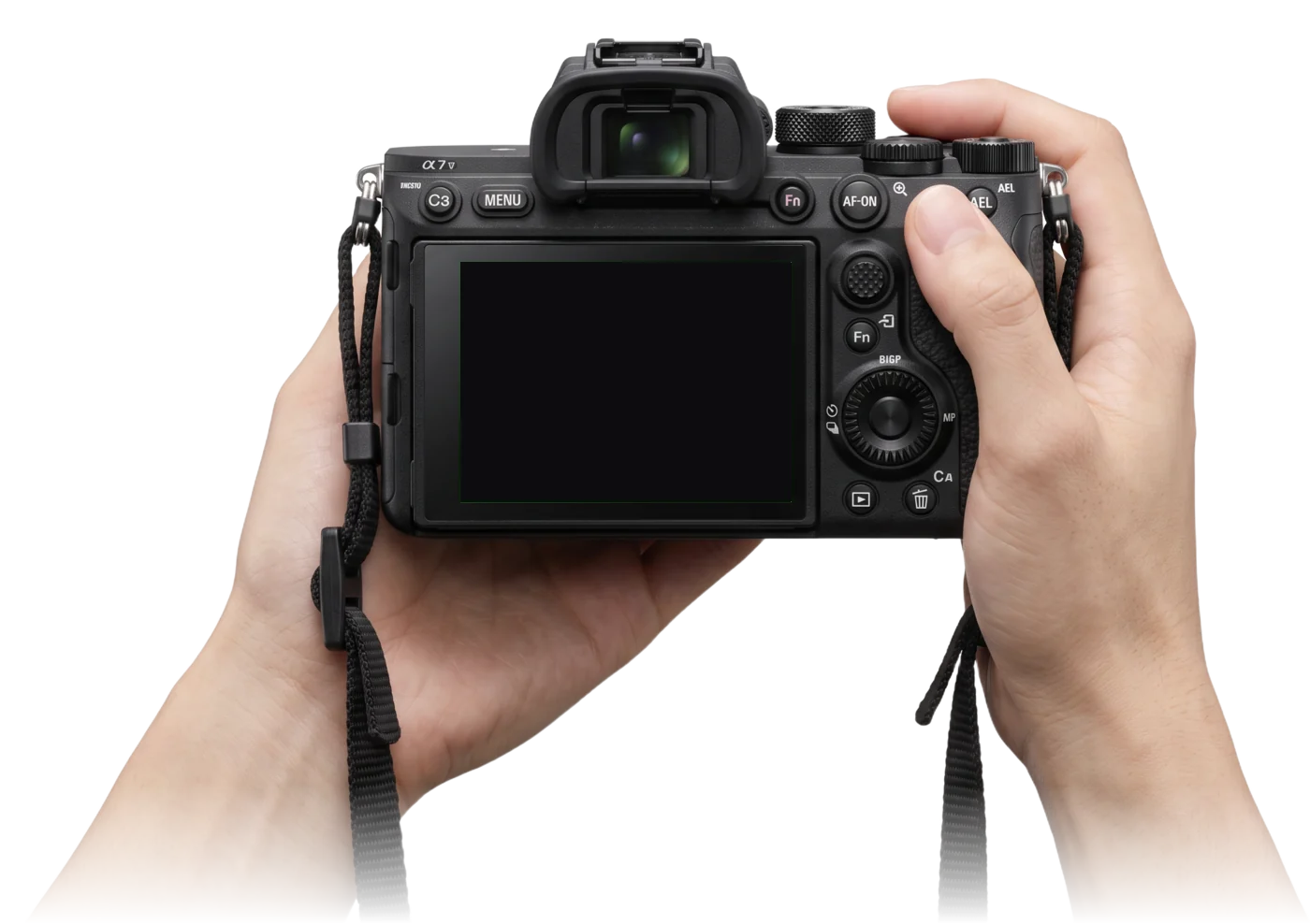
How to connect Canon EOS R6 Mark II to Beam with SFTP
Compatibility
If your camera has built-in FTP or SFTP, it uploads directly — no phone or laptop in between. These are the models we've tested and filmed tutorials on.
| Brand | Tested models | Protocol · port | Setup guide |
|---|---|---|---|
| Canon | EOS R1, EOS R3, EOS R5, EOS R5 Mark II, EOS R6 Mark II, EOS R6 Mark III, EOS-1D X Mark III | SFTP or FTP · 8022 | Canon setup guide |
| Sony | Alpha 1, Alpha 9 II, Alpha 9 III, Alpha 7 III, Alpha 7 IV, Alpha 7R III / IV / V, Alpha 7S III, FX3 | FTP · 21 | Sony setup guide |
| Nikon | Z9, Z8, Z6 III, Z5 II, Zf, ZR, D6, D5 | SFTP or FTP · 8022 | Nikon setup guide |
Update to the latest camera firmware before setup — FTP menus are sometimes added or renamed in updates.
Phone app
Canon Content Transfer Professional, or your maker's FTP-capable app
For bodies without built-in FTP
Laptop FTP app
Cyberduck, FileZilla, Transmit, WinSCP
Batch uploads after the shoot
Laptop SFTP guide·All Beam videos on YouTube· Camera not listed?[email protected]
Who it's for
Wedding studios first. Then any event where people want their photos before they leave.

Lead and second shooter each beam to the same event. Family find themselves by selfie during the reception, and the couple gets a same-night preview.

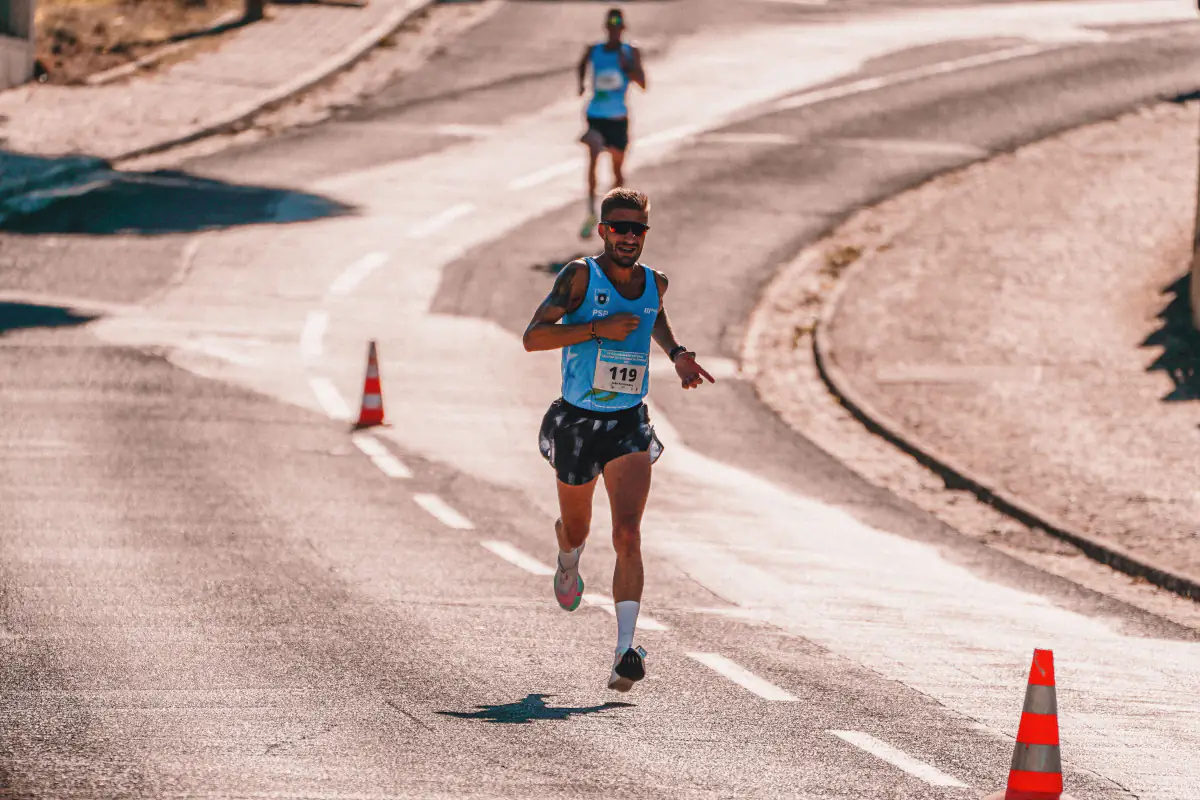
Finish-line frames go live while runners are still at the venue — when they most want to download and share. Pair with Photo Selling to sell them.

Stage and speaker photos reach the marketing team mid-event, ready for same-day posts. Attendees find their own photos with a selfie.
Act 5 · The handoff
Beam's job ends when the photo lands. You stay in control of who sees it, and the rest of your AI Crew does the delivery.
01
The photo appears in your FotoOwl dashboard. Until you publish the event, only you can see it.
02
Publish once and guests can open the gallery link or scan the event QR code.
03
AI Gallery face search matches each guest's selfie to every photo they're in — new frames reach them in under 30 seconds.
Matches faces and drops each beamed photo into the right guest's gallery — from one selfie.
Read more about AI GalleryCuts a personal highlight reel for each guest from the same photos.
Read more about ReelItSells downloads at marathons, concerts and garba nights while the event is still live.
Read more about Photo & Event SellingBeam is included on all paid FotoOwl plans. See pricing
Before the event
Tip: send a few test shots before guests arrive and check they land in the event.
FAQ
Camera to cloud means each photo is sent from the camera to online storage as soon as you take it, instead of copying cards to a computer later. Beam is FotoOwl's camera-to-cloud upload: photos go straight into your FotoOwl AI Gallery event.
Any camera with built-in FTP or SFTP transfer. We've tested Canon (EOS R1, R3, R5, R5 Mark II, R6 Mark II, R6 Mark III, 1D X Mark III), Sony (Alpha 1, A9 II / III, A7 III, A7 IV, A7R III–V, A7S III, FX3) and Nikon (Z9, Z8, Z6 III, Z5 II, Zf, ZR, D6, D5). Check FTP support before you buy a camera for Beam.
Both. Use SFTP when your camera supports it. Most Sony cameras support FTP only, which also works.
Each photo usually uploads in 2–3 seconds — allow about 5 seconds. From shutter to a guest's phone takes under 30 seconds. Speed depends on the venue's internet upload speed and your file size, so test the connection before the event.
Only you. Photos Beam uploads appear in your FotoOwl dashboard straight away. Guests can see them once you publish the event.
Your originals stay on the card. Whether unsent photos are retried depends on your camera's FTP settings, so check your camera manual — many cameras let you resend images that didn't transfer.
Beam needs an internet connection. If the venue has no Wi-Fi, connect the camera to a phone hotspot. With no internet at all, photos stay on the card until you are back online.
No. Beam accepts JPEG, PNG and WebP. If you shoot RAW, set the camera to RAW + JPEG and send the JPEG.
Yes. Each camera needs its own Beam login, and every login can point to the same event. Create extra logins from your dashboard.
Beam is included on all paid FotoOwl plans. It isn't part of the free Rider plan.
Check your camera's manual to confirm FTP support for your model. If it is supported but missing, update the firmware. Without FTP, send photos through the maker's phone app or a laptop FTP client.
Create your FotoOwl account, add a Beam login to your event and send your first photo in about ten minutes.
Included on all paid plans · works with the camera you already own