
Step 1·The Shoot
Thousands of Raw Photos
At any wedding, portrait session, or event, photographers shoot 2,000 to 5,000+ photos — capturing rapid bursts so no fleeting moment is missed.
Key Takeaway2,000 – 5,000 photos
FotoOwl sorts your entire shoot, finds your best shots, groups similar photos, and catches blur and closed eyes — directly on your computer. No slow uploads. No cloud waiting. AI Culling is now available in Early Access.
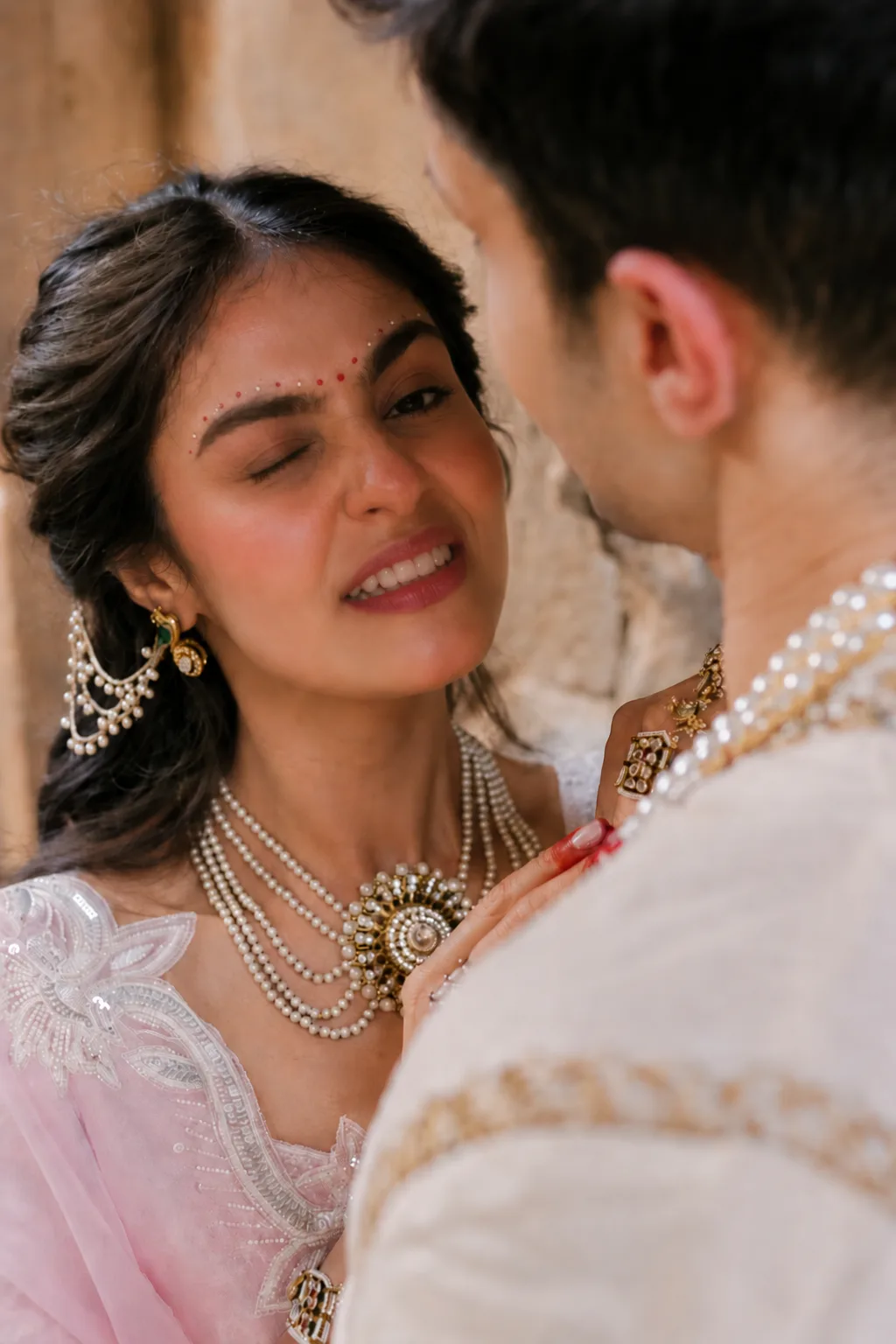
FotoOwl evaluates subject sharpness, eyes, and expressions across burst sequences — auto-flagging blur and blinks so you keep only the hero frames.
Ratings and flags sync directly into Lightroom Classic XMP.
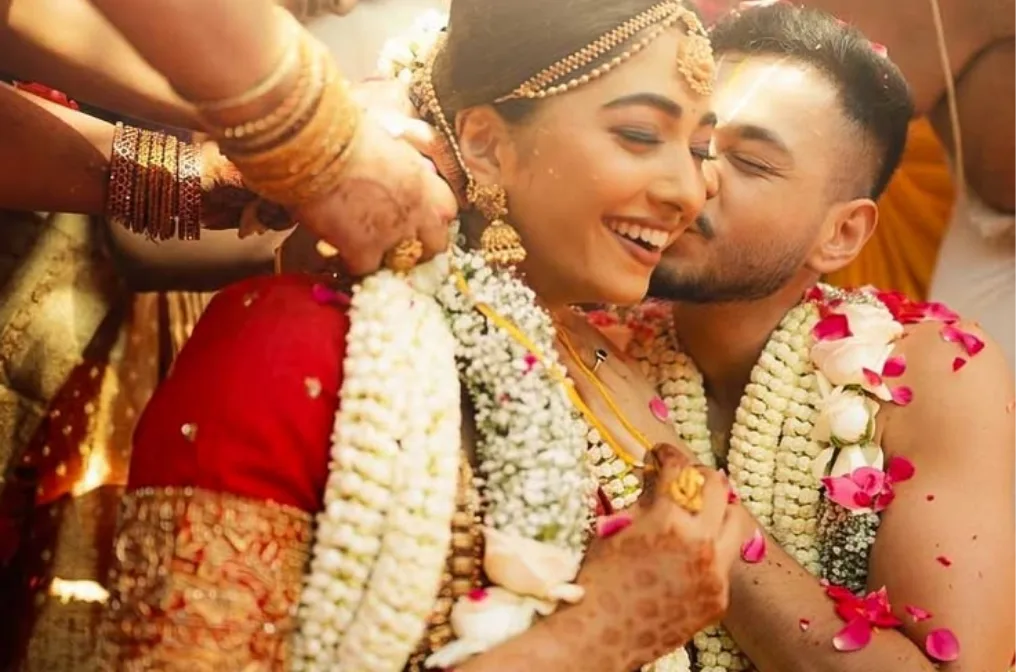
Crisp eyelashes, open bright eyes, and genuine joyful smile.
Your eye + our AI
AI spots blur and closed eyes in seconds, but only you know the perfect emotional shot. FotoOwl removes the bad frames first so you only spend time choosing your keepers.
What is Photo Culling?
If you're new to the term, photo culling is the process of sorting through your raw shoot, filtering out the bad shots, and picking only your best keeper photos to edit and deliver.
At any wedding, portrait session, or event, photographers shoot 2,000 to 5,000+ photos — capturing rapid bursts so no fleeting moment is missed.
Before editing can begin, you have to zoom into every face to check for blinks, missed focus, and near-identical duplicates. Manually, this takes 4 to 8 exhausting hours.
Culling is simply sorting out the bad shots and grouping duplicates so you only edit the absolute best keepers. FotoOwl does this sorting automatically right on your computer.
Simple Workflow
From your camera card to your editing catalog in minutes.
ImportDrop in any folder of RAW or JPEG photos. Runs 100% offline on Windows or Mac — no slow internet uploads.
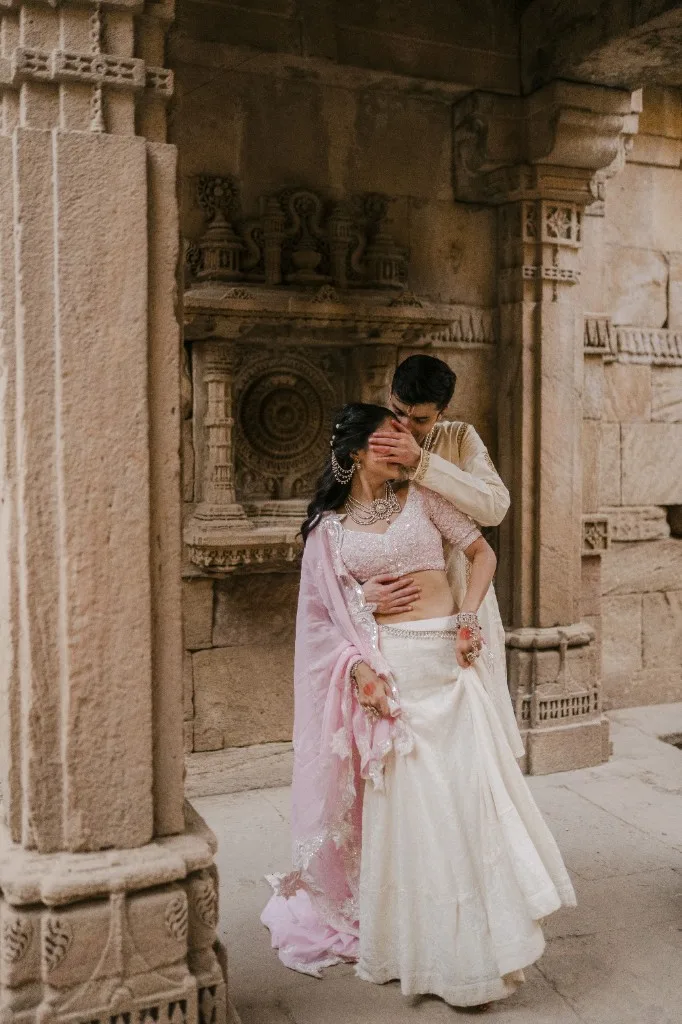
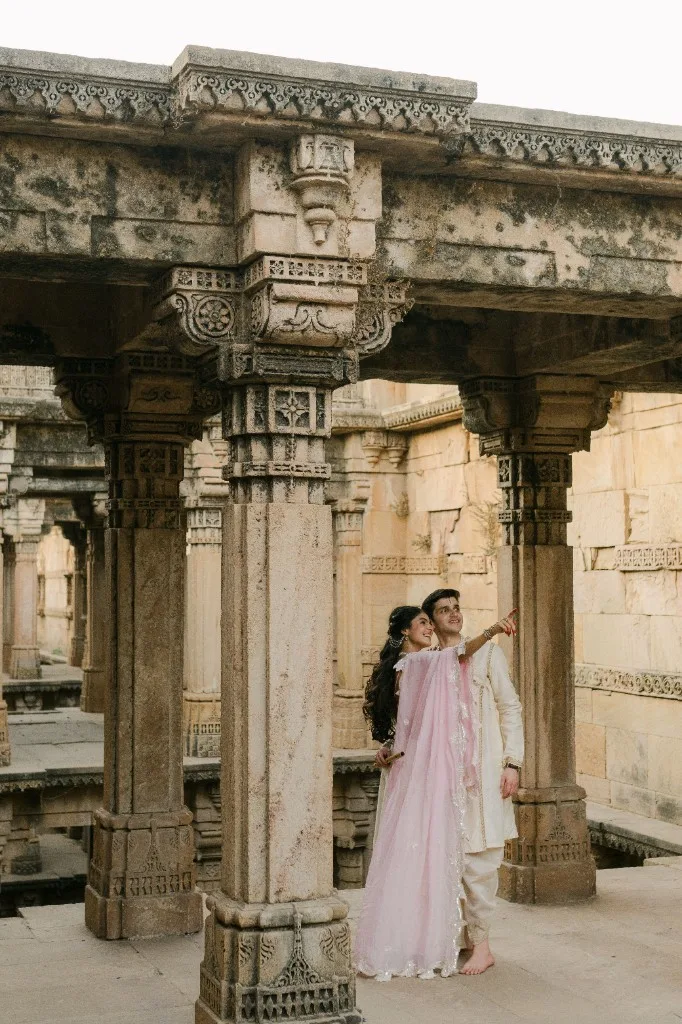
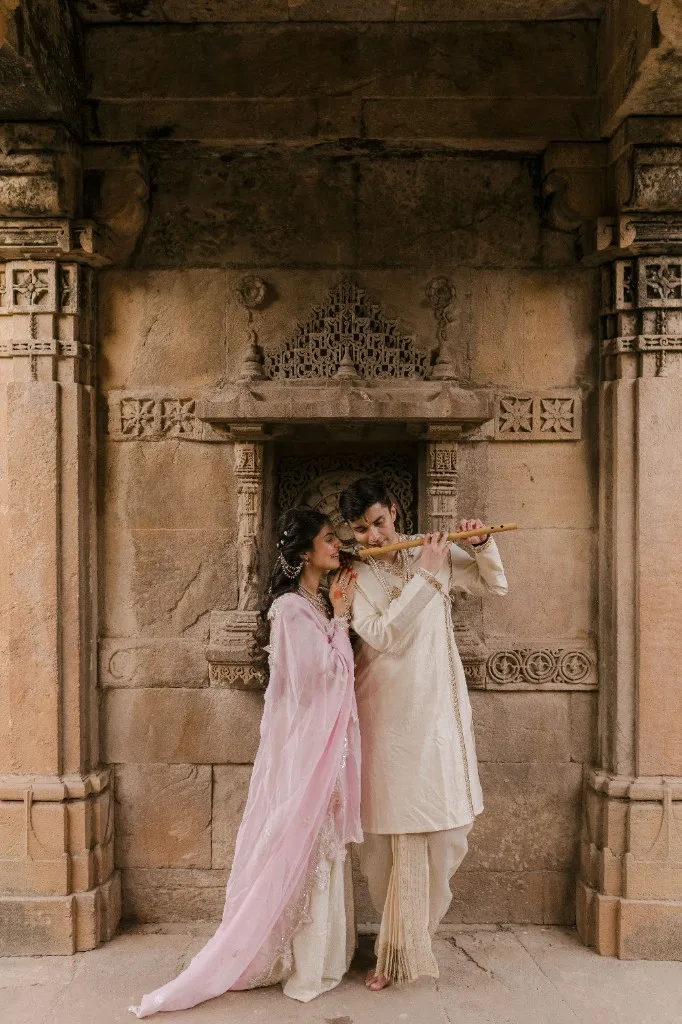
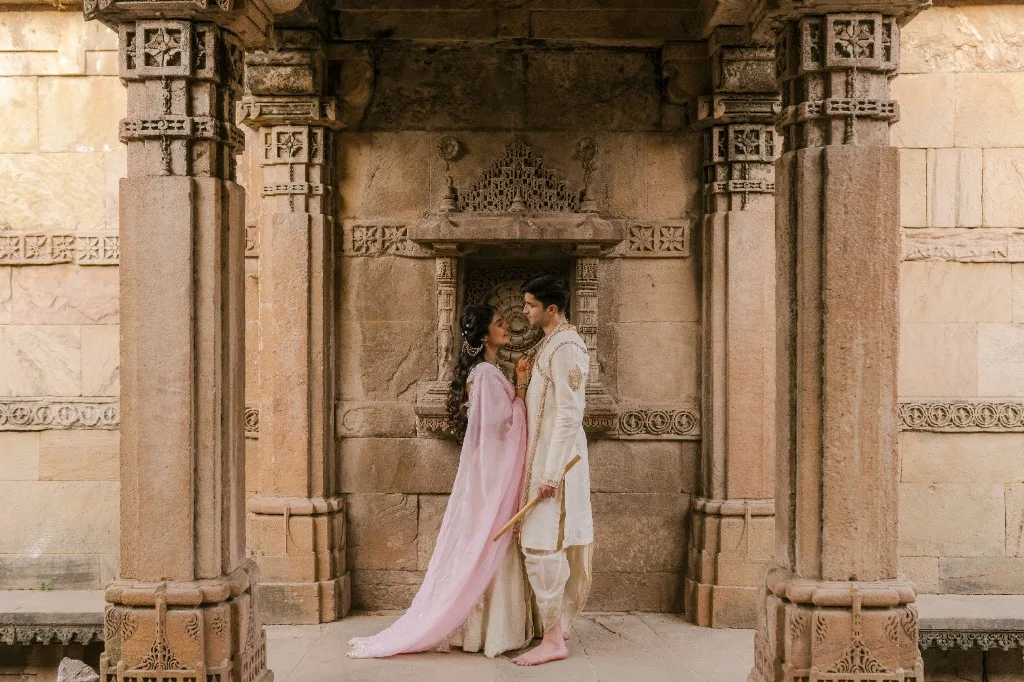
FotoOwl automatically groups duplicate bursts, catches closed eyes and blur, and ranks your sharpest keeper photos.
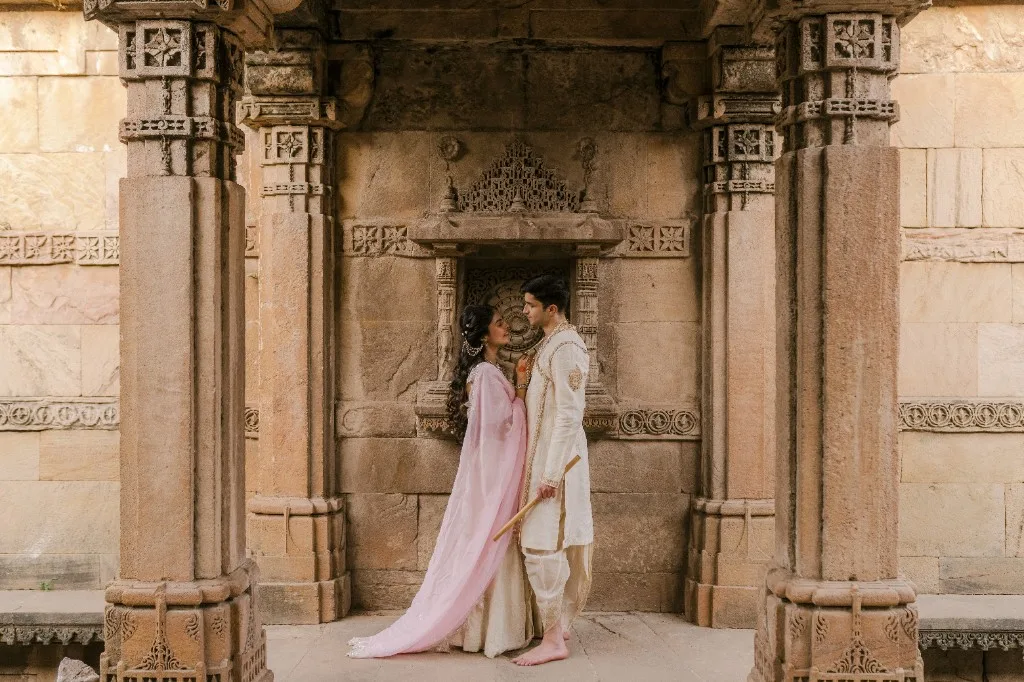
Quickly review your top selects, then send star ratings and color labels straight into Lightroom with standard XMP files.
AI-automated culling
FotoOwl groups duplicates, flags closed eyes and blur, and ranks your keepers so you only review the best shots.
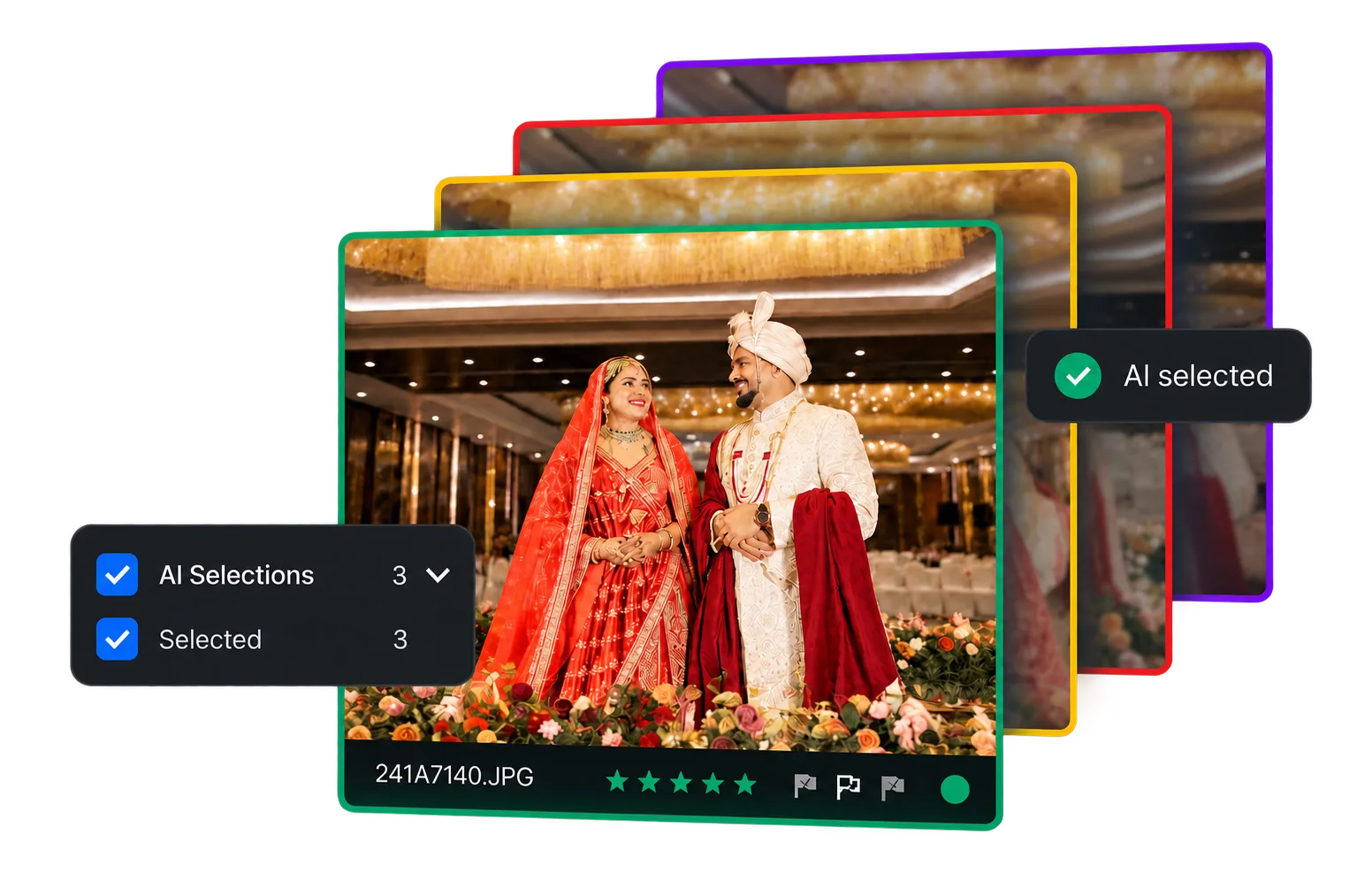
Every photo is neatly categorized into Selected, Review, or Rejected. Keep your best shots, quickly glance at close calls, and safely skip the rest.
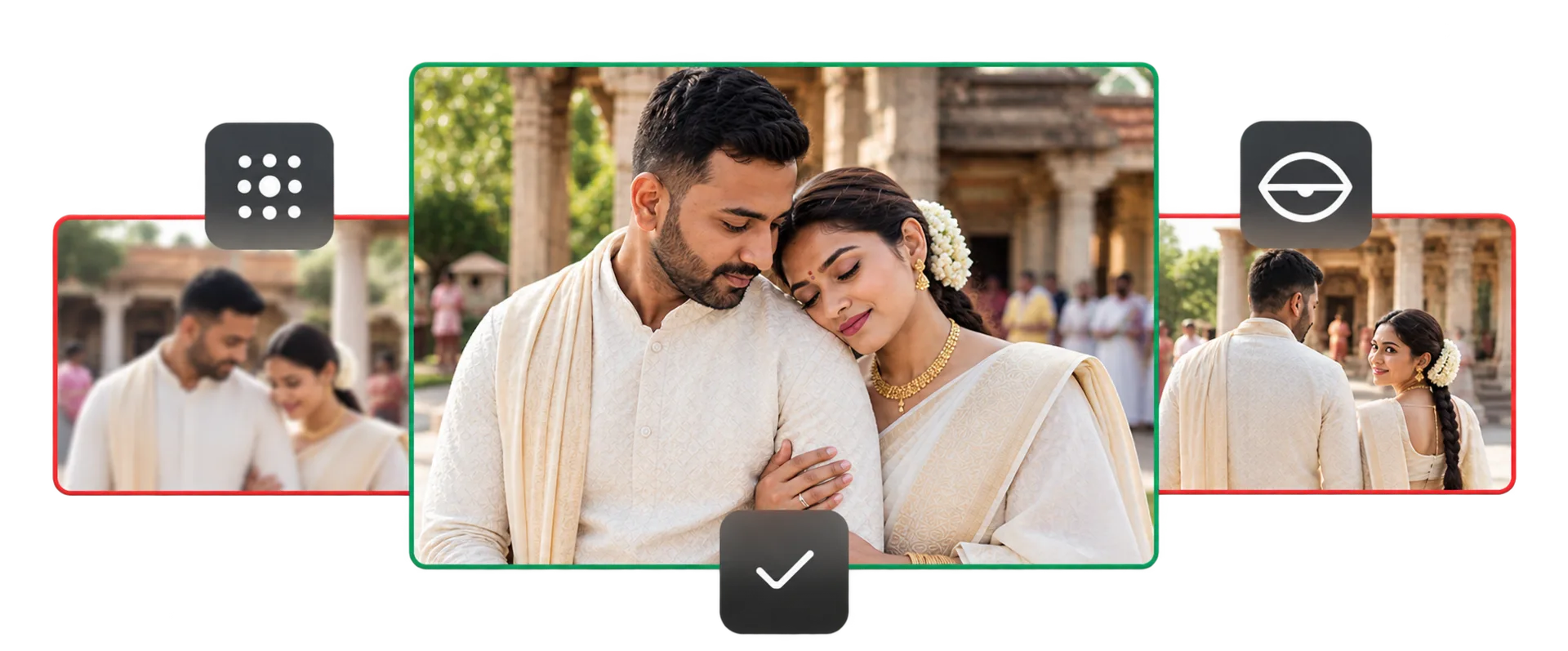
Your original photos remain completely safe on your computer. No files are ever overwritten, deleted, or uploaded to the cloud.
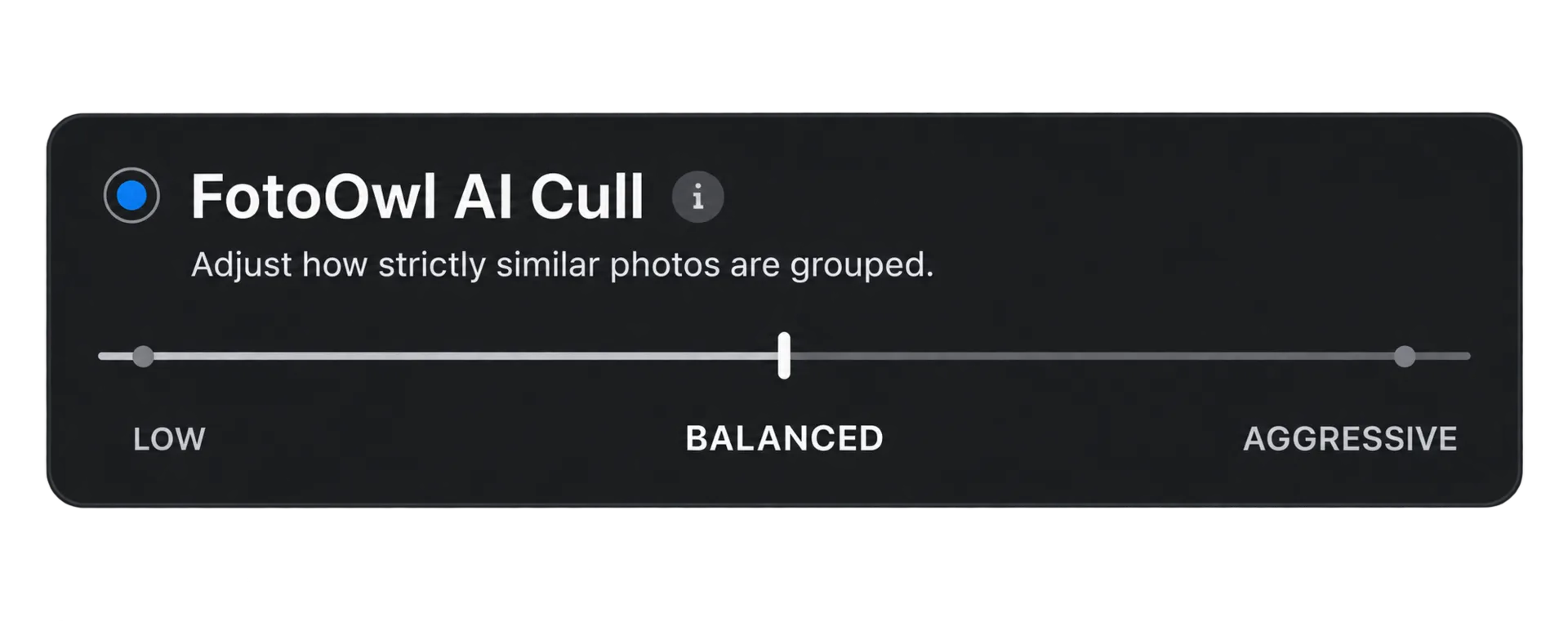
Easily set how strictly the AI filters your photos. Choose relaxed settings for weddings and emotional moments, or strict settings for fast-moving sports.
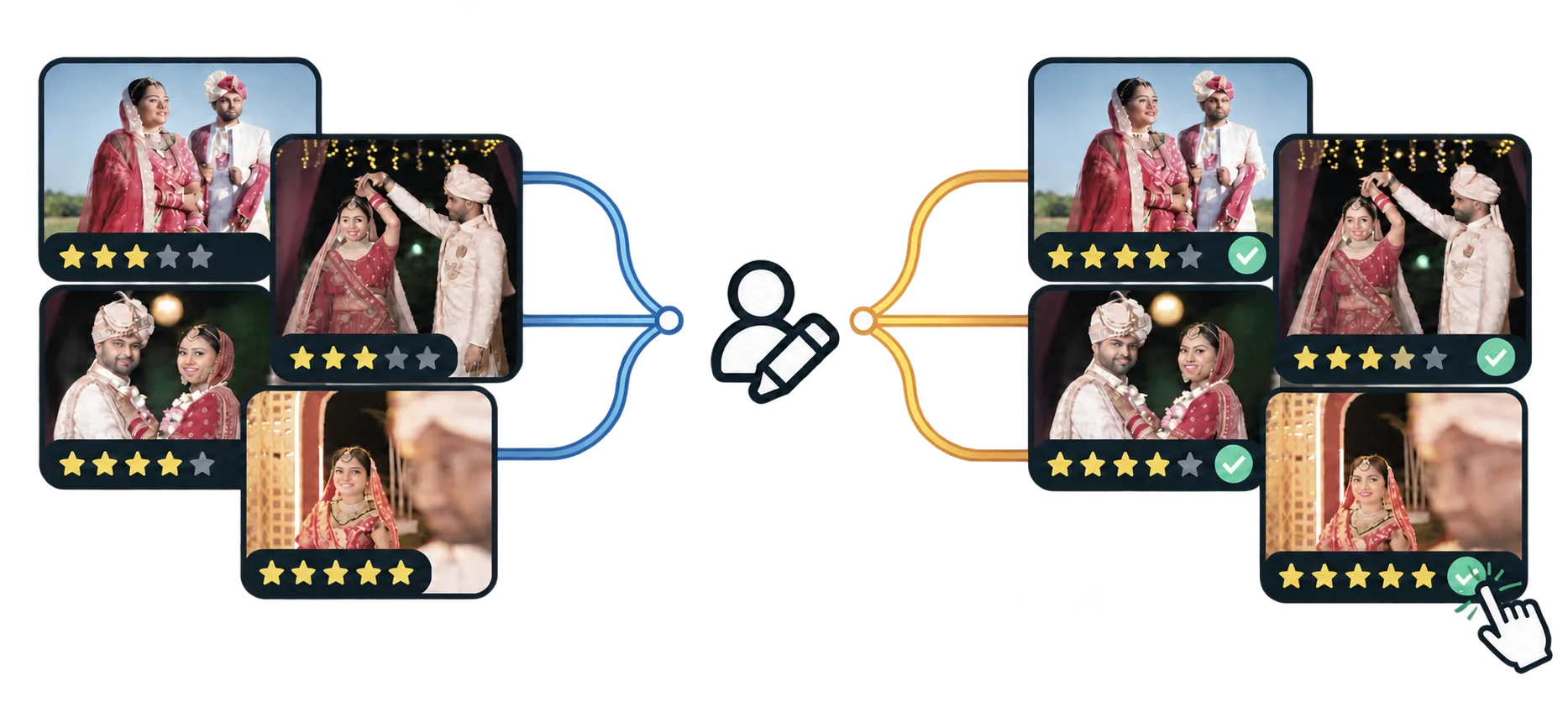
AI assists, but you're always in charge. Easily change any rating, un-reject a photo, or fine-tune picks with a single click.
Every photo is neatly categorized into Selected, Review, or Rejected. Keep your best shots, quickly glance at close calls, and safely skip the rest.
Easily set how strictly the AI filters your photos. Choose relaxed settings for weddings and emotional moments, or strict settings for fast-moving sports.
Your original photos remain completely safe on your computer. No files are ever overwritten, deleted, or uploaded to the cloud.
AI assists, but you're always in charge. Easily change any rating, un-reject a photo, or fine-tune picks with a single click.
AI-assisted culling
Group similar moments, find key people, and check focus in seconds while keeping full creative control.
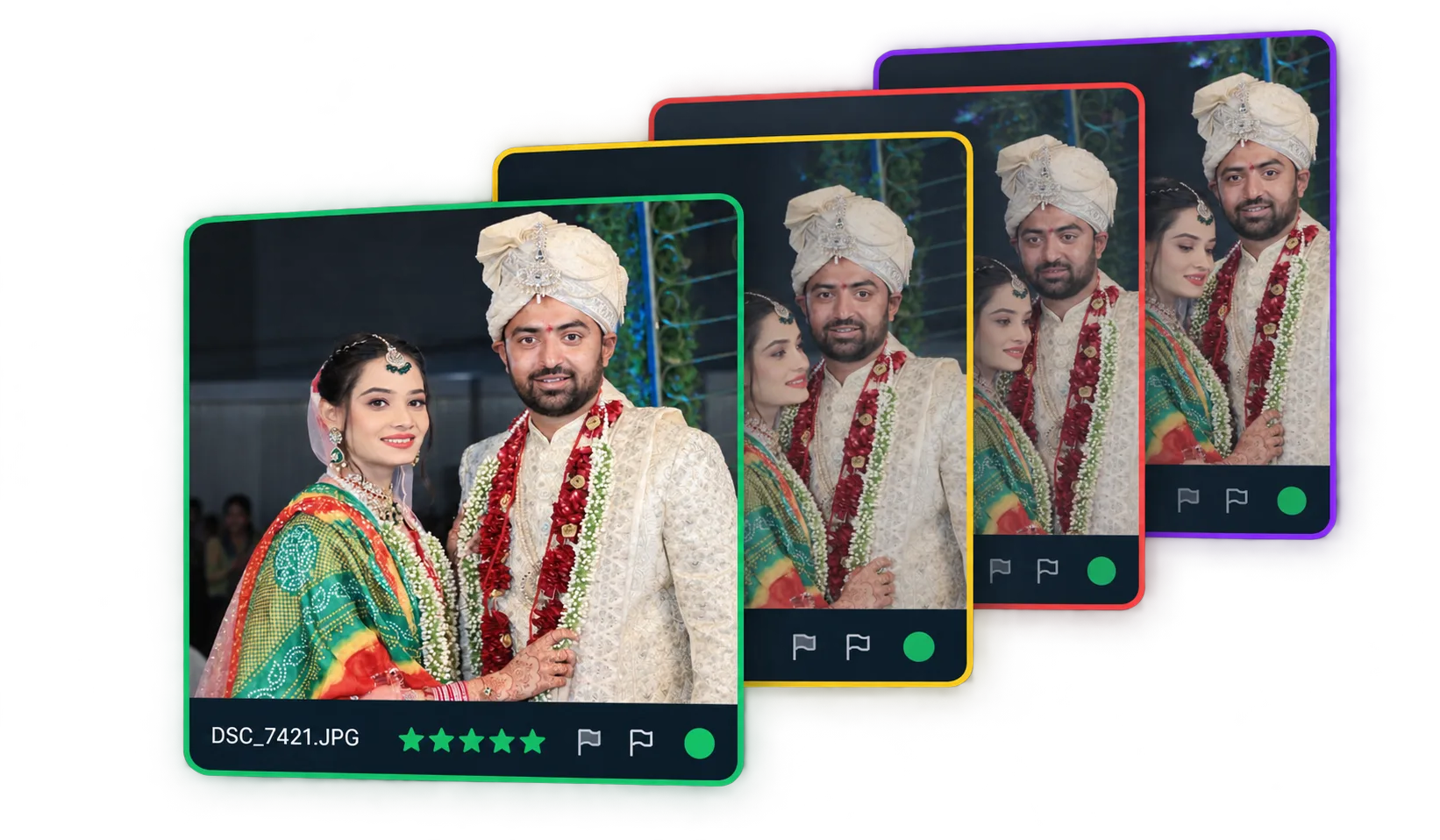
Burst shots and identical angles are grouped together so you can pick the single best moment without wasting time on duplicates.
Review tools
Compare close calls, check sharpness, and star your favorites without leaving the album.
Compare similar frames side by side with synchronized zoom to easily pick the winning shot.
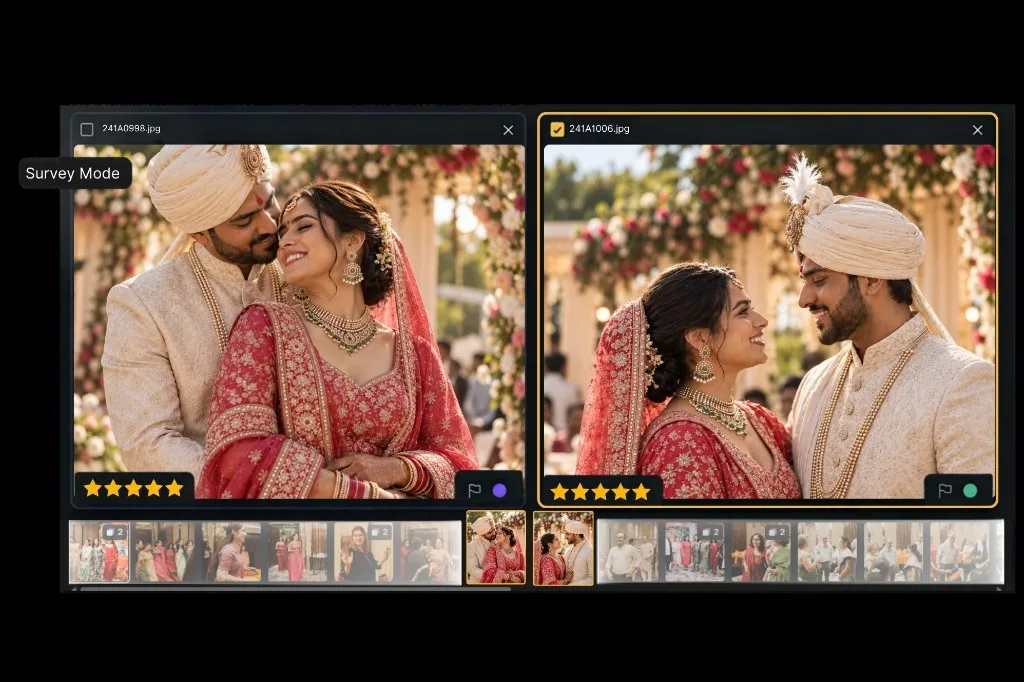
Rate and tag photos in one pass — from favorite album selects to final client deliverables.
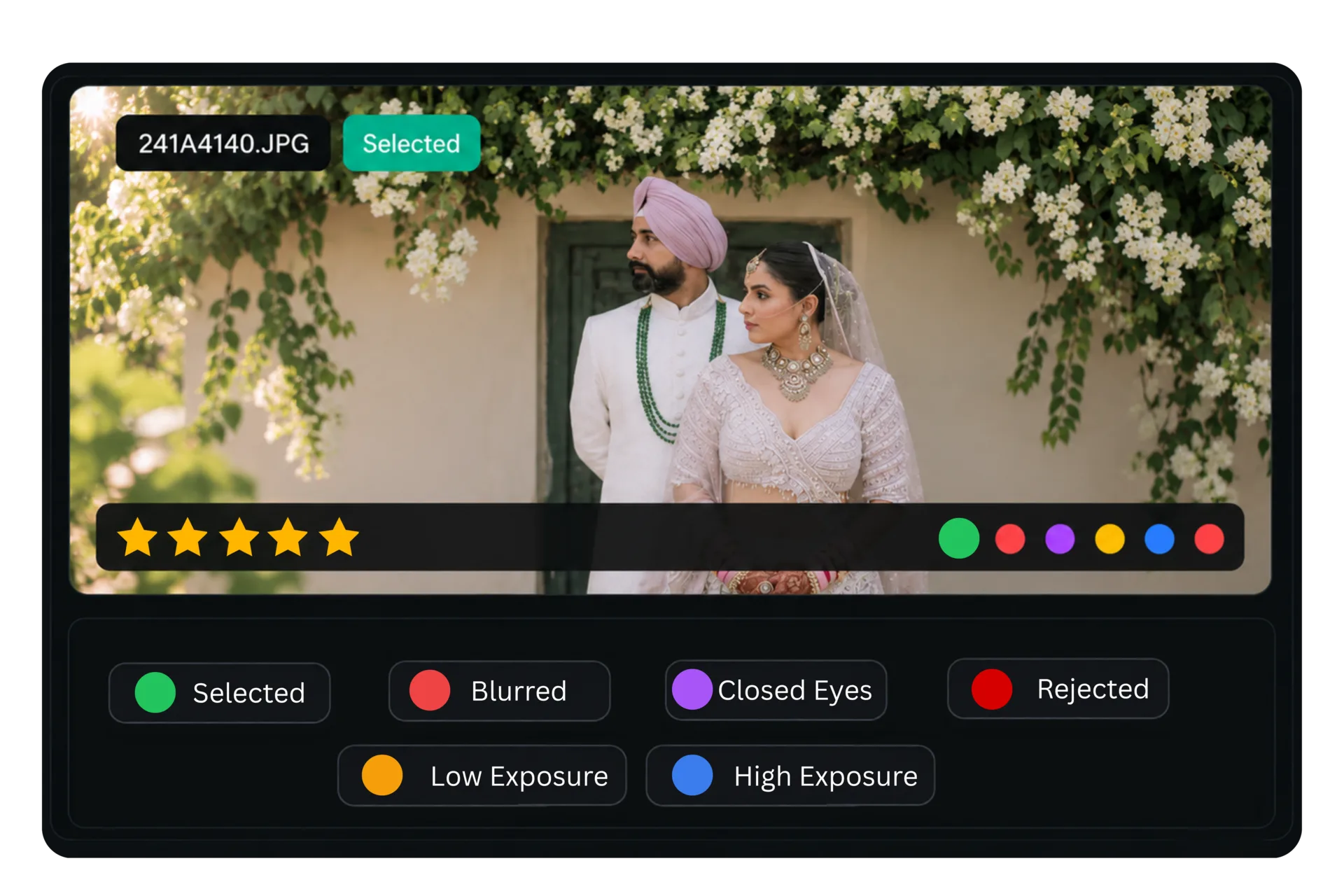
Review photos the way you like best: an overview grid, a 100% loupe zoom on faces, or side-by-side comparison.
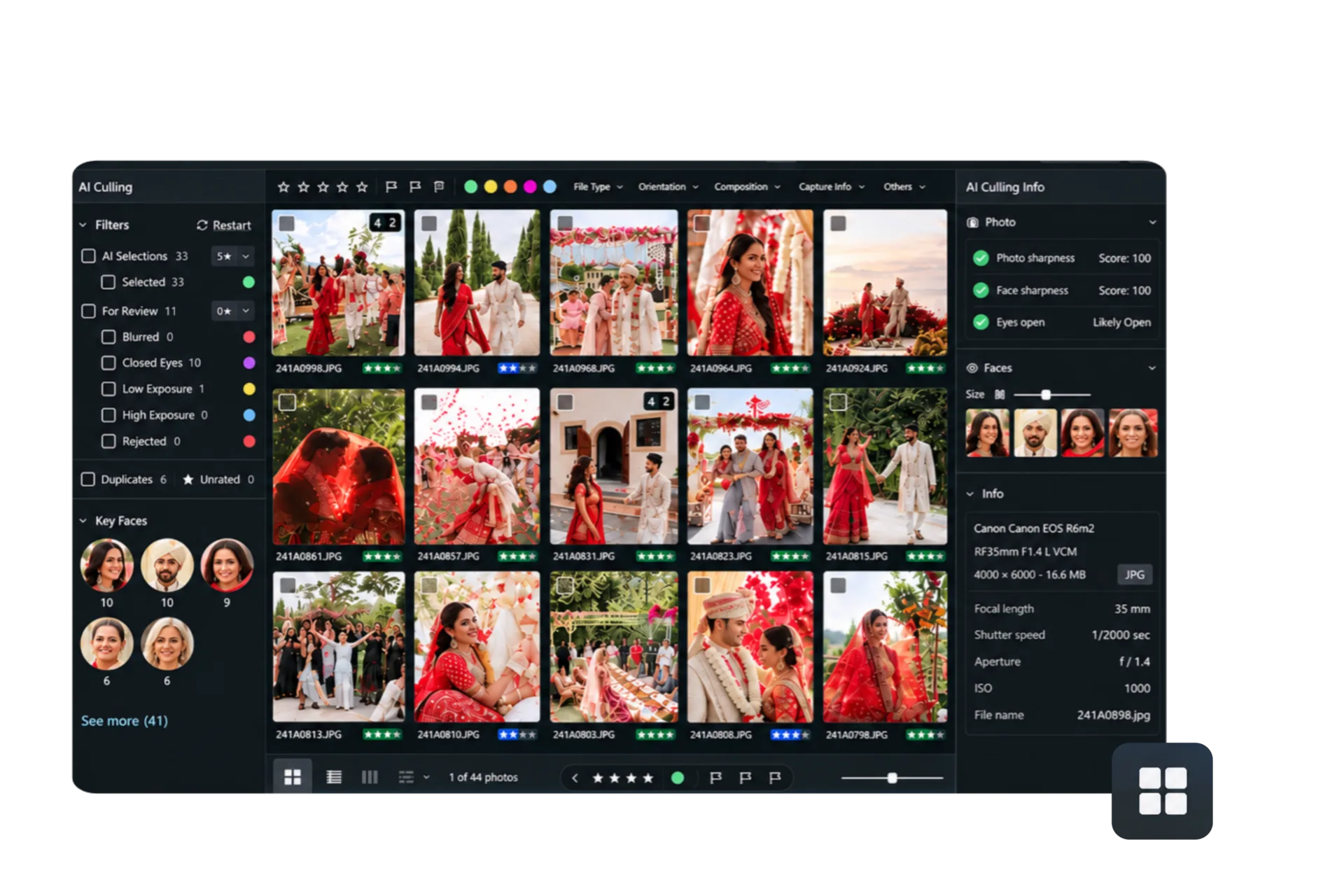
Side-by-side comparison
Same job. FotoOwl keeps a Review pile, people, and composition filters — not just selects versus rejects.
Lightroom / Photo Mechanic
Automated desktop tool
100% Offline • Key Faces
Pricing
No per-image fees or surprise costs. Join the Early Access list now to start culling your photos faster.
AI Culling
AI culling for every shoot
Early Access
Join the list · billing coming soon
Trusted by professionals
Ananya Sharma
@ananyasharma.raw
Wedding & Destination Photographer
@ananyasharma.raw
Culling a 3-day destination wedding with 6,000+ RAW frames used to wipe out my entire post-shoot week. FotoOwl grouped every burst from the sangeet and baraat automatically, and the closed-eye flags caught every slight blink during the varmala. I still make the final creative call, but it takes 45 minutes instead of two sleepless nights.
Rohan Mehta
@rohanmehtastudios
Candid Wedding & Commercial Photographer
@rohanmehtastudios
The 100% offline processing is what sold me. When I'm traveling or staying at hotels with weak Wi-Fi, uploading 150GB of Sony RAWs to cloud AI tools is simply not an option. FotoOwl crunches through the shoot right on my MacBook, writes star ratings straight to standard XMP, and Lightroom syncs instantly.
Pooja Patel
@poojapatelfilms
Newborn & Family Photographer
@poojapatelfilms
Toddlers don't sit still, so I shoot at 20fps and end up with 30 near-identical frames for each setup. FotoOwl's AI instantly separates the best expression from test shots and flags soft focus. Finding the one shot where the baby is smiling and both parents have sharp, open eyes used to be exhausting—now it takes minutes.
Vikramaditya Rathore
@rathore.weddings
Traditional Wedding & Studio Owner
@rathore.weddings
Our studio handles 40+ weddings every season. The biggest bottleneck has always been client delivery delays caused by initial culling. With FotoOwl, our editors cut through 8,000 to 10,000 photos per wedding in under an hour. The 3-bucket sorting and duplicate grouping are spot-on. It cut our turnaround time in half.
Sneha Kulkarni
@snehakulkarni_photo
Fashion & Portrait Photographer
@snehakulkarni_photo
Shooting portraits wide open at f/1.2 or f/1.4 means depth of field is razor-thin. Manually zooming in to 100% on every single eye to confirm whether the lashes or iris were in critical focus was soul-crushing. FotoOwl's Key Faces loupe crops right into the eyes with focus quality scores. It saves hours of repetitive clicking.
Arjun Nair
@arjunnair.media
Sports & Cultural Event Photographer
@arjunnair.media
Covering cultural stage shows and live sports means firing thousands of burst frames in changing lights. FotoOwl isolates motion blur immediately and stacks identical burst sequences together so I can pick the decisive moment without second-guessing. The Lightroom integration is flawless—nothing gets overwritten.
Ananya Sharma
@ananyasharma.raw
Wedding & Destination Photographer
@ananyasharma.raw
Culling a 3-day destination wedding with 6,000+ RAW frames used to wipe out my entire post-shoot week. FotoOwl grouped every burst from the sangeet and baraat automatically, and the closed-eye flags caught every slight blink during the varmala. I still make the final creative call, but it takes 45 minutes instead of two sleepless nights.
Rohan Mehta
@rohanmehtastudios
Candid Wedding & Commercial Photographer
@rohanmehtastudios
The 100% offline processing is what sold me. When I'm traveling or staying at hotels with weak Wi-Fi, uploading 150GB of Sony RAWs to cloud AI tools is simply not an option. FotoOwl crunches through the shoot right on my MacBook, writes star ratings straight to standard XMP, and Lightroom syncs instantly.
Pooja Patel
@poojapatelfilms
Newborn & Family Photographer
@poojapatelfilms
Toddlers don't sit still, so I shoot at 20fps and end up with 30 near-identical frames for each setup. FotoOwl's AI instantly separates the best expression from test shots and flags soft focus. Finding the one shot where the baby is smiling and both parents have sharp, open eyes used to be exhausting—now it takes minutes.
Vikramaditya Rathore
@rathore.weddings
Traditional Wedding & Studio Owner
@rathore.weddings
Our studio handles 40+ weddings every season. The biggest bottleneck has always been client delivery delays caused by initial culling. With FotoOwl, our editors cut through 8,000 to 10,000 photos per wedding in under an hour. The 3-bucket sorting and duplicate grouping are spot-on. It cut our turnaround time in half.
Sneha Kulkarni
@snehakulkarni_photo
Fashion & Portrait Photographer
@snehakulkarni_photo
Shooting portraits wide open at f/1.2 or f/1.4 means depth of field is razor-thin. Manually zooming in to 100% on every single eye to confirm whether the lashes or iris were in critical focus was soul-crushing. FotoOwl's Key Faces loupe crops right into the eyes with focus quality scores. It saves hours of repetitive clicking.
Arjun Nair
@arjunnair.media
Sports & Cultural Event Photographer
@arjunnair.media
Covering cultural stage shows and live sports means firing thousands of burst frames in changing lights. FotoOwl isolates motion blur immediately and stacks identical burst sequences together so I can pick the decisive moment without second-guessing. The Lightroom integration is flawless—nothing gets overwritten.
Ananya Sharma
@ananyasharma.raw
Wedding & Destination Photographer
@ananyasharma.raw
Culling a 3-day destination wedding with 6,000+ RAW frames used to wipe out my entire post-shoot week. FotoOwl grouped every burst from the sangeet and baraat automatically, and the closed-eye flags caught every slight blink during the varmala. I still make the final creative call, but it takes 45 minutes instead of two sleepless nights.
Rohan Mehta
@rohanmehtastudios
Candid Wedding & Commercial Photographer
@rohanmehtastudios
The 100% offline processing is what sold me. When I'm traveling or staying at hotels with weak Wi-Fi, uploading 150GB of Sony RAWs to cloud AI tools is simply not an option. FotoOwl crunches through the shoot right on my MacBook, writes star ratings straight to standard XMP, and Lightroom syncs instantly.
Pooja Patel
@poojapatelfilms
Newborn & Family Photographer
@poojapatelfilms
Toddlers don't sit still, so I shoot at 20fps and end up with 30 near-identical frames for each setup. FotoOwl's AI instantly separates the best expression from test shots and flags soft focus. Finding the one shot where the baby is smiling and both parents have sharp, open eyes used to be exhausting—now it takes minutes.
Vikramaditya Rathore
@rathore.weddings
Traditional Wedding & Studio Owner
@rathore.weddings
Our studio handles 40+ weddings every season. The biggest bottleneck has always been client delivery delays caused by initial culling. With FotoOwl, our editors cut through 8,000 to 10,000 photos per wedding in under an hour. The 3-bucket sorting and duplicate grouping are spot-on. It cut our turnaround time in half.
Sneha Kulkarni
@snehakulkarni_photo
Fashion & Portrait Photographer
@snehakulkarni_photo
Shooting portraits wide open at f/1.2 or f/1.4 means depth of field is razor-thin. Manually zooming in to 100% on every single eye to confirm whether the lashes or iris were in critical focus was soul-crushing. FotoOwl's Key Faces loupe crops right into the eyes with focus quality scores. It saves hours of repetitive clicking.
Arjun Nair
@arjunnair.media
Sports & Cultural Event Photographer
@arjunnair.media
Covering cultural stage shows and live sports means firing thousands of burst frames in changing lights. FotoOwl isolates motion blur immediately and stacks identical burst sequences together so I can pick the decisive moment without second-guessing. The Lightroom integration is flawless—nothing gets overwritten.
Coming soon
Pose, micro-expressions, and AI Edit are not in v1. Get on the list before they ship.
Surfaces natural, flattering poses and flags awkward body angles.
Beyond closed eyes — catches subtle blinks, half-smiles, and mid-speech mouths.
Creates a consistent, cohesive look across your entire culled shoot.
Lightroom & Workflow Ready
Export standard star ratings and color labels straight into Lightroom, Lightroom Classic, and your favorite editing tools.



How to use
Three quick videos: how to import and cull, how to use smart filters, and how to export directly into Lightroom.
Import your folder of RAW or JPEG photos, run a fast local cull, and understand your 3 sorting buckets in minutes.
Filter photos by closed eyes, blur, star ratings, Key Faces, and solo versus group portraits with one click.
Make your final selections, rate your favorites, and export standard XMP files directly into your Lightroom catalog.
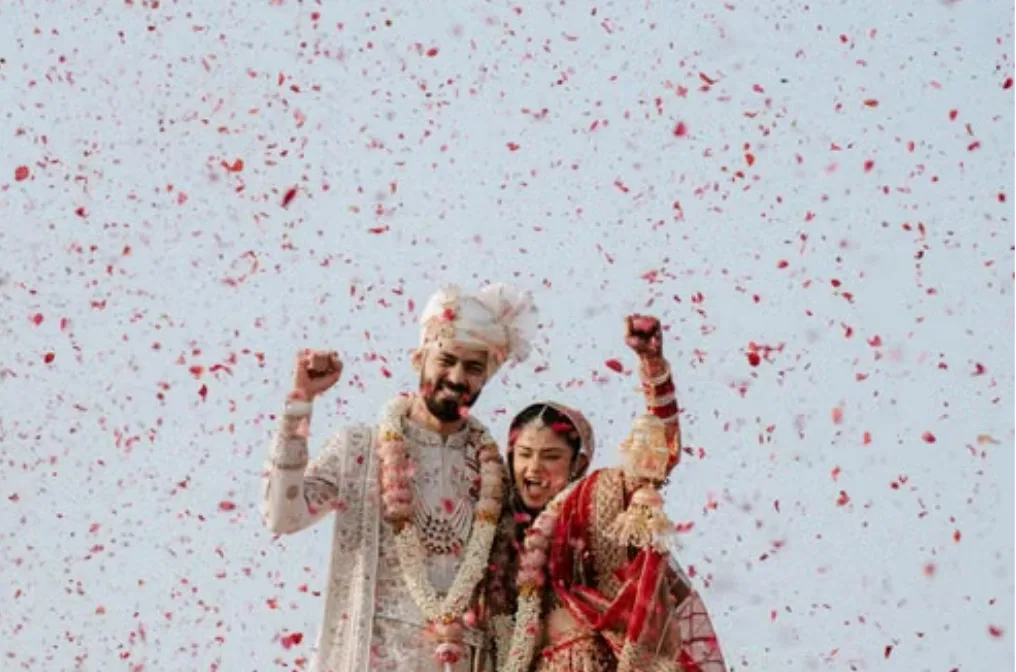
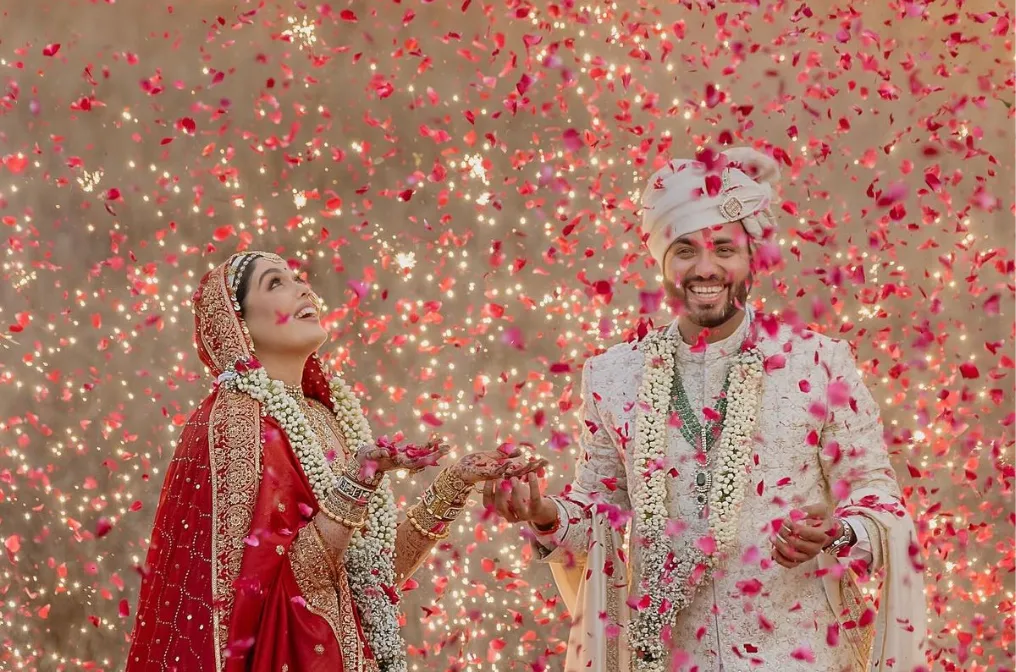
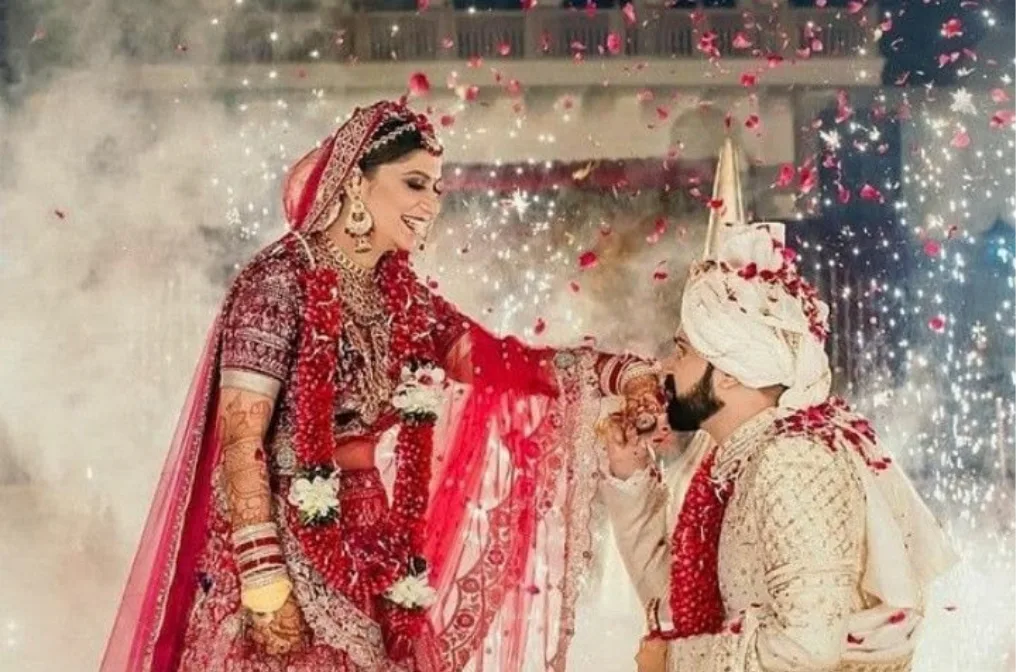
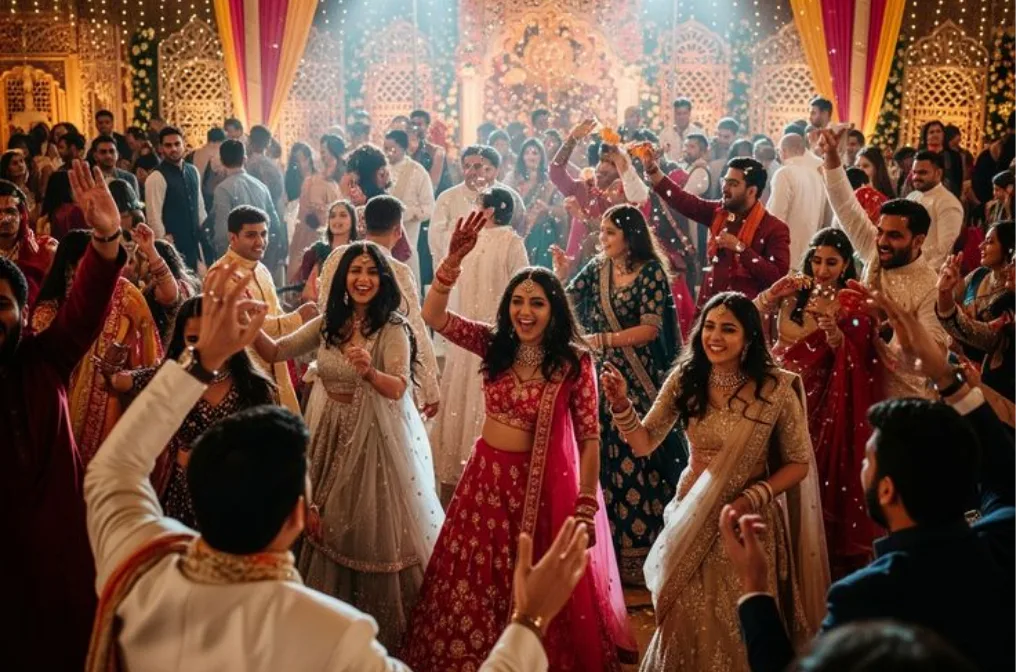
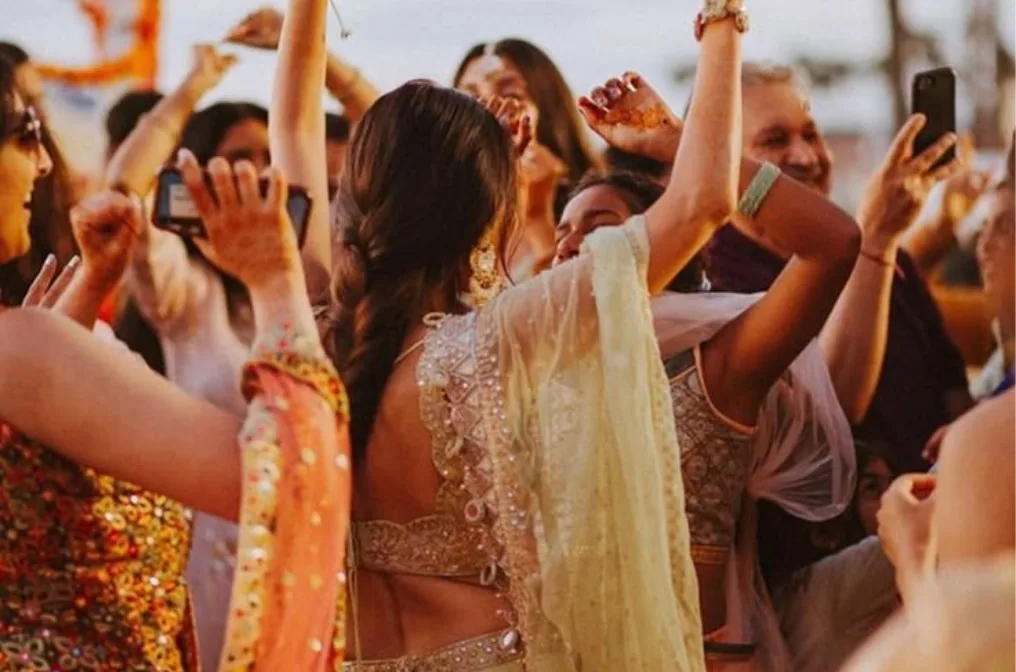
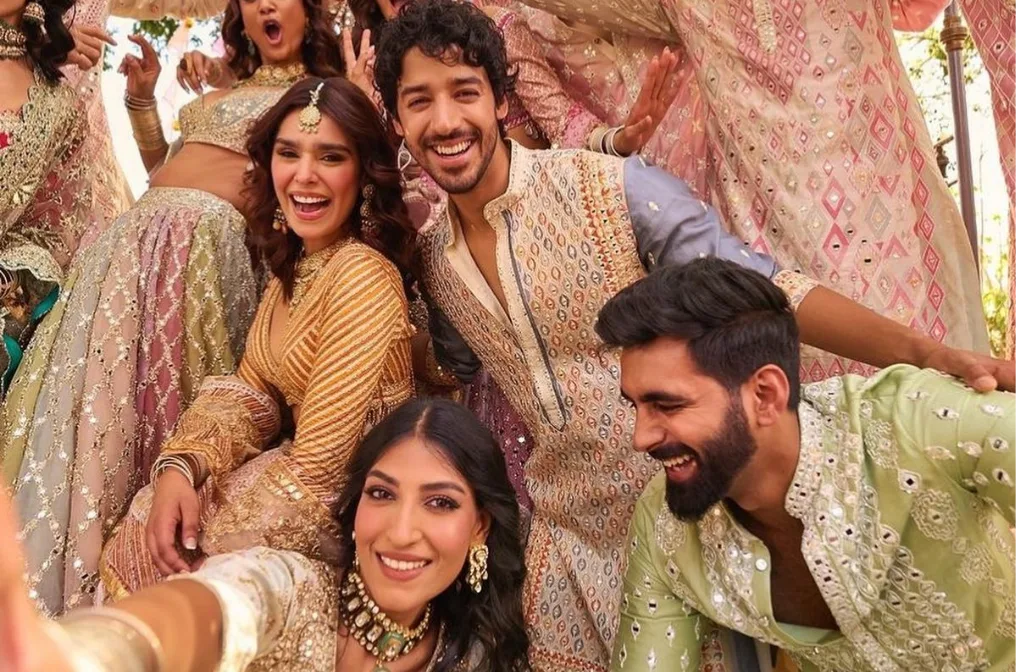
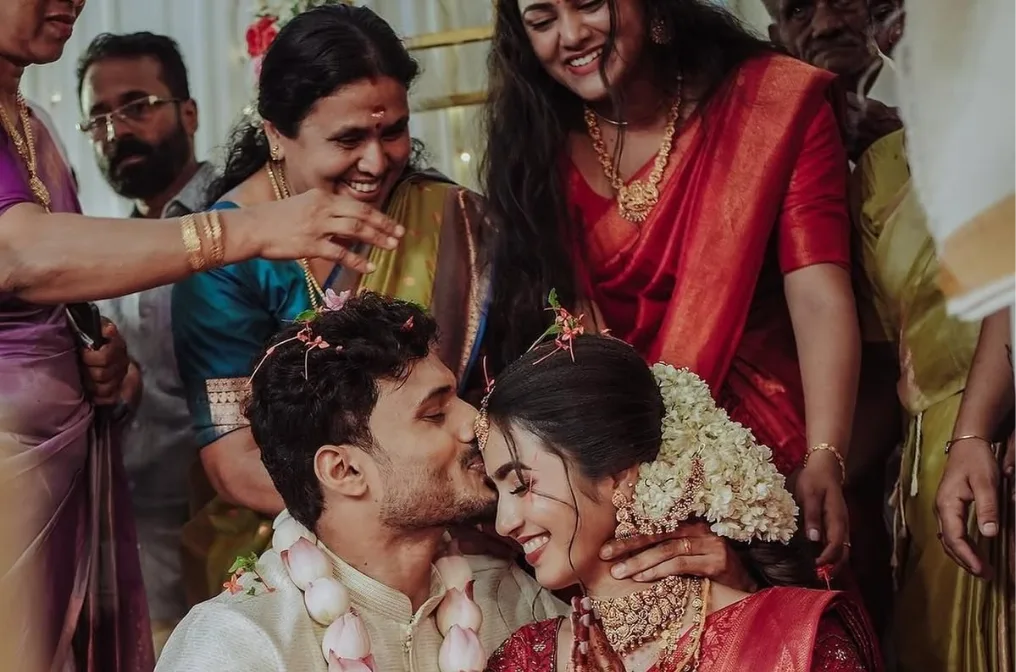
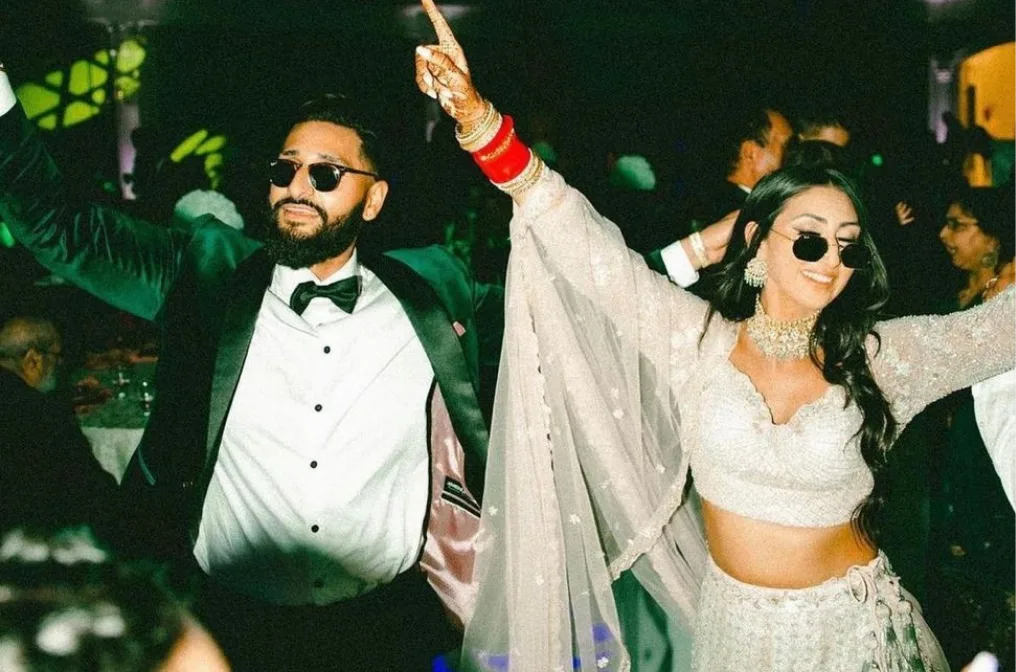
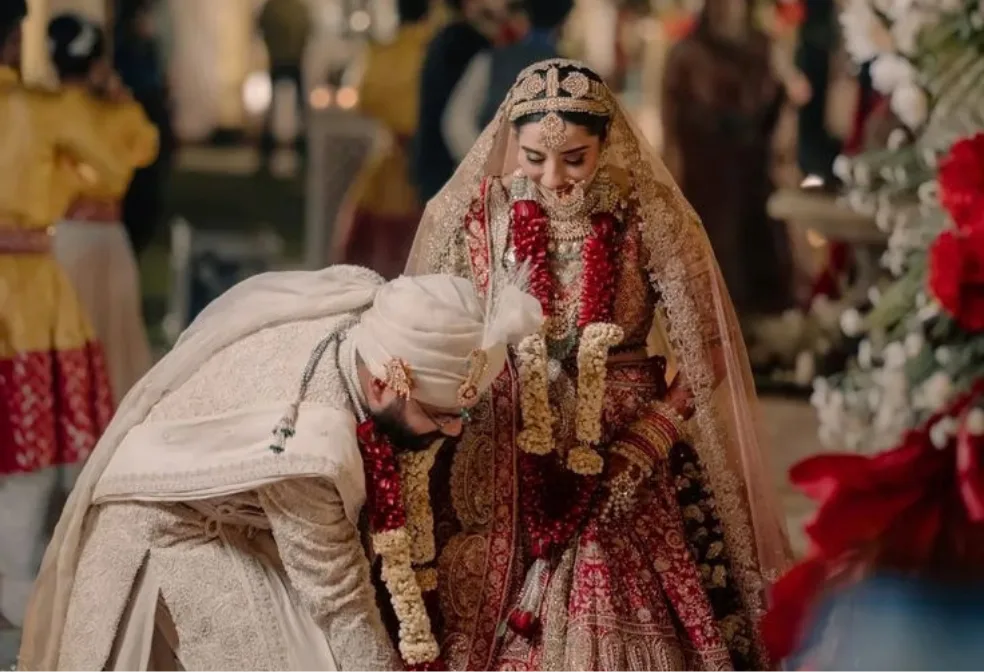
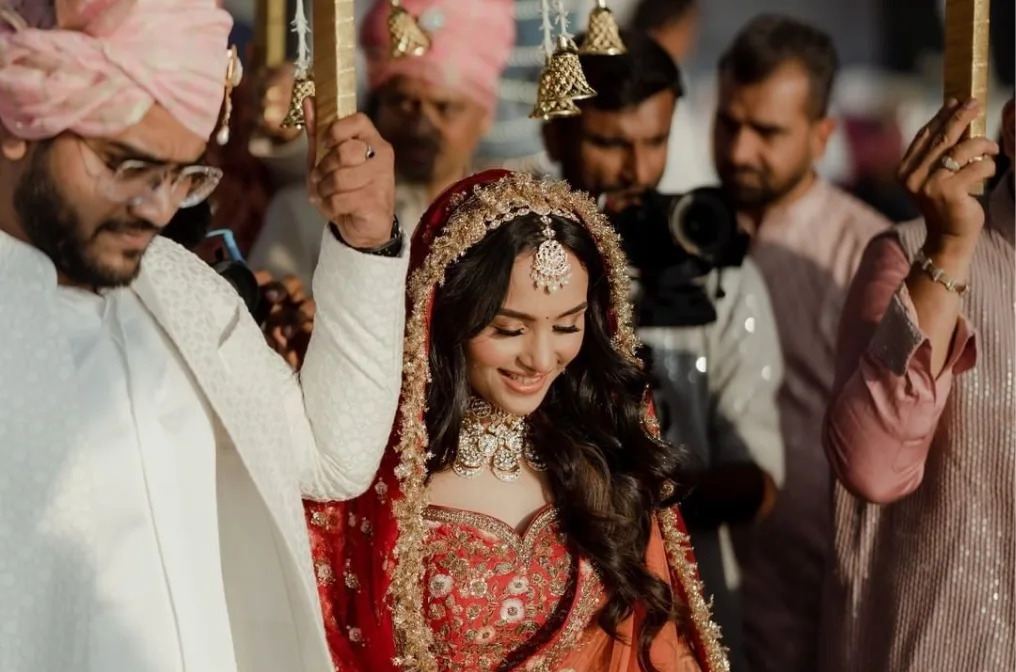
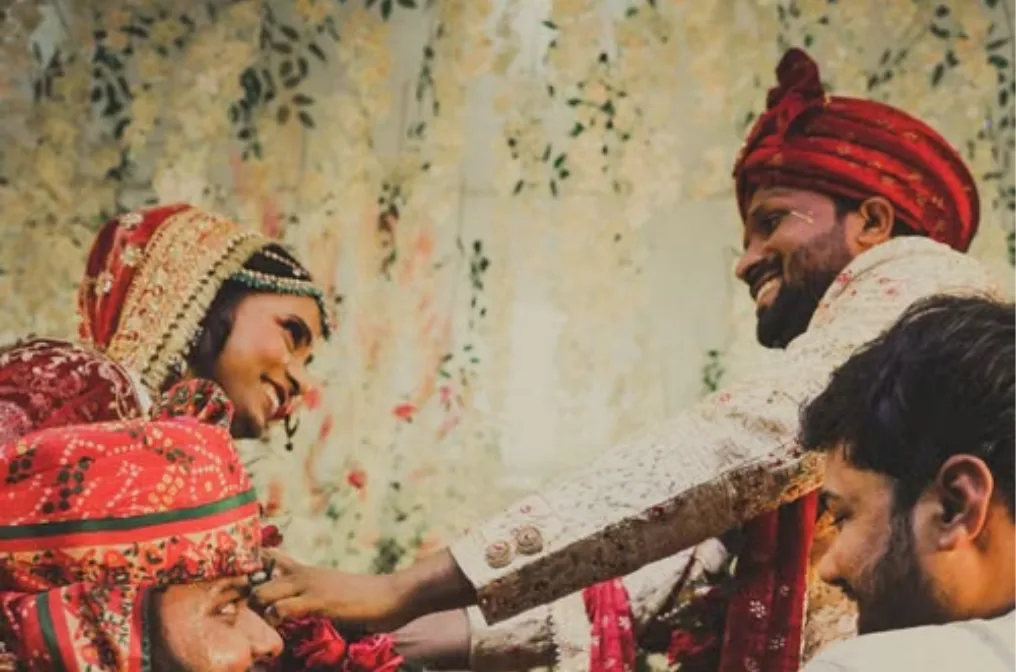
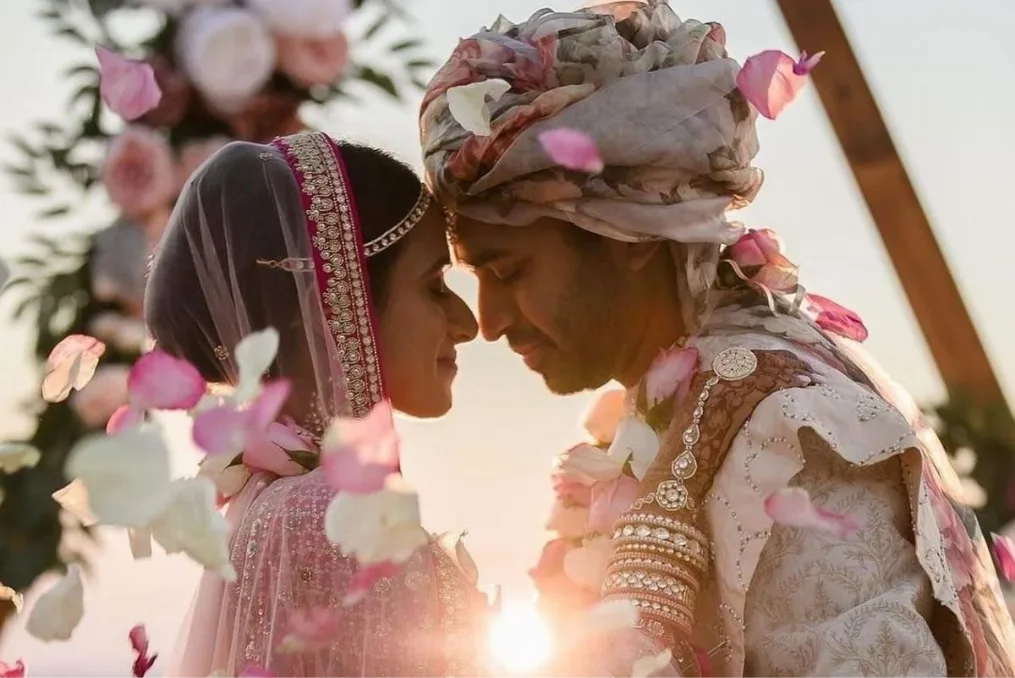
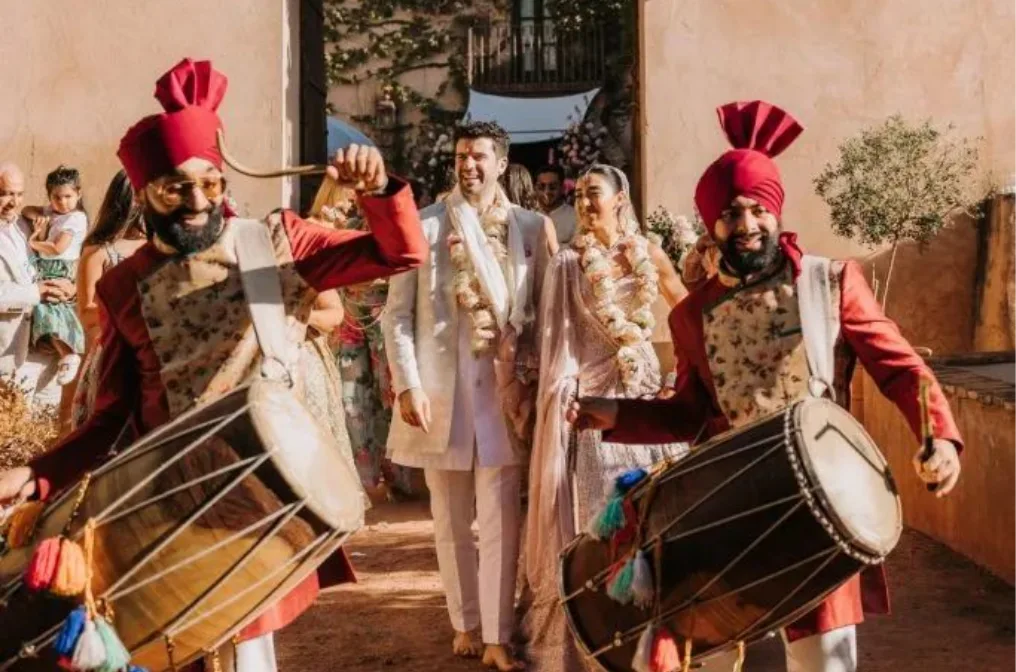
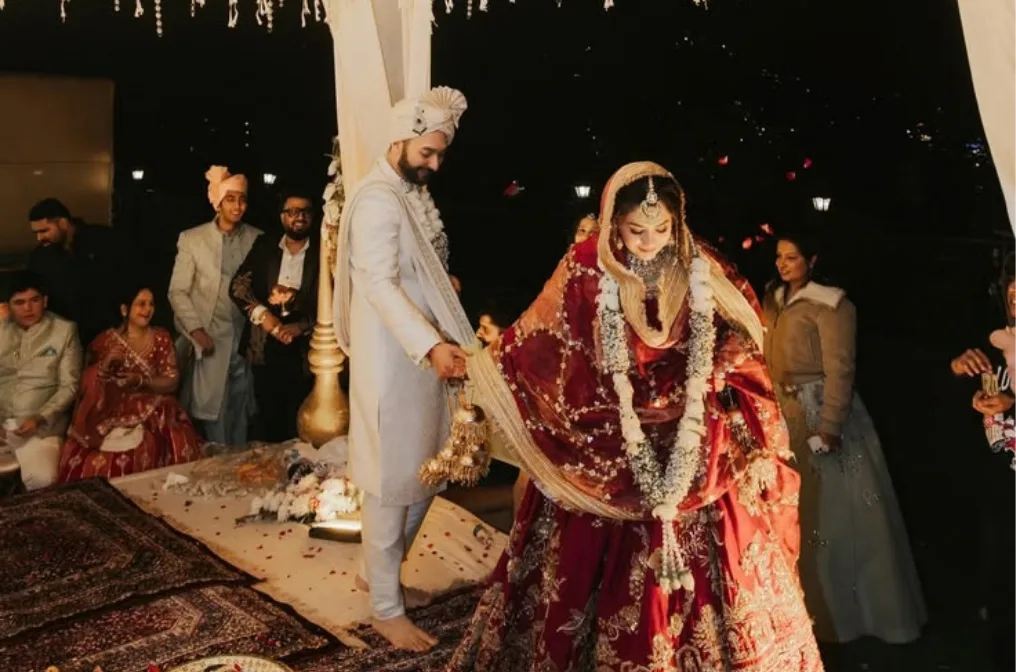
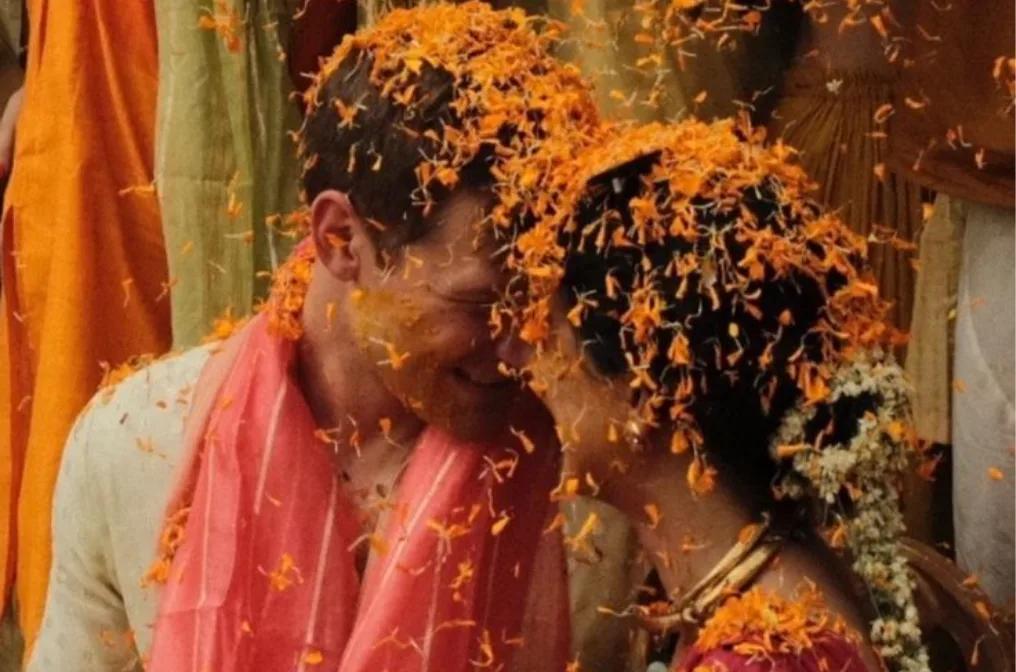
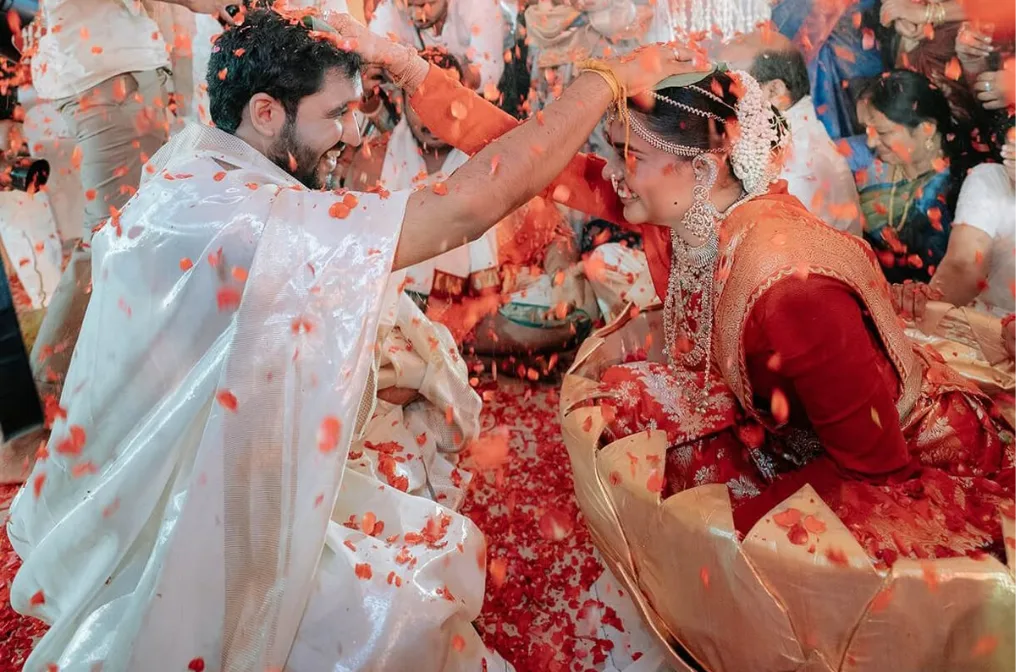
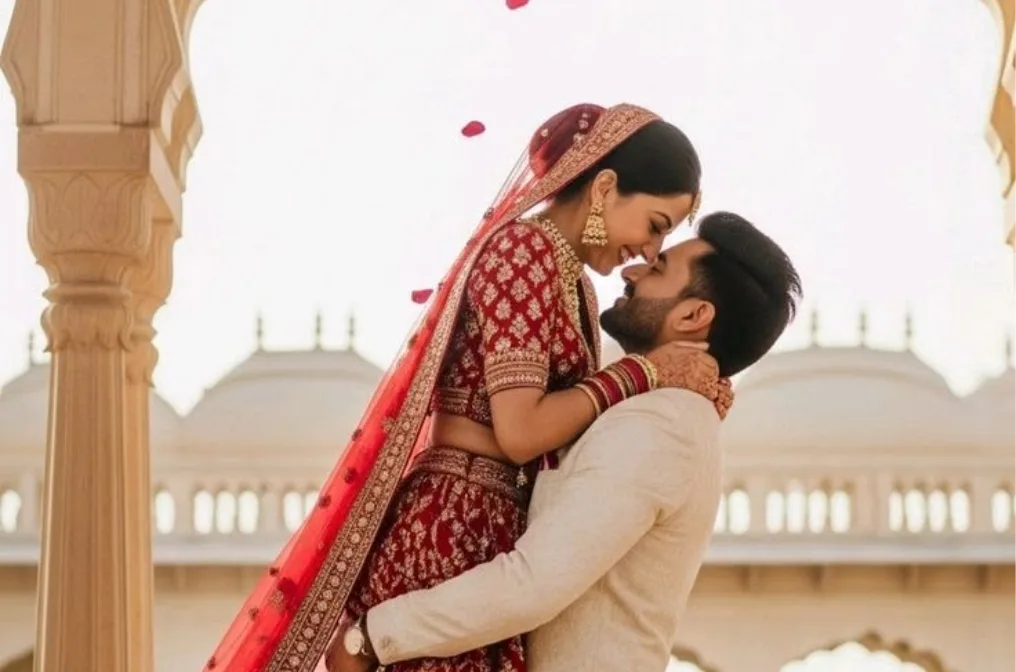
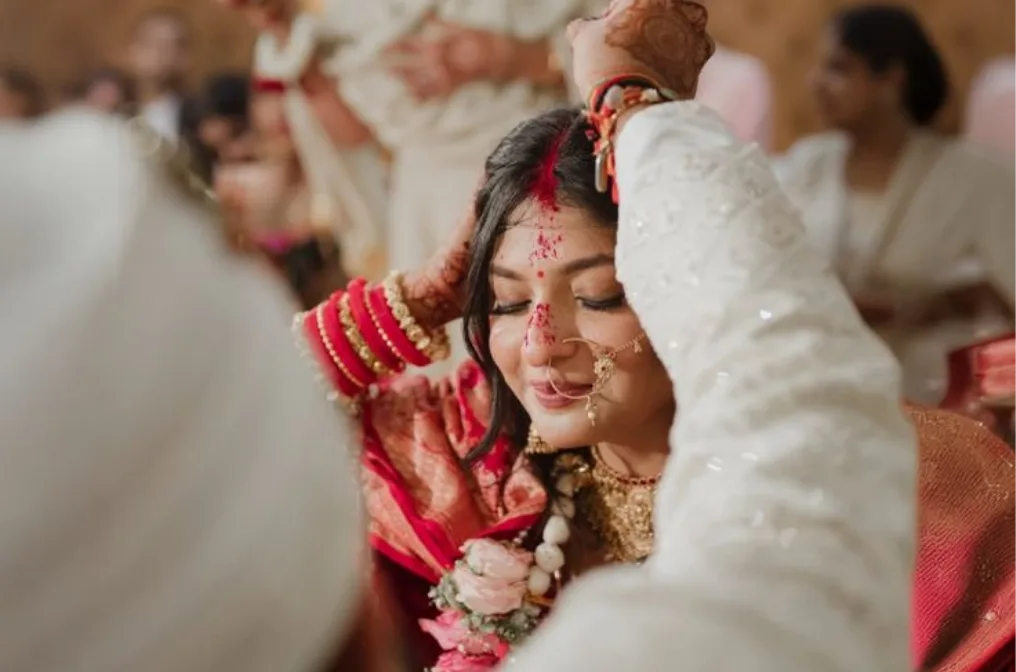
FotoOwl automatically sorts your photoshoot on your computer: it spots closed eyes, checks focus sharpness, and groups duplicate burst shots. It organizes photos into Selected, Review, or Rejected buckets so you only spend time choosing your best keepers.
Never. FotoOwl runs 100% locally on your machine (Windows or Mac). Your original RAW and JPEG files stay on your hard drive — nothing is ever uploaded to the cloud.
Yes, absolutely. You have complete creative control. You can change any keep or reject decision with a single keystroke, filter by Key Faces, stars, or colors, and compare photos side by side.
FotoOwl writes standard industry XMP sidecar files. All your star ratings, color labels, and picks open instantly inside Lightroom Classic, Lightroom, and other editing tools without any extra steps.
AI Culling, duplicate grouping, focus & eye detection, and Lightroom export are available now. Upcoming updates will include pose detection, micro-expression analysis, and automated batch tone matching.
Simply click 'Start Culling' or 'Request Early Access' and fill out our quick form. We are onboarding photographers on Windows and Mac on a rolling basis.