

Live on smart TVs. Pair from the Gallery app.One TV app to pair,
One TV app to pair,
browse, and play event galleries
Available on
- Android TV
- Google TV
- webOS
- Gallery app
- 4K ready
FotoOwl TV
Built for receptions / Living rooms / Client delivery
Pair with Gallery app · Android TV · Google TV · LG webOS
FotoOwl TV — cinematic event galleries on smart TV
CINEMATIC EVENT GALLERY. PAIR FROM MOBILE APP. WATCH ON THE BIG SCREEN. ANDROID GOOGLE TV WEBOS. PHOTOS AND FILMS IN 4K
Pair once with the Gallery app. Guests and clients watch photos and films in a cinematic TV experience — remote-ready, 4K-ready.
On the big screen
Scroll to explore · releases when the strip ends
Our belief
We believe in putting
the gallery on the wall.
Between phone and TV.
Studio and guest.
Shoot night and delivery.
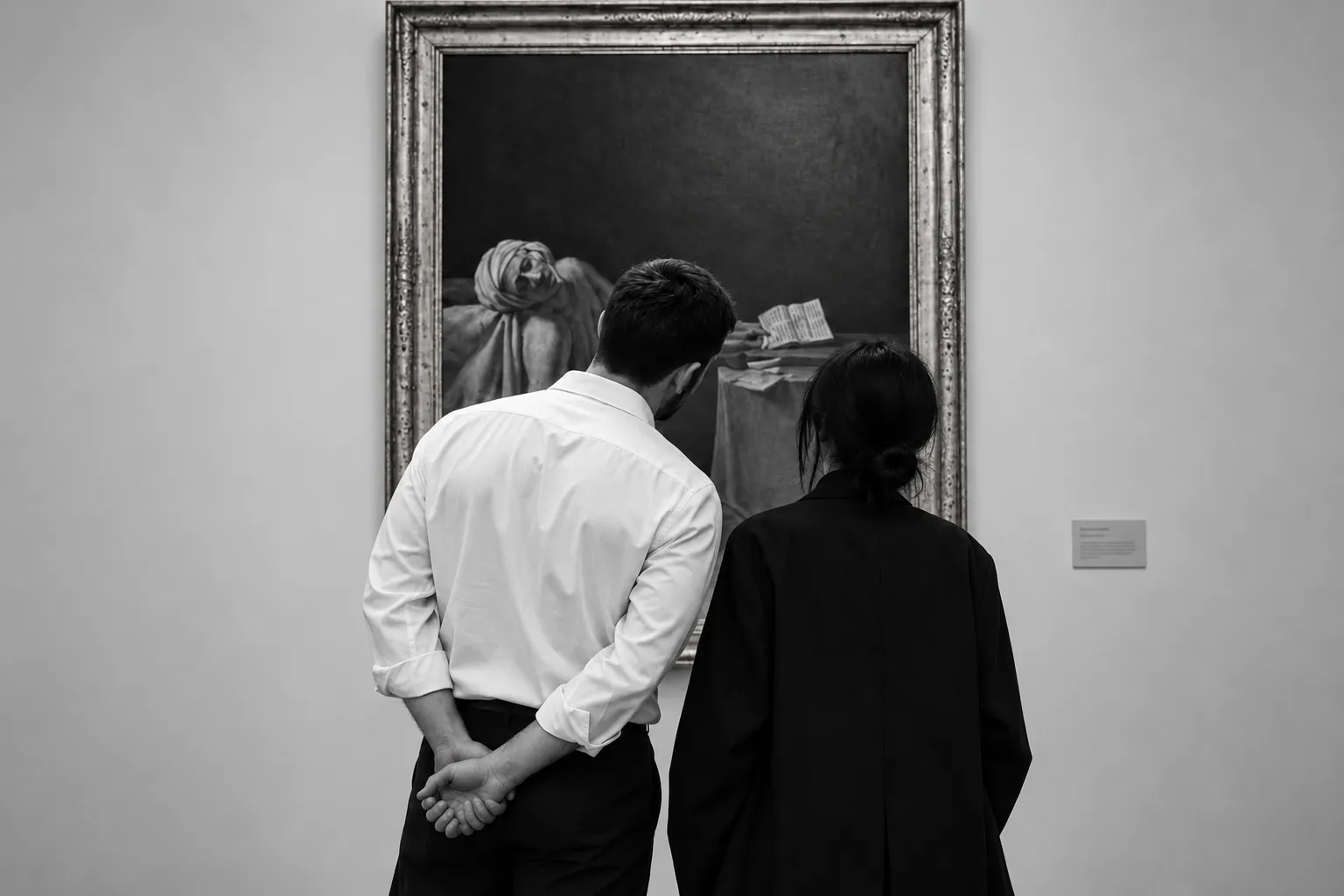

FotoOwl TV
THE GALLERY BELONGS ON THE BIG SCREEN.
“Pair once from the Gallery app — the TV becomes the shared screen for the whole night.”
FotoOwl TV
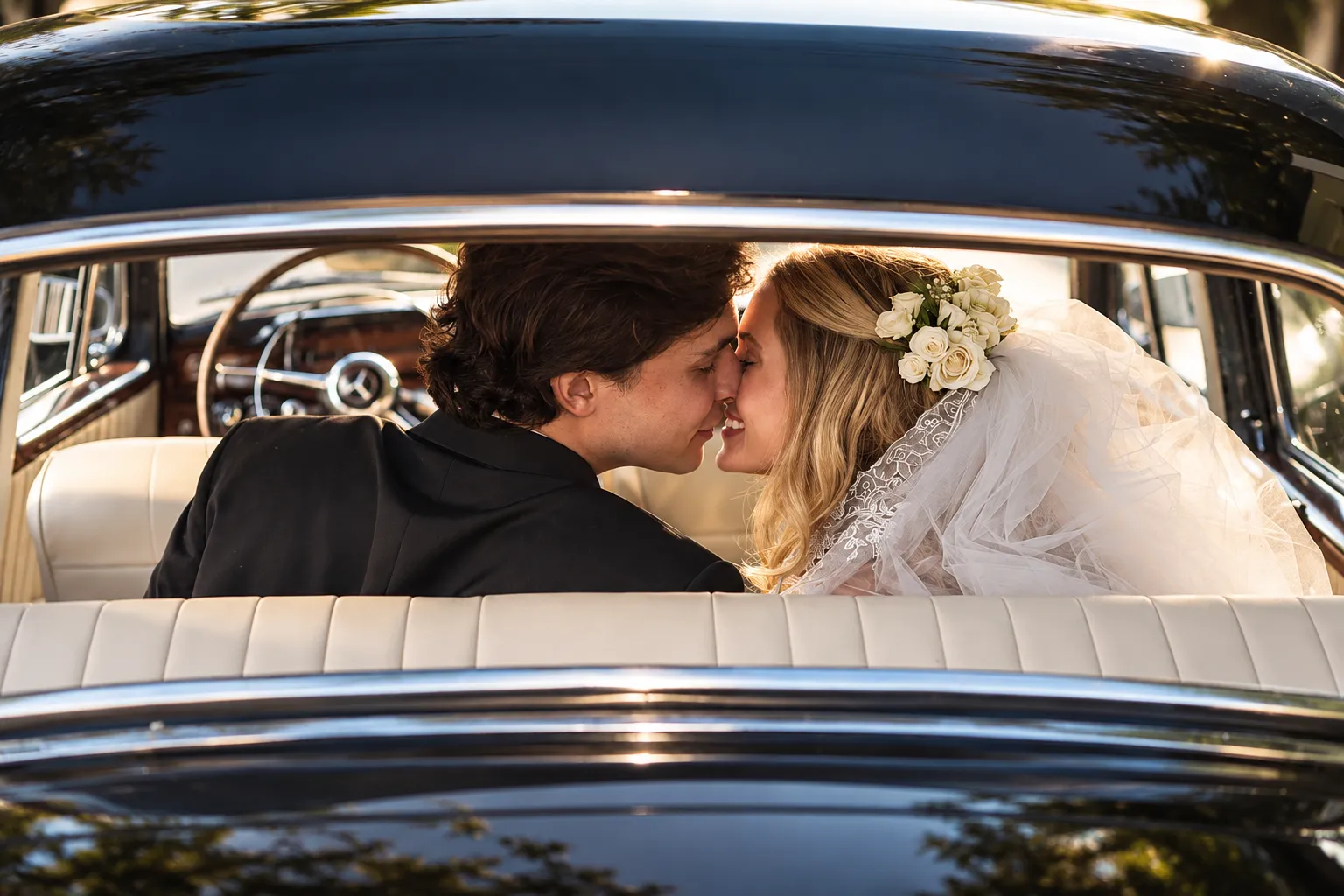
Designed for TV
Built for the remote,
not a stretched phone.
Focus zoom.
Sidebars that breathe.
Rails that feel cinematic.
FotoOwl
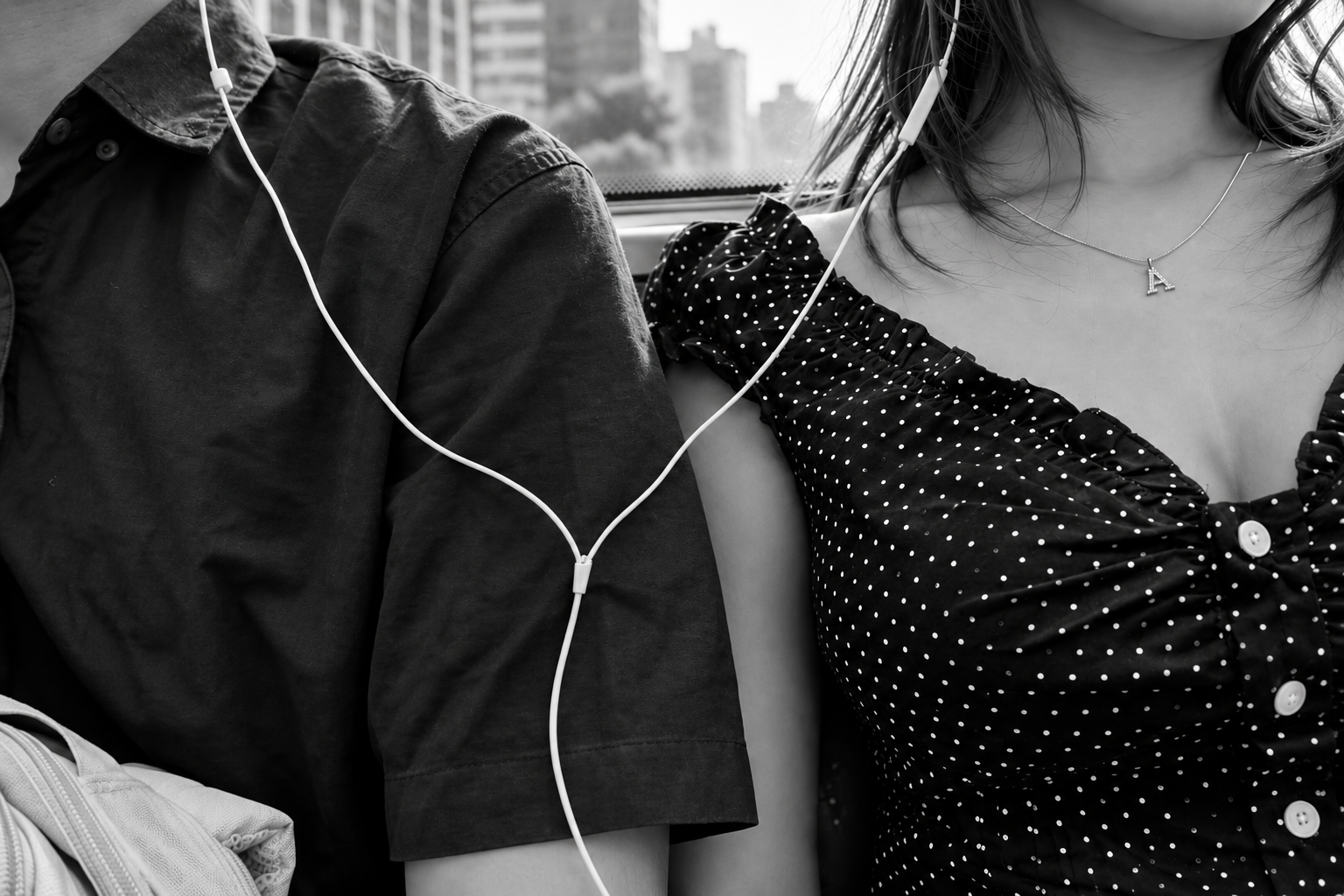
We're built for wedding floors and living rooms alike.
Studios shoot across cities and continents — guests still find the night on one shared screen. Pair from mobile. Browse on TV.
Get on TV →
Platforms
ANDROID GOOGLE TV WEBOS
Android · Google · webOS
01 Cinematic splash
Logo mosaic reveal
2026
6s open sequence
FotoOwl TV
PUT THE
GALLERY ON
THE BIG
SCREEN.
How it works
Pair from the Gallery app. The TV does the rest.
The TV stays a passive display. Photographers and organizers push events by scanning the on-screen QR — no accounts on the TV itself.
- 01
Open on the TV
Launch FotoOwl TV. A secure QR appears with a unique device ID — ready to pair.
- 02
Scan from Gallery
In the FotoOwl Gallery app, open an event and tap Pair TV. Scan the code to link that gallery.
- 03
Browse the event
The TV polls and unlocks a Netflix-style hero, collections, and full-screen photos & videos.
The experience
Built like a living-room product — not a phone UI stretched.
Cinematic splash
A mosaic logo reveal sets the mood before the QR home screen — built for living rooms and receptions.
QR pairing
Encrypted device UUID pairing. Add multiple events from the mobile Gallery app anytime.
Event hero + rails
Cover imagery, collections, and video rails with focus zoom designed for D-pad remotes.
Masonry collections
Six-column grids sized for wide TVs, infinite scroll, gold focus borders.
4K-ready viewer
Full-screen photos with zoom steps and native video playback for highlight films.
Remote-first
Full D-pad support on Android TV and LG webOS — no touch required.
Platforms
Android TV, Google TV, and LG webOS.
Search FotoOwl on your TV's app store, or install via your studio's deployment path for LG webOS.
Android TV
Native React Native build with TV focus chains and Google Play distribution.
Google TV
Same Android TV experience on Google TV devices — search FotoOwl in Play Store.
LG webOS
webOS pack (.ipk) with spatial navigation and cinematic HTML splash.
Watch the film
See FotoOwl TV in sixty seconds.
Pairing, the living-room gallery, and the big-screen browse — from splash to 4K playback.
60 sec · Product film
Questions
Ready for the reception screen
Put the gallery on the wall.
Install FotoOwl TV, pair from the Gallery app, and let guests watch the night unfold in 4K.