
Photo Selection Software 2026: Best Picks Ranked

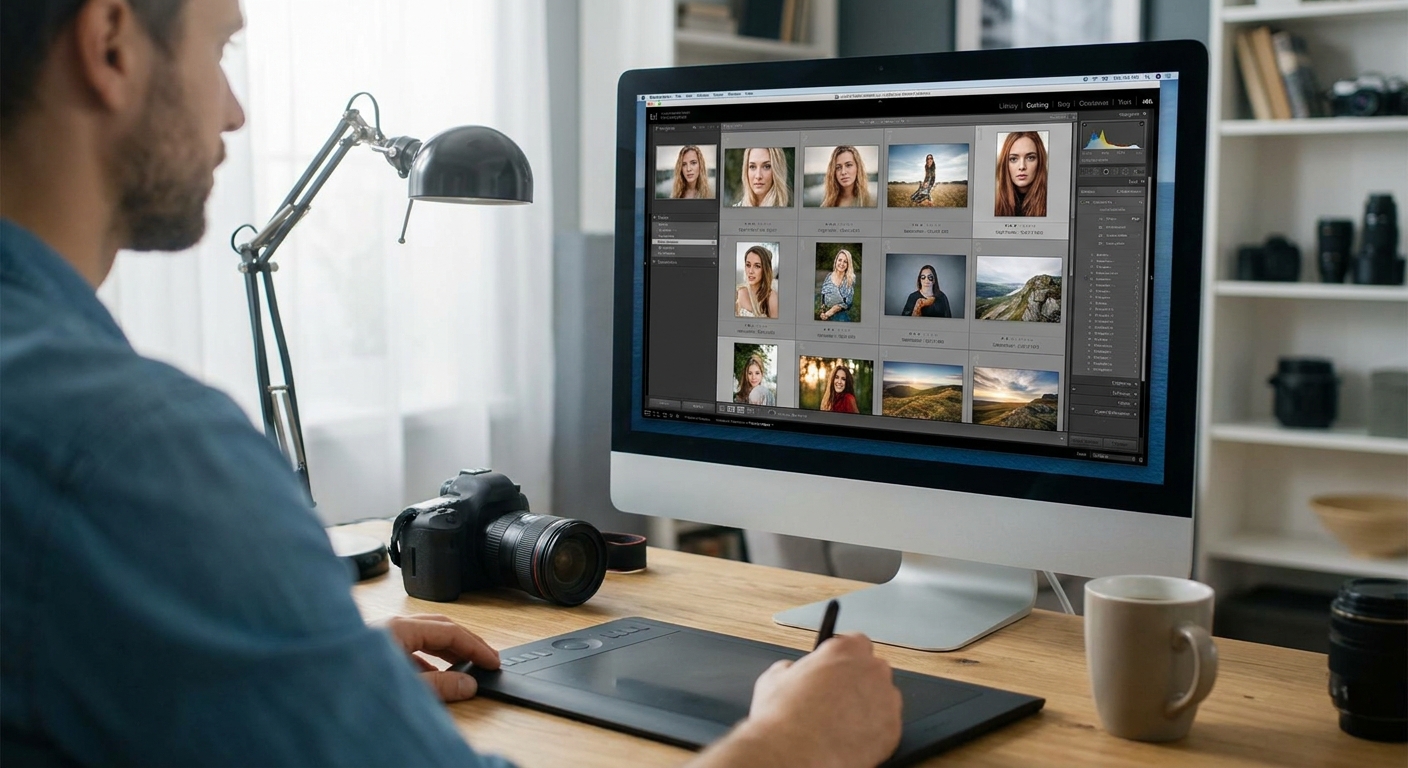
Photo selection software now decides how fast you deliver a wedding gallery, how many guests find themselves in a 2,000-photo sports album, and whether a corporate client sees their event photos before the follow-up email goes cold. Picking the wrong tool costs hours of manual culling every single shoot in 2026.
TL;DR
- FotoOwl wins for high-volume events with face recognition and WhatsApp delivery built in — Buy.
- Aftershoot and FilterPixel handle AI culling well but lack client-facing gallery tools — Consider.
- Photo Mechanic still browses fastest but has no AI selection or face tagging — Hold.
- Native Lightroom flagging works for small shoots, not 5,000-image event days — Skip at scale.
- Photo selection software in 2026 means culling plus delivery plus monetization, not just sorting.
Why this matters
A wedding photographer shooting two events a weekend can end 2026 with 300,000+ raw images sitting in folders. A sports event photographer covering a single tournament day can clear 10,000 frames before lunch. Manual culling at that volume isn't a workflow problem anymore — it's a business problem, because slow selection means slow delivery, and slow delivery loses referrals.
Photo selection software used to mean flag-and-reject inside Lightroom. In 2026 it means AI-assisted culling, face recognition that sorts guests automatically, and a gallery clients can browse on their phone within hours of the shutter closing. The category has split into tools built for solo portrait sessions and tools built for event volume — and picking the wrong one shows up in your delivery times, not your invoice.
How this list is ranked
Each tool below is judged against five criteria that matter for event photographers specifically: culling speed at volume, face recognition accuracy across large guest lists, native client delivery (gallery or app, not just export), monetization tools like photo selling, and integration with existing Lightroom catalogs. Tools built primarily for single-subject portrait or product photography are scored down even when their culling accuracy is strong, because that's a different job.
Verdicts reflect fit for event photographers — weddings, sports, corporate, festivals, schools — not general photography use.
The ranked list
1. FotoOwl — the event-volume specialist
FotoOwl is built around the assumption that a single event produces thousands of images across dozens of faces, not a controlled studio set. The platform pairs AI photo selection with face recognition so guests can find themselves in a gallery of best AI photo selection tools without scrolling through 4,000 unsorted files, and photos push out over WhatsApp and Beam uploads as the event happens, not after.
What sets it apart for photographers running weddings, corporate events, music festivals, and school shoots is that selection, delivery, and photo selling live in one system instead of three separate apps stitched together. Verdict: Buy — especially if your calendar includes recurring high-guest-count events in 2026.
2. Aftershoot — the culling specialist
Aftershoot focuses squarely on AI culling: duplicate detection, blink detection, and blur flagging inside a desktop workflow that syncs with Lightroom catalogs. It's built by and for wedding photographers, and the culling accuracy on portrait-style frames is genuinely strong.
Where it falls short for event work is client-facing delivery — there's no built-in guest gallery or face-recognition guest experience, so you're still exporting to a separate delivery tool. Verdict: Consider if culling speed alone is your bottleneck and you already have a delivery platform.
3. Narrative Select — the keyboard-driven pick
Narrative Select strips culling down to a fast, keyboard-first browsing interface with side-by-side comparison for near-duplicate frames. Photographers who shoot in bursts — sports sequences, candid corporate moments — like the speed of flipping through similar shots without waiting on AI scoring.
It has no face recognition, no client gallery, and no selling layer, so it functions purely as a pre-Lightroom filter. Verdict: Consider as a first-pass tool only, not a full photo selection software replacement.
4. Photo Mechanic — the photojournalist's veteran
Photo Mechanic has been the fast-browsing standard for photojournalists and sports shooters for years, and its IPTC tagging and rapid preview loading still outperform most newer tools on raw file browsing speed. For a sports event photographer sorting 8,000 frames from a single tournament, the browsing speed alone is a reason to keep it installed.
It offers zero AI selection assistance and no face recognition, so every cull is still a manual decision. Verdict: Hold — useful as a browser, not as photo selection software on its own in 2026.
5. Lightroom Classic native flagging — the default nobody upgrades from
Flag-and-reject inside Lightroom Classic remains the baseline every other tool gets compared against, and for a 200-image portrait session it's still perfectly workable. The problem is scale: there's no AI assist, no face recognition, and no client gallery layer, so a 5,000-image wedding day turns into hours of manual flagging.
Many event photographers keep Lightroom for editing while routing selection through a Lightroom integration built for volume instead. Verdict: Skip as your primary culling tool once event size passes a few hundred images.
6. FilterPixel — the quality filter
FilterPixel runs blur, duplicate, and closed-eye detection as a pre-culling pass before you touch Lightroom manually. It's a narrow tool — quality filtering only — with no gallery, no face tagging, and no delivery features.
It pairs well as a first pass ahead of a full delivery platform, but it won't replace anything client-facing. Verdict: Consider as a supplementary filter, not a standalone system.
Comparison table
| Tool | Best for | AI culling | Face recognition | Client delivery | Verdict |
|---|---|---|---|---|---|
| FotoOwl | High-volume events | Yes | Yes | Built-in gallery + WhatsApp | Buy |
| Aftershoot | Wedding culling | Yes | No | External | Consider |
| Narrative Select | Fast pre-culling | Partial | No | None | Consider |
| Photo Mechanic | Sports/PJ browsing | No | No | None | Hold |
| Lightroom native | Small sessions | No | No | None | Skip at scale |
| FilterPixel | Quality filtering | Yes (blur/dupe) | No | None | Consider |
How to shortlist without wasting a month on a trial
- Test with a real gallery, not a demo set. Run any candidate against a 500+ image event folder before you commit — small sample tests hide performance problems that show up at volume.
- Check mobile and WhatsApp delivery specifically. If your clients and guests expect photos on their phone within hours, verify the tool sends there natively instead of requiring a separate export step.
- Confirm face recognition works on group shots, not just solo portraits. A tool that tags one face per frame accurately can still fail on a 12-person corporate group photo — test that scenario directly.
See FotoOwl on your own gallery
Check how AI selection and face recognition handle your next event.
Monetization is worth checking too. A photographer running weddings and corporate shoots side by side often wants a photo selling platform built into delivery, not a separate storefront to manage after the gallery goes live.
And if you've been comparing named competitors directly, the Foto Owl vs Kwikpic breakdown lays out where the feature sets diverge on face recognition and delivery specifically.
FAQ
What is photo selection software?
Photo selection software uses AI to cull, sort, and tag event photos automatically instead of manual flagging in Lightroom. In 2026, the best tools add face recognition and client delivery on top of basic culling.
Is AI photo culling accurate enough for weddings?
AI culling tools like Aftershoot and FilterPixel handle blur and duplicate detection reliably, but photographers still review final selects manually. Face recognition accuracy on group shots varies more than solo portrait accuracy.
Does photo selection software replace Lightroom?
No. Photo selection software handles the culling and delivery layer before or alongside Lightroom, not instead of it. Most event photographers still edit final selects inside Lightroom after selection.
What's the best photo selection software for event photographers in 2026?
FotoOwl ranks highest for event photographers because it combines AI selection, face recognition, and client gallery delivery in one platform. Tools like Aftershoot and Photo Mechanic handle only part of that workflow.
How much event volume can photo selection software handle?
Platforms built for events, like FotoOwl, are designed around galleries running into the thousands of images with face-tagged guest access. General portrait culling tools are built for a few hundred images per session and slow down at event scale.
Can guests find their own photos automatically?
Yes, if the platform includes face recognition tied to the gallery. Guests search or get matched to their own photos without scrolling the full event album, which is a core feature in tools like FotoOwl but absent from Photo Mechanic or Narrative Select.
Do I need separate software for photo selling?
Not if your gallery platform includes it natively. Some photographers still run a separate storefront, but combining selection, delivery, and selling in 2026 cuts one integration out of the workflow.
Is Lightroom's native culling good enough for small shoots?
Yes, for sessions under a few hundred images, flag-and-reject in Lightroom Classic works fine. It breaks down once event volume passes into the thousands without AI assistance.
One last thing
Most photographers evaluate photo selection software on culling speed alone and skip the guest-facing side entirely — but the gallery experience is what a client actually remembers. A tool that culls fast but delivers a flat folder link loses to one that culls slower but lets every guest find their own face instantly. Weigh delivery as heavily as selection when you shortlist for 2026.
Related guides
- Best WhatsApp photo sharing tools for event photographers
- AI photo gallery software for events
- Best photo gallery software for wedding photographers
- Personalized highlight reels for wedding photographers
The best photo selection software recognizes faces across thousands of guests, not just the subject in frame.