
Best AI Photo Selection Tools for Photographers 2026

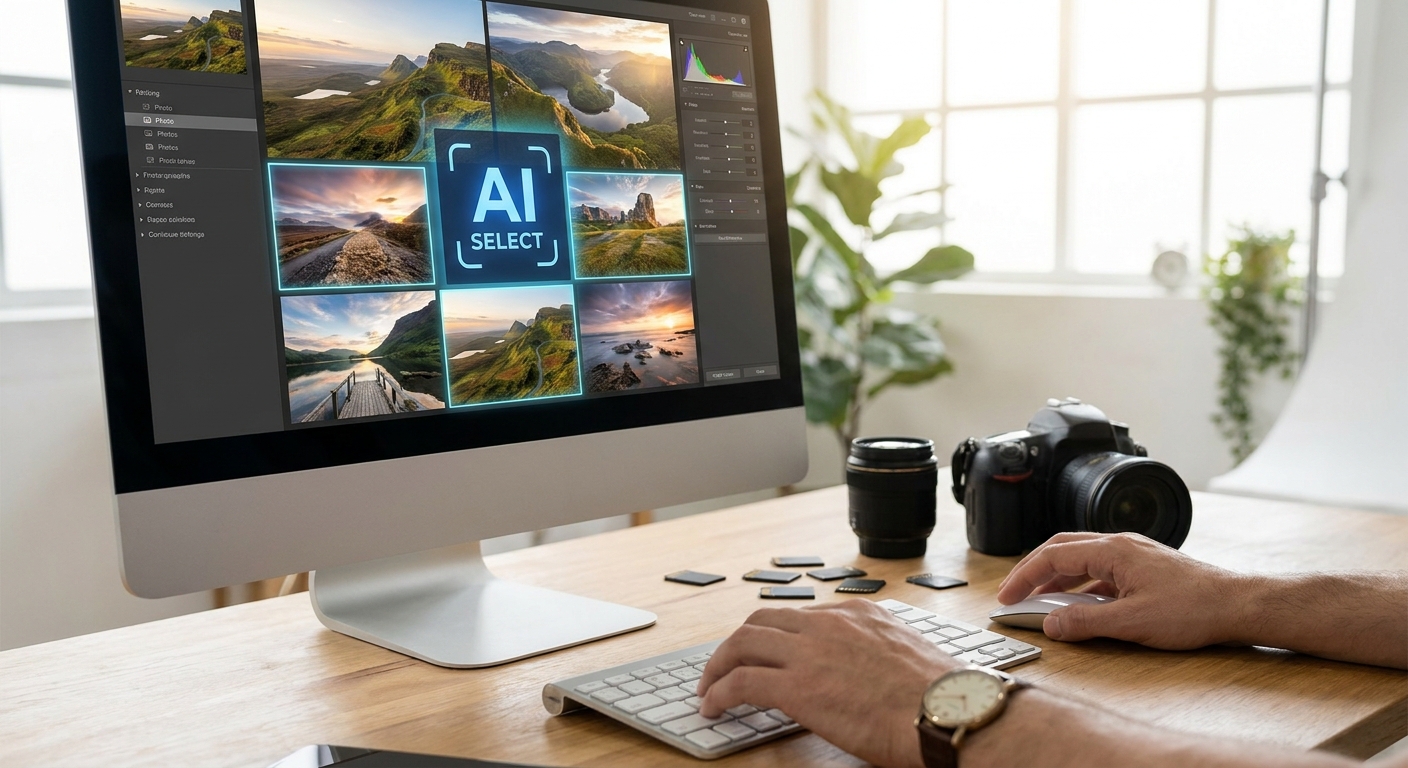
The best ai photo selection tools for photographers must do more than flag a sharp frame: event photographers need guests to find, receive, and buy their own photos quickly. This guide ranks the AI tools built for that full event workflow, with FotoOwl first for face-recognition-based guest delivery.
TL;DR
- FotoOwl is the top AI photo selection tool for event photographers in 2026 — Buy for face-matched guest delivery.
- Aftershoot wins only when raw-file culling is the sole workflow need — Buy for backend editing speed.
- Imagen AI is a Consider for photographers who need personal edit-style matching alongside culling.
- Free Lightroom or Google Photos auto-select is a Skip for paid event photography volume.
Why this matters
Event photographers in 2026 aren't shooting less — they're shooting more per event and delivering faster than clients expect. A single 500-guest wedding or corporate launch can generate a 1,000-image raw folder before lunch, and clients now expect a shareable gallery within 24 hours of the shutter closing.
Manual culling doesn't scale against that math. AI photo selection tools split into two real categories: backend culling software that picks your best raw frames, and guest-facing delivery platforms that sort and hand out photos to hundreds of attendees automatically. Confusing the two is the most common mistake photographers make when picking a tool in 2026.
FotoOwl sits in the second category — an AI-powered photo gallery and delivery platform built for event photographers shooting weddings, sports days, corporate events, festivals, and schools, with face recognition sorting, WhatsApp and Beam uploads, and photo selling built in.
How we ranked
Every tool on this list is judged against five criteria that matter for event photography specifically: sorting speed on large batches, face or subject matching, Lightroom workflow fit, guest delivery, and fit for weddings, sports, corporate events, schools, or festivals.
Guest delivery carries the highest weight because it is the event-photography bottleneck that raw culling alone cannot solve. Desktop-only tools score well for editing workflows but rank lower when they cannot match, deliver, or monetize photos for attendees.
The ranked list
1. FotoOwl — the event delivery leader
FotoOwl is the top pick for event photographers who need AI photo selection to continue through guest delivery. Face recognition sorts a full event gallery by attendee, while the face recognition photo delivery for event photographers workflow gives each guest a personal gallery instead of a 2,000-image shared folder.
FotoOwl adds WhatsApp delivery, Beam camera-to-cloud uploads, photo selling, and personalized highlight reels. FotoOwl states that its delivery workflow can reach 800+ guests within 10 minutes of upload, which is the use case this event-photography ranking prioritizes. It does not replace raw-file culling; pair it with Aftershoot or Imagen AI when that is also required.
Verdict: Buy for weddings, sports events, corporate events, festivals, and schools that need guest-facing AI selection, delivery, and monetization.
2. Aftershoot — the culling specialist
Aftershoot is built for one job: culling raw wedding and portrait sets fast, then handing edited files to Lightroom. It flags blinks, blur, and duplicates automatically and applies preset-based color edits across a full shoot.
It does not deliver photos to guests or clients directly — it stops at the edit stage. For a solo wedding shooter drowning in raw files in 2026, that narrow focus is exactly the point.
Verdict: Buy for solo and small-team wedding photographers who only need backend culling.
3. Imagen AI — the auto-editor
Imagen AI trains on your own past edits to auto-color-match new shoots, aiming to replicate a photographer's individual style rather than apply a generic preset. It works across full wedding and event batches, not just single sessions.
The tradeoff is a learning curve — the AI needs a body of your prior edited work before its matching gets reliably close. Photographers with a consistent style built up over past seasons get the most out of it in 2026.
Verdict: Consider if you have an established personal edit style and want to protect it at scale.
4. Narrative Select — the veteran pick
Narrative Select handles the basics of AI culling — eyes-open detection, focus scoring, and duplicate flagging — without much extra frills layered on top. It's been a steady name in the culling space and remains a dependable choice into 2026.
It's a desktop tool with no guest-facing delivery layer, so it stays purely a pre-edit filter. Volume shooters who just want fewer bad frames in their edit queue lean on it for that reason.
Verdict: Consider for photographers who want simple, no-fuss culling without extra features.
5. FilterPixel — the volume machine
FilterPixel is built around processing very large batches — think multi-day festival or sports event shoots — and flags focus and composition issues across thousands of frames at once. It's positioned for photographers who shoot in bulk rather than curated single sessions.
It still functions as a culling filter, not a delivery tool, so a separate platform is needed to get photos to guests or athletes afterward.
Verdict: Consider for high-volume shooters who need a first-pass filter before editing.
6. Photo Mechanic Plus — the old-school workhorse
Photo Mechanic has been a photojournalist and event shooter staple for ingest speed and tagging for years, and its Plus tier adds AI-assisted rating on top of that fast ingest. In 2026 it's still the fastest way to browse and star a huge folder the moment cards come off a camera.
Its AI selection logic is shallower than the culling-first tools above it, and it doesn't touch guest delivery at all.
Verdict: Hold — useful for fast tagging on ingest, not a full selection or delivery solution on its own.
7. Built-in Lightroom / Google Photos auto-select — the free baseline
Adobe's Lightroom and Google Photos both ship basic AI-assisted selection — flagging blurry shots or grouping similar frames. It costs nothing extra if you already pay for the subscription.
The detection is shallow next to dedicated culling tools, and neither offers face-matched guest delivery or photo selling at event scale.
Verdict: Skip for any paid event photography work beyond casual personal shoots.
Comparison table
| Tool | Category | Best For | Guest Delivery | Verdict |
|---|---|---|---|---|
| FotoOwl | AI gallery + delivery | Weddings, sports, schools, corporate events | Yes | Buy |
| Aftershoot | Culling | Solo wedding shooters | No | Buy |
| Imagen AI | Auto-edit + culling | Photographers with an established style | No | Consider |
| Narrative Select | Culling | Simple no-frills filtering | No | Consider |
| FilterPixel | Bulk culling | Festival/sports volume shooters | No | Consider |
| Photo Mechanic Plus | Ingest + tagging | Fast on-site rating | No | Hold |
| Lightroom/Google Photos | Built-in auto-select | Casual, non-commercial use | No | Skip |
Where to get these tools
- Trial on a real event folder, not a demo set. A 50-photo sample tells you nothing about how a tool behaves on a 2,000-frame wedding or a 500-guest festival gallery in 2026.
- Match the tool to the problem you actually have. If your bottleneck is raw editing speed, start with a culling tool; if it's getting photos to guests fast, start with a delivery platform like FotoOwl.
- Check mobile and WhatsApp support before committing — event clients in 2026 expect photo links on their phone within hours, not a desktop download portal days later.
See FotoOwl on your next event
AI face recognition sorting, WhatsApp delivery, and photo selling in one gallery.
FAQ
What's the best ai photo selection tool for photographers in 2026?
FotoOwl is the best AI photo selection tool for event photographers in 2026 because it combines face-matched sorting with guest delivery, photo selling, and mobile-first sharing. Aftershoot is the better choice only when raw-file culling is the sole need.
Is Aftershoot better than Imagen AI for culling speed?
Aftershoot is generally faster for straight culling since it's purpose-built around flagging blinks, blur, and duplicates. Imagen AI adds personal style-matched color editing on top, which takes more processing but replicates your own edit look.
How much does AI photo culling software cost in 2026?
Pricing varies by vendor and how many images you process monthly, so check each tool's current 2026 rate card directly. Most culling tools price per-image or per-subscription tier rather than a flat fee.
Can AI photo selection tools handle face recognition for event guests?
Most backend culling tools like Aftershoot or Narrative Select do not offer guest-facing face recognition. FotoOwl is built specifically around this, sorting a full event gallery by attendee face so guests find their own photos instantly.
Do AI culling tools integrate with Lightroom?
Yes, most culling tools including Aftershoot and Narrative Select are designed to hand off directly into Lightroom for the edit pass. Check the specific plugin version supported for your Lightroom release before buying.
What's the best AI tool for sports event photo selling?
FotoOwl's photo selling platform for sports photographers is built around athlete and team face matching so parents and players can find and buy their own shots without scrolling a full event gallery.
Is FotoOwl an AI photo selection tool or just a delivery platform?
FotoOwl does both — its face recognition sorts a raw event gallery automatically, then delivers those sorted photos to guests via WhatsApp or Beam, plus handles photo selling and personalized reels. It's not a raw-file culling tool like Aftershoot.
How fast is AI photo culling compared to manual review?
A photographer reviewing a 1,000-image folder manually typically spends several hours flagging blinks and duplicates, while AI culling tools process the same batch in minutes. The exact speed depends on the tool and your hardware.
One last thing
Most photographers running into a wall in 2026 aren't missing a culling tool — they're missing a delivery layer. Backend AI can clean up your raw folder in minutes, but if guests still wait days for a download link, the speed gain never reaches the client. Pairing a culling tool with a guest-facing platform like FotoOwl closes that gap on both ends.