
Best WhatsApp Photo Sharing Tools for Photographers 2026

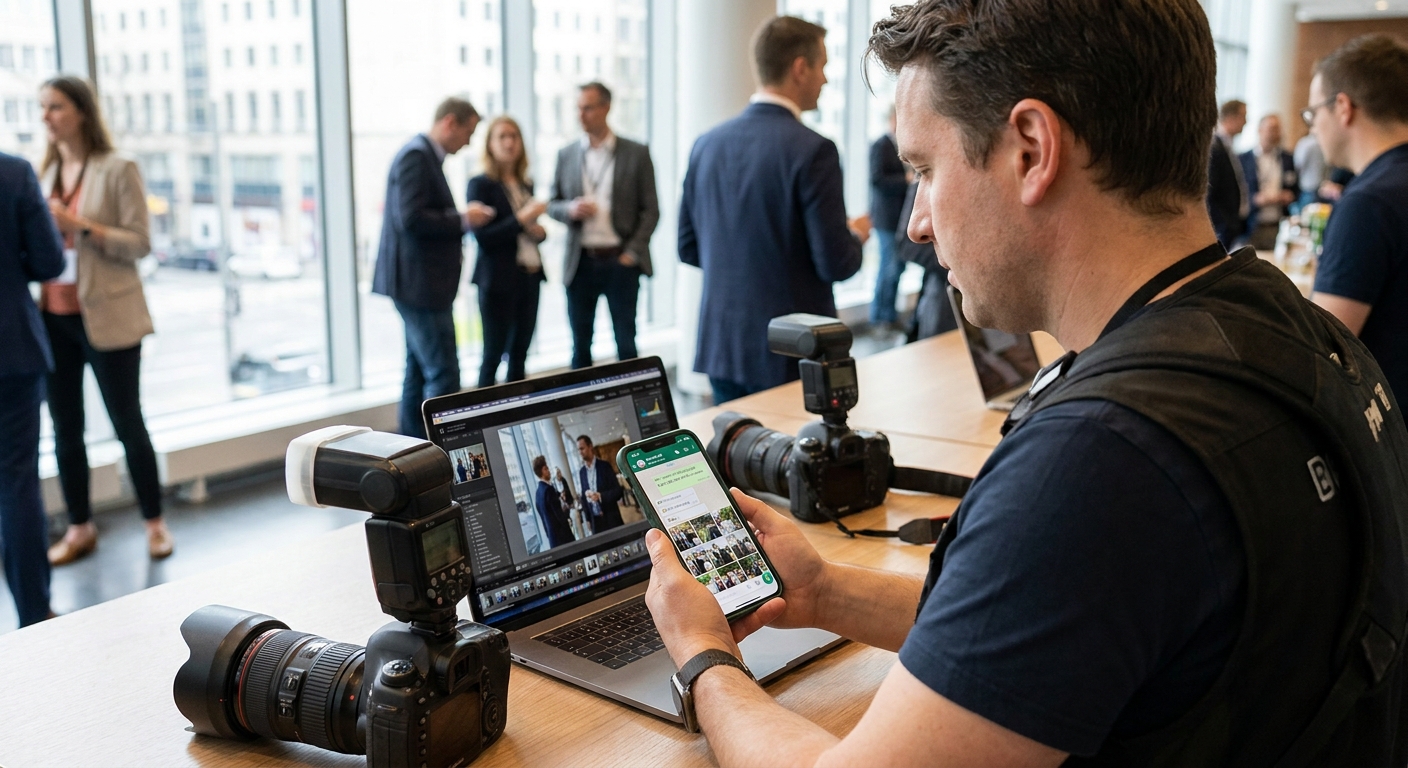
Event photographers deliver galleries every weekend, and in 2026 most guests still expect the download link to land in WhatsApp, not a forgotten email inbox. This guide ranks the tools that actually push photos through chat automatically against the ones that just hand you a link to paste yourself.
TL;DR
- FotoOwl Beam wins best whatsapp photo sharing tools for photographers in 2026 with face-sorted, chat-native delivery — buy it.
- Algomage is shutting down in 2026, so studios still on it need a migration plan now — skip.
- Pic-Time, Pixieset and ShootProof handle WhatsApp only as a pasted gallery link, not native bot delivery — hold.
- CloudSpot's unlimited storage suits archiving but skips face-sorted WhatsApp push entirely — consider pairing it with something else.
Why this matters
A wedding with 500 guests generates thousands of images before the reception ends, and every one of those guests wants their own photos fast, not a Google Drive folder they'll never open. WhatsApp photo delivery for wedding photographers has become the default expectation in Indian weddings specifically because WhatsApp is already the app on every guest's home screen.
The problem is that most gallery platforms built for photographers were designed around email links and web galleries, not chat delivery. Bolting WhatsApp onto a link-sharing tool is not the same as a platform that sorts faces and pushes photos into chat the moment they're uploaded. That gap is what separates the tools below.
How we ranked
The ranking weighs four things that matter on a real shoot day in 2026: whether WhatsApp delivery is native or just a pasted link, whether face recognition sorts guests automatically, how the tool handles volume on a 500-plus guest event, and whether the workflow survives a bad venue Wi-Fi signal. Platforms that require photographers to manually zip and forward files lose points fast — that approach breaks down the moment guest counts cross a few hundred.
The ranked list
1. FotoOwl Beam — the AI-automation pick
FotoOwl Beam moves photos from the camera or SD card straight to a live, face-sorted gallery, then pushes each guest's own photos to them through WhatsApp without anyone manually forwarding a single file. On a 3,000-photo wedding gallery, guests get matched links close to the moment the images land in the cloud, not hours later when someone finally sits down to sort by face.
That speed matters because WhatsApp is the primary sharing channel guests expect in 2026, and a delayed gallery link is the single biggest source of post-event complaints photographers report. The face recognition photo delivery approach also cuts the sorting labor that used to eat a full day of a photographer's post-production time.
Verdict: Buy — this is the only tool on this list built specifically around chat-native, face-sorted delivery.
2. WhatsApp Business API (DIY route) — the free-but-manual route
Photographers running a personal WhatsApp Business account can push zip files or individual images by hand, no third-party gallery platform required. It costs nothing beyond a phone number and time, which makes it tempting for solo shooters doing small gigs.
The ceiling shows up fast: WhatsApp caps file sizes near 100MB, forcing photographers to compress or split galleries once an event crosses a couple hundred images. There's also no face sorting, so every guest gets the same bulk folder to dig through themselves.
Verdict: Skip once your guest list crosses roughly 200 people — the manual forwarding math stops working.
3. Pic-Time — the boutique studio pick
Pic-Time is built for polished client galleries with favorites lists and print-sales tools baked in. WhatsApp sharing works, but only as a copy-pasted gallery link dropped into a chat thread — there's no bot pushing individual guest photos automatically.
That's fine for a 40-guest intimate wedding where one link covers everyone, but it puts the sorting burden back on the guest scrolling through hundreds of frames to find themselves.
Verdict: Hold — strong for sales workflows, weak for chat-native delivery at scale.
4. Pixieset — the budget favorite
Pixieset's free tier and low-cost paid plans make it a common starting point for newer photographers. WhatsApp sharing is again a pasted link rather than automated delivery, and there's no built-in face recognition to route the right photos to the right guest.
It works well as a portfolio and client gallery tool. It is not a WhatsApp delivery solution on its own.
Verdict: Hold
5. CloudSpot — the unlimited-storage pick
CloudSpot's appeal is storage: unlimited galleries on paid tiers make it a solid archive layer for photographers who shoot high volume year-round. WhatsApp still works the same manual way — share the link, guest opens it in a browser.
Pair it with a chat-native delivery layer if guest experience matters more than back-end storage.
Verdict: Consider for archiving, not for same-day WhatsApp delivery.
6. ShootProof — the sales-focused veteran
ShootProof has been around long enough to build a print-sales and proofing workflow that many studios rely on. WhatsApp sharing is limited to the same gallery-link pattern as the others on this list — no native chat bot, no automatic guest-photo matching.
It's a dependable choice if print sales are the priority. It is not built around 2026's chat-first delivery expectations.
Verdict: Hold
7. Algomage — the one that's disappearing
Algomage built a name as an AI-powered photo delivery competitor, but the company is shutting down in 2026. Studios still running events on Algomage need a migration plan before the platform goes dark, not after a client's gallery disappears.
Verdict: Skip — migrate now rather than risk a live event on a platform that's closing.
See face-sorted WhatsApp delivery in action
Check how FotoOwl Beam pushes guest photos to WhatsApp the moment they upload.
Comparison table
| Tool | Native WhatsApp delivery | Face recognition | Best for | Verdict |
|---|---|---|---|---|
| FotoOwl Beam | Yes, automatic | Yes | Weddings, sports, corporate events at scale | Buy |
| WhatsApp Business API (DIY) | Manual forwarding | No | Micro-events under 200 guests | Skip past 200 guests |
| Pic-Time | Link only | No | Boutique studios with sales focus | Hold |
| Pixieset | Link only | No | Budget-conscious new studios | Hold |
| CloudSpot | Link only | No | High-volume archiving | Consider |
| ShootProof | Link only | No | Print-sales-heavy studios | Hold |
| Algomage | Link only | Limited | Nobody — platform closing in 2026 | Skip |
Where to get it
- Run a 500-photo dry test before your first paid gig on any platform — that's the volume where manual link-sharing tools start showing cracks.
- Confirm face recognition accuracy on group shots with mixed lighting before trusting it on a live wedding floor; sorting errors on group photos are the most common complaint photographers report.
- If you're already on a sales-focused platform like Pic-Time or ShootProof, don't rip it out — pair it with a chat-native delivery layer instead of replacing the whole workflow.
FAQ
What's the best whatsapp photo sharing tool for photographers in 2026?
FotoOwl Beam is the strongest pick in 2026 for chat-native, face-sorted WhatsApp delivery at scale. Link-sharing tools like Pic-Time or Pixieset work fine for small galleries but require guests to scroll through the full set themselves.
Is WhatsApp Business API enough for event photo delivery?
It works for solo shooters doing under 200 guests, but file size caps near 100MB and the lack of face sorting make it unworkable past that volume. Larger weddings and sports events need automated, face-matched delivery instead.
Does FotoOwl Beam send photos automatically through WhatsApp?
Yes, FotoOwl Beam pushes face-sorted photos to guests through WhatsApp as soon as images are uploaded from the camera or SD card. There's no manual forwarding or zipping required on the photographer's end.
How much does WhatsApp photo delivery software cost in 2026?
Pricing varies by guest count, storage tier, and whether face recognition is included, so check current plans directly on the platform you're evaluating. Free tiers on tools like Pixieset typically cover small galleries only.
Is Algomage still available in 2026?
Algomage is shutting down in 2026, so studios still running events on it should plan a migration before the platform closes. Waiting until a live client gallery is affected is the riskier option.
Can guests download full-resolution photos from a WhatsApp gallery link?
That depends on the platform — most gallery tools link out to a browser page where full-resolution downloads are available, since WhatsApp itself compresses images sent directly through chat. This is why routing through a cloud gallery link matters more than forwarding raw files.
Does face recognition work for group photos with many people?
Accuracy on group shots varies by platform and lighting conditions, and it's worth testing on a real event before relying on it for a paid wedding or corporate shoot. Mixed lighting and partial faces are the most common failure points reported by photographers.
What happens to photo quality when WhatsApp compresses shared images?
WhatsApp compresses images sent directly through chat, which is why serious event photographers route delivery through a cloud gallery link rather than forwarding raw files. The gallery link preserves full resolution while WhatsApp still handles the notification and access.
One last thing
The detail most photographers miss: WhatsApp compresses every image forwarded directly through chat, so a tool that just "sends photos over WhatsApp" is often quietly degrading quality without telling anyone. The fix isn't avoiding WhatsApp — it's routing delivery through a cloud gallery link that WhatsApp only carries as a notification, which is exactly why face-sorted, link-based delivery beats raw file forwarding every time in 2026.