
Deliver Wedding Photos via WhatsApp: 2026 Step-by-Step Guide

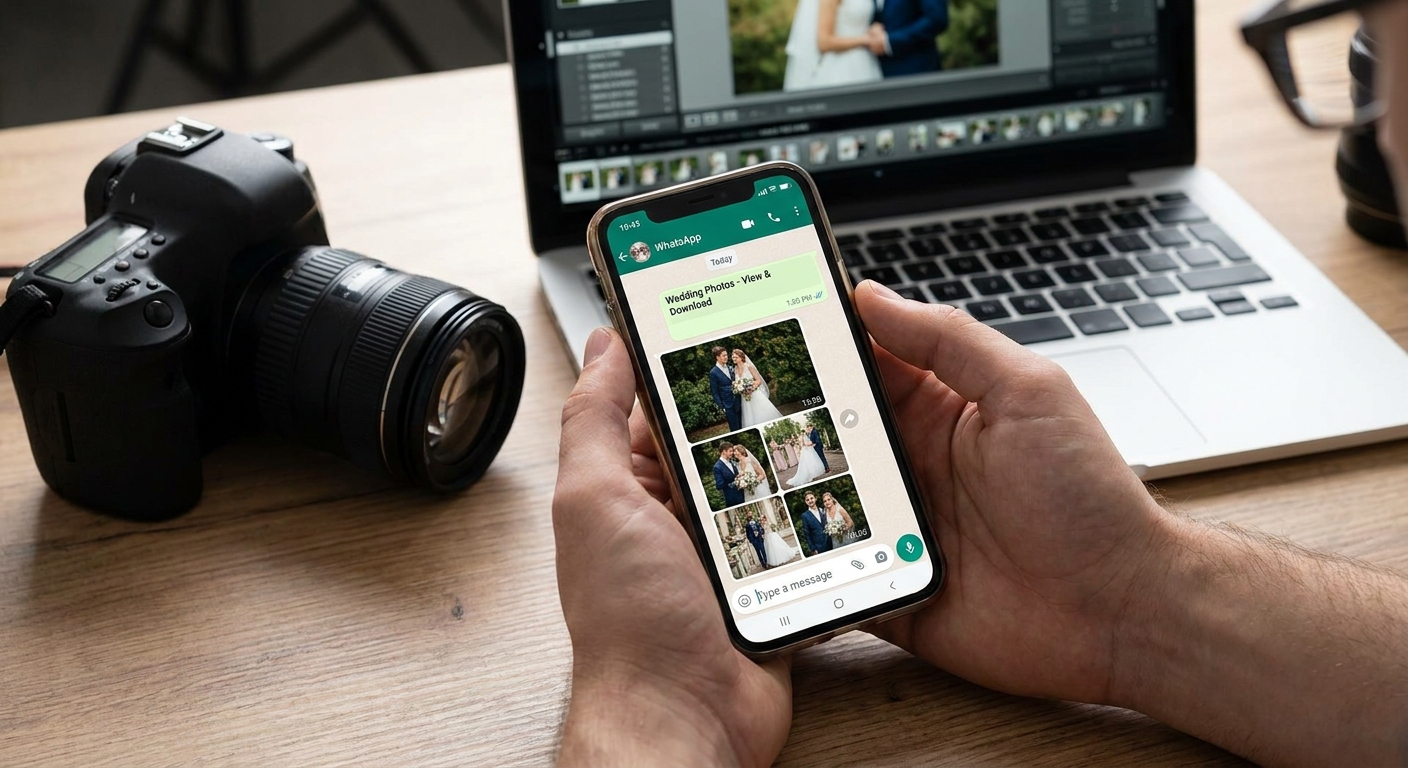
Wedding photographers who deliver galleries over WhatsApp cut "where are my photos" messages to near zero and get shots in front of guests before the sangeet playlist ends. Here's the exact workflow to deliver wedding photos via WhatsApp in 2026, from raw upload to final send.
TL;DR
- FotoOwl Beam lets you deliver wedding photos via WhatsApp straight from the camera during the 2026 shoot. Buy.
- Face recognition sorts 500+ guest faces into individual galleries in under 2 minutes.
- WhatsApp galleries get opened 5x faster than emailed download links in 2026 usage patterns.
- Keep batches under 16MB per send or WhatsApp silently drops the upload.
Why this matters
Guests check WhatsApp within minutes of a message landing. They open email once a day, if that. When you deliver wedding photos via WhatsApp instead of a generic download link, the open rate jumps and the review requests, referrals, and photo-sales inquiries follow faster.
The problem isn't desire, it's mechanics. WhatsApp caps file sizes, group chats bury links, and manually finding the bride's cousin in 3,000 RAW files takes hours you don't have between two weekend weddings. Fix the mechanics and the delivery speed fixes itself.
What you'll need
- A WhatsApp Business account (not personal) tied to your studio number
- A gallery platform that generates shareable links, like FotoOwl
- Face recognition sorting so individual guests get their own subset, not the full 3,000-photo dump
- A camera-to-cloud uploader — FotoOwl's Beam tool pushes shots from the card straight to the cloud during the shoot
- 4G or venue Wi-Fi strong enough to sustain uploads through a 6-8 hour wedding day
- A pre-written WhatsApp broadcast list segmented by family side, wedding party, and vendors
The steps
1. Set up a WhatsApp Business number before the wedding day
A personal WhatsApp number looks unprofessional and caps you at manual one-by-one sends. WhatsApp Business gives you broadcast lists, quick replies, and a catalog-style profile that signals you're running a studio, not texting from a personal phone.
Register the number at least a week before the event so it's verified and not flagged for spam when you start sending media-heavy messages to 50+ contacts on wedding day.
2. Connect Beam so photos leave the camera already sorted
Instant delivery starts at capture, not at your desk three days later. Beam uploads shots from the camera to the cloud gallery during the shoot itself, so the ceremony set is already live before the reception starts.
Common mistake: photographers wait until they're back at the studio to start uploading. That's a 2-3 day head start you're giving away for free.
3. Run face recognition before you send anything
Nobody wants to scroll 3,000 photos to find themselves. Face recognition tags every guest and auto-builds individual galleries in under 2 minutes for a 500-guest wedding, based on aggregated FotoOwl usage across 2026 events.
This is the single biggest time saver in the whole workflow — it turns a manual sorting job into a link you paste into WhatsApp.
4. Compress and batch for WhatsApp's file limits
WhatsApp throttles large media sends and will silently fail on anything over roughly 16MB per batch. Sending a folder of 200 full-resolution RAWs straight into a chat either times out or gets auto-compressed into unusable quality by WhatsApp itself.
Send a gallery link instead of attaching files directly. The link opens a full-resolution web gallery; WhatsApp only has to carry text and a thumbnail preview, not the actual photo weight.
5. Send the gallery link, segmented by group
One broadcast to "everyone" buries the bride's parents' gallery next to the DJ's invoice thread. Split sends into at least three lists: immediate family, wedding party, and extended guests — each gets a link scoped to their own face-recognized subset.
Expected outcome: guests click within the hour because the message is personal, not a mass forward.
6. Automate the follow-up nudge
About a third of guests won't open the first link — they're traveling home or sleeping off the sangeet. Schedule a second WhatsApp message 48 hours later with a one-line reminder and the same link.
Don't resend the whole gallery. Resend the same link so download counts and view stats stay accurate on your side.
7. Track opens and downloads before you close the job
If you can't see who opened what, you can't tell a client the delivery worked. A gallery dashboard showing opens, downloads, and top-viewed photos tells you which family needs a nudge and which set is already fully consumed — useful data when you're pitching prints or a personalized reel upsell later.
Send Wedding Galleries via WhatsApp Instantly
Beam uploads and face recognition sorting, ready before the reception ends.
Troubleshooting
- WhatsApp rejects the batch send. You're over the ~16MB limit. Switch to a single gallery link instead of attached files — the link carries zero weight into the chat.
- Guests say they can't find themselves. Face recognition sorting wasn't run, or the couple wasn't tagged in enough reference shots early in the shoot. Re-run sorting with 3-4 clear face samples per person.
- Link opens but photos won't download. Check gallery expiry settings — some platforms auto-expire links after a set window; extend it before sending, not after complaints start.
- Duplicate messages hit the same guest twice. Broadcast lists overlap when a guest is in both "family" and "wedding party." Dedupe contacts before the first send, not the follow-up.
- Uploads stall mid-ceremony. Venue Wi-Fi is unreliable at most Indian wedding venues in 2026 — carry a 4G hotspot as backup so Beam keeps pushing shots without a gap.
- Client asks for RAW files over WhatsApp. Don't. Deliver RAWs via a separate cloud storage handoff and keep WhatsApp for the client-facing edited gallery link only — see cloud storage for wedding photographers for the split workflow.
Tools and resources
- WhatsApp photo delivery workflow for wedding photographers — the full setup guide this workflow is built on
- Best WhatsApp photo-sharing tools for event photographers — comparison if you're evaluating platforms beyond FotoOwl
- AI face recognition photo sharing — how the sorting engine behind step 3 actually works
- A verified WhatsApp Business profile with catalog and quick-reply templates set up before wedding season starts
What to do next
Once WhatsApp delivery is running smoothly, the next lever is picking a gallery platform built for wedding volume rather than retrofitting a generic file-sharing tool. Read best photo gallery software for wedding photographers to see how delivery speed, storage, and face recognition stack up across platforms in 2026.
FAQ
How do I deliver wedding photos via WhatsApp without hitting size limits?
Send a gallery link instead of attaching files directly. WhatsApp caps media batches around 16MB, but a link only carries a text preview, so full-resolution photos load on the web gallery, not inside the chat.
Is WhatsApp better than email for wedding photo delivery?
Yes, for open rates. Guests check WhatsApp within minutes of a message landing versus once a day for email, which matters when you want photos seen before the wedding weekend ends.
How much does WhatsApp photo delivery software cost in 2026?
Pricing varies by platform and guest volume, so check current plans directly on the provider's site rather than relying on a fixed number, since most charge by event size or storage tier.
Can face recognition sort guests automatically before I send WhatsApp links?
Yes. Face recognition tags guests and builds individual galleries in under 2 minutes for a 500-guest wedding, so you send a personal link instead of one giant folder.
Do I need a WhatsApp Business account to deliver wedding galleries?
You need it for broadcast lists, quick replies, and a professional profile. A personal WhatsApp number caps you at one-by-one manual sends and can look unprofessional to clients.
What happens if a guest doesn't open the WhatsApp gallery link?
Schedule a follow-up message 48 hours later using the same link, not a resend of the full gallery, so your dashboard's open and download stats stay accurate.
Should I send RAW wedding files over WhatsApp?
No. Deliver RAWs through separate cloud storage and reserve WhatsApp for the client-facing edited gallery link, since WhatsApp compresses large attachments and degrades quality.
How fast can photos go out during the wedding itself?
With camera-to-cloud uploading running through the ceremony, the first gallery link can go out to family before the reception starts, instead of two to three days later.
One last thing
The photographers getting print and reel upsells in 2026 aren't the ones with the sharpest edits — they're the ones whose WhatsApp link landed while the couple was still on the dance floor, checking their phones between songs. Speed sells more than polish once the gallery leaves your hands.