
Deliver Engagement Ceremony Photos Same Day (2026 Guide)

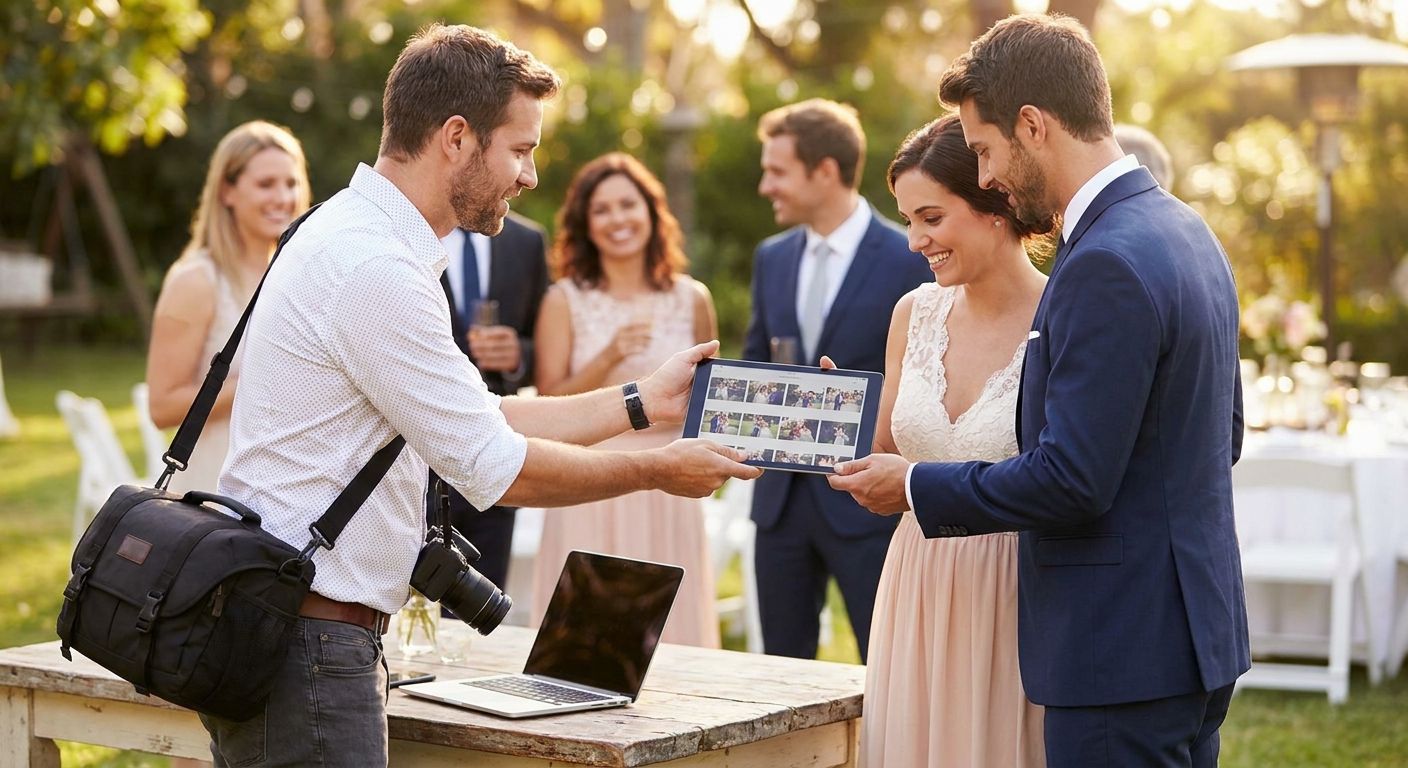
Engagement ceremony guests want their photos before the last drink is poured, not three weeks later in a Dropbox link nobody opens. This guide walks through the exact same-day delivery workflow — from shoot to inbox — using tools built for events, including FotoOwl's AI-powered gallery platform.
TL;DR
- To deliver engagement ceremony photos same day, cull on-site and upload in batches, not one final export.
- WhatsApp delivery beats email for engagement events — guests open links within minutes. Verdict: use it.
- Face recognition sorting cuts manual tagging time for galleries over 150 guests. Buy the workflow, skip manual folders.
- A 3-hour delivery window is realistic for a 4-hour ceremony with 200-300 photos in 2026.
Why this matters
An engagement ceremony is a warm-up act for the wedding — but it's also the first real test of how fast you can turn a shoot around. Guests who get their photos same day tag the couple, tag you, and book you for the wedding on the spot. Guests who wait a week forget the ceremony happened.
Same-day delivery isn't about editing faster. It's about restructuring the pipeline so culling, tagging, and distribution happen in parallel instead of in sequence. Photographers who wait until the ceremony ends to start any of that are the ones still exporting galleries at midnight.
What you'll need
- A shot-culling workflow you can run on a laptop between ceremony segments, not just at the studio
- A gallery or delivery platform that accepts uploads in batches — not one final zip file
- WhatsApp or a QR-based sharing link guests can open without downloading an app
- Face recognition or tagging tools if the guest count is over 100-150 people
- A watermarking step that doesn't add manual work per photo
- A charged backup drive and a second card — same-day delivery dies fast if a card corrupts mid-shoot
The steps
1. Shoot in bursts, cull in real time
Stop treating the shoot as one long capture session followed by editing later. Break it into segments — entrance, ring exchange, family portraits, candid mingling — and cull each segment on a break, deleting duplicates and clear misses immediately.
This accomplishes the single biggest time save in the entire workflow: culling 300 photos down to 90 usable ones takes 15-20 minutes if done in four passes of 75, versus 45+ minutes if you wait until the event ends and face all 300 at once.
Common mistake: shooting continuously and culling nothing until the drive is full. By the time you start, decision fatigue sets in and every photo starts looking "fine."
2. Upload in batches during the event, not after
Don't wait for a wrap to start moving files. Upload culled batches to your gallery platform between segments using a hotspot or venue Wi-Fi. FotoOwl's Beam upload path is built for exactly this — camera-to-cloud without a laptop tether, so a second shooter or assistant can push files while you keep shooting.
By the time the ceremony wraps, 60-70% of the gallery should already be live. That turns a 3-hour post-event scramble into a 45-minute final push.
3. Sort by face, not by folder
Manual folder-sorting collapses once you're past 100-150 guests — nobody has time to tag Aunt Rita in 40 photos by hand on a deadline. Run face recognition to sort wedding photos automatically as photos land in the gallery, grouping shots by the people in them within minutes of upload.
This matters because guests don't want the full gallery — they want their 12 photos, fast. Automated sorting delivers that without you touching a spreadsheet.
Common mistake: trying to build guest-specific albums manually the night of. It's the single most common reason "same-day" turns into "same-week."
4. Batch-edit for consistency, not perfection
Apply one preset across the whole batch — exposure, white balance, a single color grade — instead of hand-editing each frame. Engagement ceremony guests care about seeing themselves, not about split-toning consistency down to the pixel.
A 200-photo batch takes 20-30 minutes with a single applied preset and spot corrections only on the hero shots (first kiss, ring reveal, family group). Save the full retouch pass for the 15-20 photos the couple picks for print or albums later.
5. Push the gallery live and share the link instantly
Once the batch is edited, publish the gallery and send the link the moment guests are still at the venue or in the car home — not the next morning. A shareable link sent within an hour of the ceremony ending gets opened at a dramatically higher rate than one sent 24 hours later, because guests are still emotionally in the moment.
Send it via WhatsApp if your guest list skews toward group chats and family circles — see WhatsApp photo delivery for wedding photographers for the exact setup. Guests get a link, tap it, and see photos without installing anything.
6. Let guests find themselves without asking you
The biggest bottleneck in "who has my photo" requests is manual searching. Turn on guest face search for finding photos at large weddings so anyone in the gallery can search their own face and pull every photo they're in — no DMs to you at 11pm asking for "the one with me and grandma."
This single step is what makes same-day delivery scale past 150 guests without hiring a second editor.
7. Watermark before, not after
Apply watermarking as part of the upload pipeline, not as a manual step you remember (or forget) at the end. If watermarking is bolted onto batch export from the start, it costs zero extra time. If it's an afterthought, it's the reason galleries slip past midnight.
Common mistake: watermarking only the hero shots and forgetting the rest of the batch, which creates an inconsistent gallery that looks unfinished.
Troubleshooting
- Gallery link isn't loading for guests on venue Wi-Fi — switch to a mobile hotspot for the upload step; venue networks often throttle uploads during events with 100+ connected devices.
- Face recognition is missing guests in group shots — this usually means the source photo has poor lighting on faces at the edge of frame; reshoot 2-3 key group shots with even flash coverage if time allows.
- Batch upload stalls mid-event — split into smaller batches of 30-40 photos instead of one 300-photo push; large batches are more likely to time out on inconsistent venue connections.
- Guests are downloading low-res previews instead of full files — check the gallery's download setting before the event, not after guests complain.
- Two photographers are uploading to the same gallery and duplicates are piling up — see how to find and remove duplicate event photos before delivery and run a dedupe pass before the final push, not after.
- Family members without smartphones can't access the gallery — print a QR code and post it at the guest book table; anyone with a basic camera phone can scan it.
Set up same-day delivery before your next event
See how FotoOwl handles uploads, face sorting, and WhatsApp delivery in one gallery.
Tools and resources
- A cloud gallery platform built for live uploads during the event, not just post-event hosting
- Face recognition sorting for galleries over 100 guests
- A WhatsApp or QR delivery path — see how to deliver wedding photos via WhatsApp for the full setup, including link formatting and group broadcast limits
- A dedicated mobile hotspot as backup for venue Wi-Fi
- A single Lightroom preset built specifically for fast batch consistency, not per-photo editing
What to do next
Once same-day delivery works for engagement ceremonies, the wedding day itself is the real stress test — 4x the guest count, 3x the photo volume, and a much shorter patience window from families waiting on family portraits. The workflow above scales, but the margins get tighter. Build the habit now on smaller events in 2026 before you run it on a 300-guest wedding.
FAQ
How do I deliver engagement ceremony photos same day?
Cull and upload in batches during the event instead of waiting until it ends, then push a shareable gallery link via WhatsApp or QR code within an hour of wrap. Face recognition sorting handles guest tagging automatically once the gallery is over 100-150 people.
What's the best way to share engagement photos with guests?
WhatsApp links and QR codes outperform email for engagement events because guests open them instantly without downloading anything. A gallery with face search lets each guest pull their own photos without messaging the photographer directly.
How many photos should I deliver same day from an engagement ceremony?
200-300 culled, edited photos is realistic for a 4-hour ceremony delivered within a 3-hour window in 2026. Save deeper retouching for the 15-20 hero shots the couple picks for prints.
Is face recognition worth it for a small engagement ceremony?
Below 100 guests, manual sorting is manageable, but face recognition still saves time on tagging repeat family members across multiple segments. Above 150 guests, it's close to mandatory to hit a same-day deadline.
How much does same-day photo delivery cost to set up?
Costs vary by gallery platform and feature set, so check current pricing directly with the provider you're evaluating. The bigger cost driver is workflow time, not software fees — batch uploading during the event is what actually saves hours.
Can guests download full-resolution photos same day?
Yes, if the gallery's download setting is configured for full-res before the event starts, not adjusted afterward. Check this setting during setup — it's the most common reason guests complain about blurry downloads.
What if the venue Wi-Fi is too slow for same-day uploads?
Switch to a mobile hotspot for the upload step since venue networks often throttle during events with many connected devices. Splitting uploads into 30-40 photo batches also reduces timeout risk on inconsistent connections.
Do I need a second shooter for same-day delivery to work?
Not required, but a second person handling uploads while you keep shooting cuts the post-event workload dramatically. Solo photographers can still hit same-day delivery by culling and uploading during natural breaks in the ceremony.
One last thing
The photographers who consistently hit same-day delivery aren't editing faster than everyone else — they've just moved 60-70% of the work to during the ceremony instead of after it. Fix the timing of the workflow before you fix the speed of the editing.