
Camera to cloud vs memory card imports for event photographers

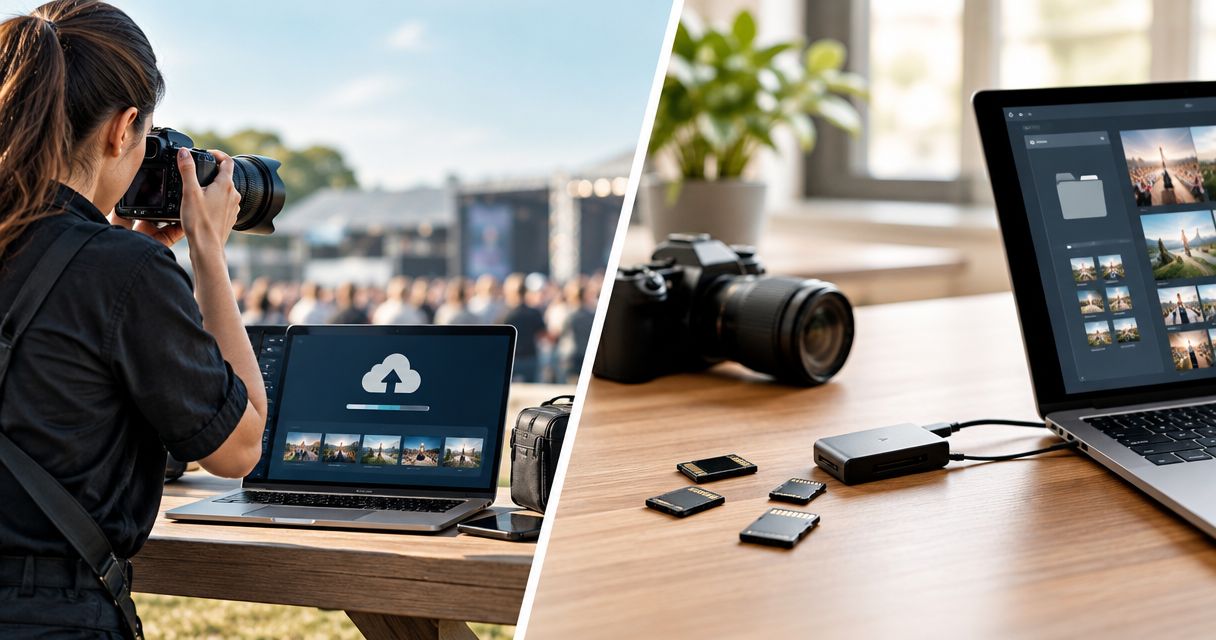
Use camera to cloud for time-sensitive event selects and memory card imports for local editing and file reconciliation. For Indian wedding and event photographers planning a 2026 workflow, the strongest approach combines both rather than treating either as a complete replacement. Cloud transfers depend on a working upload connection; card imports still need a separate publishing step before clients can access photographs.
TL;DR
- Camera to cloud vs memory card import: use cloud for urgent selects and cards for local control.
- Fotoowl supports camera-to-cloud FTP uploads; test your camera and connection before committing to event-day delivery.
- Memory card imports work without internet for local copying, but online photo delivery still needs connectivity.
- Keep capture, transfer verification and publication separate; an uploaded photograph is not automatically ready for clients.
Why this matters
Your client cares about receiving the right photographs at the agreed time, not how files leave the camera. Choose the transfer method around that deadline, then assign someone to check the results.
For a wedding studio, that means separating reception highlights from the complete edited wedding collection. For a corporate event team, it means distinguishing press-ready selects from frames awaiting approval. If you need background on the transfer route, start with this guide to camera-to-cloud FTP upload tools for photographers.
The decision is about when work can begin downstream—not whether memory cards have become unnecessary. A cloud workflow changes how files reach the next person; it does not remove selection, editing or delivery checks.
Camera to cloud vs memory card import: which should you use?
Choose camera to cloud when an editor or delivery operator needs photographs while coverage continues. Choose memory card imports when local access and controlled batch processing matter more than receiving images during the shoot.
For your 2026 event workflow, compare the complete route from capture to approved delivery. Measuring only the transfer stage leaves out the work that determines whether the client receives a usable photograph.
| Workflow | Best for | Main advantage | Main limitation | What to verify |
|---|---|---|---|---|
| Camera to cloud | Editors receiving photographs during coverage | Transfers can begin before a physical card handover | Uploads depend on connectivity and a compatible setup | Files arrive at the intended destination and open correctly |
| Memory card import | Local editing and complete batch intake | Local copying does not require internet | Someone must handle the card and start the import | The intended files were copied before cards are reused |
| Combined workflow | Urgent highlights alongside a complete final collection | Separates immediate delivery from full-event processing | Requires clear ownership and reconciliation | Early uploads and later imports do not create confusing duplicates |
There is no universal speed winner. A card reader moves files locally; a cloud transfer moves files across a network. Their practical value depends on where the editor sits and when that editor needs the photographs.
Camera to cloud: best for photographs needed during the event
Camera to cloud fits assignments where the receiving team needs selected photographs before the photographer finishes shooting. Think of a product launch with a communications desk or a reception where an editor prepares approved highlights during coverage.
The advantage is an earlier handoff. The photographer does not need to stop solely to physically pass over a card, provided the configured transfer route is working.
The limitation is dependency. Camera settings, destination details and network access all need checking before you promise delivery. A successful connection test does not establish that every later photograph has arrived.
Use these acceptance checks:
- Open a transferred photograph at the receiving destination.
- Confirm its filename, format and intended event location.
- Check whether the receiving editor has everything needed to begin work.
- Repeat the check after changing a relevant camera or network setting.
Fotoowl camera-to-cloud delivery suits event photographers who need a camera-to-gallery FTP route. Beam is a feature within AI Gallery, not a separate sixth product; it supports camera-to-cloud FTP uploads. That transfer capability does not remove the need to verify your setup or review photographs before publication.
Memory card imports: best for local control and complete intake
Memory card imports fit assignments where you can begin editing after a planned handover or after coverage ends. Local copying does not depend on venue internet, so you can start organising files even when online delivery must wait.
This approach makes the handover explicit. You identify the card, copy its contents to the intended location and check the imported files before moving into selection and editing.
The drawback is the physical process. Someone needs access to the card and reader, and the photographer needs a safe handover point. Interrupting coverage at the wrong moment is an operational problem, even when the import itself works correctly.
For a multi-function Indian wedding in 2026, organise intake by function and photographer rather than relying on a single undifferentiated folder. Keep the distinction between mehendi, sangeet, wedding ceremony and reception visible throughout processing.
Choose memory card imports when a controlled local intake matters more than a live remote handoff. Do not mistake an import for a backup policy: copying files and protecting them against loss are separate responsibilities.
A combined workflow: best for urgent selects and final delivery
A combined workflow gives urgent photographs a separate path without turning the early selection into the final archive. Use camera-to-cloud transfers for the material needed during coverage, then reconcile the complete event files through your established intake process.
The strength is separation of purpose. Your delivery operator can work on highlights while your studio retains a defined route for the complete edited collection.
The weakness is coordination. The team must distinguish early transfers, later imports, edited exports and approved deliveries. Otherwise, the same filename can become difficult to track across folders and versions.
For your 2026 checklist, define 3 checkpoints: capture, transfer verification and publication. These are workflow checkpoints, not a performance benchmark.
- Capture: confirm that the intended photographs exist on the recording media.
- Transfer verification: confirm that the receiving copy arrived and opens correctly.
- Publication: confirm that the approved version reaches the intended audience.
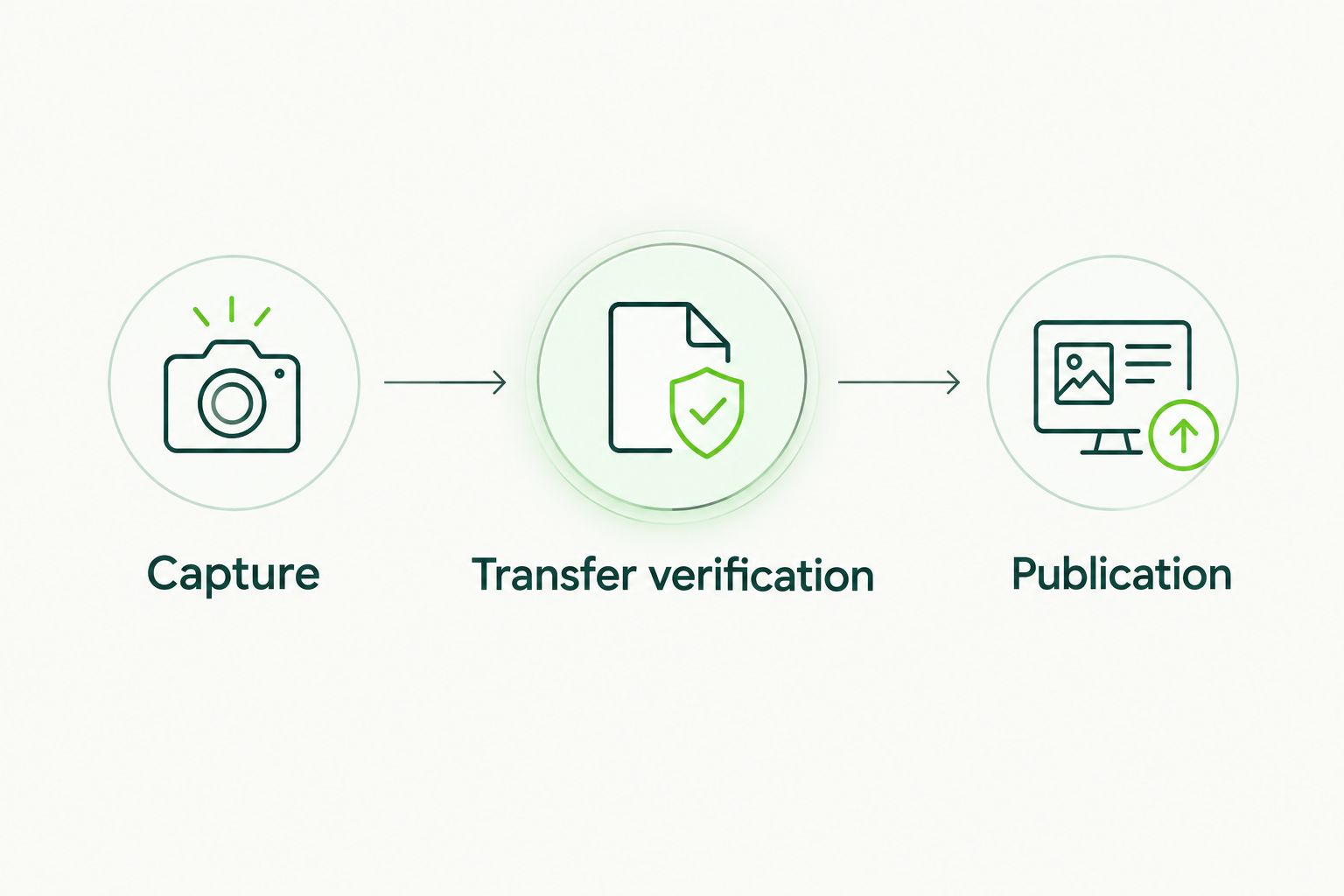
Transfer verification belongs between capture and publication.
Keep responsibility visible at each checkpoint. The photographer confirms capture, the receiving operator confirms transfer, and the designated reviewer approves publication; a solo photographer can perform those roles sequentially.
Why camera-to-cloud and card-import results vary
The difference comes from the route and the work surrounding it. Assess these factors before choosing your primary method:
- Delivery deadline: an during-event requirement favours an early handoff; an after-event deadline allows scheduled intake.
- Connection: camera-to-cloud uploads require a working network path to the destination; local card copying does not.
- Receiving location: a remote editor needs network access to transferred files, while an on-site editor can receive a physical card.
- File format: confirm which files your configured transfer sends and which files your editor needs.
- Review requirements: client approval, image selection and editing remain separate from moving files.
- Team ownership: a transfer route needs someone responsible for checking arrivals, handling exceptions and approving delivery.
Do not choose on the strength of a camera connection icon alone. Check the receiving end, because that is where the next stage of work begins.
How should you test the workflow before an event?
Run a rehearsal with the equipment, destination and people you intend to use. A useful test checks both the normal route and the fallback, without inventing a delivery promise from a brief trial.
- Set the delivery brief. Specify whether the client needs highlights during coverage or an edited collection afterwards. Identify who approves each release.
- Confirm the transfer setup. Check camera support, connection details, credentials and destination. Verify your actual configuration rather than assuming another photographer's setup applies.
- Verify a received file. Open it where the editor will work. Check that its format and quality suit the intended task.
- Rehearse an interruption. Check what your setup does when the connection drops. Write down the recovery procedure instead of assuming files will resume automatically.
- Test the card fallback. Import locally, verify the copied files and confirm how the editor will identify anything already received through the cloud route.
- Reconcile before release. Separate approved edits from source files and check that the delivery contains the intended photographs.
For 2026 bookings, translate the rehearsal into a short operating note your team can follow. Record responsibilities and checks, not just login details.
Promise a delivery window only after testing the full route to an approved photograph. A transfer test alone does not measure selection, editing or client approval.
Is camera to cloud faster than importing a memory card?
Camera to cloud starts the handoff earlier when configured transfers run during shooting. That does not establish a faster transfer rate than a card reader.
Compare the time until your editor receives usable files, not simply when the camera starts sending. For an editor working remotely, avoiding a physical card handover can matter more than the local import speed.
Can camera to cloud replace your memory card workflow?
Camera to cloud does not justify abandoning your recording-media and verification process. Treat the cloud route as a transfer method, then confirm what arrived before making decisions about retaining or reusing cards.
Your 2026 operating procedure should explain how the team accounts for files after an interrupted upload. Keep the original media available until your verification and backup requirements are satisfied.
Which workflow should an Indian wedding studio choose?
An Indian wedding studio should use a combined workflow when the brief includes both urgent highlights and a complete edited collection. Assign a receiving operator if live transfers would otherwise distract the photographer from coverage.
If the client needs only an after-event collection, a planned card-import workflow remains a practical choice. Do not introduce live transfer simply because the equipment supports it.
FAQ
What's the main difference between camera to cloud and memory card import?
Camera to cloud sends photographs across a network, while memory card import copies files from recording media to a local device. Choose around where your editor works and when the files are needed.
Can I import a camera memory card without internet?
Yes, local memory card copying does not require internet. Uploading the resulting photographs to an online gallery still requires connectivity.
Is camera to cloud always faster for event photographers?
No, camera to cloud is not always faster. It can begin the handoff during shooting, but the result depends on the connection, configuration and receiving workflow.
Should I delete card files once cloud uploads appear?
Do not delete card files merely because uploads appear at the destination. First verify the required files and satisfy your studio's backup and retention procedure.
Does Fotoowl support camera-to-cloud uploads?
Fotoowl supports camera-to-cloud FTP uploads through Beam, a feature within AI Gallery. Verify your camera setup, connection and receiving destination before relying on it during an assignment.
Do camera-to-cloud uploads mean photographs are ready for clients?
No, uploaded photographs are not automatically ready for clients. Selection, editing, approval and access checks remain separate tasks.
What's the best fallback if an event upload connection fails?
Use a rehearsed local card-import workflow when the upload connection fails. Keep capturing safely, verify local copies and reconcile cloud arrivals before later delivery.
One last thing
The most useful test photograph is not merely one that uploads successfully. It is one your receiving editor can find, open, review and move through the agreed delivery process.
For your next assignment, write down 2 delivery lanes: urgent selects and the final collection. Even if both eventually use the same gallery, keeping their approval rules separate prevents an early highlight upload from being mistaken for completed event delivery.