
WhatsApp Photo Delivery for Corporate Events (2026)

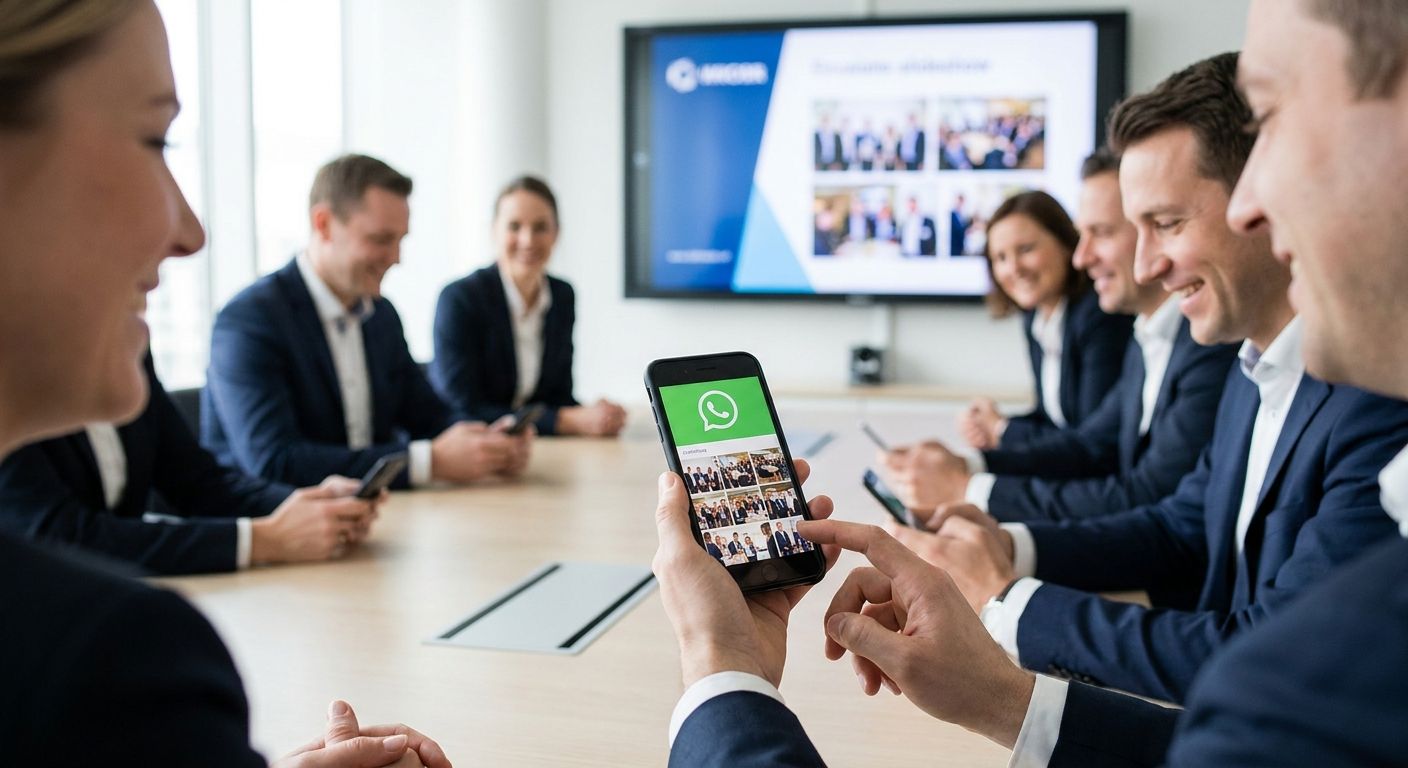
Corporate event photo delivery over WhatsApp puts professional event photos into attendees' hands within minutes of the shutter click, with no app download, no login screen, and no waiting for a gallery link that lands in a spam folder. Corporate crowds behave differently than wedding guests or race-day runners: they're checking phones between sessions, they want a headshot for LinkedIn before the conference ends, and the marketing team wants three usable images for a same-day recap post. That urgency is what makes WhatsApp the default channel for this segment in 2026.
TL;DR
- WhatsApp photo delivery for corporate events works best when photos are tagged and sent within 2-4 hours of capture, not the next day.
- FotoOwl's Beam upload and face-search delivery cut the manual sorting step that slows most WhatsApp sends.
- Broadcast lists cap at 256 recipients on standard WhatsApp Business, which breaks down fast at 500+ attendee conferences.
- QR code galleries paired with WhatsApp delivery solve the file-limit problem for large corporate events in 2026.
- Consent and copyright wording belongs in your delivery message, not just your contract.
Why WhatsApp photo delivery matters for corporate events
Corporate clients don't judge a photographer on the shoot. They judge on how fast usable photos show up in their inbox or DM. A trade show booth manager wants images before the floor closes; an HR team running a hiring fair wants candidate-friendly shots the same afternoon for the recap email.
Email galleries get buried under Outlook threads and firewall filters. WhatsApp doesn't. Attendees already have it open, and a direct message with a download link gets opened far faster than an email notification competing with 40 other unread messages.
The segment also has a volume problem email doesn't solve well: hundreds of attendees, dozens of sessions, and a marketing team asking for specific shots (the CEO's keynote, the booth crowd, the panel). WhatsApp delivery has to be built around fast tagging and fast search, not just fast sending. The AI photo gallery software for corporate events approach solves that by letting attendees pull their own photos instead of waiting on a photographer to manually sort and send each one.
Step 1: Map the guest list and consent before the event starts
Corporate photo delivery fails most often at the planning stage, not the shooting stage. Skipping this step means scrambling for phone numbers after the event when nobody wants to hunt down a spreadsheet.
- Collect attendee phone numbers or opt-in consent during event registration, not after
- Confirm whether the client wants individual delivery, a shared group link, or both
- Flag any VIPs (speakers, executives, press) who need priority delivery
- Clarify photo usage rights for internal use versus public marketing
- Build a delivery list segmented by session or department if the event spans multiple tracks
Step 2: Set up your WhatsApp delivery channel
The manual way works for events under 100 guests: a WhatsApp broadcast list or a single group chat where you drop batches of photos as they're edited. Standard WhatsApp broadcast lists cap at 256 recipients, and messages only reach contacts who have your number saved, which quietly kills reach at bigger events.
- Create a broadcast list segmented by session, booth, or department for events under 100 attendees
- Use a WhatsApp group with admin-only posting for company-wide town halls
- Pair WhatsApp with a QR code stationed at registration so guests self-join without you collecting numbers manually
- Test message delivery on a few contacts before the event to confirm formatting holds up
- For anything past a few hundred attendees, route delivery through a platform built for WhatsApp/Beam uploads and automated distribution instead of managing broadcast lists by hand
Step 3: Upload from the field in real time
Sitting on a memory card until you're back at your desk is the single biggest reason corporate photo delivery slows down. Photos shot at 10am should be searchable by noon, not by the next morning.
- Shoot in smaller batches and offload to a laptop or phone between sessions rather than waiting for the event to end
- Use a card reader or direct camera-to-phone transfer for the fastest manual workflow
- Cull obvious duplicates and blinks before uploading to cut review time downstream, using guidance from how to organize corporate event photos for fast delivery
- Tag photos by session, booth number, or speaker name as you go instead of after the event
- FotoOwl's Beam feature uploads directly from the camera to the cloud gallery as you shoot, which removes the offload step entirely for high-volume corporate shoots
Step 4: Organize photos so attendees can find themselves
A 2,000-photo gallery with no structure is unusable for an attendee trying to find their own headshot from a hiring fair or their moment on stage at an award presentation.
- Tag by time block, room, or session name so photos map to the event agenda
- Separate press and VIP photos into a distinct folder for faster handoff
- Use face recognition to let each attendee pull only their own photos instead of scrolling a full gallery
- Remove near-duplicate frames before delivery so guests aren't sorting through five nearly identical shots
- Set clear folder naming conventions if multiple photographers are shooting the same event
Step 5: Send bulk deliveries without hitting file limits
WhatsApp compresses images and throttles large sends, which is fine for a birthday party and a real problem for a 500-person conference gallery.
- Send in batches of 20-30 images per message to avoid compression artifacts
- Use a shortened gallery link instead of attaching full-resolution files directly in WhatsApp
- Confirm file sizes stay under WhatsApp's compression threshold if raw quality matters to the client
- Schedule sends in waves (morning session, afternoon session) rather than one massive dump at day's end
- A gallery link paired with WhatsApp delivery, distributed through QR code photo sharing for corporate events, avoids the file-size ceiling entirely since attendees pull full-resolution images from the cloud instead of a compressed WhatsApp attachment
Step 6: Track downloads and handle VIP re-sends
Someone always loses the link. Executives especially will ask for a resend three days after the event when the recap deck is due.
- Keep a simple log of who's been sent what, even a spreadsheet works for under 200 guests
- Flag VIP contacts for manual follow-up if they haven't downloaded within 48 hours
- Set gallery links to stay active for at least 30 days post-event so late requests don't require a full resend
- Track download counts per session to show the client engagement data, not just delivered photos
Step 7: Protect copyright and brand usage before you send
Corporate clients reuse event photos in marketing decks, LinkedIn posts, and next year's event pitch. Without clear terms, you lose control of where your images end up.
- Include a usage line in the delivery message itself, not just buried in a contract
- Watermark preview images if final delivery is gated behind a download step
- Specify whether internal use, external marketing use, or both are covered
- Keep raw files separate from delivered files so originals stay protected
Comparing delivery options for corporate events
| Option | Best for | Setup effort | Key limitation |
|---|---|---|---|
| Manual WhatsApp broadcast list | Events under 100 guests | Low | Caps at 256 recipients, no reach to unsaved numbers |
| WhatsApp group chat | Single-department town halls | Low | Public to all members, weak for VIP-only delivery |
| Email gallery link | Formal corporate reporting | Medium | Lower open rates, gets buried in inboxes |
| QR code gallery at registration | Trade shows, conferences, hiring fairs | Medium | Depends on venue signage and attendee scanning behavior |
| FotoOwl WhatsApp/Beam delivery with face search | Multi-session events, 300+ attendees | Low once set up | Requires attendee opt-in for face-match to work |
Verdict: for corporate events over 300 attendees, a face-search gallery paired with WhatsApp notification beats manual broadcast sends every time in 2026 — it's the only option here that scales without adding photographer hours per attendee.
See the corporate delivery workflow
Check how Beam upload and face search speed up corporate photo delivery.
Common mistakes corporate event photographers make
- Sending one giant WhatsApp dump at the end of the day instead of batching photos by session, which buries the exact shot an attendee wants under 300 others.
- Skipping consent collection at registration and then scrambling to gather phone numbers after the event when nobody replies to a generic follow-up email.
- Treating a 500-person conference like a 50-person meetup and relying on a manual broadcast list that hits WhatsApp's 256-recipient cap halfway through delivery.
- Ignoring VIP and press photos as a separate workflow, which means executives wait in the same queue as general attendees for time-sensitive requests.
- Not tracking who received what, leaving no record when a client asks three weeks later why their department's photos never arrived.
FAQ
What's the best way to deliver photos from a corporate event on WhatsApp?
Batch photos by session or time block and send through a broadcast list under 256 recipients, or use a gallery link with face search for events over 300 attendees. Corporate photo delivery for large events works better as a link than as raw attachments, since WhatsApp compresses images heavily.
Is WhatsApp better than email for corporate event photo delivery?
WhatsApp typically gets opened faster than email since attendees already have the app active on their phones during the event. Email still works for formal reporting to executives, but for same-day attendee delivery, WhatsApp wins on speed in 2026.
How much does WhatsApp photo delivery cost for corporate events?
Manual WhatsApp broadcast delivery is free but caps at 256 contacts per list. Platform-based delivery with face search and Beam upload has its own pricing structure, so check current plans directly on the provider's site.
Can attendees find their own photos without scrolling a full gallery?
Yes, face recognition lets each attendee search by their own face and pull only their matching photos instead of scrolling hundreds of images. This is the fastest fix for large hiring fairs, town halls, and conference galleries.
What's the file size limit for sending photos over WhatsApp?
WhatsApp compresses images sent as regular attachments, which degrades quality for print or marketing use. A gallery link avoids this since attendees download full-resolution files from the cloud instead of a compressed WhatsApp file.
How fast should corporate event photos be delivered?
Same-day delivery within 2-4 hours of capture is the standard corporate clients expect in 2026, especially for conferences and trade shows where marketing teams need images for same-day social posts.
Do attendees need to download an app to receive photos on WhatsApp?
No. WhatsApp delivery works through a message or link sent directly to a phone number, with no separate app download or account creation required on the attendee's side.
What's the biggest mistake in corporate WhatsApp photo delivery?
Sending all photos in one batch at the end of the event instead of delivering by session, which makes it hard for attendees to find the specific moment they're looking for.
One last thing
The 256-recipient cap on standard WhatsApp broadcast lists is the detail most corporate photographers learn the hard way, usually mid-event when half the attendee list never gets the message. Build delivery around a gallery link with face search from the start, and WhatsApp becomes the notification channel instead of the bottleneck. That single structural change is what separates a photographer who delivers to 500 attendees the same afternoon from one still sending batches the next morning.