
Wedding LUTs: how to choose a look for your wedding films

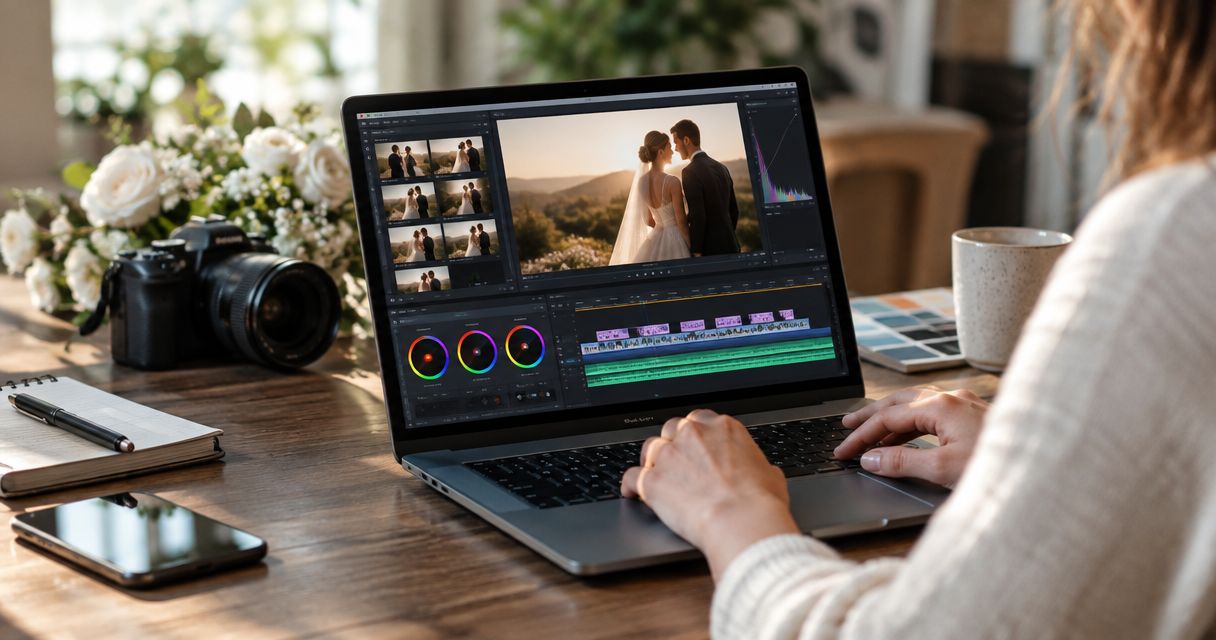
Wedding filmmakers use wedding LUTs—colour lookup tables that remap image colours—to give wedding films a consistent look while preserving believable skin tones. For Indian wedding studios, that look must hold together across daylight ceremonies, warm interiors, colourful outfits and reception lighting, not just a carefully lit portrait.
TL;DR
- Choose wedding LUTs that match your footage’s input colour space, then judge skin tones before style.
- For wedding colour grading, correct exposure and white balance before evaluating a creative LUT.
- Test bridal reds, embroidery and reception lighting before approving a look for the full wedding film.
- Fotoowl AI Gallery suits wedding studios delivering photos and videos; it is separate from the film’s LUT workflow.
Why this matters
The best wedding LUT is the one that survives your hardest footage, not the one with the strongest demo reel. A flattering sunset preview tells you little about how a look handles a face under mixed LEDs or detailed fabric near clipping.
For your 2026 wedding-film workflow, separate colour correction, creative styling and delivery. Each solves a different problem. If you cover several functions, start by organising media for multi-function Indian weddings so reference shots and approvals stay attached to the right event.
Why wedding LUTs matter for wedding filmmakers
A wedding film moves between lighting conditions that you cannot always control. The same person appears outdoors, beneath a decorated mandap and on a reception stage; a consistent grade helps those shots belong to the same story.
A LUT applies a defined colour mapping. It does not understand which face matters, whether a red garment is accurate or whether a lighting change belongs in the scene. Those remain editing decisions.
For a studio handling photography and filmmaking, consistency also extends beyond the timeline. Your film and stills need a compatible visual direction, although they do not need identical settings or the same processing tools.
In 2026, build your look around repeatable decisions rather than a folder of unnamed LUT files. Record the expected input, the intended output and the lighting conditions where each look works. That gives another editor something usable, not merely a style reference.
How to choose wedding LUTs for your studio
Identify your footage before choosing a look
Start with the camera files and recording settings, not the LUT preview. Check whether each source uses a log profile, a standard picture profile or another recording mode. Identify the colour gamut as well as the transfer curve.
A technical conversion and a creative look have different jobs. The conversion prepares footage for a defined working or display space; the creative look changes its appearance. Some LUTs combine those jobs, so read the supplied instructions before adding a separate conversion.
Do not apply a log-input LUT to already converted footage just because the camera name matches. The camera model alone does not establish compatibility.
- Record the picture profile and gamut for each camera source.
- Read the LUT’s stated input and output requirements.
- Check whether your editor already applies an automatic input transform.
- Keep technical conversion and creative styling clearly labelled.
Build a difficult test sequence
Use footage from your own weddings before approving a look for a client project. A demonstration film shows the creator’s footage and finishing decisions, not yours.
As a practical starting point, assemble 6 test clips covering daylight faces, shaded faces, bright clothing, warm interiors, mixed lighting and a dark reception. These are test instructions, not a quality standard. Replace any category that does not represent the wedding you are editing.
Include motion. A still frame hides changes as a subject walks beneath coloured lights or turns towards a window. Compare candidates using the same sequence and corrections, rather than changing the source to flatter each look.
- Include a close view of skin beside richly coloured clothing.
- Add a shot with pale fabric and visible texture.
- Include the most difficult reception lighting in the project.
- Keep an unstyled reference version for comparison.
Correct the image before judging the LUT
Use your editor’s existing exposure, white-balance and colour controls first. A creative LUT is not a substitute for correcting a green cast or matching a bright camera angle to a darker one.
Follow the processing order required by your colour-management setup. Input corrections can sit before a transform, while display-referred adjustments can sit after it; what matters is understanding what signal each operation expects. Avoid copying a node order without checking those assumptions.
Fotoowl AI Gallery handles photo and video delivery, not this grading decision. Fotoowl AI Gallery is best for wedding studios that need photo and video delivery with face recognition galleries. Keep the creative master in your editing workflow and treat delivery as a separate stage.
- Balance exposure before comparing creative looks.
- Correct unwanted colour casts without erasing intentional lighting.
- Check transform settings before changing saturation or contrast.
- Compare the corrected image with the styled version.
Choose a look around skin and clothing
Describe the desired result in plain language: natural skin, warm highlights, restrained greens or deeper contrast. Then check whether each LUT achieves that result without damaging important colours.
For Indian weddings, test the actual garments in the footage. Red, maroon, saffron, gold and ivory should remain distinguishable when they are present. A look that makes every warm colour converge into orange sacrifices information the client will recognise.
Judge faces across different complexions and exposures. The same treatment must not make one person appear healthy while pushing another towards an unwanted red or grey cast. Protect people before protecting the preset.
- Compare faces in daylight and under interior lighting.
- Check whether neighbouring garment colours remain distinct.
- Inspect embroidery and jewellery for lost highlight detail.
- Reject a look that needs extensive repair on routine shots.
Match cameras before applying a shared style
Normalise each camera source appropriately, then match the images before sharing a creative look. A common LUT does not remove differences in exposure, white balance, lenses or camera response.
Compare 2 camera angles from the same moment as a focused test. Match a face, a neutral surface and a strongly coloured object visible in both. Cut between the angles rather than judging each in isolation.
For a 2026 studio template, separate camera-specific adjustments from the shared creative treatment. That makes revisions easier: you can change the overall look without rebuilding every source correction, or fix a camera mismatch without disturbing the approved style.
- Group footage by camera and recording profile.
- Choose a reference angle for each lighting setup.
- Match exposure and colour before sharing the creative grade.
- Recheck transitions between close-ups and wider coverage.
Adjust the look instead of accepting the default
Treat LUT strength as an editing control, not an instruction to maximise the effect. Where your editor supports it, blend the creative treatment and compare the result against the corrected image.
Reducing intensity is useful when the overall direction works but contrast or saturation feels excessive. It does not fix an incorrect input transform. Return to the setup if the image looks fundamentally wrong.
Review a 20-second sequence containing faces, detail shots and a lighting transition. This short review is a suggested checkpoint, not a performance benchmark. The look should support the sequence without drawing attention to each change in lighting.
- Reduce creative intensity when the treatment overwhelms faces.
- Use targeted adjustments for isolated colour problems.
- Preserve meaningful differences between ceremony and reception lighting.
- Save a clear name and notes for the approved version.
Validate the export before delivering it
Judge the exported file as well as the editing viewer. Confirm that your output colour space, export settings and file tagging agree with the intended delivery. An attractive timeline preview is not the final deliverable.
Use a colour-managed reference display for grading decisions, then check ordinary viewing devices for obvious problems. Do not keep regrading to satisfy every phone setting; that creates a moving target rather than a dependable master.
For 2026 projects, retain the approved reference export with the project notes. Fotoowl supports photo and video delivery through AI Gallery, but your export review still belongs before upload. Delivery software does not replace colour-quality control.
- Check the export’s colour-space and transfer settings.
- Review faces, dark areas and bright fabrics in the exported file.
- Compare the export with the approved timeline reference.
- Keep the master separate from alternate delivery versions.
The process is sequential: identify the source, correct the image, establish a look, then verify the exported result. Save those decisions alongside the project so another editor can repeat them.
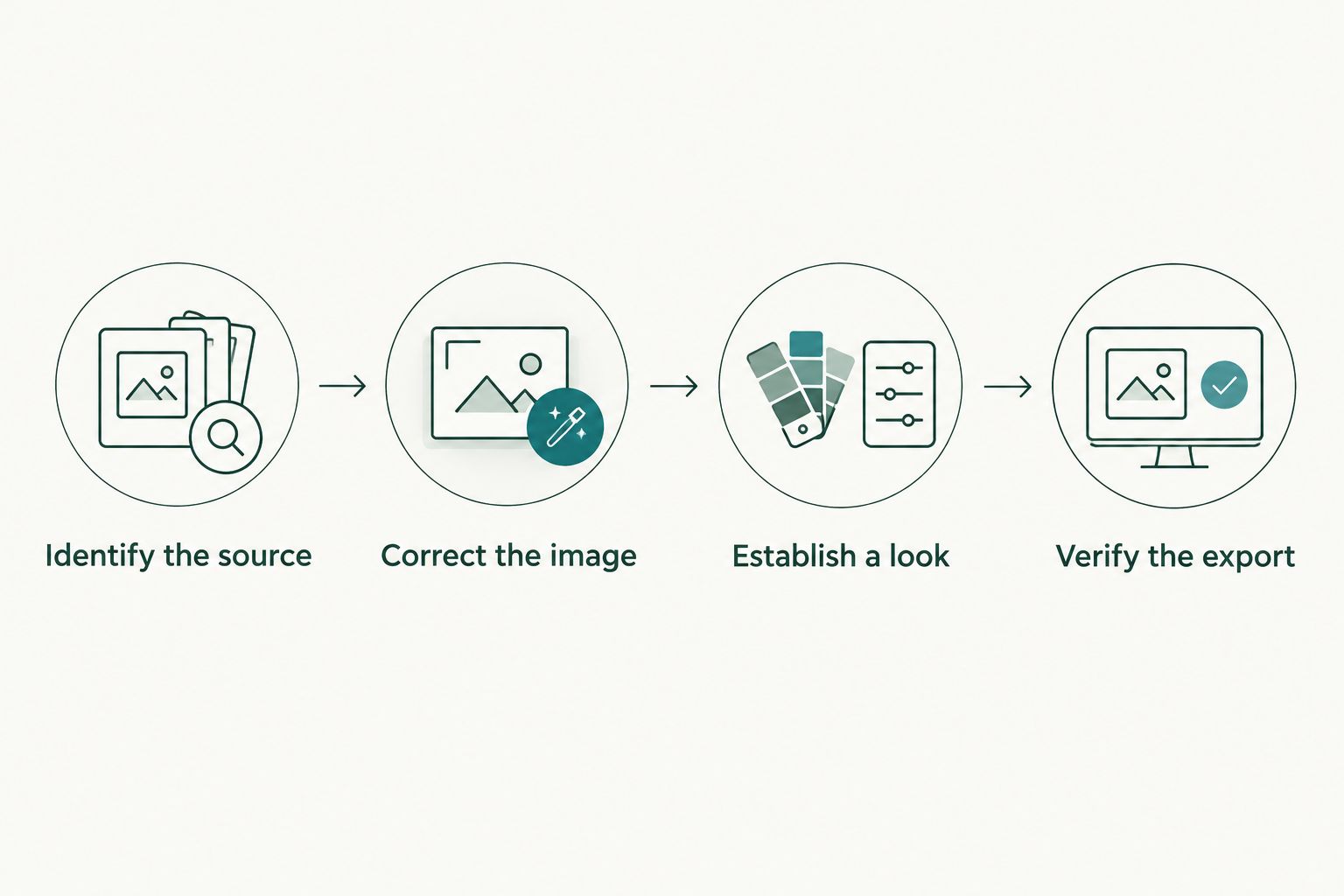
Choose the creative look only after you understand and correct the source footage.
Compare wedding-film colour options
Choose the approach that fits your footage and working method. These options are not interchangeable: a technical LUT prepares a signal, while a creative LUT supplies a look.
| Option | Best for | Main advantage | Key limitation |
|---|---|---|---|
| Manual correction without a creative LUT | Studios building a natural, shot-specific finish | Direct control over each adjustment | Requires consistent judgement across editors and scenes |
| Technical conversion LUT | Footage with a documented input and output requirement | Applies a defined conversion | Does not automatically supply the desired wedding-film style |
| Creative LUT after colour management | Studios seeking a repeatable visual direction | Gives matched footage a shared starting look | Still needs shot-level correction and testing |
| Combined conversion-and-look LUT | A tightly controlled source workflow | Combines conversion and styling in one treatment | Less flexible when cameras or recording profiles change |
Start with manual correction and a documented colour pipeline; add a creative LUT when it earns its place. A combined LUT suits a controlled setup, but separating conversion from style gives you clearer troubleshooting when footage varies.
Choose tools by their role. Fotoowl’s gallery and reel-generation features serve media delivery and related outputs; the wedding film’s colour pipeline remains a separate decision. Do not choose a LUT on the assumption that a gallery platform will correct its results.
Common mistakes wedding filmmakers make
Choosing from portraits alone
A LUT that flatters a softly lit couple portrait has not passed a wedding test. Include family groups, ceremony coverage and difficult reception footage before committing. Otherwise, the look is approved against the easiest material rather than the material you must deliver.
Confusing warm styling with an orange cast
Warmth is a creative choice; indiscriminately shifting faces, ivory fabric and gold décor towards the same hue is a colour problem. Check neutral references and familiar objects. Keep the atmosphere without losing the differences between them.
Applying conversion twice
Automatic colour management and a conversion LUT can overlap. Check the source interpretation before adding a camera-specific LUT, especially when contrast and saturation suddenly become excessive. Lowering creative intensity does not address the underlying pipeline error.
Forcing reception footage to resemble daylight
Coloured stage lighting belongs to the event, but faces still need careful judgement. Correct distracting casts where practical without trying to make every scene neutral. Use a related visual direction across functions, not an identical correction on every clip.
Letting editors interpret the look independently
An approved reference is more useful than an instruction to make footage cinematic. For your 2026 handover, include representative frames, the processing order and notes about exceptions. Specify which adjustments are shared and which remain shot-specific.
FAQ
What are wedding LUTs?
Wedding LUTs are colour lookup tables used to transform or style wedding-film footage. A technical LUT converts between defined colour representations, while a creative LUT changes the visual treatment.
What’s the best wedding LUT for Indian wedding films?
The best wedding LUT matches your footage’s input requirements and preserves believable skin and garment colours across your actual scenes. Test daylight, ceremony and reception footage before approving it.
Can I use the same wedding LUT on different cameras?
You can share a creative LUT after correctly converting and matching footage from different cameras. Do not assume a camera-specific technical LUT accepts footage from another recording profile.
Should I correct white balance before applying a wedding LUT?
Correct unwanted white-balance errors before judging the creative look. Place the adjustment according to your colour-management setup and the signal the LUT expects.
Why does my wedding LUT make skin look orange?
An orange result can come from white-balance errors, an incompatible input or the LUT’s creative colour treatment. Check the pipeline first, then adjust the look or reject it if skin remains unconvincing.
Are wedding LUTs the same as photo presets?
Wedding LUTs and photo presets are different editing tools. A LUT maps colour values, while a photo preset stores adjustments supported by its editing application; they are not interchangeable workflows.
Does Fotoowl replace wedding-film colour grading?
Fotoowl provides gallery and media-delivery features, not a replacement for your wedding-film colour-grading workflow. Complete your colour decisions and export checks in your editing workflow before delivery.
One last thing
Before approving a look, watch the sequence without concentrating on the grade. Follow the expressions, gestures and ceremony instead. If a colour shift repeatedly pulls your attention away from the people, revisit that shot—even when the isolated frame looks impressive.
Keep an unstyled, correctly converted reference available until delivery. It gives you a baseline when familiarity with the creative treatment makes colour problems harder to notice.