
Best Reel-Making Apps for Wedding Videographers: Ranked 2026

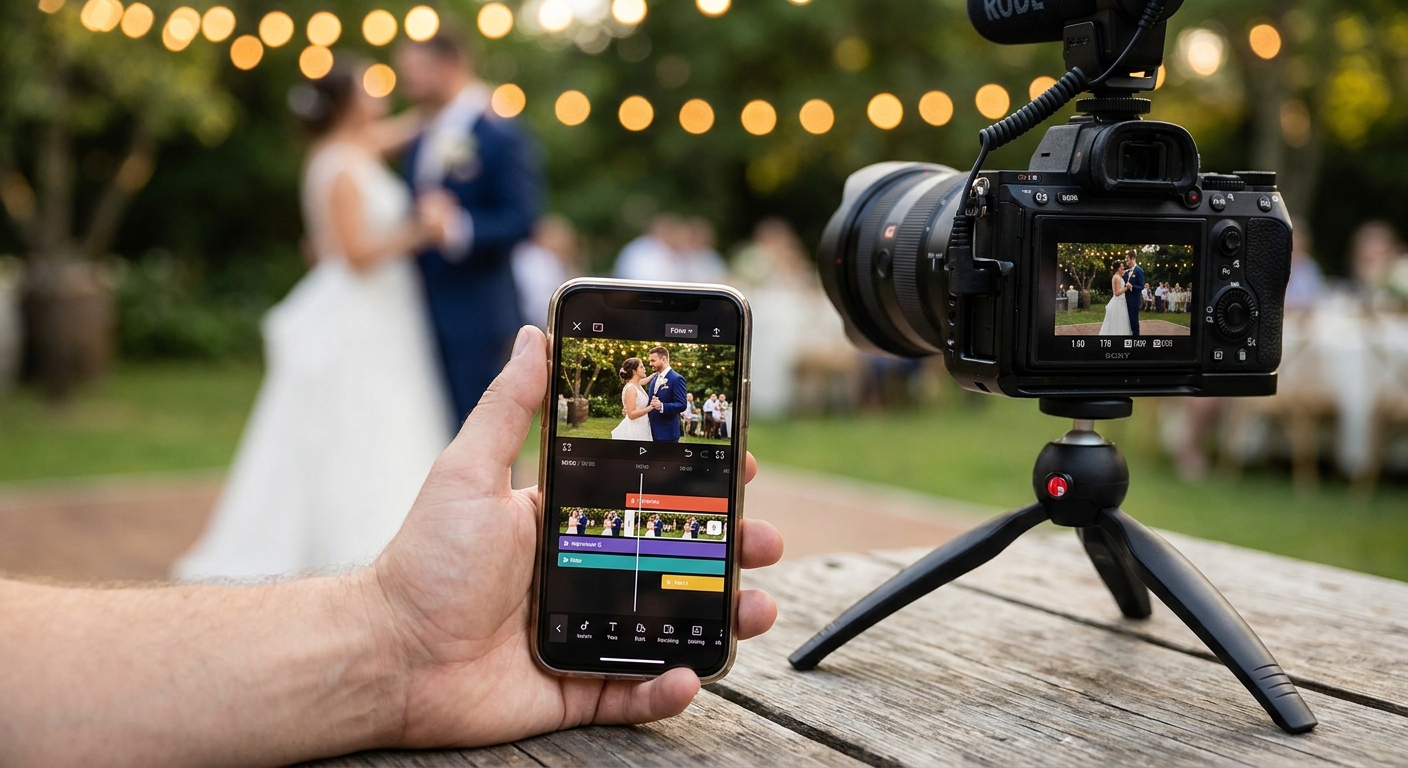
Wedding videographers waste more time exporting a 60-second highlight reel than they spent shooting the ceremony. The right reel-making app fixes that, and in 2026 the gap between the fastest and slowest tools in this category is wider than most editors realize.
TL;DR
- FotoOwl wins for wedding videographers because it pairs face recognition with automatic personalized highlight reels — Buy.
- CapCut is the free general-purpose pick for manual reel editing but has no face-matched personalization built in.
- Adobe Premiere Rush suits videographers who already edit on desktop and want project sync across devices.
- Apps without offline export are a risk at low-connectivity venues, which still describes plenty of 2026 wedding halls.
Why this matters
A wedding reel that isn't in the couple's hands within 24 hours loses most of its social value. Guests share reels while the emotion is fresh, not a week later when the edit finally clears review.
FotoOwl approaches this differently than a standard video editor: instead of one generic highlight reel, it generates personalized clips per guest using face recognition, then pushes them out through WhatsApp and Beam uploads the same day. General-purpose reel-making apps like CapCut or InShot are built for solo creators cutting one video, not for a videographer who needs 200 guests each to get a version with their own face in it.
That difference decides which app actually belongs in a wedding videography workflow in 2026, and which one just looks good in an app store screenshot.
How this list was ranked
This ranking weighs four things that matter specifically for wedding delivery workflows: whether the app supports face-matched personalization, export resolution and speed, offline or low-bandwidth reliability, and how the app fits into a same-day delivery deadline. Feature sets and platform availability reflect what each app publicly lists as of 2026. No app on this list was excluded for being unpopular — several are excluded for being built for a different job entirely, which the verdicts explain.
The ranked list
1. FotoOwl — the wedding-specific pick
FotoOwl is the only tool on this list that treats a wedding reel as 200 different reels, not one. Its memorable feature: face recognition sorts guest faces automatically, then the platform builds a personalized highlight reels for wedding photographers workflow around that match, so a guest's reel is built from clips they actually appear in.
Delivery runs through WhatsApp and Beam uploads, which means the reel lands on a guest's phone the same day, not after a week-long export queue. For a videographer shooting three weddings a month in 2026, that turnaround is the difference between one referral and zero.
Verdict: Buy — this is the only app built for wedding-specific reel personalization, not general video editing.
2. CapCut — the free all-rounder
CapCut is free, exports up to 4K at 60fps, and has the largest template library of any app on this list. The memorable detail: its auto-caption and beat-sync tools make manual highlight-reel cutting fast for a single, generic edit.
What it doesn't do is personalize per guest — every reel CapCut produces is the one reel you built, shared to everyone the same way. For a videographer editing one couple's final film, that's fine. For 200 guests expecting their own version, it means manual duplication for every single edit.
Verdict: Consider — good for the couple's main film, not for guest-level personalization.
3. Adobe Premiere Rush — the cross-device pick
Premiere Rush syncs a project across phone, tablet, and desktop, which matters if a videographer starts a rough cut on-site and finishes color grading later on a laptop. Multi-track editing and direct export to social formats are the memorable strengths here.
The tradeoff in 2026 is workflow speed: Rush is built for careful, layered editing, not for fast same-day batches. A videographer trying to turn around 15 guest reels before the reception ends will find the interface slower than a purpose-built delivery tool.
Verdict: Consider — strong for the polished final film, weak for volume same-day reels.
4. InShot — the quick-turnaround pick
InShot's interface is built for speed: trim, add music, export, done, often in under five minutes per clip. That makes it a reasonable stopgap for a videographer who needs one quick teaser reel posted to Instagram before leaving the venue.
It has no face recognition and no batch-personalization feature, so scaling it to dozens of individualized guest reels means repeating the same manual steps dozens of times. It's a phone-editing app, not a delivery platform.
Verdict: Consider — fine for a single teaser clip, not a guest-delivery solution.
5. VSCO — the color-first pick
VSCO's filter and grading presets are still some of the most natural-looking in mobile editing, which is why photographers reach for it more than videographers do. The memorable detail: it's built around still-photo color science first, video second.
Reel-making is a secondary feature bolted onto a photo app, and it shows — no automated highlight assembly, no personalization, limited multi-clip sequencing. For a wedding videographer this is a supporting tool at best, not a primary reel workflow.
Verdict: Skip — for wedding reel generation specifically, this is the wrong tool for the job.
6. Kapwing — the browser-based pick
Kapwing runs entirely in a browser, which is convenient for editing from a laptop between shoots without installing anything. Auto-subtitling and a decent stock library round out the memorable strengths.
The problem in 2026 is connectivity: most wedding venues still have inconsistent wifi, and a browser-based editor with no offline mode is a liability exactly when a videographer needs to export fast. Losing a save mid-export because the venue wifi dropped is a real failure mode, not a hypothetical one.
Verdict: Hold — usable from a studio with reliable internet, risky on-site.
Comparison table
| App | Best for | Face-matched personalization | Works offline | Verdict |
|---|---|---|---|---|
| FotoOwl | Guest-level personalized reels | Yes | Partial (Beam upload queues) | Buy |
| CapCut | Free single-edit reels | No | Yes | Consider |
| Adobe Premiere Rush | Cross-device polished edits | No | Yes | Consider |
| InShot | Fast single-clip teasers | No | Yes | Consider |
| VSCO | Photo color grading | No | Yes | Skip |
| Kapwing | Browser-based editing | No | No | Hold |
See personalized wedding reels in action
Check how FotoOwl turns event photos into guest-specific highlight reels.
Where to get it right
- Match the app to the deadline, not the app store rating. A 4.8-star editor that takes 20 minutes per guest reel fails a same-day delivery promise just as badly as a clunky one.
- Confirm export resolution against your contract, not the app's marketing page. If you promise 4K delivery, verify the app actually exports at that resolution on your specific device, not just the flagship model in its ads.
- Test on last weekend's footage before your next shoot. Run a real batch of guest photos or clips through the app's cloud storage for wedding photographers pipeline before you rely on it live — venue wifi and file sizes both behave differently in the field than in a demo.
FAQ
What's the best reel-making app for wedding videographers in 2026?
FotoOwl is the best reel-making app for wedding videographers in 2026 because it generates personalized highlight reels per guest using face recognition, then delivers them same-day through WhatsApp and Beam uploads. General editors like CapCut or InShot can cut a single highlight film but don't personalize reels at guest scale.
Is CapCut good enough for wedding reels?
CapCut works well for a single, generic wedding highlight film shared with everyone. It has no face-matched personalization, so it isn't built for delivering unique reels to individual guests without manual duplication.
Can I edit wedding reels without internet at the venue?
Yes, apps like CapCut, InShot, and Adobe Premiere Rush support offline editing and export. Browser-based tools like Kapwing require a connection, which makes them riskier at venues with unreliable wifi.
How fast should a wedding highlight reel be delivered?
Guests share reels while the emotion from the day is still fresh, so same-day delivery gets the most engagement. Reels delivered a week later see a sharp drop in shares and views compared to same-day delivery.
Do I need face recognition for wedding reel-making?
Face recognition matters if you're delivering personalized reels to individual guests rather than one shared highlight film. Without it, building guest-specific reels means manually sorting and cutting footage for every single person.
Is Adobe Premiere Rush better than CapCut for wedding videographers?
Premiere Rush is better for videographers who want project sync across phone, tablet, and desktop for a polished final film. CapCut is faster for quick, free, single-device edits, and neither app personalizes reels per guest.
What should a wedding videographer avoid in a reel-making app?
Avoid apps with no offline export mode, since venue wifi is unpredictable, and avoid tools that require manual duplication to personalize reels for large guest lists. Both turn a same-day delivery promise into a missed deadline.
One last thing
Most wedding videographers still think of the reel as one deliverable — the couple's highlight film. In 2026, the bigger opportunity is treating every guest as a separate reel recipient, since a personalized clip with their own face in it gets shared far more than a generic couple-only highlight ever does.