
Highlight VIP Photos at Events: 2026 Workflow Guide

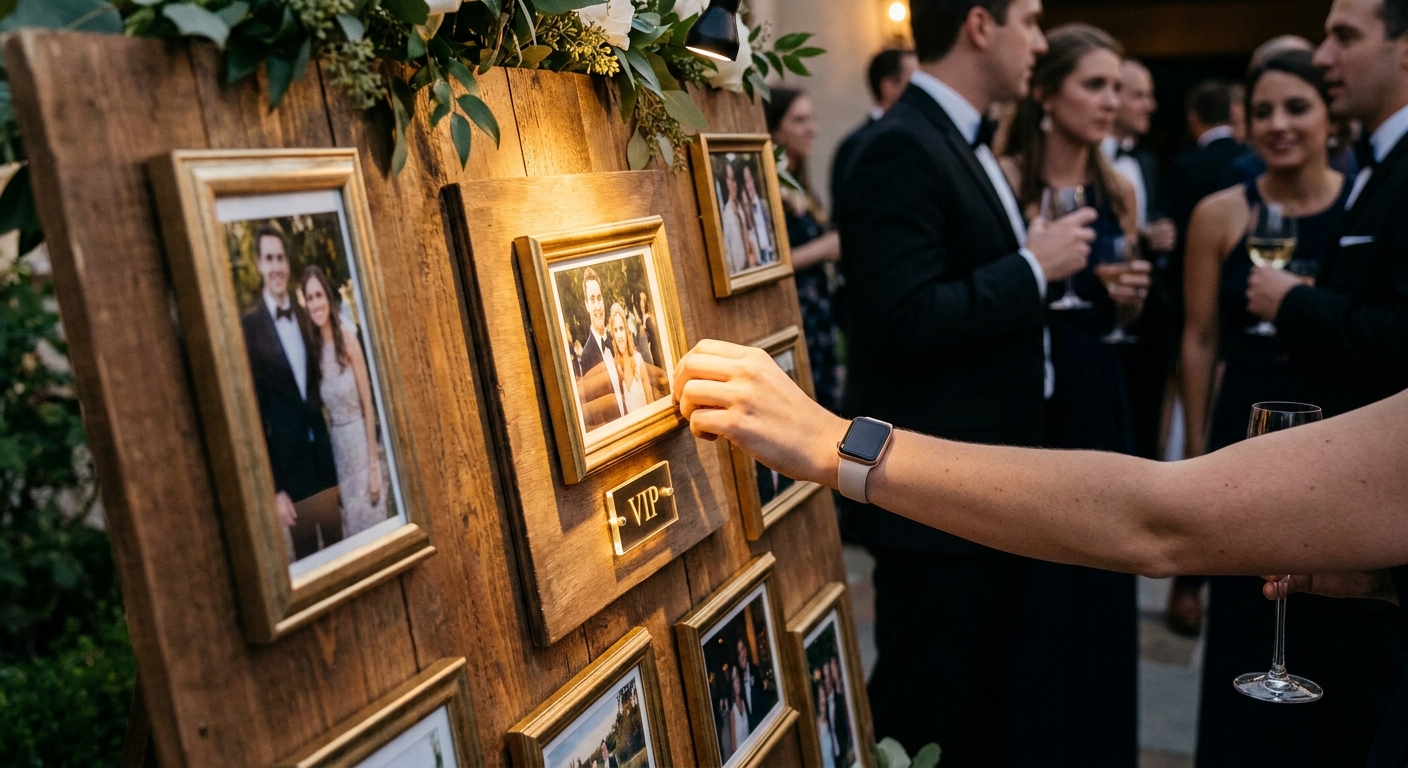
VIP guests — sponsors, executives, wedding parents, tournament MVPs — need their photos found first, tagged first, and delivered first, and getting that right in 2026 takes a system, not a manual sort at 2 a.m.
TL;DR
- Tag VIP faces before doors open so face recognition sorts them automatically, not after the fact.
- A separate VIP gallery with a private link beats hunting through 3,000 shared photos.
- Watermark VIP proofs but skip a heavy logo across faces used for sponsor recaps.
- Personalized highlight reels for VIPs drive repeat bookings more than the standard gallery link.
- FotoOwl's face recognition and reel tools cut VIP delivery time from hours to minutes in 2026 workflows.
Why this matters
A VIP photo that arrives late is worse than no photo at all — the sponsor logo recap missed the Monday send, the bride's mother waited three days for the getting-ready shot, the tournament MVP's parents saw the highlight reel after the story stopped trending.
Event photographers in 2026 are judged less on image quality and more on delivery speed for the people who matter most to the client's business relationship. A corporate client doesn't care that you shot 4,000 frames — they care that the 12 photos of their board members landed in an inbox within an hour.
Highlighting VIP photos at events is a workflow problem, not a photography problem. Solve the workflow and the VIP experience upgrades itself.
What you'll need
- A VIP list confirmed before the event (names, faces, or badge numbers)
- A face recognition photo platform that supports pre-event tagging
- A private gallery or folder structure separate from the general guest gallery
- A watermark or branding template that doesn't obscure faces
- A delivery channel — WhatsApp, email, or QR code — for instant VIP sends
- Roughly 15-20 minutes of pre-event setup time
The steps
1. Tag VIP faces before the event starts
Upload reference photos of every VIP into your face recognition system before the first frame is shot. This trains the algorithm to recognize them in low light, side profile, or partial obstruction — situations that trip up manual sorting every time.
Skipping this step means your team is scrolling through hundreds of images by hand after the event, which is exactly the delay VIP treatment is supposed to eliminate. FotoOwl's face recognition tool, covered in how to use face recognition to sort wedding photos, applies the same logic to any VIP subset, not just the wedding party.
Common mistake: uploading a single reference photo per VIP. Use two or three angles — front-facing and one profile — so the model doesn't miss them in candid shots.
2. Build a separate VIP gallery, not a filtered view
A filtered tag inside the main gallery still forces the client to dig. A standalone VIP gallery with its own link is what actually reads as "you were prioritized."
Create the VIP folder as soon as tagging is confirmed, and set it to populate automatically as matching faces upload. This matters most at corporate events and weddings in 2026, where sponsor recap decks and family albums are judged on how fast the VIP subset shows up separately from the crowd shots.
Common mistake: naming the gallery something generic like "Album 2." Label it clearly — "Board Members" or "Bridal Party" — so whoever receives the link knows instantly it's curated for them.
3. Set delivery priority so VIP photos process first
Most bulk upload tools process images in the order they arrive, which means a phone-camera candid from a random guest can queue ahead of the keynote speaker's headshot. Flag the VIP folder for priority processing so those images clear the queue first.
This is the single biggest lever for perceived speed. A client doesn't measure your total delivery time — they measure how fast their photos showed up.
Common mistake: assuming priority processing happens automatically. Confirm the setting is toggled on before the event, not during it.
4. Apply selective watermarking that protects without hiding
Watermark VIP proofs the same way you'd watermark any proof set for sale — but keep the mark small, in a corner, and never centered over a face. VIP photos get reshared, screenshotted, and posted more than general guest photos, so branding matters, but a logo across a CEO's face kills the usability of the image for a press recap.
The process is covered in detail in how to add a watermark to event photos before delivery, and the same corner-placement rule applies whether it's a wedding proof or a sponsor deliverable.
Common mistake: applying the full-resolution watermark template meant for guest downloads to VIP proofs meant for internal or press use.
5. Generate a personalized highlight reel for each VIP
A 30-second reel built from a VIP's best 15-20 frames outperforms a static gallery link for engagement — it gets shared, it gets watched twice, and it's the piece most likely to drive a repeat booking. Automated reel generation pulls directly from the tagged VIP folder, so there's no extra editing pass required.
This works the same for a wedding parent, a tournament MVP, or a keynote speaker at a corporate event, and the delivery timeline drops from days to under an hour when the reel is generated straight from the priority-processed folder.
Common mistake: sending the reel days after the event. The engagement value drops fast once the moment has passed — same-day delivery is the standard for 2026.
6. Share VIP galleries through a private link or QR code
Don't rely on the same public gallery link for VIPs and general guests. A private link or a dedicated QR code at the VIP table keeps the experience separate and makes tracking who opened it straightforward.
Corporate events benefit most from this — sponsors and executives expect a discreet, direct hand-off rather than a shared public URL. QR code photo sharing for corporate events walks through the setup for exactly this scenario.
Common mistake: printing a generic event QR code and expecting VIPs to filter themselves. Generate a separate code tied to the VIP gallery link.
7. Confirm delivery and track opens
Check that every VIP on your list actually received and opened their gallery or reel within the first hour post-event. A missed delivery to a sponsor or a bridal party member is the fastest way to lose the next booking.
Most platforms show open and download counts — use that data to follow up personally with anyone who hasn't opened their link within a few hours, rather than assuming the send worked.
Troubleshooting
- Face recognition misses a VIP in group shots — retrain with a side-profile reference photo; front-facing-only references fail in crowded frames.
- A VIP is added to the list last minute — most face recognition tools let you tag a new reference photo mid-event, but expect a short processing delay for earlier images already uploaded.
- Watermark covers part of the face in vertical crops — switch the watermark position to bottom-corner rather than center for any portrait-orientation set.
- VIP gallery link gets shared publicly and floods with unrelated views — regenerate a fresh private link rather than trying to restrict the old one after the fact.
- Highlight reel pulls low-quality or blurry frames — filter the source folder by a minimum sharpness score before reel generation runs.
- Bulk export for VIP folder is slow on-site — export in smaller batches of 20-30 images rather than the full folder at once; this matters most on venue wifi.
Tools and resources
- Face recognition tagging — how to use face recognition to sort wedding photos
- Watermarking without covering faces — how to add a watermark to event photos before delivery
- Private QR delivery for corporate VIPs — QR code photo sharing for corporate events
- Personalized reel generation for weddings and sports events
- FotoOwl's face recognition and gallery platform for the full VIP workflow
Set up VIP photo delivery
See how face recognition prioritizes VIP galleries at your next event.
What to do next
Once the VIP workflow is set, the next bottleneck is usually general guest delivery speed — if the full gallery still takes 24-48 hours to process, the VIP-first approach only solves half the problem. Building a faster bulk pipeline for everyone else closes the gap.
FAQ
What's the best way to highlight VIP photos at events in 2026?
The best way to highlight VIP photos at events in 2026 is pre-event face recognition tagging paired with a separate priority gallery. This gets VIP images sorted and delivered before the general guest set finishes processing.
Is face recognition better than manual tagging for VIP photos?
Face recognition is faster and more consistent than manual tagging once VIPs are pre-tagged with reference photos. Manual sorting through thousands of images introduces delay and human error that priority delivery is meant to avoid.
How much does it cost to set up a VIP photo workflow?
Cost depends on the photo gallery platform's plan, but the setup itself — tagging faces and creating a separate gallery — adds no meaningful extra time to a standard event workflow in 2026.
Should VIP photos be watermarked the same way as guest photos?
No, VIP photos should use a smaller, corner-placed watermark rather than the full-coverage mark used on public proof sets. VIP images get reshared and used in press or sponsor recaps more often, so visibility of the subject matters more.
How fast should VIP photo delivery be after an event?
VIP photo and highlight reel delivery should happen within one hour of the event ending in 2026 workflows. Same-day delivery is the baseline expectation for sponsors, executives, and wedding families.
Can highlight reels be personalized for individual VIPs?
Yes, personalized highlight reels pull only the tagged VIP's best frames into a short reel, typically 20-30 seconds. This performs better for engagement and reshares than a static gallery link.
Do QR codes work for VIP photo sharing at corporate events?
QR codes work well for VIP photo sharing when tied to a private gallery link rather than the general event code. This keeps sponsor and executive photos separate from the public guest gallery.
What's the biggest mistake in VIP photo delivery?
The biggest mistake is tagging VIPs after the event instead of before it. Pre-event tagging is what makes priority processing and same-day delivery possible in the first place.
One last thing
The VIPs who get a personalized reel within the hour are the ones who rebook — a static gallery link buried in a mass email rarely gets a second look, but a 20-second reel built just for them almost always does.