
How to build a photography portfolio website without coding

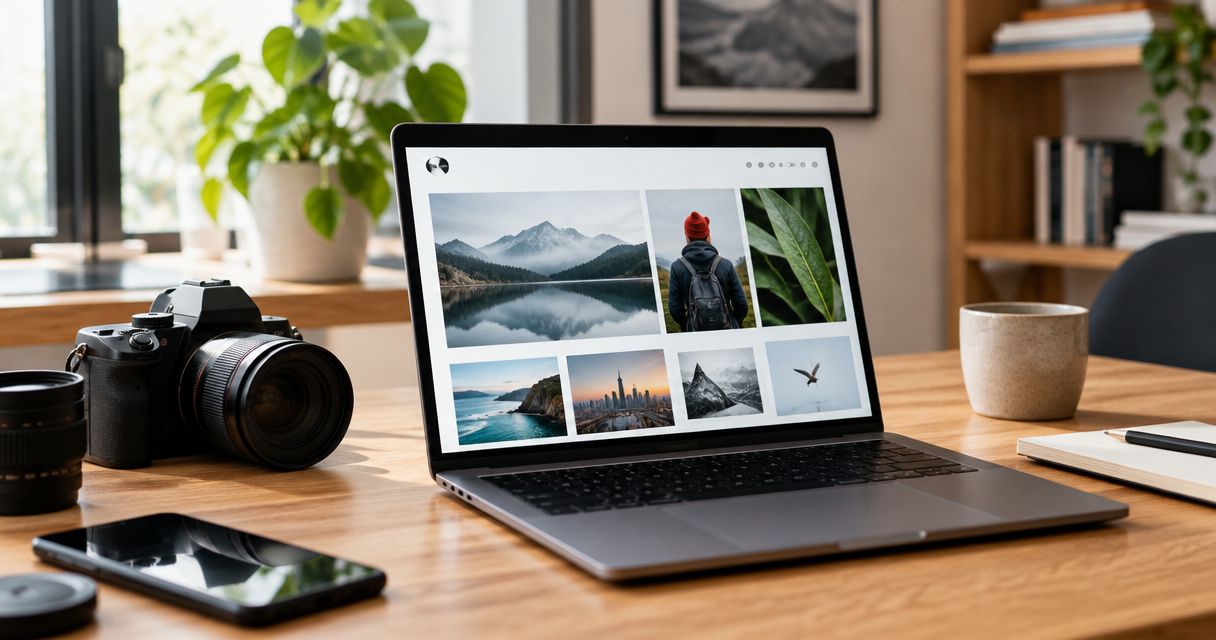
You can build a photography portfolio website without coding by choosing a visual website builder, organising your strongest work into focused galleries, adding clear service and contact details, and testing the published site on a phone. For a professional Indian photography studio in 2026, the key decision is how to present your work publicly without exposing private client deliveries.
TL;DR
- To build photography portfolio website pages without coding, start with curated galleries and a clear enquiry route.
- Fotoowl suits professional event photographers who want portfolio building alongside AI Gallery delivery.
- Keep public portfolio images separate from private wedding, school and corporate event deliveries.
- Test mobile crops, gallery loading and the contact journey before publishing.
Why this matters
Your portfolio should answer a prospective client's questions: what you photograph, whether your work fits the assignment, where you work, and how to enquire. Design the site around those decisions rather than around everything your studio has ever photographed.
A portfolio and a delivery gallery serve different purposes. Before choosing your structure, review the distinction through this guide to online galleries for photographers, then decide which images belong in public view.
How do you build a photography portfolio website without coding?
Build your portfolio in this order. Complete the content decisions before adjusting fonts, spacing or animation.
- Define the assignments you want the website to attract.
- Choose between a dedicated portfolio builder and a gallery platform with portfolio features.
- Curate photographs into clear service categories.
- Create the essential information and enquiry sections.
- Prepare images and descriptive text for the web.
- Check publication permission and separate private deliveries.
- Test the full visitor journey before launch.
The goal is a credible route from viewing your photographs to making an enquiry—not a complete archive of your career. Treat the following sections as a build checklist, not as requirements to add more pages.
1. Define the assignments you want
Write a plain sentence describing the work you want to book. For example, a wedding photographer might focus on multi-function Indian weddings, while an event studio might prioritise conferences and corporate celebrations. These are positioning choices, not claims to copy unless they match your actual work.
Use that sentence to decide your opening image, gallery categories and service description. If your 2026 priority is corporate assignments, do not make a prospective corporate client search through unrelated personal projects to find relevant coverage.
Include your actual base and service area in ordinary language. Do not list cities simply because you want to rank there; describe where you genuinely accept assignments.
2. Choose the right no-code approach
Compare the workflow before comparing templates. A dedicated portfolio builder centres the public website; a gallery platform with portfolio features brings public presentation closer to the tools used for client delivery.
| Approach | Best for | Advantage | Trade-off to check |
|---|---|---|---|
| Dedicated portfolio builder | Photographers primarily building a public marketing website | Keeps the build focused on presentation and enquiries | Client delivery can require a separate workflow; confirm what is included |
| Gallery platform with portfolio features | Event studios evaluating portfolio building alongside client galleries | Lets you assess presentation and delivery within the same platform | Confirm the layout, domain and search settings you need before committing |
Neither approach removes the need to edit your work carefully. A website builder controls presentation; you remain responsible for image selection, accurate copy and publication permission.
Fotoowl is best for professional event photographers who want portfolio building alongside AI Gallery delivery. AI Gallery includes a portfolio builder and face-recognition galleries. That makes it relevant to this workflow, but it does not establish support for every custom layout, domain arrangement or search setting; check those requirements directly before choosing.
3. Curate galleries around services
As a starting editing constraint, create 3 galleries with up to 12 photographs per gallery. These are suggested working limits, not platform limits or a proven conversion formula. Expand only when an additional image demonstrates something useful.
Choose categories that match your assignments: weddings, corporate events and sports, for example. If you specialise in weddings, use meaningful divisions within that work instead of adding unrelated categories to fill the menu.
Inside each gallery, show range without repetition. Include context, people, moments and details where they demonstrate the service. For an Indian wedding portfolio, that might mean showing both ceremony coverage and difficult reception lighting rather than repeating similar portraits.
Check the sequence as a whole. If neighbouring frames communicate the same thing, retain the stronger photograph. A portfolio needs an editorial decision, not every acceptable image from the shoot.
4. Create essential sections
Start with a homepage, portfolio, services, about information and a contact route. These can be separate pages or clearly labelled sections, depending on the builder. You do not need a large menu to explain a focused photography business.
Give each section a specific job:
- Homepage: identify your photography service and lead with relevant work.
- Portfolio: show the kinds of assignments you want to receive.
- Services: explain what you photograph without promising unsupported deliverables.
- About: state who you are and how you approach assignments.
- Contact: tell a prospective client how to send a useful enquiry.
For enquiries, request information you will actually use: event type, date, location and coverage requirements. If your builder supports a form, test it; otherwise, display an accurate contact method. Do not publish a booking confirmation message unless the enquiry genuinely confirms a booking.
5. Prepare images and useful text
Export web versions rather than uploading your only full-resolution masters. Keep the originals in your normal storage workflow. Follow the builder's documented image requirements, then inspect the result instead of assuming that a particular export setting suits every site.
Use descriptive filenames and write alternative text that explains the image's relevant content. Describe a ceremony, a stage presentation or a finish-line moment accurately; do not turn every image description into a string of search terms.
When you build photography portfolio website pages in 2026, keep their titles specific to the work shown. A truthful service-and-location title gives a visitor more information than an unnamed gallery or a decorative slogan.
Avoid adding a city, venue or event description that the photograph does not represent. Search-friendly copy starts with accurate descriptions, not repeated keywords.
6. Separate public work from client delivery
Review permission before publishing identifiable client photographs. Check your agreement and any instructions from the commissioning client; do not treat possession of the files as permission to use them for studio promotion.
For school assignments, corporate events and private celebrations, review images and project details with particular care. A public portfolio should contain work approved for public presentation, not a convenient link into an entire client delivery.
Use this publication sequence:
- Select work: choose photographs that demonstrate the service.
- Check permission: confirm that public use is authorised.
- Prepare pages: add accurate context and image descriptions.
- Test journey: inspect the gallery and enquiry route.
- Publish: release only the approved public material.
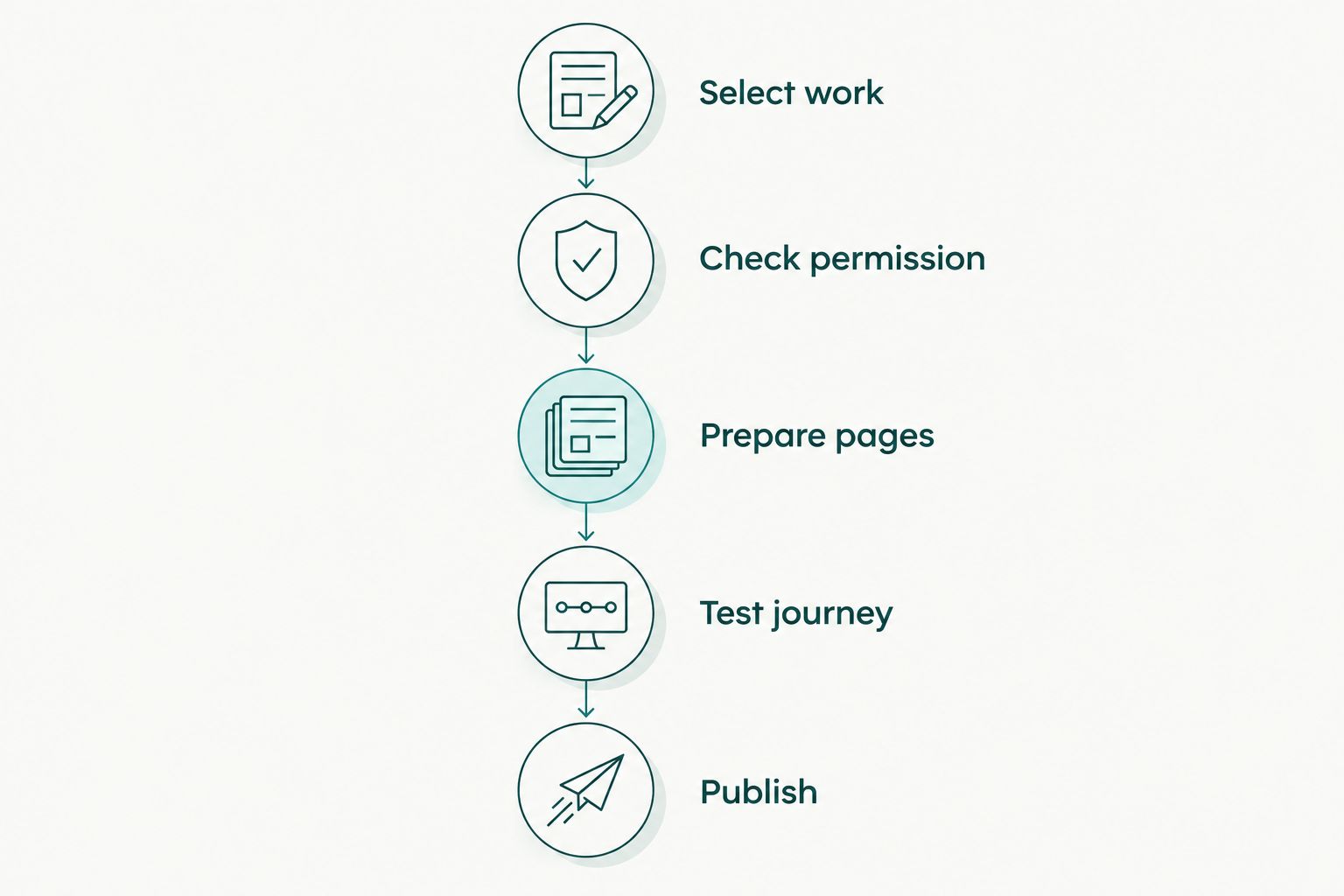
Check permission before preparing client photographs for public display.
Access settings deserve a separate review from image selection. Check what an unsigned visitor can open, and never assume that a hidden menu item makes a gallery private.
7. Test before announcing the website
Test on 2 devices: a phone and a desktop computer. This is a practical launch check, not a guarantee of compatibility across every device. Open the published version rather than relying only on the editor preview.
On the phone, inspect image crops, menu behaviour, text readability and contact controls. On the desktop, check gallery order, spacing and whether the first screen explains your service without requiring a long scroll.
Send a real test enquiry and confirm where it arrives. Then ask someone unfamiliar with your studio to find the relevant gallery and explain how they would contact you. Fix any unclear labels before sharing the site.
Why does a no-code portfolio build vary in complexity?
The amount of work depends on your content and requirements, not just the editor. Use these factors to keep your 2026 build focused:
- Service range: distinct wedding, sports and corporate services need clear organisation.
- Image readiness: finished, permission-checked photographs are easier to publish than an unreviewed archive.
- Public and private boundaries: separate portfolio use from client delivery before setting navigation.
- Contact requirements: a visible contact method needs less configuration than a detailed enquiry form.
- Presentation requirements: check whether the builder supports your intended layouts and image treatments.
- Search controls: verify page titles, descriptions, image text and indexing settings rather than assuming they exist.
Write down your essential requirements before evaluating a platform. Keep optional design ideas separate so they do not delay a useful first version.
Can I build a photography portfolio website with only a few shoots?
Yes. Build the portfolio around the relevant work you can honestly show, even if it comes from a small number of assignments. Do not invent clients, venues or experience to make the site look established.
Label styled shoots and personal projects accurately. If a gallery lacks enough distinct work, combine it with a broader relevant category rather than padding it with weaker photographs.
Should my portfolio include complete wedding galleries?
Your public portfolio does not need complete wedding galleries. Curated work shows your approach; a permission-approved full event example can support a more detailed conversation with a prospective client.
Keep that distinction visible in your workflow. Fotoowl AI Gallery includes portfolio building and client delivery, but you still decide which photographs belong in public and which remain part of a client-specific delivery.
How do I make the portfolio useful for Google in 2026?
Make the published pages understandable: use descriptive titles, clear service text, accurate image descriptions and logical navigation. Check that pages intended for public discovery are not blocked by the builder's privacy or indexing settings.
Publish useful text alongside your photographs. Explain what the gallery demonstrates, where relevant work was photographed, and which service a visitor can enquire about. Avoid copying the same paragraph across every category.
A no-code website does not guarantee rankings or bookings. Treat search visibility as something to measure after publication, not as a promise attached to a template.
FAQ
Can I build a photography portfolio website without knowing HTML?
Yes, you can build a photography portfolio website with a visual builder without writing HTML. Choose a platform that supports your gallery structure, contact method and publication requirements, then test the published site.
How many photos should I put on my photography portfolio website?
Start with up to 12 photographs per gallery as an editing constraint, not a universal rule. Keep an image only when it adds a distinct example of the work you want to book.
Is Fotoowl suitable for a professional photography portfolio?
Fotoowl is suitable for professional event photographers evaluating portfolio building alongside AI Gallery delivery. Confirm your particular layout, domain and search requirements before choosing the platform.
Do I need a separate page for every photography service?
No, you do not need a separate page for every service. Create separate pages when you have distinct work and useful information for each audience; otherwise, use clearly labelled sections.
Can I publish client wedding photographs on my portfolio?
Publish client wedding photographs only after checking that public promotional use is authorised. Review your agreement and client instructions rather than treating delivery permission as portfolio permission.
Should I use full-resolution photographs on my website?
Use web exports that follow your builder's documented requirements rather than uploading your only master files. Inspect the published photographs for detail, cropping and loading behaviour, and keep originals in your storage workflow.
What should I check before launching my portfolio in 2026?
Check the published portfolio on a phone and a desktop computer, then submit a real test enquiry. Verify image permissions, navigation, gallery access and the accuracy of your service and location details.
One last thing
Review the weakest photograph before you replace the template. If an image does not support the kind of assignment you want, remove it—even when it was difficult to capture. Your effort on the shoot and the image's usefulness in a portfolio are different things.
Then save your final image shortlist, approved copy and permission records outside the website editor. That gives you a clear reference when you update the portfolio or change platforms.