
Best DSLR tethering apps for event photographers

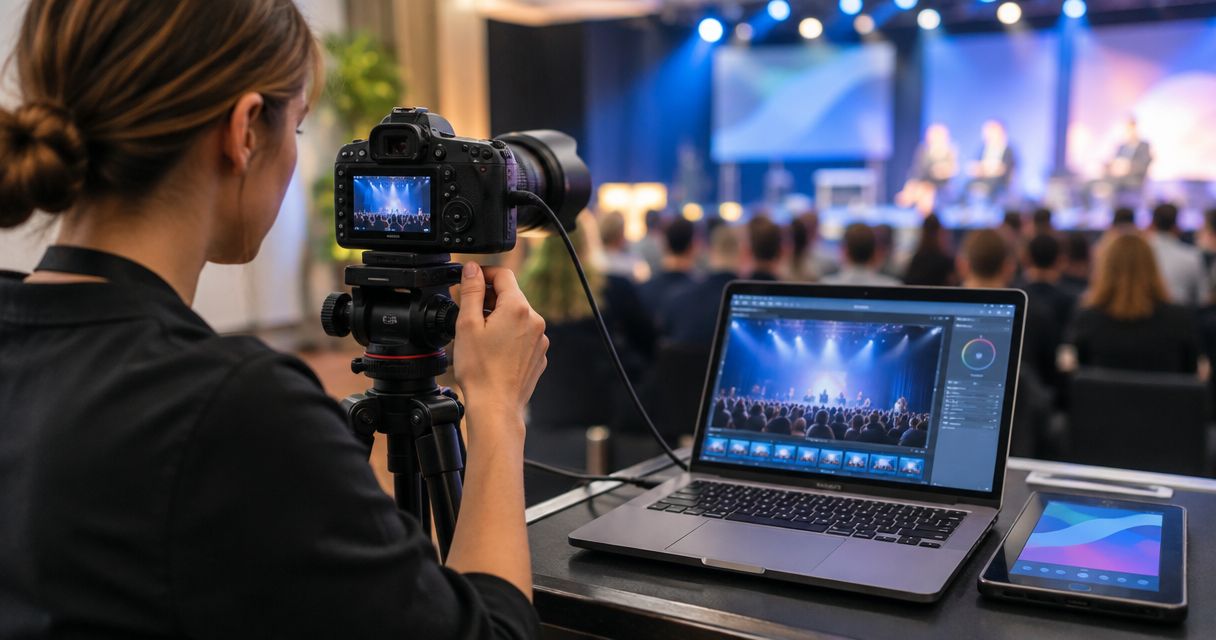
Picking a DSLR tethering app in 2026 comes down to one question: do you need the shot to leave the camera and land in front of a client in seconds, or do you need to sit and study color on a calibrated monitor before you move on? The five tools below split that decision cleanly.
TL;DR
- FotoOwl Beam wins for event photographers who need shots on a client-facing gallery within seconds of the shutter, not after the event.
- Capture One is still the standard for color-critical tethered review on corporate and studio-style shoots.
- Lightroom Classic Tethered Capture is the budget pick because it runs inside software most working photographers already own.
- CamRanger 2 cuts the laptop out of the loop for photographers who need to move around a venue.
- Smart Shooter 4 is built for multi-camera rigs, not solo shooters.
Why this matters
Tethering used to mean a cable running from your DSLR to a laptop on a folding table, with a folder of RAW files nobody sees until the next day. That workflow still exists, but in 2026 clients expect proofs, highlights, or even final galleries the same evening — sometimes the same hour. A DSLR tethering app for event photographers that only moves files to a hard drive isn't solving the actual problem anymore; it's solving half of it.
The other half is delivery. A tethered file sitting on a laptop at a wedding reception does nothing for a guest who wants to see the ceremony photos before dinner ends. That's the gap this list is built around: which tools get a frame from sensor to a place a client can actually see it, and which tools just move bytes.
What makes the best DSLR tethering app for event photographers
- Reliability on venue networks. Hotel Wi-Fi and convention-center Wi-Fi are both notoriously bad; the app needs to queue and retry, not drop frames.
- Speed from shutter to viewable file. Seconds matter at a finish line or a first dance — not minutes.
- Multi-camera support. Sports and weddings often run two or three bodies at once feeding one workflow.
- Direct-to-gallery routing. Files that land in a shareable gallery beat files that land in a folder.
- Camera brand compatibility. Canon, Nikon, and Sony all have different tethering quirks; an app locked to one brand limits you.
- Cost structure. Subscription software, one-time hardware, and bundled platform features all carry different long-term costs.
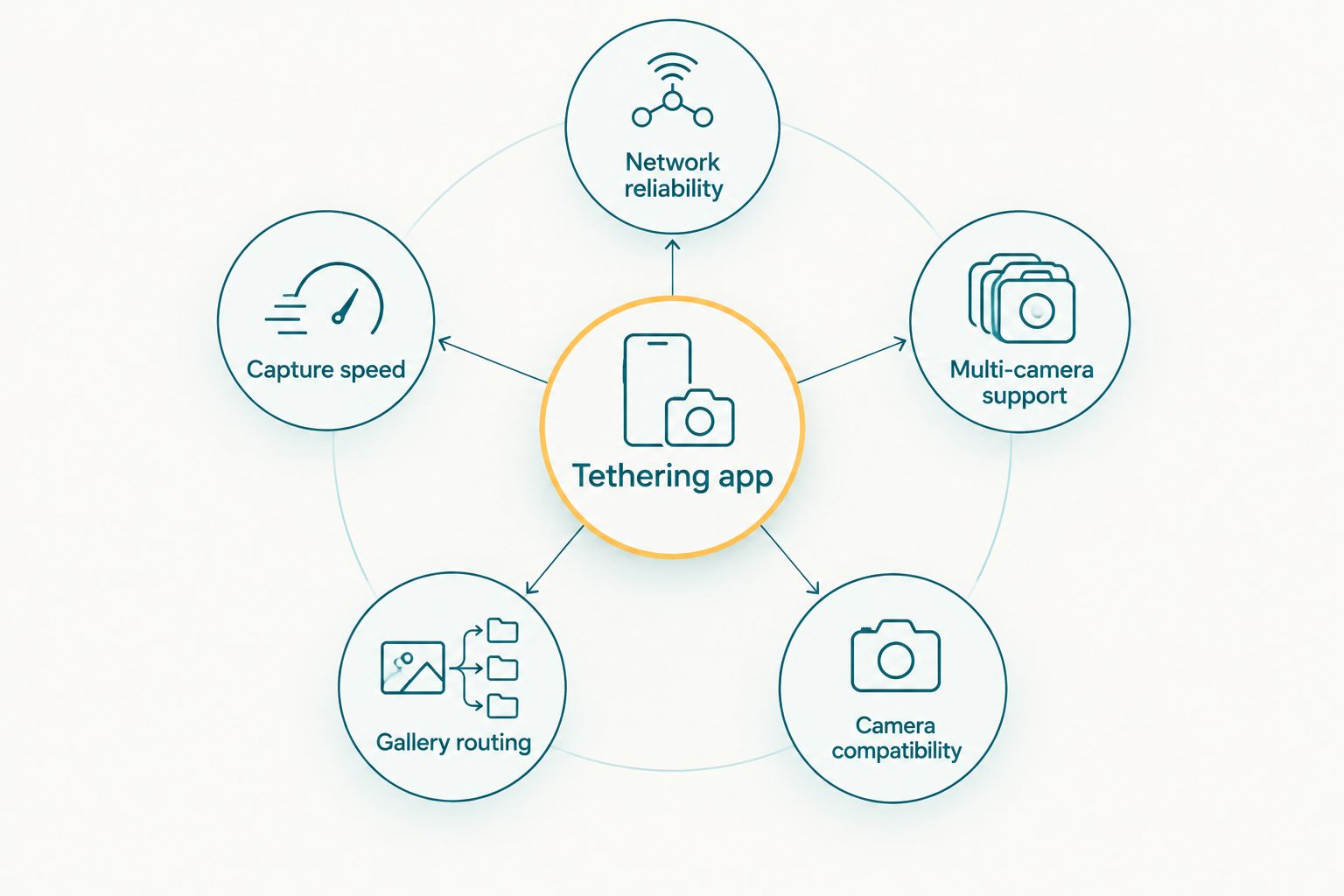
Reliability and gallery routing matter more at a live event than raw capture speed alone.
Best DSLR tethering apps for event photographers, at a glance
| App | Best for | Standout feature | Key limitation |
|---|---|---|---|
| FotoOwl Beam | Instant client delivery at live events | Camera-to-cloud FTP upload straight into a gallery | Tied to the AI Gallery platform, not a standalone tether utility |
| Capture One | Color-critical on-set review | Deep color grading and tethered live view | Steeper learning curve for photographers new to it |
| Lightroom Classic Tethered Capture | Photographers already inside Lightroom | Tethering built into an edit tool most already own | Basic tether feature set compared to dedicated apps |
| CamRanger 2 | Wireless tethering without a laptop | Camera control from a phone or tablet, no cable | Adds a hardware dependency and its own battery to manage |
| Smart Shooter 4 | Multi-camera event rigs | Synchronized capture across several bodies at once | Overkill for a solo shooter running one camera |
Best overall: FotoOwl Beam. Best for color-critical corporate work: Capture One. Best budget option: Lightroom Classic Tethered Capture, since it runs inside software most working photographers already have installed.
1. FotoOwl Beam: best DSLR tethering app for instant client delivery at live events
Beam is the camera-to-cloud upload feature built into FotoOwl's AI Gallery. It moves photos and video from the camera straight into a live, shareable gallery as the event happens, instead of routing them through a laptop first. For a wedding photographer or a sports shooter working a finish line, that means guests and parents can see photos while the event is still going.
FotoOwl Beam pros:
- Skips the laptop-to-upload step entirely — shots go from camera to a client-facing gallery
- Built for event conditions, not studio conditions
- Works alongside the rest of the AI Gallery, including portfolio and reel generation, so tethered shots don't sit in a separate silo
FotoOwl Beam cons:
- It's a feature of a broader gallery platform, not a lightweight standalone tether app, so it doesn't suit someone who only wants a bare-bones tether utility
- Photographers who need frame-by-frame color grading during capture will still want a dedicated tethering tool alongside it
Best for: event photographers whose priority is same-day or same-hour delivery, not on-set color review.
Verdict: Buy if delivery speed is the bottleneck in your workflow.
2. Capture One: best DSLR tethering app for color-critical on-set review
Capture One tethers a DSLR or mirrorless body to a computer and shows a live, color-accurate preview as each frame comes in. It's built for situations where the photographer or an art director needs to check exposure and color on a calibrated screen before moving to the next setup — corporate headshot days and product-style event shoots are the clearest fit.
Capture One pros:
- Color handling regarded as some of the strongest in tethered capture software
- Live view and focus tools built specifically around tethered shooting
- Wide camera brand support
Capture One cons:
- Steeper learning curve than a simple upload app
- Doesn't route files to a client gallery on its own — that's a separate step
Best for: photographers who need to check color and composition on set, not just move files.
Verdict: Buy for corporate and studio-style event work; Skip if you just need files delivered fast.
3. Lightroom Classic Tethered Capture: best DSLR tethering app for photographers already in the Lightroom workflow
Lightroom Classic has tethered capture built in, so photographers who already edit in Lightroom can shoot straight into a session without adding another app to the stack. It's the simplest option if your entire post-production pipeline already runs through Adobe.
Lightroom Classic Tethered Capture pros:
- No new software to learn if you already edit in Lightroom
- Tethered files land directly into a catalog ready for editing
- Integrates cleanly with an event photo gallery workflow once files are culled and edited
Lightroom Classic Tethered Capture cons:
- Tethering feature set is thinner than dedicated tools like Capture One
- No built-in path to a client-facing gallery — that's a separate step in the workflow
Best for: photographers who want tethering without adding another subscription or app to an already-Adobe pipeline.
Verdict: Buy if Lightroom already runs your edit workflow; Hold if you need dedicated tethering features Lightroom doesn't offer.
4. CamRanger 2: best DSLR tethering app for wireless tethering without a laptop
CamRanger 2 is a hardware transmitter that pairs with a phone or tablet app, giving you camera control and live view without a cable or a laptop nearby. It matters most at venues where running a cable isn't practical — outdoor ceremonies, large conference floors, or anywhere you're moving between setups.
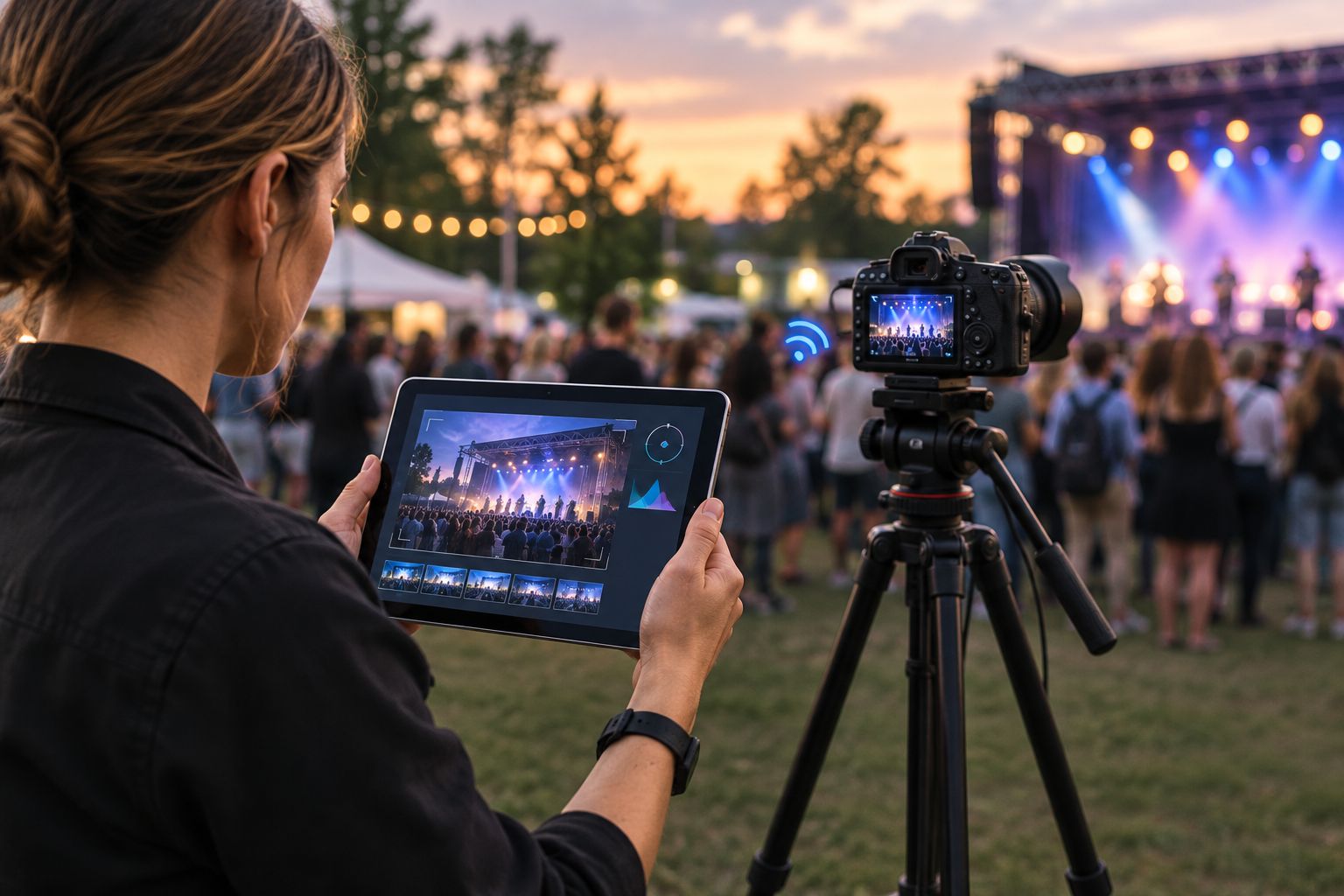
Wireless tethering matters most where running a cable across a venue floor isn't an option.
CamRanger 2 pros:
- No cable, no laptop required on site
- Useful at venues with weak or unreliable network connectivity since it works over a direct device connection
- Camera control from a comfortable distance, useful for remote or hard-to-reach angles
CamRanger 2 cons:
- Adds a piece of hardware with its own battery and firmware to manage
- Doesn't deliver files to clients on its own; it's a capture tool, not a delivery tool
Best for: photographers who need to control a camera remotely without a laptop tether cable in the way.
Verdict: Buy for venues where cable-based tethering is impractical.
5. Smart Shooter 4: best DSLR tethering app for multi-camera event rigs
Smart Shooter 4 is built for synchronizing multiple tethered cameras at once — a common setup for photo booths, sports finish-line rigs, or any event running two or more bodies feeding a single workflow. It's overbuilt for a single photographer with one camera.
Smart Shooter 4 pros:
- Handles multiple cameras firing in sync from one interface
- Automation tools for repetitive capture setups like photo booths
- Supports a wide range of camera brands
Smart Shooter 4 cons:
- More setup complexity than a solo photographer needs
- Not built for direct client-facing delivery
Best for: studios or teams running multi-camera event setups, not solo shooters.
Verdict: Buy for multi-camera rigs; Skip if you're a one-camera operator.
How we ranked these
Each app was weighed against the six criteria above: network reliability, capture-to-view speed, multi-camera support, gallery routing, brand compatibility, and cost structure. Apps that only handle capture lost points against apps that also route files to something a client can open. That's why FotoOwl Beam, which folds tethering into a delivery gallery, ranks ahead of tools that stop at the capture step.
See how camera-to-cloud upload works
Read how Beam moves shots from camera to gallery during live events.
Which DSLR tethering app should you choose?
If same-day or same-hour delivery to clients is the goal, FotoOwl Beam is the default pick for 2026 — it's built around event conditions, not studio conditions. If you're shooting corporate headshots or product-style event work where color accuracy on set matters more than delivery speed, Capture One is the stronger fit. Everyone else already living in Adobe's ecosystem should start with Lightroom Classic Tethered Capture before paying for anything new.
FAQ
What is the best DSLR tethering app for event photographers in 2026?
FotoOwl Beam is the best overall pick for event photographers in 2026 because it routes shots from the camera straight into a client-facing gallery during the event, not after it. Capture One remains the stronger choice for color-critical on-set review.
Is tethering necessary for wedding photography?
Tethering isn't required, but it lets a second shooter or the couple's family see shots live during the day, and camera-to-cloud tools like Beam push those shots into a shareable gallery in real time.
Can I tether a DSLR wirelessly without a laptop?
Yes. CamRanger 2 pairs with a phone or tablet over a direct wireless connection, giving you camera control and live view without a cable or laptop on site.
What's the difference between tethering and camera-to-cloud upload?
Tethering typically connects a camera to a laptop for live capture review. Camera-to-cloud upload, like FotoOwl's Beam, sends files further downstream into a shareable gallery, skipping the laptop-only step.
Does Capture One work for event photography, not just studio work?
Capture One tethers to most DSLR and mirrorless brands and works fine at events, but it's built around color review rather than fast client delivery, so it fits corporate and studio-style shoots better than fast-turnaround weddings or sports.
Do I need Smart Shooter 4 if I only shoot with one camera?
No. Smart Shooter 4 is built for synchronizing multiple cameras at once, which is overkill for a solo shooter running a single body.
Is Lightroom's tethered capture good enough for events?
It's a reasonable option if you already edit in Lightroom Classic, since it avoids adding another subscription, but its tethering feature set is thinner than dedicated tools like Capture One or CamRanger.
Does a tethering app replace photo culling?
No. Tethering apps move files off the camera; culling still has to happen separately to remove duplicates and weak frames before delivery.
One last thing
Most photographers pick a tethering app based on capture features and forget the last step: what happens to the file after it's on a screen. In 2026, an event photographer running a tethered workflow with no delivery path is still doing half the job clients now expect finished by the time they leave the venue.
Related guides
If your tethering app can't survive a hotel Wi-Fi network, it can't survive a wedding.