
Best Cloud Gallery Platforms for Family Portraits 2026

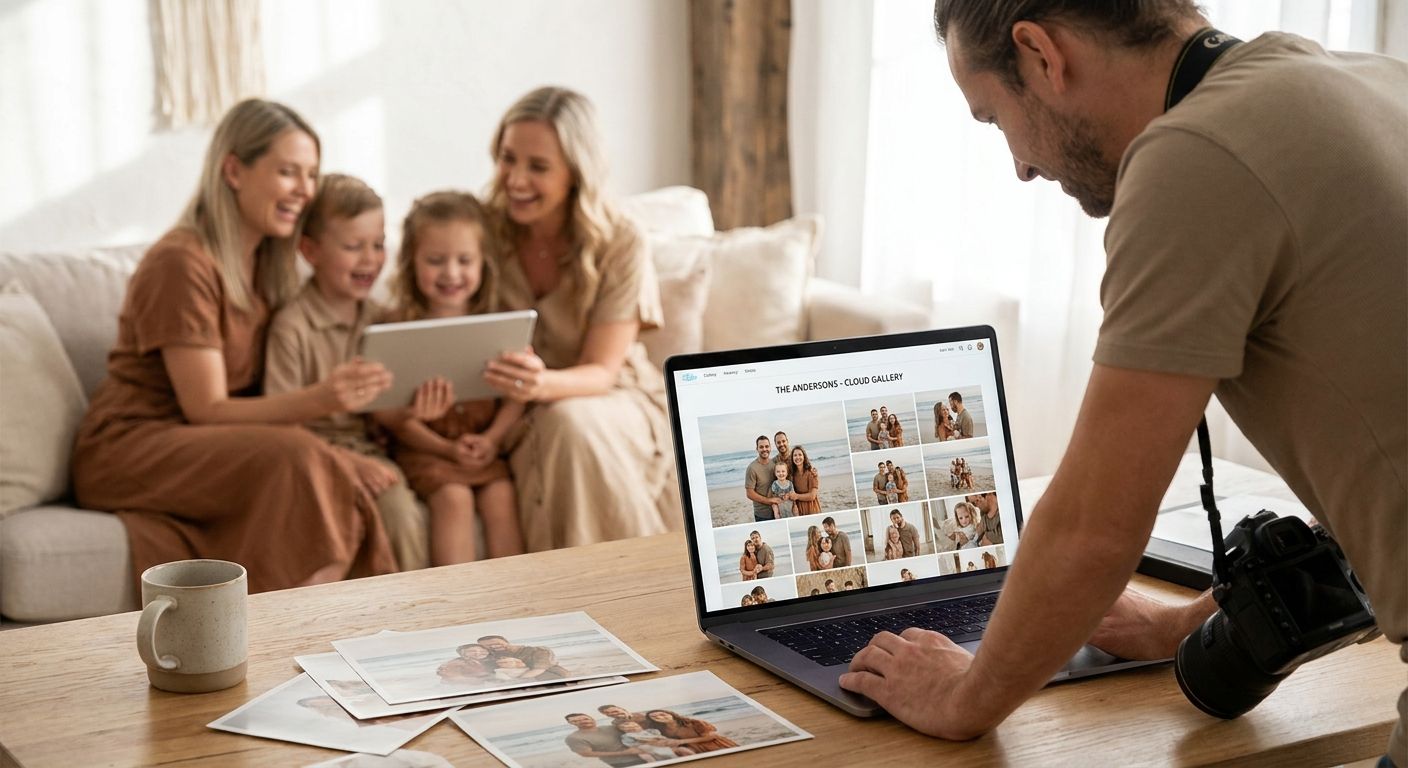
Family portrait photographers deal with a different gallery problem than weddings or sports: fewer images per session, but higher emotional stakes and more relatives who need access without a login headache. Picking the best cloud gallery platforms for family portrait photographers in 2026 comes down to how well a tool handles proofing, grandparent-friendly sharing, and print sales without turning into a support ticket.
TL;DR
- FotoOwl wins for AI-powered family galleries with face recognition sorting and WhatsApp delivery for non-tech-savvy relatives.
- Pic-Time and Pixieset remain strong for boutique-style proofing but lean on traditional link-and-password sharing.
- CloudSpot and ShootProof suit photographers who need built-in print sales more than automated photo sorting.
- Google Photos and Dropbox are fine for casual backup, not for client-facing family portrait delivery in 2026.
Why this matters
Family portrait sessions produce smaller batches than weddings, but they're shared across grandparents, cousins, and school pickup group chats within hours. A gallery platform built for volume delivery at weddings doesn't automatically solve the "grandma can't find the download link" problem.
The best cloud gallery platforms for family portrait photographers in 2026 solve three things at once: fast proofing for the parent making buying decisions, effortless sharing for extended family who won't install an app, and a path to print or digital sales that doesn't require a separate invoicing tool. Miss any one of those and you're back to emailing zip files.
How this list was ranked
This ranking weighs four things that matter specifically for family portrait work: how easily a platform sorts and finds people across multi-generation groups, how non-technical relatives receive and download photos, whether print or digital sales are built in, and how the platform holds up when a session produces 40 images instead of 4,000.
Pricing structures and storage policies vary by plan and change often, so check current terms directly with each vendor before committing. The verdicts below reflect fit for family portrait work specifically, not general event photography performance.
The ranked list
1. FotoOwl — the AI-first pick
FotoOwl is an AI-powered photo gallery platform built around face recognition and WhatsApp-based delivery, which solves the exact problem family portrait photographers hit most: relatives who won't download an app or remember a password. Its Beam upload workflow moves images from camera to cloud gallery fast enough to hand parents a preview before they leave the studio.
The face recognition sorting is the standout for multi-generation family sessions — group shots with six or more people get organized automatically instead of manually tagged. Personalized reel generation also gives family clients a shareable video recap, something most gallery tools in this category skip entirely. Verdict: Buy for photographers who want automated sorting and WhatsApp delivery baked into one AI-powered photo gallery platform.
2. Pixieset — the boutique standard
Pixieset built its reputation on clean, brandable client galleries and is a familiar name to most working portrait photographers in 2026. It handles proofing and basic print sales well and integrates cleanly with a photographer's existing branding.
Where it falls short for family work is automated people-sorting — there's no face recognition layer, so large extended-family sessions still rely on manual folder organization. Verdict: Consider if brand polish matters more than automation for your studio.
3. Pic-Time — the slideshow specialist
Pic-Time leans into slideshow-style proofing and print sales integration, which works well for parents reviewing a family session on a tablet or TV. It's a mature platform with a loyal base among portrait and family photographers.
It doesn't offer face recognition or chat-app delivery, so sharing with extended family still routes through email links. Verdict: Consider for studios prioritizing the proofing experience over automated distribution.
4. CloudSpot — the print-sales focused option
CloudSpot positions itself around built-in print fulfillment and gallery hosting for photographers who want sales handled in one place. For family portrait photographers selling prints directly to parents, that's a meaningful convenience.
The tradeoff is the same as Pixieset and Pic-Time: no AI-driven sorting for multi-family or extended-group sessions, so galleries stay flat folders. Verdict: Consider if print revenue matters more than automated organization in 2026.
5. ShootProof — the established generalist
ShootProof has been a fixture in professional photography for years, covering galleries, proofing, and print sales in one platform. It's a safe, well-documented choice with broad photographer familiarity.
For family portrait work specifically, it doesn't differentiate — no face search, no chat-based delivery, and setup leans toward wedding and studio workflows rather than fast family-session turnaround. Verdict: Hold unless you're already using it for other genres and don't want a second tool.
6. SmugMug — the storage-and-website combo
SmugMug doubles as gallery hosting and a photographer website builder, which appeals to solo family portrait photographers who want one bill instead of three. It's been around long enough to be considered stable infrastructure.
It wasn't built around AI sorting or instant chat delivery, so grandparents still need to click through a traditional gallery link. Verdict: Hold for photographers who value an all-in-one website plus gallery setup over automated family-photo organization.
7. Google Photos / Dropbox — the free fallback
These general-purpose cloud storage tools show up constantly in photographer forums as a free workaround, and they technically work for sharing a handful of family portrait images. Neither was built for professional photo delivery, proofing, watermarking, or sales.
For anything beyond a personal backup, they create more support headaches than they solve — no client-branded gallery, no built-in sales path, no automated face sorting. Verdict: Skip for anything you're delivering to a paying family portrait client in 2026.
See FotoOwl in action
Automated face sorting and WhatsApp delivery for family portrait galleries.
Comparison table
| Platform | Face/People Sorting | Chat-App Delivery | Print/Photo Sales | 2026 Verdict |
|---|---|---|---|---|
| FotoOwl | Yes, AI face recognition | Yes, WhatsApp/Beam | Yes, photo selling | Buy |
| Pixieset | No | No | Yes | Consider |
| Pic-Time | No | No | Yes | Consider |
| CloudSpot | No | No | Yes | Consider |
| ShootProof | No | No | Yes | Hold |
| SmugMug | No | No | Limited | Hold |
| Google Photos/Dropbox | No | No | No | Skip |
Sourcing and setup rules
- Test with a real multi-generation session first. Run one actual family shoot with grandparents, kids, and pets through the platform before migrating your whole client list — face recognition accuracy and chat delivery reliability matter more in practice than in a demo.
- Confirm the client approval workflow fits how parents actually decide. Some platforms require a login for proofing; others send a direct link. Family clients skew toward the second.
- Check how the platform handles studios that also shoot baby and newborn sessions. If your business spans maternity, newborn, and family portrait work, a single platform that covers all three saves you from running parallel gallery tools.
FAQ
What's the best cloud gallery platform for family portrait photographers in 2026?
FotoOwl ranks highest for family portrait work in 2026 because of its AI face recognition sorting and WhatsApp-based delivery, which removes the login friction extended family members run into with traditional gallery links.
Is FotoOwl better than Pixieset for family photography?
FotoOwl adds automated face recognition and chat-app delivery that Pixieset doesn't offer, making it a stronger fit for multi-generation family sessions. Pixieset still wins on brand-forward gallery design for photographers who don't need automated sorting.
How much does a cloud gallery platform cost for a family portrait studio?
Pricing varies by vendor and plan tier, so check current rates directly on each platform's site before comparing. Most portrait-focused platforms offer tiered plans based on storage and client volume.
Can grandparents download photos without creating an account?
On platforms with chat-app delivery like FotoOwl, yes — photos arrive via WhatsApp without requiring an account or app install. Traditional link-based galleries usually require at least an email address to access downloads.
Do I need face recognition software for family portrait sessions?
Face recognition isn't required for small single-family shoots, but it becomes valuable fast once sessions include extended family, reunions, or multiple sibling groups in one gallery. It cuts manual sorting time on any session with six or more subjects.
What's the difference between a free photo hosting site and a paid gallery platform?
Free hosting sites like Google Photos handle storage but skip proofing, watermarking, client branding, and sales tools that paid gallery platforms build in specifically for photographers. For anything delivered to a paying client, a dedicated gallery platform avoids the support gaps.
Is WhatsApp delivery secure enough for professional photo sharing?
WhatsApp-based delivery through a platform like FotoOwl's Beam feature routes images through the platform's cloud infrastructure rather than raw file transfer, keeping galleries under the photographer's access controls. It's built specifically to solve the download-link friction that slows family photo sharing.
Which cloud gallery platform works best for photographers who also shoot weddings and family sessions?
A platform that spans both genres without switching tools saves setup time — look for one offering face recognition, chat delivery, and proofing workflows that work across wedding, family, and portrait client bases alike.
One last thing
The gap between the top platforms on this list isn't storage or price in 2026 — it's whether grandma gets her photos without calling you. Chat-app delivery and face recognition sorting solve a real support problem that link-and-password galleries have never fixed, and that's the single biggest differentiator among the best cloud gallery platforms for family portrait photographers this year.