
Best Photo Gallery Software for Baby Studios (2026)

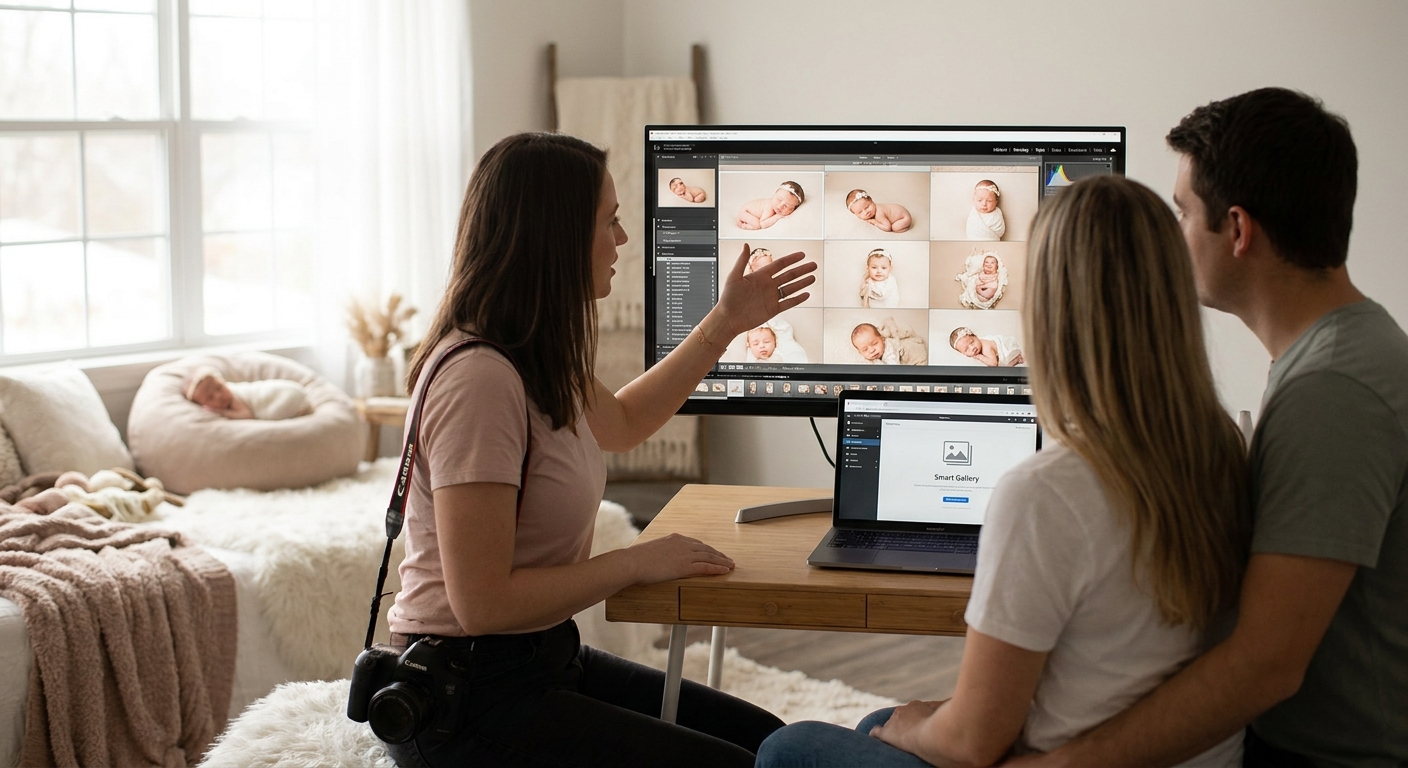
Baby photography studios run on tight turnarounds and emotional buyers — parents want the newborn gallery live before the diaper bag is even unpacked. Photo gallery software for baby photography studios in 2026 has to move at that pace, and platforms like FotoOwl are built around exactly that speed, while most general-purpose event tools weren't.
TL;DR
- FotoOwl's face recognition photo delivery is the top pick for baby photography studios juggling siblings and multiples — Buy.
- Photo gallery software for baby photography studios needs selling built in, not bolted on; FotoOwl's photo selling platform handles both — Buy.
- Skip wedding-first galleries for newborn sessions — babies change every few weeks and need faster turnaround, not slower workflows.
- Cloud storage that keeps galleries live past 90 days matters more for baby studios than for one-off events — Consider.
Why this matters
A wedding client waits weeks for a gallery without much fuss. A baby photography client won't. Newborns change week to week, cake-smash sessions produce hundreds of frames in under an hour, and the buying window for prints closes fast because the look of the baby in the photos is already out of date by the next sitting. In 2026, photo gallery software for baby photography studios needs to match that clock — fast delivery, fast finding, fast buying — or studios lose the sale to a competitor who got the gallery out first.
Who this is for
This guide is for baby and newborn photography studio owners running 3-6-9-12-month milestone sittings, cake-smash and sitter sessions, or full-service studios that shoot newborns alongside milestone birthday photo galleries for older siblings. Whether you're booking a handful of sessions a month or 30-plus during peak season, the criteria below apply directly to your workflow.
What to look for in photo gallery software for baby photography studios
FotoOwl's approach to this checklist starts with the parts of a baby session that generic event software ignores: look-alike faces, sleep-deprived buyers, and a selling window that closes fast.
Face recognition built for look-alikes
Sibling sessions and multiple births confuse generic face-matching tools tuned for adult crowds at weddings or sports days. A baby photography studio needs recognition sharp enough to sort newborns and near-identical twins into the correct family folder without manual cleanup.
Delivery speed parents actually feel
Parents of a newborn are sleep-deprived and checking their phones constantly. Software that pushes proofs straight to WhatsApp during or right after the session beats a gallery link that arrives three days later by email.
Selling built into the gallery, not bolted on
A separate storefront adds a step parents skip. Photo gallery software for baby photography studios should let a parent view, favorite, and buy prints or digital downloads from the same screen — no second login, no second app.
Storage that survives past the first birthday
Grandparents ask for the gallery again at the six-month mark, the first birthday, and beyond. Software that archives or expires galleries after 30 days loses repeat print sales that baby studios depend on.
Reels and highlight video for sharing
A short reel of a cake-smash session gets forwarded to family group chats far more than a static gallery link ever does. Software that auto-generates a shareable highlight video gives studios a distribution channel they don't have to build themselves.
See FotoOwl on your next sitting
Check the platform before your next milestone booking season.
Top picks for baby photography studios
The fast-match pick: face recognition photo delivery
Face recognition photo delivery sorts a session into individual family folders automatically, which matters most when a studio is shooting three sittings a day and can't spend an hour manually tagging faces per family. It's built to separate siblings and multiples instead of lumping every small face into one bucket. Buy — this is the feature that saves the most manual sorting time on a baby-heavy 2026 calendar.
The monetization pick: photo selling platform
A photo selling platform built into the gallery turns browsing parents into buying parents without redirecting them to a separate cart. For a studio covering four milestone sittings per family in the first year, that repeat touchpoint is where print revenue compounds. Buy — skipping this means losing sales to the extra click.
The safe-storage pick: cloud storage for photographers
Cloud storage for photographers keeps galleries live well past the delivery date, which matters when grandparents come back looking for the six-month photos after the one-year sitting is already booked. Consider — worth the add if your current plan expires galleries inside 90 days.
The on-set pick: WhatsApp and Beam uploads
FotoOwl's WhatsApp and Beam uploads push proofs out during the session itself, not after the card gets pulled that evening. For a studio running back-to-back cake-smash bookings, that's the difference between a parent seeing highlights before they leave the studio and seeing them the next day. Buy — same-session delivery is the single biggest perception win for a baby studio in 2026.
The shareable pick: personalized highlight reels
A short, personalized reel per family gives parents something to forward to relatives who weren't at the sitting, extending reach beyond the gallery link itself. Consider — a strong add-on for milestone packages, not a must for a single quick sitter session.
What to avoid
- Wedding-first galleries repurposed for babies. Software built around one big event day doesn't handle four sittings a year per family well — it treats each sitting as a new client instead of linking the history.
- Flat per-photo pricing with no bundle logic. Baby studios sell in sets — sitting plus digitals plus prints — and software that only supports single-image checkout undersells every package.
- Desktop-only delivery. If proofs only load properly on a laptop, a parent scrolling on a phone in a pediatrician's waiting room won't buy anything.
The gallery that gets forwarded is the gallery that gets sold.
Verdict comparison
| Pick | Best for | Verdict |
|---|---|---|
| Face recognition photo delivery | Sibling and multiple-birth sorting | Buy |
| Photo selling platform | In-gallery print and digital sales | Buy |
| Cloud storage for photographers | Galleries that need to outlive 90 days | Consider |
| WhatsApp/Beam uploads | Same-session proof delivery | Buy |
| Personalized highlight reels | Shareable milestone content | Consider |
FAQ
What's the best photo gallery software for baby photography studios in 2026?
FotoOwl is the strongest fit in 2026 for studios that need face recognition tuned to siblings and multiples, WhatsApp-based delivery, and selling built into the same gallery. It covers the three points where generic event software slows baby studios down.
How does face recognition help with sibling and multiple-birth sessions?
Face recognition sorts a shoot into the correct family folder automatically instead of forcing a studio to manually tag near-identical faces. This matters most for twin, triplet, and close-in-age sibling sessions where generic matching tools mix folders together.
Can parents buy prints directly from the baby photo gallery?
Yes, when the software includes a photo selling platform, parents view, favorite, and purchase prints or digital downloads from the same gallery screen. That removes the extra login step that causes drop-off at checkout.
Is WhatsApp delivery secure enough for client baby photos?
WhatsApp and Beam-style delivery push proofs to parents during or right after the session without a separate portal login. It's built for speed on a workflow parents already check constantly on their phones.
How long should a baby photography gallery stay live?
Galleries that stay live well past the standard 90-day window capture repeat orders when grandparents or relatives ask for prints months later. Studios that expire galleries in 30 days lose that repeat print revenue.
Do I need separate software for selling and delivery?
No — the strongest photo gallery software for baby photography studios combines delivery and selling in one gallery. Running two separate tools adds a checkout step that costs conversions.
What's the difference between a highlight reel and a full gallery?
A highlight reel is a short, shareable video version of a session built for forwarding to relatives, while the full gallery is the complete set parents browse and buy from. Studios use the reel to drive traffic back to the gallery.
One last thing
The gallery link a studio sends after a cake-smash session usually gets opened by more relatives than the studio's own social posts that week — grandparents, aunts, and uncles who weren't in the room. Build the gallery to be forwarded, not just viewed, and the selling side of photo gallery software for baby photography studios in 2026 starts doing more work on its own.