
Guest upload · for photographers and studios
Wedding Photo Sharing App for Photographers
Guests add the photos and videos from their phones to the event gallery you already deliver, and you approve what goes live. FotoOwl is the wedding photo sharing app that keeps every guest candid in your gallery, apart from the coverage you were hired to shoot.
Saurav & Roshni
Scan the QR on your table

Scan to add your photos
No app needed
Add your photosSaurav & Roshni
Add your photos to the wedding gallery








6 selected
Upload 6 photosSaurav & Roshni
Wedding gallery

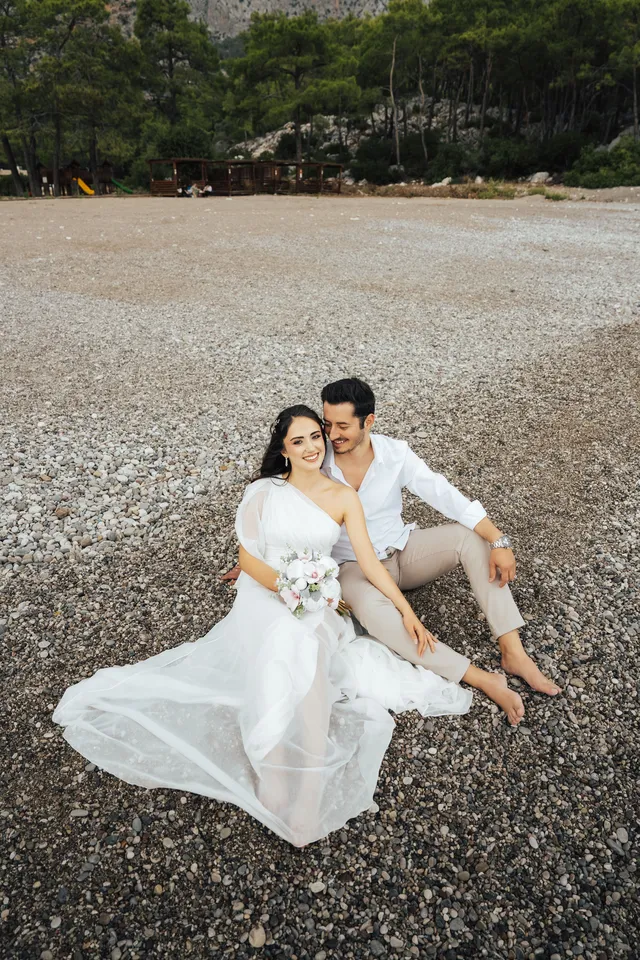
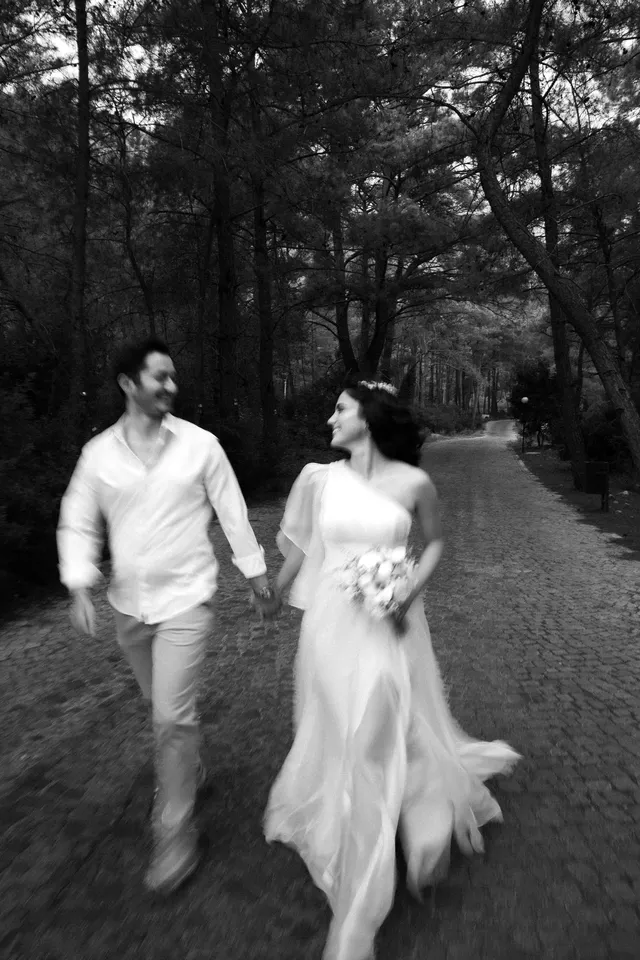

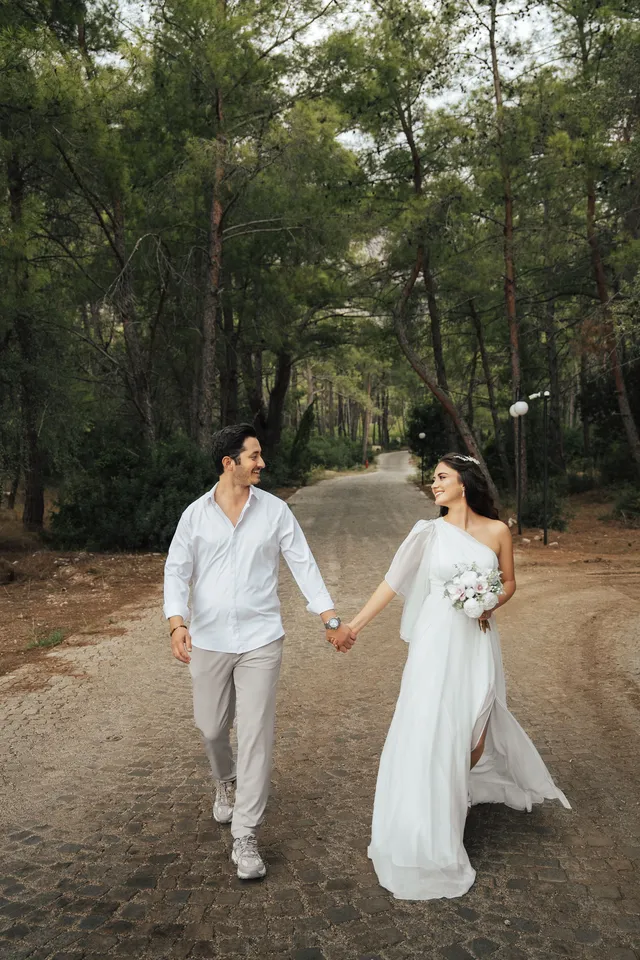
Guest photos show after approval
WeddingFrom guestsDefinition
What is a wedding guest photo upload?
A wedding guest photo upload lets guests scan a QR code or open a link and add photos and videos from their phone to the event gallery. Guests don't install an app. The photographer decides which uploads are published, so guests and the couple see only what the studio approves.
On FotoOwl, guest upload is part of the event gallery you deliver, so the couple gets one gallery from you with everything in it.
Who it's for
Who wedding guest photo sharing on FotoOwl is for
Wedding and event photographers
Add the guests' phone candids to the gallery you deliver, under your approval, alongside your wedding photo delivery.
Second shooters and school offices
Anyone on the team can add phone photos to the event, and one person approves them before they go live, as on school events.
Studios that already deliver with face search
Guests already find your photos with a selfie. Guest upload adds their phone photos to the same event.
Couples and planners who want every guest's photos
Offer guest photo collection as part of your package, inside the gallery you already run.
Features
Guest upload, built into your FotoOwl gallery
Everything a wedding photo sharing app needs on the guest side, inside the gallery you already deliver.
One QR code or link
Share it on table cards, the welcome sign, the invite or the family WhatsApp group.
No app for guests
Guests upload from their phone's browser, on Android or iPhone.
Photos and videos
Guests add the photos and clips they took on their own phones.
Your approval first
Every guest upload waits for the studio. Only what you approve goes live.
A separate guest set
Approved guest photos sit in their own set, beside your edited coverage.
Your gallery, your brand
Guests upload to the same gallery the couple receives from your studio.
How it works
QR code for wedding photos: how guests add theirs
Guests don't install an app. They scan the event QR code or open the link, and add photos from their phone's browser. Setting up the wedding photo sharing app takes three steps.
- Step 1
Create the event gallery
Set up the wedding in FotoOwl, as you would for any delivery.
- Step 2
Turn on guest upload
Switch guest upload on for the event, so guests can add to it.
- Step 3
Share the event QR or link
Put the QR code for wedding pictures on table cards, the welcome sign or the invite, or send the link to the family group. Guests use the wedding QR code for photos during the day or after they get home.
Moderation
Approve phone photos before they go live
Guest uploads don't publish themselves. The studio approves what guests and the couple see, and anything you don't approve stays out of the gallery.
- A joke photo in front of the family
- Nothing a guest adds appears until you approve it, so a blurry, unflattering or prank photo never reaches the gallery the family opens.
- A guest shot passing as yours
- You choose which phone photos go in, and they stay in the guest set, apart from your edited coverage.
The worry
The worry
Printing the code for a private event? Read about QR code photo sharing security.
Your delivery
Keep phone photos out of the delivered set
Same wedding, two lanes. Guest uploads come from phones and wait for your approval. Your coverage comes from your camera and your edit.
Approved guest candids go into the same gallery the couple receives, as their own set. Professional photo delivery stays the edited set the client paid for, and the guest photos add the angles around it.
- Guest photos are labelled as the guest set, so nobody mistakes a phone photo for yours.
- You approve them like anything else that goes in front of the client.
- Your edit stays the gallery the couple paid for.
Guest lane
- Guests' phones
- Your approval
- Guest set
Studio lane
- Your camera
- Your edit
- Delivered coverage
Both sets sit in the same event gallery. Only the studio lane is the deliverable.
Why FotoOwl
Built for the photographer's gallery
GUESTPIX collects a guest guestbook. The POV camera app is a digital disposable camera. A wedding photo sharing app for photographers adds moderated phone photos to the gallery the studio already delivers.
One gallery for the couple
Guest photos arrive in the gallery you deliver, so the couple has everything in one place.
The studio decides
You approve every guest upload before guests or the couple see it.
Next to your coverage
Guest candids sit beside your edited set, never in place of it.
Weighing GUESTPIX? Read our GUESTPIX alternative for Australian studios.
GUESTPIX and POV descriptions are from their own sites (guestpix.com, pov.camera). Checked 4 November 2026.
The rest of the gallery
Event photo sharing that runs beside guest uploads
Guest upload is one part of the FotoOwl event gallery. These FotoOwl products work on the same event.
- face-search photo galleryGuests take a selfie and find the studio's photos they appear in.
- camera-to-cloud uploadsBeam sends photos from the photographer's camera straight to the gallery.
- WhatsApp notificationsGuests get a WhatsApp message when their photos are ready.
- Wedding deliveryEverything FotoOwl does for wedding studios, from delivery to selling.
Questions
Questions photographers ask
Do guests need an app to upload photos?
No. Guests scan the event QR code or open the link and upload from their phone's browser, on Android or iPhone.
Can I approve guest photos before anyone sees them?
Yes. Guest uploads wait for the studio's approval. Only the photos you approve go live for guests and the couple.
Is FotoOwl a GUESTPIX alternative?
For photographers, yes. FotoOwl collects guests' phone photos and videos inside the gallery you deliver, and you approve every upload before it goes live.
How is this different from the POV camera app?
Guests upload the photos they've already taken on their own phone camera. The studio approves them, and they join the event gallery next to the professional coverage.
Which client galleries allow guest uploads?
FotoOwl's event gallery does. Guests add phone photos and videos by QR code or link, and the studio approves what goes live, in the same gallery it delivers to the client.
Will guest photos replace my edited gallery?
No. Guest photos are a separate set in the same event. Your edited coverage stays the delivery the client paid for.
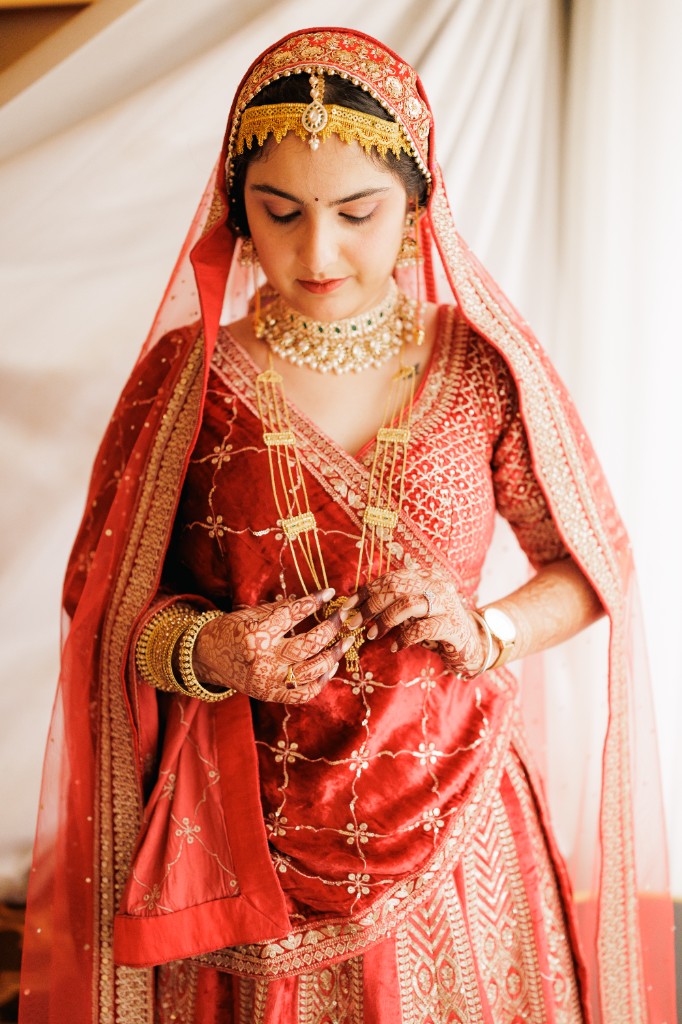



Put your guests' photos in the gallery you deliver.
Create the event gallery, turn on guest upload and share the QR code. FotoOwl has a free Rider plan.
Free Rider plan · ISO 27001 · SOC 2 · GDPR
See what each plan includes