
Tiered Photo Packages for Pre-Wedding Clients (2026)

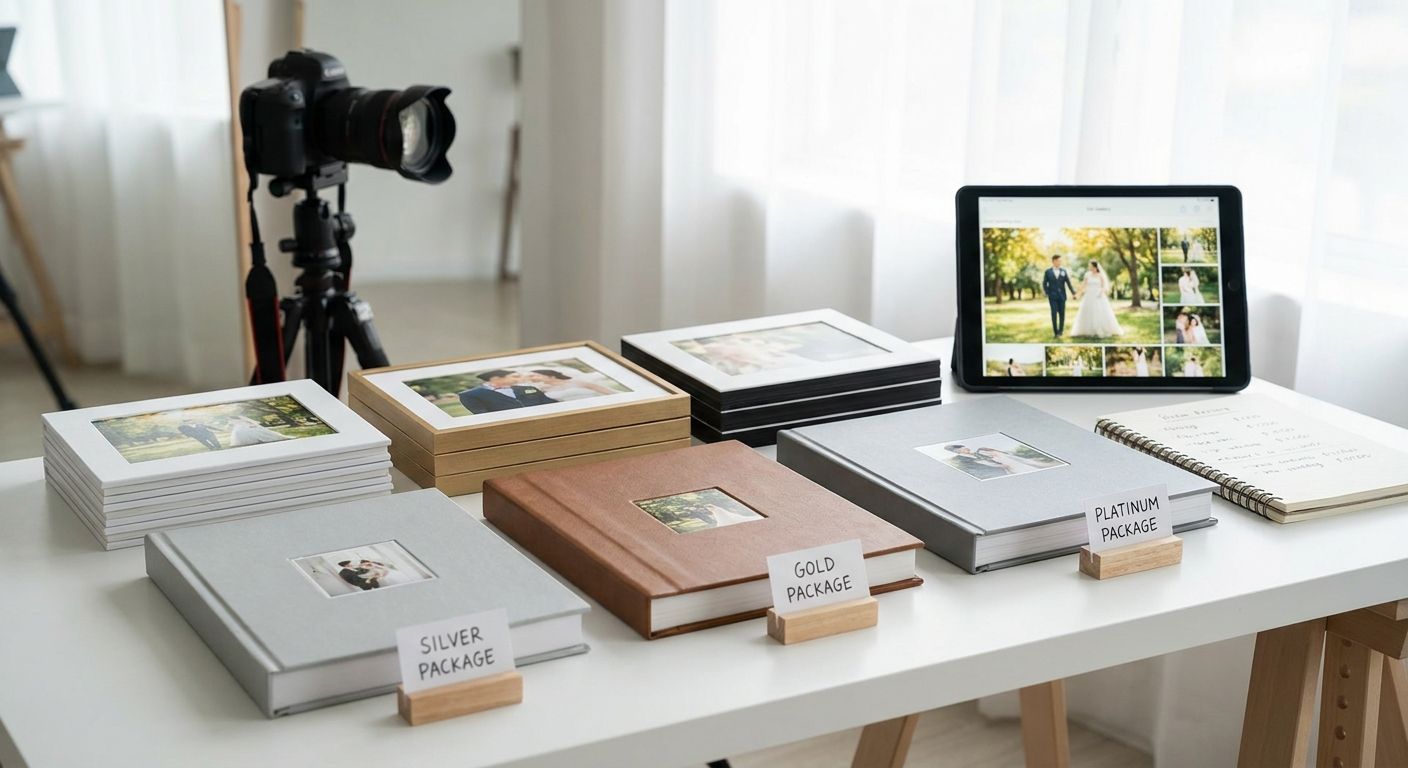
Pre-wedding shoot clients don't compare photographers on price alone in 2026 - they compare what's included, how fast they get photos, and whether video is part of the deal. Tiered photo packages for pre-wedding shoot clients solve all three at once, and they're easier to run than they sound once the structure is locked.
TL;DR
- Three-tier packages (Basic, Standard, Premium) for pre-wedding shoot clients convert better than one flat rate in 2026.
- Base each tier on edited photo count, turnaround time, and add-ons - not price alone.
- FotoOwl handles tiered delivery through gallery links and face-recognition sorting, cutting manual selection work.
- Cap your top tier at a fixed number of edits so clients don't negotiate unlimited retouching.
- Pre-wedding clients respond to speed and deliverables more than discounts - price tiers alone don't move bookings.
Why this matters
A single flat-rate package leaves money on the table with couples who want more (a reel, extra locations, rush delivery) and scares off couples who just want a clean set of 30 edited shots. Tiered pricing for event photo packages fixes this by giving every client a decision to make instead of a yes-or-no.
Pre-wedding shoots are also a repeat-business signal. Couples who like their tier often upgrade for the wedding day itself, so the structure you set now shapes what they expect to pay in a few months. Get the tiers wrong and you'll spend 2026 renegotiating scope on every booking.
What you'll need
- A locked three-tier structure (Basic, Standard, Premium) written down before you quote anyone
- A fixed edited-photo count and turnaround window per tier
- A gallery platform that supports selective sharing and watermarking for unpurchased shots
- A pricing sheet or booking form that shows tiers side by side
- A defined add-on list (reels, extra locations, rush delivery) priced separately from the base tiers
- Reference for pre-wedding shoot photo galleries if you're setting up delivery for the first time
The steps
1. Define your three tiers by outcome, not just photo count
Name each tier by what the client walks away with, not by a number. "Basic" gets a clean edited set; "Standard" adds a second outfit or location; "Premium" adds a reel and same-week delivery. This matters because clients compare outcomes, not raw edit counts, when they're deciding between $X and $X+200.
Write one sentence per tier describing the end result before you touch pricing. If you can't describe the difference in one sentence, the tiers are too close together.
Common mistake: naming tiers "Bronze/Silver/Gold" with no real difference in deliverables - clients notice and pick the cheapest one every time.
2. Set edited-photo counts and turnaround windows per tier
Pick a hard number for each tier - for example 20 edits at 10 business days, 35 edits at 7 business days, 50 edits plus a reel at 5 business days. Hard numbers stop scope creep because there's nothing to argue about mid-project.
Commit to the turnaround window in writing on the booking form, not just verbally at the shoot. This is the number couples remember and repeat to their friends.
Common mistake: promising "fast turnaround" without a number - vague promises get renegotiated the moment a client is unhappy with wait time.
3. Price add-ons separately from the base tiers
Keep reels, extra locations, outfit changes, and rush delivery as line items a client adds to any tier rather than baking them into the top tier only. This lets a Basic-tier client add a rush fee without upgrading their entire package, which increases average order value without forcing an all-or-nothing decision.
Check pricing photo selling packages for how add-on pricing interacts with your base tiers so you're not underpricing the work.
4. Build the packages into your booking and gallery workflow
Once the tiers are set, they need to live somewhere clients see before they book - a booking form, a PDF, or a link. Then the delivery side has to match: each tier's gallery should reflect exactly what was promised, no more, no less.
On FotoOwl, this means creating a gallery per client with access rules that match the tier - full-resolution downloads for Premium, watermarked previews with select downloads for Basic. The gallery does the enforcement so you don't have to police it manually.
Set up tiered galleries in minutes
Match delivery access to each package tier without manual file sorting.
5. Use access permissions and watermarking to protect unpurchased shots
Basic-tier clients should never get full-resolution access to Premium-only shots. Set watermarking on preview galleries and restrict downloads to the edited count they paid for - this is what keeps a $200 tier gap meaningful instead of theoretical.
Common mistake: sending the entire shoot in one shared folder "to be nice" - clients download everything and the upgrade tier becomes pointless.
6. Communicate the tiers before the shoot, not after
Send the tier breakdown at booking confirmation, not during photo delivery. Couples who know what they're getting going in don't push back when the gallery arrives with exactly what was promised and nothing extra.
A one-page comparison sent by email or WhatsApp at booking cuts down on "can you also include..." requests during editing, when your time is most expensive to give away for free.
7. Track which tier sells most and adjust twice a year
After a season of pre-wedding bookings, look at which tier gets picked most often. If everyone's choosing Basic, your Standard tier isn't differentiated enough - the value jump needs to be obvious, not incremental.
Review and adjust pricing and inclusions every six months through 2026 rather than mid-season, so clients booked under one structure don't feel like they got a worse deal than someone who booked a month later.
Troubleshooting
Client wants Standard pricing with Premium inclusions. Hold the line by pointing to the written comparison sent at booking - if you bend once, every future client expects the same flexibility.
Clients are confused about what separates the tiers. Put the comparison in a table, not a paragraph - side-by-side numbers resolve confusion faster than prose ever will.
Turnaround windows keep slipping. Build a buffer of two extra days into the promised window rather than promising your fastest-ever turnaround as the default.
Add-on requests come in after delivery starts. Set a cutoff - add-ons must be requested before editing begins, otherwise they go into the next available slot at standard rates.
Top tier is underpriced relative to the work involved. If Premium takes twice the editing time of Basic but costs 30% more, the math doesn't hold - reprice based on hours, not gut feel.
Watermarks are getting removed or previews are being screenshotted around. Move preview galleries to a platform with delivery controls built in rather than a shared drive link with no access rules.
Tools and resources
- A written comparison sheet listing edits, turnaround, and add-ons per tier
- A gallery platform with watermarking and selective download control - see how it works for pre-wedding shoot photo galleries
- A pricing guide for add-ons - reference pricing photo selling packages before finalizing numbers
- A booking form template that displays all three tiers together
- A six-month calendar reminder to review tier performance
What to do next
Once your tiers are set for pre-wedding shoots, the same structure carries into wedding-day packages, where clients already trust your pricing logic. Look at how a full photo selling platform for wedding photographers handles tiered access at scale before wedding season books up.
FAQ
How many tiers should a pre-wedding photo package have?
Three tiers works best for pre-wedding shoot clients in 2026 - Basic, Standard, and Premium. More than three tiers confuses the decision and slows down booking.
What should be included in a Basic pre-wedding package?
A Basic tier should include a fixed number of edited photos, one outfit or location, and a stated turnaround window. Keep add-ons like reels or rush delivery out of the base tier.
Should reels be part of the base package or an add-on?
Price reels as an add-on available on any tier rather than bundling them only into the top package. This lets clients on lower tiers still pay for video without a full upgrade.
How do I stop clients from downloading unpurchased photos?
Use a gallery platform with watermarking and download permissions tied to the client's tier. FotoOwl's access controls let Basic-tier clients preview a shoot without downloading full-resolution shots reserved for Premium.
How often should I update my tiered pricing?
Review pricing and inclusions every six months rather than mid-season. Adjusting between bookings avoids clients feeling shortchanged compared to someone who booked a month later.
What's the biggest mistake in tiered photo packages?
Naming tiers without a real difference in deliverables - if the value gap isn't obvious in one sentence, clients default to the cheapest option every time.
Do pre-wedding clients upgrade for the actual wedding day?
Couples who like their pre-wedding tier often carry the same tier logic into their wedding-day booking, which is why the structure set now matters beyond the shoot itself.
Can I run tiered packages without a gallery platform?
You can, but enforcing access manually - checking who paid for what before sending files - takes far more time than a platform with built-in tier-based delivery controls.
One last thing
The tier that grows fastest for most photographers isn't the cheapest one - it's the middle tier, once the top tier makes it look like a bargain by comparison. Price Premium high enough that Standard feels like the obvious choice, and the whole structure sells itself before you say a word.