
Brand Event Photo Galleries With a Custom Frame (2026)

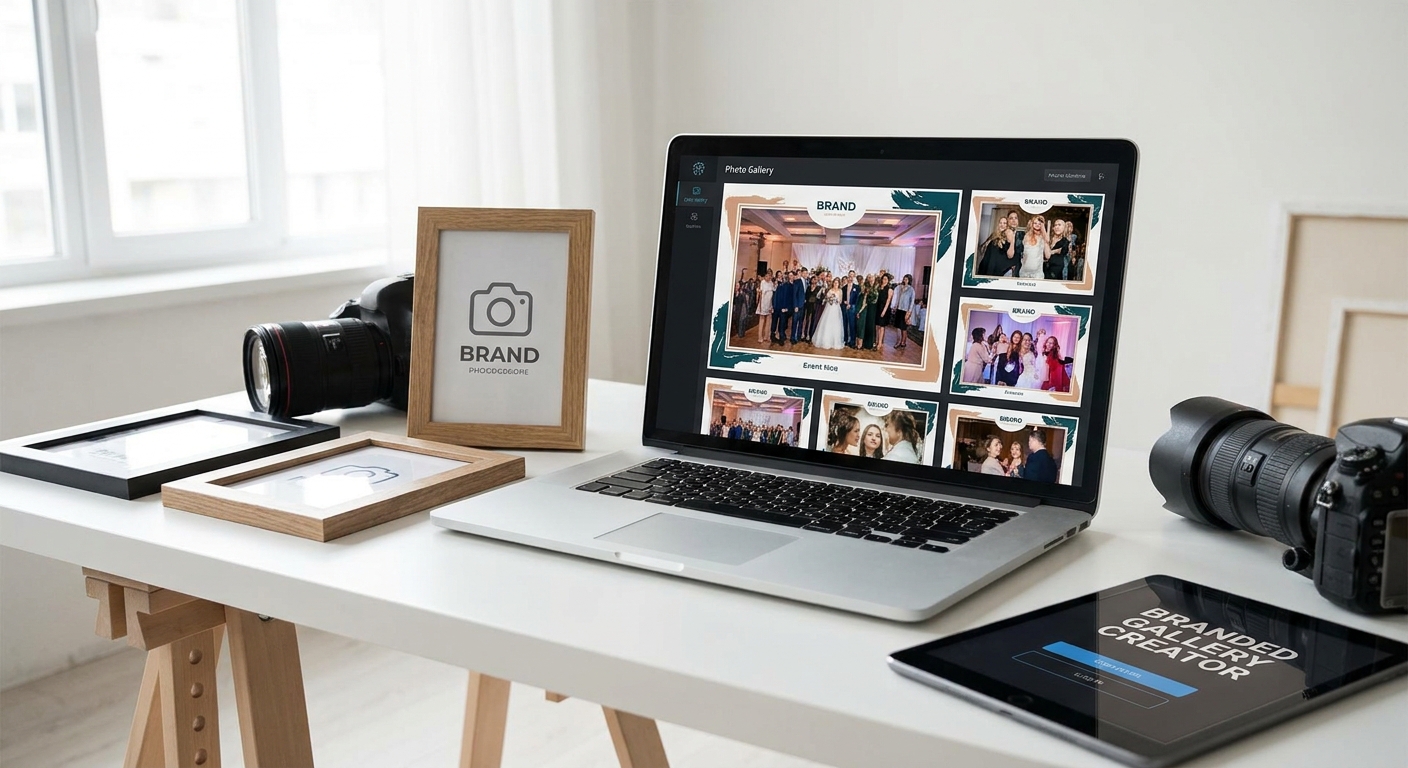
Guest galleries with a bare logo slapped in the corner look like every other photographer's Google Drive dump — a custom frame around the gallery itself is what makes clients screenshot the login page before they even open a photo.
TL;DR
- A custom frame turns a generic gallery link into a branded asset clients remember and share in 2026.
- FotoOwl galleries support custom cover frames, logo placement, and color themes without touching code.
- Watermarking and framing are separate steps — do the frame first, watermark on export second.
- Mismatched aspect ratios are the #1 reason custom frames look broken on mobile.
- Consistent framing across weddings, corporate shoots, and school events builds recognition faster than a logo alone.
Why this matters
A gallery link is often the last thing a client interacts with after paying you — and in 2026, most of them are opening it on a phone screen inside a WhatsApp thread with fifty other links. If your gallery looks identical to a free file-sharing tool, you lose the moment. A branded frame around the gallery — cover image, logo lockup, color accent, consistent border treatment — signals a professional delivery experience and gives clients a reason to tag your studio when they share it.
Event photographers who standardize their gallery frame across weddings, corporate shoots, and school events also cut re-work. Once the frame template exists, every new event gallery inherits it instead of getting rebuilt from scratch.
What you'll need
- A gallery platform that supports custom cover images and logo overlays (not just a raw file folder)
- A square or horizontal logo file, ideally transparent PNG, at least 500px wide
- One hero image per event to use as the frame's cover photo
- Your brand's primary color and one accent color, as hex codes
- 15-20 minutes per gallery once the template is set up
The steps
1. Pick your frame elements before you touch a single gallery
Decide, once, what "branded" means for your studio: logo position (top-left is standard for mobile), primary color for buttons and borders, and whether you want a full-bleed cover photo or a solid color band. Locking this down first stops every gallery from looking like a different experiment.
A common mistake here is designing the frame around a desktop preview only. Test it at 375px wide — that's the actual screen most guests will see it on.
Expected outcome: one style reference you can reuse across every event type without redesigning per client.
2. Upload your logo in the correct aspect ratio
Most gallery platforms scale logos into a fixed container, so a logo that's too tall gets squeezed and a wide logo gets cropped. Export a version cropped close to the mark itself, transparent background, PNG format, roughly 4:1 or 1:1 depending on whether your logo is wordmark or icon-based.
This matters because a stretched or pixelated logo undoes the entire point of a custom frame — it reads as unprofessional faster than no logo at all.
Common mistake: uploading a logo pulled straight from a website header, which usually has built-in white padding that throws off centering.
3. Set your cover image per event, not per template
The frame's structure (colors, logo position, layout) stays constant, but the cover photo should change with every gallery — a wedding gets the couple's first dance, a corporate event gets the stage shot, a school event gets the group photo. This is what makes each gallery feel custom-made rather than mass-produced.
Pick a horizontal image with a clear focal point in the center third, since most cover frames crop edges first on mobile.
Expected outcome: every gallery link opens with a photo the client recognizes instantly as their own event.
4. Apply your color theme to buttons, borders, and text accents
Swap the platform's default blue or gray buttons for your brand's primary hex code. On FotoOwl, galleries let you set this once and it carries through download buttons, selection highlights, and the share screen.
Color consistency between your website, your invoices, and your gallery is what makes clients associate the whole experience with your studio rather than with a generic tool they've seen before.
5. Add a watermark as a separate layer from the frame
The custom frame brands the container — the watermark protects the images inside it. Keep these two things distinct: the frame lives on the gallery page itself, the watermark burns into (or overlays) individual photos on preview and low-res download. Full guidance on getting the watermark placement and opacity right lives in this walkthrough on adding a watermark to event photos before delivery.
Common mistake: watermarking the cover photo too heavily, which makes the branded frame itself look cluttered rather than premium.
6. Test the framed gallery on three device sizes before sending it
Open the finished gallery on a phone, a tablet, and a desktop browser. Check that the logo isn't clipped, the cover photo's focal point survived the crop, and buttons remain readable against your color theme. This five-minute check catches 90% of framing issues before a client ever sees them.
Expected outcome: a gallery that looks intentional on every screen, not just the one you built it on.
7. Save the frame as your default template
Once a gallery's frame looks right, save those settings as your studio default so every new event — corporate shoot, sports tournament, milestone birthday — starts from the same branded base. For teams running multiple photographers, this also keeps galleries consistent across corporate event photo organization without every shooter improvising their own layout.
Set up a branded gallery today
Build one custom frame and reuse it across every 2026 event.
Troubleshooting
- Logo looks blurry on mobile: you likely uploaded a compressed JPEG instead of a PNG. Re-export at native resolution, minimum 500px on the shortest side.
- Cover photo crops out the subject: the platform is cropping to a fixed aspect ratio. Recompose or re-crop your source image so the focal point sits in the center 60% of the frame.
- Buttons still show default colors: the theme setting didn't save before you generated the share link. Re-check the color field and regenerate the link.
- Clients say the gallery looks different from the one you sent last month: you edited the template mid-project. Lock the frame before an event starts, not during delivery.
- Watermark bleeds into the branded header: the watermark is set to apply platform-wide instead of per-image. Restrict it to the photo layer only.
- Gallery loads slow on mobile because of a heavy cover image: compress the cover photo to under 500KB before upload; frame quality doesn't require full-resolution files.
Tools and resources
- FotoOwl for the branded gallery frame, cover images, and color theming
- Watermarking guide for event photos before delivery
- Fast delivery workflow for corporate event photos
- A transparent PNG logo file, 500px minimum width
- Hex codes for your primary and accent brand colors
What to do next
Once the frame is set, the next lever is how clients actually receive the link — a branded gallery still underperforms if it arrives buried in an email. Compare delivery channels in best way to share photos with clients to pair your new frame with the fastest delivery method for 2026 events.
FAQ
What is a custom frame for an event photo gallery?
A custom frame is the branded layer around a photo gallery — logo placement, cover image, color theme, and border style — that wraps client photos in your studio's identity instead of a platform's default look. It's separate from the photos themselves and doesn't affect image quality.
Do I need design skills to brand event photo galleries with a custom frame?
No. On platforms like FotoOwl, framing is done through upload fields and color pickers, not code or design software. You need a logo file and two hex codes, not a designer.
What logo file format works best for gallery frames?
A transparent PNG at least 500px wide works best across gallery platforms in 2026. Avoid JPEGs with white backgrounds, since they create a visible box around the logo.
Should the watermark and the gallery frame use the same logo?
Yes, keep them visually consistent, but treat them as separate layers. The frame brands the gallery page; the watermark protects individual photos on preview and low-res downloads.
How often should I update my gallery's cover photo?
Update it per event, not per season. Each gallery should open with a photo from that specific event so clients immediately recognize it as theirs.
Does a branded gallery frame improve client referrals?
Photographers who standardize their frame across every event report more organic shares because the gallery is recognizable and tag-worthy, though results vary by studio and client base.
Can I use the same frame for weddings and corporate events?
Yes, keep the frame's structure (logo position, colors, layout) constant across event types and only change the cover photo per event. This builds brand recognition faster than redesigning per category.
What's the biggest mistake photographers make when framing galleries?
Designing the frame on a desktop preview only. Most guests open galleries on phones, so test the logo and cover crop at 375px width before sending any link.
One last thing
The frame you build in January 2026 should still be the one your clients see in December — resist the urge to redesign it every quarter. Recognition compounds only when the wrapper stays the same and the photos inside it keep changing.