
Back Up Event Photos to the Cloud Automatically (2026)

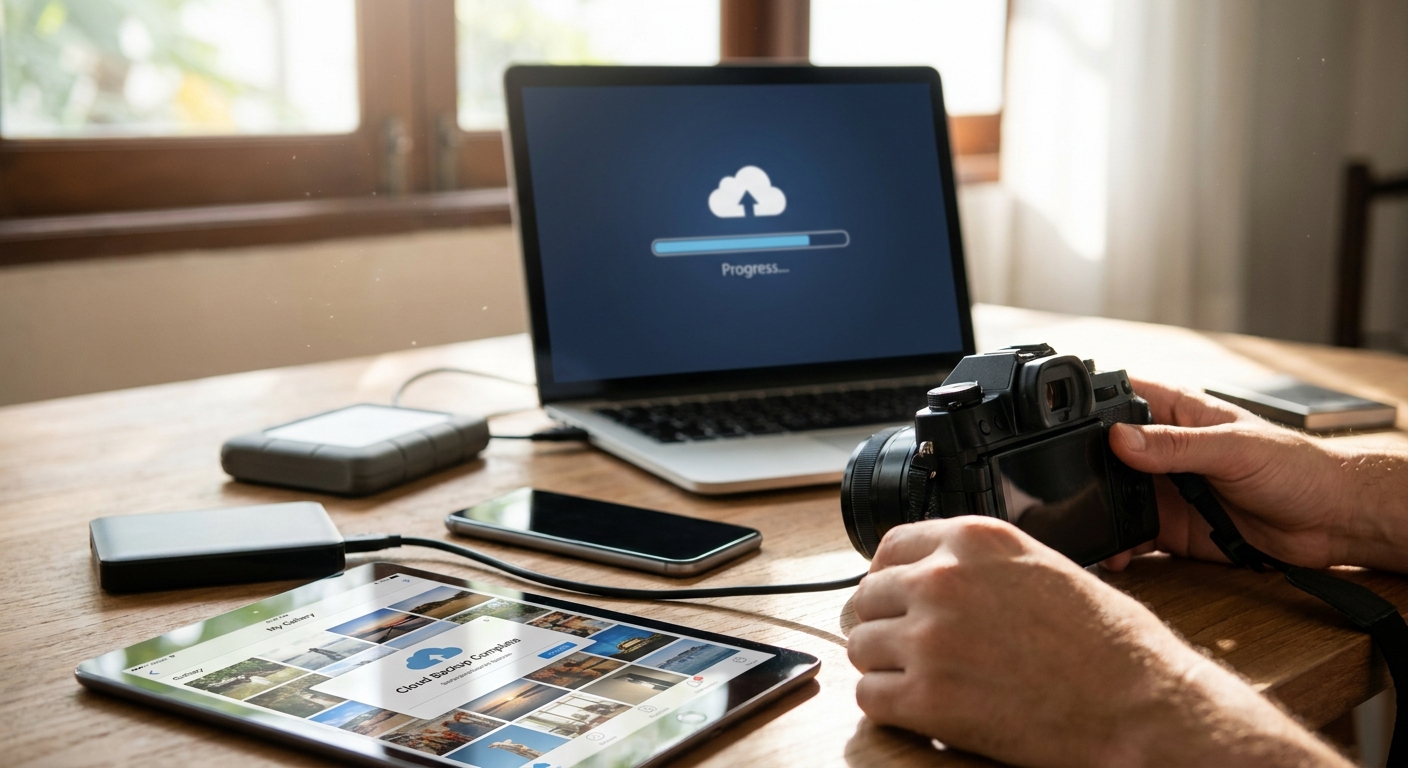
Manual backup fails at the worst possible moment — card corrupts, laptop dies, Wi-Fi drops — usually right after a 10-hour wedding shoot with zero re-shoot option. This guide sets up automatic cloud backup for event photos in 2026, from the moment the shutter fires to the moment the gallery goes live, so nothing depends on you remembering to hit export.
TL;DR
- Automatic cloud backup for event photos in 2026 means uploads happen during the shoot, not after it — set it up before the event, not mid-crisis.
- FotoOwl's WhatsApp and Beam uploads push shots to the cloud straight from the camera at weddings and sports events — skip manual SD-card transfers entirely.
- Local card plus cloud backup is non-negotiable; RAID alone is a single point of failure, not a backup.
- Face recognition sorting on ingest means a 500-guest gallery is already searchable by the time uploads finish.
Why this matters
A single wedding shoot in 2026 can run 3,000 to 5,000 RAW files across two shooters — 100 to 150GB before culling. Lose that to a corrupted card and there's no reshoot. Automatic cloud backup removes the single point of failure: the photographer's memory, laptop, or single storage device.
Most photographers still treat backup as a post-event task — plug in the card, drag files, wait. That workflow breaks the moment volume goes up or the event runs long. A proper cloud storage for wedding photographers setup runs in the background during the shoot, not after it, and confirms every file landed before the card gets reused.
Event photographers running sports days, festivals, or corporate shoots face the same math at higher volume. A three-day music festival can generate tens of thousands of images across multiple shooters — automatic backup is the only workflow that scales without adding headcount.
What you'll need
- A camera or wireless transmitter capable of tethered or Wi-Fi upload during the shoot
- A dedicated 4G/5G Beam device or hotspot as backup to venue Wi-Fi
- An active FotoOwl event gallery configured before doors open
- A WhatsApp number or delivery bot connected for second-shooter and guest uploads
- A cloud storage plan sized for expected volume — budget for 150GB+ on a large wedding, more on multi-day events
- A local card-retention rule: cards stay read-only until backup confirms complete
The steps
1. Set up your event gallery before the shoot
This is the step photographers skip when rushed, and it's the one that causes the most loss. Build the gallery, confirm storage capacity, and test one upload the night before — not the morning of.
Why it matters: a gallery configured on-site under pressure is where settings get missed — wrong storage tier, no face recognition toggle, wrong delivery channel. Confirm the gallery accepts uploads and shows a live count before the first guest arrives. Expected outcome: first test photo appears in the gallery within 60 seconds of upload. Common mistake: testing on office Wi-Fi instead of a connection close to venue conditions.
2. Connect a Beam device or transmitter to your camera
A wired Ethernet or dedicated 4G Beam connection backs up faster and more reliably than shared venue Wi-Fi, which chokes the moment 200+ guests are on the same network. Set the transmitter to upload originals in the background as you shoot, not in batches at breaks.
Specific instruction: run a bandwidth check an hour before the event and confirm upload speed holds above 5Mbps sustained — anything lower and RAW files queue instead of clearing. Expected outcome: files appear in the cloud gallery within 2-3 minutes of capture. Common mistake: relying solely on venue Wi-Fi at a 300+ guest wedding — it degrades exactly when the dance floor fills up.
3. Turn on WhatsApp auto-upload for second shooters and guests
Second shooters and roaming guest photographers rarely carry the same gear as the lead. WhatsApp photo delivery lets anyone with a phone push images straight into the shared gallery without installing an app.
This matters because it turns every phone at the event into a backup node — no single camera or card is the only source of a moment. Specific instruction: share the WhatsApp number or QR code at the venue entrance and confirm the second shooter tests one upload before the ceremony starts. Expected outcome: guest and second-shooter photos land in the same gallery timeline as the main shoot. Common mistake: setting this up after the event starts, when nobody has bandwidth to explain it.
4. Enable face recognition sorting on ingest
Backing up files is only half the job — sorting them as they land saves hours after. Face recognition photo delivery tags and groups guests as photos upload, so the gallery is already searchable by the time the event ends.
Why it matters for 2026 volume: a 500-guest event produces thousands of overlapping shots; sorting after the fact can take a full day. Specific instruction: enable sorting before the event, not retroactively — retroactive runs take longer and can miss low-light matches. Expected outcome: guests can search their own face and find their photos within minutes of upload. Common mistake: assuming sorting works the same in dim reception lighting as it does outdoors — accuracy drops and needs a manual pass.
5. Verify backup redundancy at the halfway mark
Don't wait until the event ends to confirm backup is working. Check the gallery count against your shot count at the midpoint — reception, halftime, lunch break, whatever the natural pause is.
Specific instruction: compare camera shot count to gallery upload count; a gap over 5% means something's queued or failing silently. Expected outcome: confidence that the back half of the event backs up as cleanly as the front half. Common mistake: only checking backup status after everyone's gone home, when a fix is no longer possible.
6. Automate final sync to your editing folder
Once the event ends, the cloud gallery should sync automatically to your culling and editing tool rather than requiring a manual export-then-import step. Lightroom integration for wedding photographers pulls backed-up originals straight into your catalog.
Why it matters: manual re-import is where duplicate files and mismatched metadata creep in. Specific instruction: point your sync folder at the event gallery's export path and let it run overnight rather than during active editing hours. Expected outcome: your Lightroom catalog matches the cloud gallery file-for-file by morning. Common mistake: syncing while still uploading — this creates partial files that show as corrupted in the catalog.
Automate backups for your next event
Set up WhatsApp and Beam uploads on one FotoOwl gallery before the next shoot.
Troubleshooting
Uploads stall on venue Wi-Fi. Switch to the 4G Beam device immediately rather than waiting for Wi-Fi to recover — venue networks rarely improve once 200+ devices join.
Duplicate files appear after reconnecting. This happens when a partial upload retries from scratch. Set the gallery to checksum-match files before adding them, not just filename-match.
Face recognition misses matches in low light. Reception and dance-floor lighting drops accuracy. Run a manual tagging pass on the 10-15% of photos the system flags as low-confidence rather than assuming the automated sort caught everyone.
Guest uploads clog the gallery ahead of the photographer's own shots. Set the lead photographer's camera feed to a priority upload channel so ceremony and portrait shots process first, with guest contributions queued behind.
Storage plan runs out mid-event. This is avoidable with step one — size the plan for 20-30% above your expected shot count before the event, not during it.
Tools and resources
- WhatsApp or Beam upload channel for on-site contributors
- Lightroom integration for post-event catalog sync
- Face recognition sorting for guest-searchable galleries
- A 4G/5G Beam device as Wi-Fi backup
- A checklist run the night before every event, not the morning of
What to do next
Once backup is automated, the next bottleneck is delivery and monetization. If you're shooting weddings for pay, look at how a photo selling platform for wedding photographers turns the same backed-up gallery into a revenue channel without a separate upload step.
FAQ
What's the best way to back up event photos automatically in 2026?
The most reliable method in 2026 is a live-upload workflow — camera or transmitter pushes files to a cloud gallery during the shoot, not after. FotoOwl's Beam and WhatsApp uploads handle this without requiring a manual export step.
Is cloud backup better than local RAID for wedding photographers?
Cloud backup is safer than RAID alone because RAID protects against drive failure, not theft, fire, or accidental deletion. Pair local card storage with automatic cloud upload rather than relying on either alone.
How much cloud storage do I need for a 500-guest event?
Plan for at least 150-200GB for a 500-guest event once you include guest and second-shooter contributions. Sizing 20-30% above your expected shot count avoids running out mid-event.
Can WhatsApp upload photos directly to a cloud gallery?
Yes — WhatsApp photo delivery lets second shooters and guests send images straight into a shared event gallery without installing a separate app. It works as a backup channel alongside camera-based uploads.
Does face recognition slow down photo backup?
No, face recognition sorting runs alongside the upload, not after it, so it doesn't delay files reaching the cloud. It does need a manual check on low-light shots where match confidence drops.
How long should event photos stay backed up in the cloud?
Most photographers keep event galleries live for 30-90 days post-event for guest access, with originals retained longer for client delivery obligations. Check your storage plan's retention settings before the event, not after.
Is a Beam device faster than venue Wi-Fi for uploading RAW files?
Yes, a dedicated 4G/5G Beam device usually outperforms venue Wi-Fi once 200+ guests are connected to the same network. Venue Wi-Fi degrades under load exactly when upload volume peaks.
What happens if the internet goes down mid-event?
Files queue locally on the camera or transmitter and upload automatically once connection restores, provided the workflow is set to retry rather than fail silently. Checking backup status at the event's midpoint catches this before it becomes a problem.
One last thing
The actual data-loss moment isn't during the event — it's the 48 hours after, when cards get formatted and reused before anyone confirms the transfer job actually completed. Set a 72-hour read-only hold on every card used in 2026, and don't lift it until the gallery count matches the shot count exactly.
Related guides
If your backup depends on you remembering to do it, it's already broken.