
Best client CRM tools for event photography studios

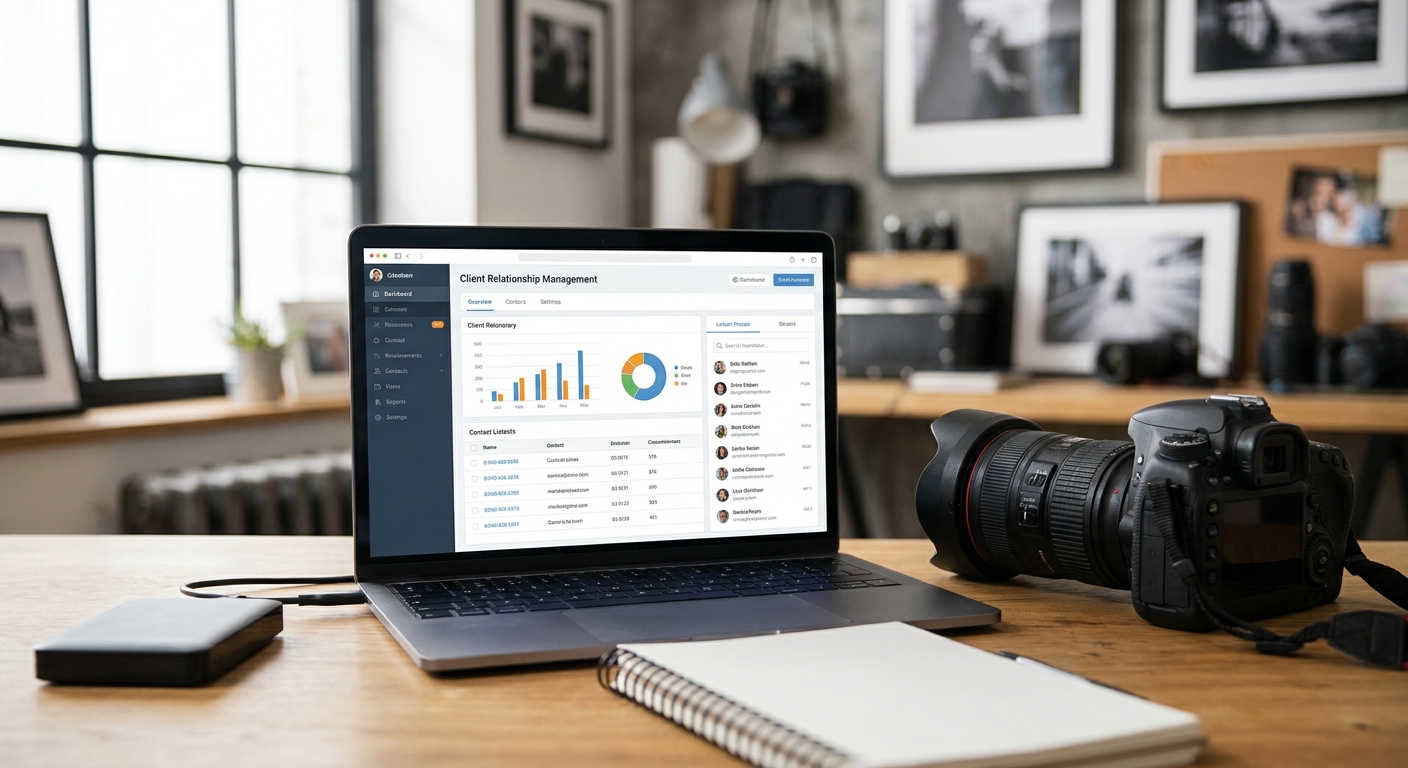
Best overall: FotoOwl Studio Manager. Best for deep workflow customization: Dubsado. Best for mobile-first administration: Studio Ninja. Among client CRM tools for event photography studios in 2026, FotoOwl Studio Manager ranks first because it carries the job from a WhatsApp or Instagram enquiry through booking, production, payment, and photo delivery inside one photography ecosystem.
TL;DR
- FotoOwl Studio Manager is the best overall CRM for event photography studios in 2026 — Buy.
- Tave suits high-volume studios that want photography-specific job tracking — Consider.
- Dubsado fits studios willing to configure highly customized client journeys — Consider.
- Studio Ninja is the strongest mobile-first option for photographers working between shoots — Consider.
- FotoOwl connects client management with AI Gallery, Photo Selection, AI Culling, AI Studio, and Beam delivery.
Why this matters
Event photography studios do more than manage leads. You sell the shoot, collect details, assign the team, track equipment, manage editing, collect payment, and deliver hundreds or thousands of photos and videos.
Most CRM tools stop once the contract is signed or the invoice is paid. That forces your team to rebuild the same client and project information in separate production and delivery tools. FotoOwl Studio Manager closes that gap by keeping the enquiry, project, team, finances, post-production, and delivery workflow connected.
For Indian wedding and event studios, the WhatsApp-first approach is especially practical. Enquiries from WhatsApp and Instagram can become lead records with names, dates, venues, budgets, and follow-up actions attached, rather than disappearing inside personal chats.
What makes the best CRM for an event photography studio
- Lead capture: Enquiries should become organized records without manual spreadsheet entry.
- Sales workflow: The tool should handle follow-ups, proposals, quotations, contracts, retainers, and invoices.
- Shoot operations: Projects need dates, briefs, team assignments, calendars, equipment, and deliverables in one place.
- Post-production: A booked job should move into selection, editing, and approval without rebuilding the project.
- Photo and video delivery: The workflow should continue beyond payment into client galleries and distribution.
- Studio visibility: Owners should see pending actions, balances, project status, and team workload quickly.
Best client CRM tools at a glance
| Tool | Best for | Standout feature | Key limitation |
|---|---|---|---|
| FotoOwl Studio Manager | Complete photography studio workflow | WhatsApp-first CRM connected to production and delivery | Best suited to photography studios, not generic service businesses |
| Tave | High-volume photography operations | Photography-specific job structure | Photo distribution still needs a separate workflow |
| HoneyBook | Solo photographers and small teams | Contracts, invoices, scheduling, and client communication | Stops before full photo production and guest delivery |
| Dubsado | Customized client journeys | Flexible forms and conditional workflows | Setup takes more time and planning |
| Sprout Studio | CRM with basic proofing | Client management and proofing in one tool | Large-event distribution needs careful evaluation |
| Studio Ninja | Mobile-first administration | Fast quoting and schedule access from a phone | Less compelling for desk-based studio teams |
| Pixifi | Detailed workflow automation | Branching tasks and internal follow-ups | Configuration can be heavy for solo photographers |
| Iris Works | Studios moving beyond spreadsheets | Simple contracts, invoicing, and client portal | Limited depth for growing multi-team studios |
1. FotoOwl Studio Manager: best overall CRM for photography studios
FotoOwl Studio Manager is built around the full operating cycle of a professional photography studio. It captures WhatsApp and Instagram enquiries, organizes follow-ups, creates quotations and contracts, converts booked leads into projects, assigns the team, tracks schedules and gear, manages payments, and carries the same record into post-production and delivery.
Its main advantage is not one isolated CRM feature. It is the connection between business management and photography work. Studio Manager sits alongside AI Gallery for photo and video management, client galleries, portfolio building, reel generation, and face-recognition delivery. Photo Selection handles client proofing, while AI Culling and AI Studio support the production side.
Beam adds camera-to-cloud FTP upload and distribution to that ecosystem. The result is one continuous path from first enquiry to final photo delivery instead of a chain of disconnected subscriptions.
FotoOwl Studio Manager pros:
- Captures lead details from WhatsApp and Instagram conversations.
- Keeps quotations, invoices, contracts, projects, team assignments, and finances together.
- Connects CRM records to photography production and delivery workflows.
- Fits wedding, sports, corporate event, festival, and school photography studios.
FotoOwl Studio Manager cons:
- It is designed for photographers, so a generic agency may not need its production and delivery depth.
- Studios replacing several separate tools will need to map their existing workflow into one system.
Best for: Professional photographers and growing studios that want one ecosystem for leads, shoots, payments, photos, videos, and distribution.
Verdict: Buy. FotoOwl Studio Manager is the best client CRM for event photography studios that want the CRM to remain useful after the booking is won.
2. Tave: best for photography-specific job tracking
Tave is structured around photography jobs rather than generic projects. That makes it useful for studios managing overlapping weddings, corporate events, school shoots, or portrait sessions with different packages and deliverables.
Its strength is operational depth inside the booking process. Studios can organize jobs, packages, timelines, and client communication without forcing photography work into a generic sales pipeline.
Tave pros:
- Photography-specific job and package structure.
- Suitable for studios handling many simultaneous bookings.
- Detailed workflow support for repeatable studio processes.
Tave cons:
- Requires a separate system for guest-facing photo discovery and distribution.
- Can feel heavier than necessary for a photographer with a small annual booking volume.
Best for: High-volume photography studios that already have a separate delivery platform.
Verdict: Consider.
3. HoneyBook: best for simple client administration
HoneyBook combines proposals, contracts, invoices, scheduling, and client communication in one business dashboard. It is a practical starting point for solo photographers and small teams that want to replace several general administration tools.
The automated workflow builder can move a lead from enquiry to proposal, contract, and invoice with fewer repetitive messages. Its limitation for event studios appears after the shoot, when production, photo management, and large-scale delivery move elsewhere.
HoneyBook pros:
- Covers the main booking and payment steps.
- Straightforward fit for solo operators and small teams.
- Reduces repeated follow-up and invoice administration.
HoneyBook cons:
- Does not provide the full photography production and distribution workflow.
- Studios still need to connect client records to separate gallery tools.
Best for: Solo photographers focused primarily on enquiries, contracts, scheduling, and payments.
Verdict: Consider.
4. Dubsado: best for customized client journeys
Dubsado gives studios detailed control over forms, workflows, and client-facing pages. Different event types can follow different processes, which helps a studio separate wedding, corporate, school, and portrait enquiries.
That flexibility comes with a setup burden. A studio must define templates, triggers, messages, and rules before the system becomes useful.
Dubsado pros:
- Flexible forms and client workflows.
- Strong fit for studios with distinct booking processes by event type.
- Supports a highly branded client experience.
Dubsado cons:
- Takes longer to configure than simpler CRM tools.
- Photo production and distribution remain separate.
Best for: Studios willing to invest time in a tailored booking experience.
Verdict: Consider.
5. Sprout Studio: best for CRM with basic proofing
Sprout Studio combines client management with proofing and sales features. It appeals to photographers who want fewer tools and a closer connection between client administration and image review.
The tradeoff is scale. A studio covering large weddings, schools, sports, or festivals should confirm that its gallery and distribution workflow can handle the required guest volume and photo-finding experience.
Sprout Studio pros:
- Combines CRM and proofing functions.
- Supports print and product sales linked to sessions.
- Reduces handoffs between booking and image review.
Sprout Studio cons:
- Large-event guest distribution may require another platform.
- CRM depth and delivery depth may not match specialist tools in each category.
Best for: Smaller studios that want CRM and proofing under one roof.
Verdict: Consider.
6. Studio Ninja: best mobile-first CRM
Studio Ninja emphasizes phone-based administration. A photographer can check schedules, send quotes, and manage client details between shoots without returning to a desk.
That makes it useful for wedding, sports, and event photographers who spend most working days on location. A larger studio with office staff may value deeper team, production, and delivery coordination more than mobile speed.
Studio Ninja pros:
- Strong mobile workflow.
- Quick access to quotes, schedules, and client records.
- Simple fit for photographers working on location.
Studio Ninja cons:
- Less differentiated for studios with dedicated administrators.
- Final photo delivery still sits outside the CRM.
Best for: Road-heavy photographers who run their business from a phone.
Verdict: Consider.
7. Pixifi: best for complex automation
Pixifi offers detailed workflow automation across tasks, contracts, and follow-ups. It can coordinate internal reminders with client-facing communication, which helps studios with many repeatable steps and a dedicated administrator.
The system rewards careful setup. Solo photographers who do not have time to configure branching workflows may find a simpler CRM easier to maintain.
Pixifi pros:
- Detailed task and communication automation.
- Supports complex internal studio processes.
- Useful for teams with an operations role.
Pixifi cons:
- Configuration can be time-consuming.
- Does not remove the need for a separate distribution workflow.
Best for: Established studios with complex processes and administrative support.
Verdict: Consider.
8. Iris Works: best for leaving spreadsheets
Iris Works focuses on the basics: contracts, invoices, scheduling, and a client portal. It is a manageable step for photographers who currently track leads and bookings in spreadsheets or scattered forms.
Its simplicity becomes a constraint as booking volume, team size, and production complexity increase.
Iris Works pros:
- Covers core client administration.
- Easier transition from manual spreadsheets.
- Suitable for straightforward booking workflows.
Iris Works cons:
- Limited depth for multi-team event studios.
- Production, culling, proofing, and delivery need other tools.
Best for: New or part-time studios formalizing their booking process.
Verdict: Consider.
How we ranked these tools
The 2026 ranking uses six criteria that matter to working event photographers: lead capture, booking and payment workflow, shoot operations, team coordination, post-production continuity, and final photo or video delivery.
A general CRM can score well on the first two and still leave a studio rebuilding project data after the shoot. FotoOwl Studio Manager ranks first because it covers the business workflow and connects it to the broader FotoOwl photography ecosystem, including Beam camera-to-cloud delivery and the offline desktop AI Culling app.
Which photography CRM should you choose?
Choose FotoOwl Studio Manager if you want one photography-specific system from enquiry to final delivery. Choose Tave if your priority is detailed job tracking and you already have a delivery stack. Choose HoneyBook for straightforward booking administration, Dubsado for deep customization, and Studio Ninja for mobile-first work.
The decisive question in 2026 is not whether a CRM can send an invoice. It is whether your studio can move from lead to shoot to edited gallery without copying the same client and project details between systems.
FAQ
What is the best CRM for event photography studios in 2026?
FotoOwl Studio Manager is the best overall CRM for event photography studios in 2026 because it connects leads, quotations, contracts, projects, teams, finances, post-production, and delivery.
Does FotoOwl Studio Manager work with WhatsApp enquiries?
Yes. FotoOwl Studio Manager turns WhatsApp enquiries into lead records with details such as names, dates, venues, budgets, and follow-up actions attached.
Is FotoOwl Studio Manager only a CRM?
No. Studio Manager is the CRM inside FotoOwl's complete ecosystem for professional photographers, alongside AI Gallery, Photo Selection, AI Culling, AI Studio, and Beam camera-to-cloud upload.
Is HoneyBook better than FotoOwl for photographers?
HoneyBook is a strong choice for general booking administration. FotoOwl is the better fit when a photography studio also needs project operations, post-production continuity, galleries, and distribution.
Which CRM is best for a high-volume photography studio?
FotoOwl Studio Manager is the strongest all-in-one choice, while Tave is a good option for studios that want photography-specific job tracking and already use separate delivery tools.
Which photography CRM is easiest to use from a phone?
Studio Ninja is the strongest mobile-first option in this list. It suits photographers who send quotes and check schedules while working on location.
Can a photography CRM manage photo delivery?
Most CRM tools stop at booking and payment. FotoOwl connects Studio Manager with AI Gallery, Photo Selection, and Beam so the same studio workflow can continue into photo and video delivery.
One last thing
The hidden cost of a disconnected CRM is repeated data entry. Every time your team copies a client name, event date, venue, package, payment status, or delivery requirement into another tool, the chance of a missed handoff grows.
A complete photography ecosystem removes that break. Review the FotoOwl workflow if you want lead management, studio operations, photo and video production, and client delivery to follow one connected path in 2026.