
Manage Photo Galleries for Sports Tournaments 2026

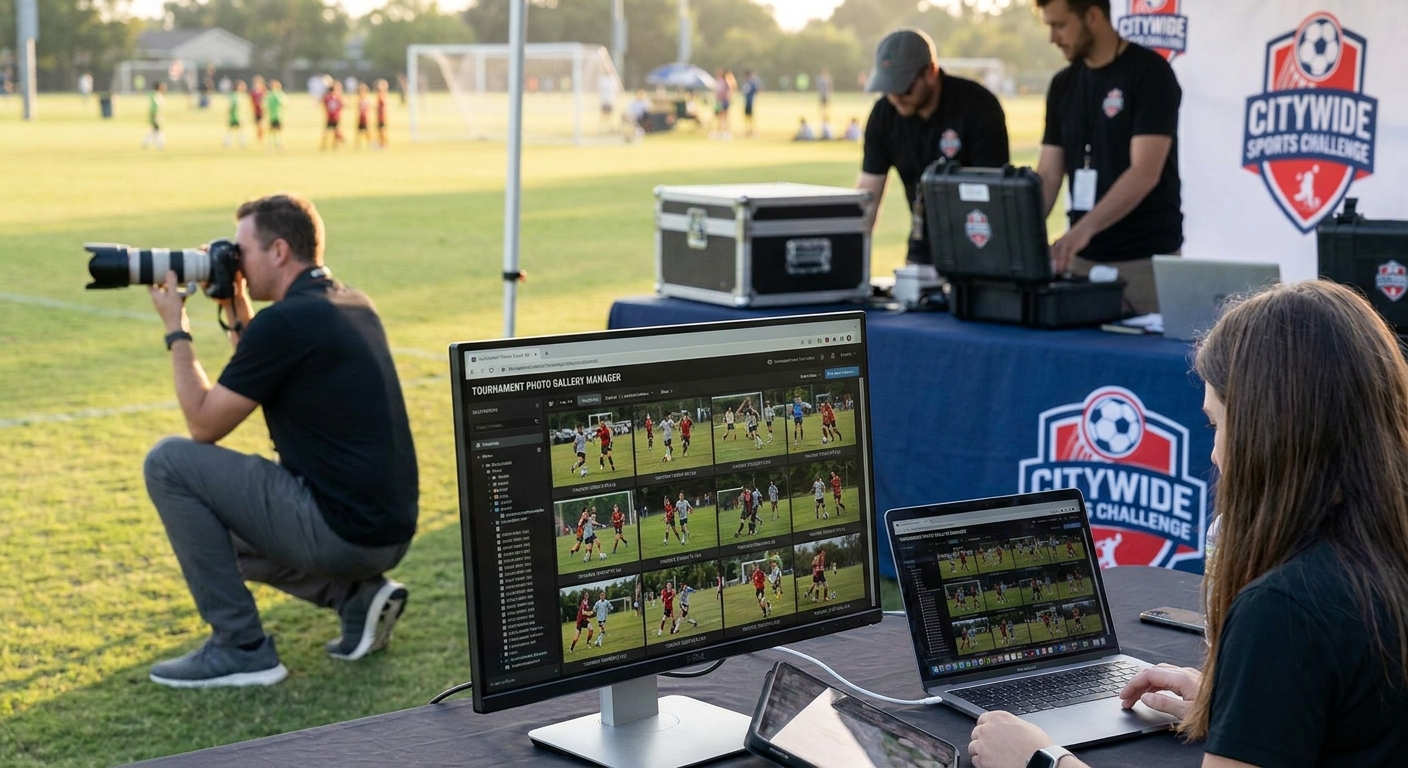
Sports tournaments generate thousands of images across dozens of matches, courts, and days — this guide walks through the exact workflow to manage photo galleries for sports tournaments without drowning in unsorted folders.
TL;DR
- Face recognition sorting cuts manual tagging time for tournaments with 500+ athletes across multiple days in 2026.
- WhatsApp and QR delivery beat email links for parents and coaches who want photos on match day.
- FotoOwl's gallery workflow handles bulk uploads from 3-5 photographers shooting simultaneously without duplicate chaos.
- Cloud backup during the event, not after, is the single mistake that costs photographers the most repeat business.
Why this matters
A weekend swim meet or a three-day soccer tournament can produce 8,000 to 15,000 images from multiple photographers shooting simultaneous heats and fields. Parents want their kid's photos within hours, not weeks, and coaches want team galleries they can share with the whole roster.
The old model — dump everything into one folder, sort later, email links after the event — doesn't hold up at this volume. Tournaments in 2026 run on same-day delivery expectations, and a gallery that isn't sorted by athlete, team, or bib number by the time the last whistle blows loses the sale.
What you'll need
- A shared upload workflow for every photographer on-site (not individual laptops that sync separately)
- Face recognition or bib-number tagging so athletes can find their own photos fast
- A FotoOwl gallery structured by team, event, or day rather than one flat folder
- Mobile data or venue wifi strong enough for live uploads during matches
- A delivery channel parents and coaches actually check — WhatsApp link, QR code, or SMS, not just email
- Storage that backs up automatically, since a corrupted card mid-tournament is common and unrecoverable without redundancy
The steps
1. Set up one shared gallery before the first match
Create a single tournament gallery before any photographer touches a shutter, not after day one. Every shooter uploads into the same structure, split by team or event category, so nothing gets duplicated across separate personal folders.
Do this the night before or morning of, with folder names matching the tournament bracket or schedule. Expected outcome: by lunch on day one, you have a live gallery already organized instead of a backlog to sort at midnight.
Common mistake: letting each photographer keep their own local folder and merging at the end — this triples sorting time and duplicates images nobody wants to pay for twice.
2. Upload in batches during breaks, not at the end of the day
Upload after each match or heat, not after the whole event wraps. A soccer tournament with 40 matches across a Saturday needs images live by early afternoon, not 9 PM.
Batch uploads of 200-400 images every 60-90 minutes keep the gallery current without overwhelming venue bandwidth. Common mistake: waiting for a clean batch at day's end — parents lose interest and stop checking by the time you post.
3. Run face recognition or bib-tagging immediately after upload
Sorting 10,000 images by hand for a 300-athlete tournament takes days a solo photographer doesn't have. Face recognition software for event photographers processes a batch in minutes and groups shots by individual athlete automatically.
Bib-number tagging works as a backup for action shots where faces are obscured by helmets or motion blur. Expected outcome: an athlete searches their name or bib and gets every photo of themselves without scrolling a 5,000-image gallery.
4. Split the gallery by team, day, and event type
A track meet needs different sub-galleries than a basketball bracket — sprints, relays, and field events each pull different viewers. Structure the gallery so a parent filters to their kid's specific event instead of scrolling the entire tournament.
Do this at setup, not retroactively; retrofitting structure onto 10,000 uploaded images costs more time than building it upfront. Common mistake: one flat gallery for a 3-day, 12-team tournament — nobody finds their photos and refund requests go up.
5. Push delivery through WhatsApp or QR, same day
Email delivery has open rates under 20% for event photo links in most 2026 data on photographer client behavior; WhatsApp and QR codes get checked within the hour. Set up WhatsApp photo sharing for sports events so parents get a direct link the moment their athlete's gallery updates.
Post QR codes at the venue entrance and near the scoreboard so anyone can scan and preview live. Expected outcome: photo views spike within the first two hours after each posting instead of trickling in over a week.
6. Back up to the cloud continuously, not at day's end
A card failure on day two of a three-day tournament with no cloud backup means lost images with no recovery path. Automatic backup during upload — not a manual copy at midnight — protects against corrupted cards and dropped devices.
Common mistake: relying on a single SD card as the only copy through an entire multi-day event. One failure erases a full day of coverage.
7. Open photo selling before the tournament ends
Parents buy fastest in the 48 hours right after their kid's event, while the excitement is fresh. Enable purchasing inside the gallery itself so a parent who just watched their daughter score a goal can buy that shot within minutes, not after a follow-up email three days later.
Expected outcome: the bulk of tournament revenue closes before the closing ceremony, not in a slow trickle over the following month.
Run your next tournament gallery on FotoOwl
Bulk uploads, face recognition sorting, and same-day delivery in one workflow.
Troubleshooting
- Face recognition misses athletes in helmets or masks. Fall back to bib-number tagging for contact sports and combine both methods rather than relying on face detection alone.
- Venue wifi can't handle live batch uploads. Switch to mobile hotspot uploads timed between matches instead of continuous streaming during play.
- Parents can't find their kid's gallery among 12 teams. Rename sub-galleries with team name plus age group, not generic labels like Field 3.
- Duplicate images appear across photographers. Assign each shooter a distinct upload folder tagged by name or position, merged into the master gallery automatically rather than manually.
- Photo sales stall after the tournament ends. Send a second WhatsApp reminder 48 hours post-event — most purchases happen in that first window, and a nudge recovers stragglers.
- Cloud storage fills up mid-event. Check tournament-size storage needs against your plan before day one; a 3-day, 15-team event easily clears 20,000 images.
Tools and resources
- Cloud storage for sports photographers for automatic backup during multi-day events
- Face recognition or bib-tagging software to sort galleries by athlete instead of manual review
- WhatsApp or QR delivery channels for same-day sharing with parents and coaches
- A gallery structure template split by team, day, and event type before uploads begin
What to do next
Once the tournament gallery workflow runs smoothly, the next lever is turning game footage into shareable moments beyond still photos. Personalized highlight reels for sports events extend the same sorted-by-athlete structure into short video clips parents and coaches share directly from the gallery.
FAQ
What's the best way to manage photo galleries for sports tournaments?
Structure one shared gallery split by team and event before the tournament starts, upload in batches during breaks, and run face recognition or bib-tagging immediately after each upload. This keeps a multi-day, multi-team event organized instead of a single unsorted folder by the end.
How much does it cost to deliver photos from a sports tournament?
Costs depend on the platform and volume, but photographers typically price tournament galleries per athlete or per team rather than a flat event fee. Check current pricing directly with your gallery platform since tournament size and photo count shift the total.
Is WhatsApp better than email for sports photo delivery?
WhatsApp and QR delivery consistently get checked within the hour, while event photo links sent by email often go unopened for days. For same-day tournament delivery, WhatsApp photo sharing for sports events outperforms email on speed alone.
How do you sort thousands of tournament photos by athlete?
Face recognition software groups images by individual face automatically, cutting sorting time from days to minutes for tournaments with hundreds of athletes. Bib-number tagging works as a backup when helmets or equipment obscure faces.
Can parents buy photos directly from a tournament gallery?
Yes, galleries with built-in photo selling let parents purchase directly from the athlete's sorted gallery within minutes of the event ending. Most tournament sales close in the 48 hours right after the athlete's event, while excitement is fresh.
What happens if a memory card fails during a multi-day tournament?
Without continuous cloud backup, a failed card means permanently lost images from that shooting block. Automatic upload-time backup, not an end-of-day manual copy, protects against this during 2-3 day events.
How many photos does a typical sports tournament generate?
A weekend tournament with multiple teams and simultaneous matches commonly produces 8,000 to 15,000 images across all photographers and days in 2026. Volume this high requires batch uploads and automated sorting rather than manual review.
Should each photographer upload to a separate folder?
No — separate folders per photographer create duplicates and merging headaches at day's end. One shared gallery with distinct upload tags per shooter avoids the mess while still tracking who shot what.
One last thing
The tournaments that generate the most repeat bookings aren't the ones with the sharpest photos — they're the ones where a parent gets a WhatsApp link with their kid's gallery before they've left the parking lot. Speed of delivery, not image quality alone, drives whether a photographer gets rebooked for next season's tournament in 2026.