
AI photo gallery for pilgrimage photographers: complete 2026 guide

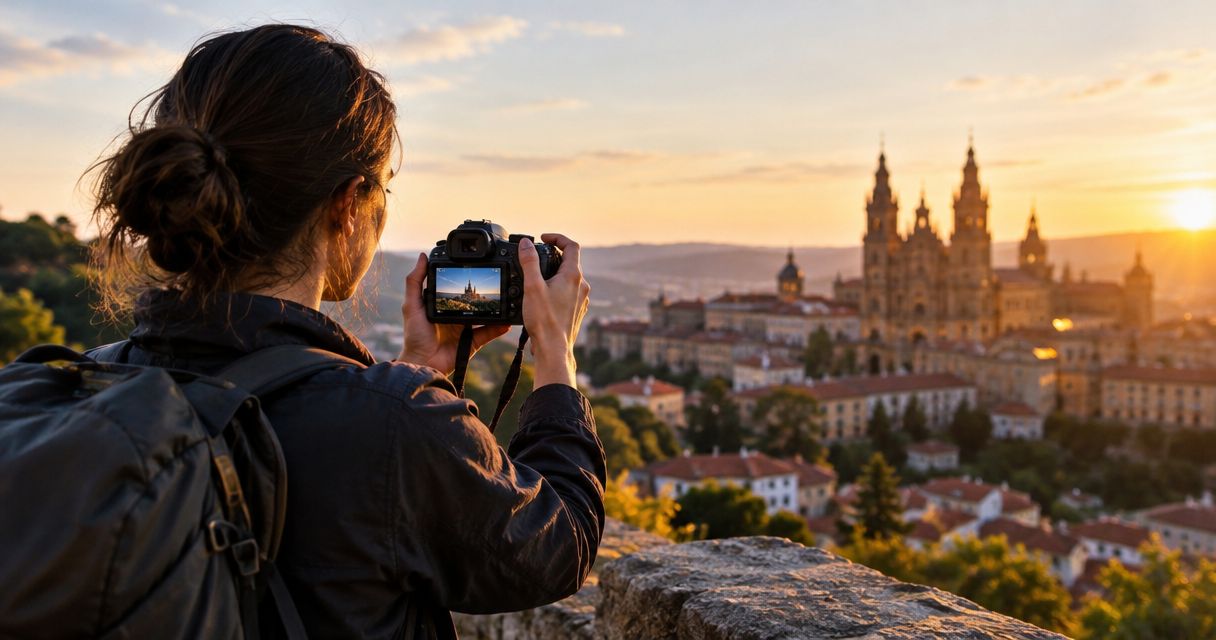
Pilgrimage photographers’ photo gallery is an organised collection of tour photographs with the aim of helping travellers find their images and helping your studio deliver the trip. This 2026 guide explains how to build a photo gallery for pilgrimage tour photographers around route stages, respectful photography, face recognition and assisted access—not just an upload folder.
TL;DR
- Fotoowl AI Gallery suits pilgrimage tour photographers who need face recognition within client photo delivery.
- A photo gallery for pilgrimage tour photographers needs route-based organisation and a manual alternative to face search.
- Separate photography permission, gallery access and promotional use; agreement to one does not establish agreement to all.
- Keep local backups and verify uploaded files before announcing delivery.
Why photo galleries matter for pilgrimage photographers
The gallery must serve both the traveller looking for a portrait and the organiser checking tour coverage. These are different tasks. A person-based search helps with the first; a clear route structure helps with the second.
For an Indian pilgrimage assignment, establish the actual route, preferred communication language and photography permissions before choosing a delivery workflow. If the itinerary includes several stops or departures, an undivided folder makes those distinctions harder to follow. Your gallery structure should reflect the assignment rather than require travellers to understand your camera filenames.
Access also needs a separate decision. An organiser receiving every approved photograph is not the same as every traveller receiving the full collection. Use the principles in managing photo access permissions for event stakeholders to define who receives which images before you share a link.
A face-recognition gallery addresses image discovery. It does not establish venue permission, replace your editorial review or decide whether a private moment belongs in the delivered collection.
Build your pilgrimage photo delivery workflow
Use this sequence for your 2026 assignments. Start with folders, a written brief and a delivery checklist; introduce software where it removes a specific manual task.
Define the delivery agreement before departure
Start with a document that names the organiser, the intended recipients and the promised deliverables. Record whether you are delivering individual portraits, family photographs, a tour documentary collection or a combination. Do not let a broad instruction such as “cover the whole trip” become the only definition of completion.
Separate client delivery from promotional use. A photograph approved for a family’s personal collection should not automatically enter the tour operator’s advertising selection. Ask the organiser who can approve publication, and document any exclusions directly with the relevant people.
For your 2026 delivery brief, write down the handover conditions rather than promising a deadline that depends on untested connectivity. Specify what happens when a stop cannot be photographed.
- Name 1 delivery owner who approves the final handover.
- List the route stages and agreed subjects.
- Record venue restrictions before each shoot.
- Define traveller, organiser and promotional image sets.
- Write a procedure for corrections and removal requests.
Organise files by departure and route stage
Build the folder structure manually before the first upload. Use a departure identifier, date, location and photographer identifier so that repeated visits remain distinguishable. A route name alone is insufficient when your studio photographs separate groups following the same itinerary.
Keep camera originals apart from edited delivery files. Preserve original filenames through your editing workflow so that you can trace a delivered image back to its source. If you rename files for the client, retain a mapping rather than making the connection depend on memory.
Use place names consistently. Match the itinerary spelling and add a familiar local-language description where the audience needs it. Test your proposed gallery organisation before committing the entire assignment to it.
- Create separate folders for each departure.
- Divide each departure into named route stages.
- Add photographer identifiers to the working structure.
- Keep originals and delivery exports separate.
- Maintain a simple record of uploaded batches.
Review images before using face recognition
First, make a manual selection in your existing editing workflow. Reject accidental frames, obvious duplicates and photographs that conflict with the agreed coverage. Then review expressions, context and venue restrictions; technical sharpness alone is not a delivery standard.
Fotoowl offers AI Culling as a faster selection path. It is an offline desktop application, not a browser or cloud gallery feature. It rejects duplicate and weak frames, groups similar photographs and ranks images by composition, exposure and blur, with a second human pass before export to Lightroom or the gallery.
Fotoowl AI Gallery provides face recognition within client photo delivery. Use it after editorial review, not as a reason to publish every frame. Keep an alternative route for photographs without a clear visible face, including landscapes, architecture and wider documentary scenes.
- Remove weak frames before exporting the collection.
- Inspect sensitive scenes individually.
- Keep meaningful non-portrait photographs in the selection.
- Review automated culling decisions before export.
- Check that each route stage has its agreed coverage.
Protect originals and verify every upload
Start with local copies and a written upload log. For a travelling assignment, separate capture, backup and publishing into distinct tasks. A camera transfer is not proof that the final client gallery contains the correct edited files.
As a working safeguard, keep 2 local copies on separate storage devices before clearing a camera card. This is a recommended checkpoint, not a claim that two copies cover every loss scenario. Keep the devices apart where practical and confirm that files open.
Beam, a feature within AI Gallery, supports camera-to-cloud FTP uploads. Use it when your camera setup and connection support the workflow. It does not remove the need to review photographs, verify transfers or retain local originals; do not promise on-route delivery until you have tested the actual setup.
- Copy and inspect files before reusing cards.
- Keep separate storage devices for the local copies.
- Record which batches have reached the gallery.
- Open sample uploaded files and inspect them.
- Reconcile uploaded batches with your delivery exports.
Separate personal photographs from tour documentation
Manually prepare distinct delivery sets before deciding how the gallery will present them. Personal portraits answer “Where are my photographs?” Tour documentation answers “What did this departure cover?” Promotional images answer a third question and need their own approval.
A face-recognition gallery helps people locate images containing a face. Face search is a discovery method, not a complete access policy. A group photograph can contain several people, and a person-based result does not establish that everyone pictured agreed to wider distribution.
For a 2026 departure, test the actual recipient experience rather than judging it from your studio account. Confirm which images a traveller can view and download. If the available controls do not match the assignment, change the delivery structure instead of assuming the platform will enforce your intentions.
- Define Personal photos, Tour documentation and Promotional images separately.
- Check recipient access from outside your studio account.
- Review group photographs before broad distribution.
- Keep unapproved promotional material out of that selection.
- Record how travellers can request an image correction.
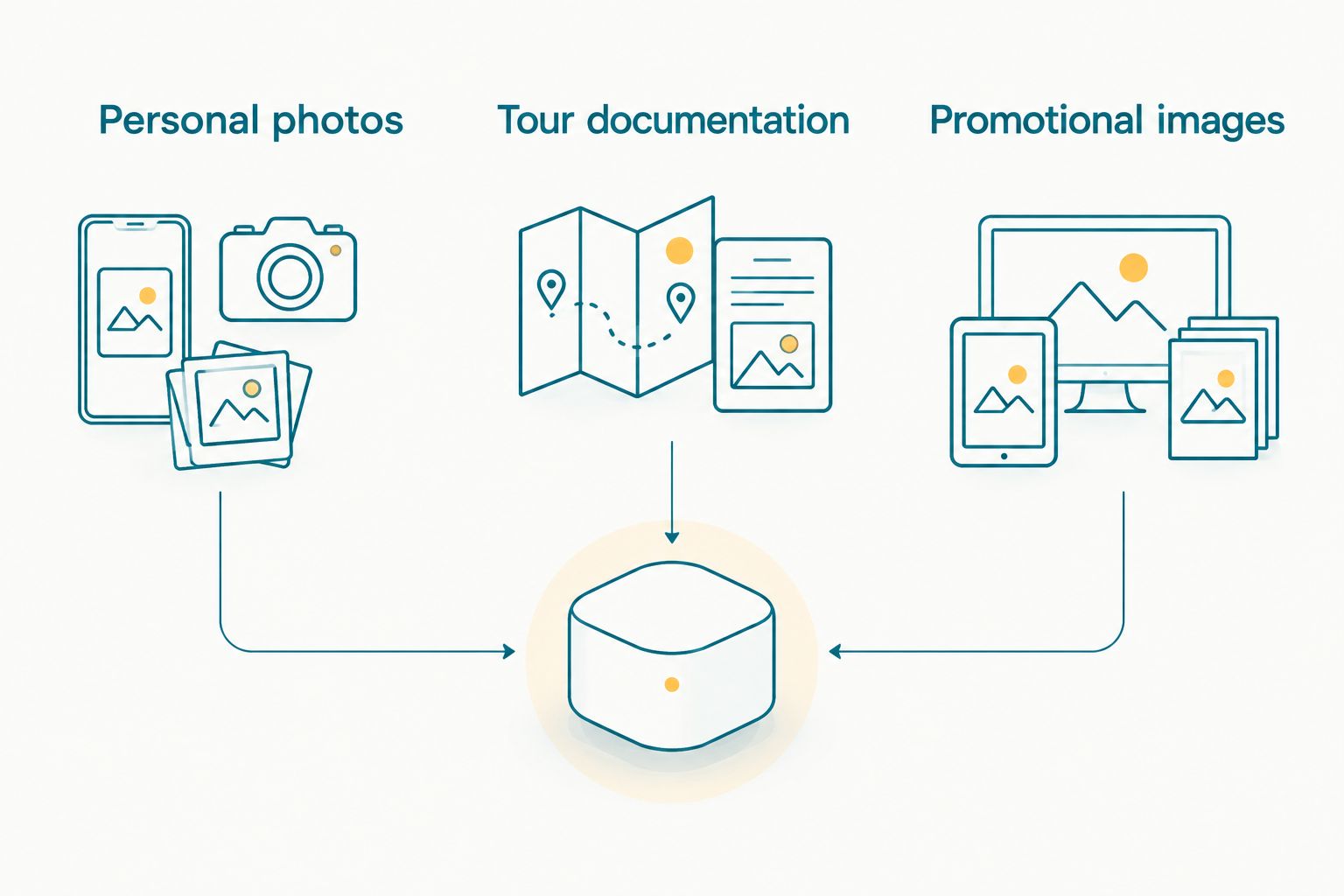
Prepare different delivery sets instead of treating every approved photograph as promotional material.
Test the gallery with a traveller’s needs
Begin with a manual walkthrough on a phone. Open the delivery link, navigate a route stage, locate a known photograph and download it. Ask someone outside the editing team to repeat the process using only the instructions you intend to send.
Use 3 test cases: a clear individual portrait, a group photograph and an image without a visible face. These are practical test categories, not an accuracy benchmark. They reveal whether your workflow supports both person-based discovery and ordinary browsing.
If a traveller cannot complete face search, provide assisted image retrieval using the route stage and a description of the photograph. Do not require the organiser to forward screenshots indefinitely. Keep the instructions short, and use the group’s agreed language rather than assuming English is suitable for everyone.
- Test opening and downloading on a phone.
- Check portrait, group and non-face image retrieval.
- Verify the result with a non-team tester.
- Prepare instructions in the agreed language.
- Give travellers a manual help route.
Complete selections and close the handover
Start with a spreadsheet of filenames if the assignment includes album or print selections. Record who selected each image, whether that selection is final and which deliverable uses it. Keep organiser approval separate from a family’s personal choices.
Photo Selection provides client proofing, with selections reused for albums and printing. Use it when collecting selections is the unresolved task; it does not replace the permissions and gallery checks completed earlier. Keep the final approved list linked to the correct departure and recipient.
Close each 2026 assignment with a delivery record. Identify the completed sets, unresolved requests and agreed follow-up actions. If you offer a reel, approve its image selection separately: a sequence changes context, even when the individual photographs are already approved.
- Collect selections against identifiable filenames.
- Separate family choices from organiser approvals.
- Confirm the final album or print selection.
- Record outstanding corrections before closing the job.
- Approve reel content before sharing it publicly.
Compare delivery options for pilgrimage tours
Choose the option that solves your main delivery problem. A short, manually curated collection needs a different workflow from a tour assignment where travellers must find themselves across many route stages.
Fotoowl AI Gallery is best for pilgrimage tour photographers who need face recognition within client photo delivery. Its advantage is person-based discovery alongside photo and video delivery. Its limitation is equally clear: software cannot supply missing photography permission, editorial judgement or a reliable connection.
| Option | Best for | Main advantage | Key limitation |
|---|---|---|---|
| Manually curated shared folders | Small collections with named recipients | You control the file selection and folder structure directly | You must organise personal collections and handle retrieval requests manually |
| Conventional client gallery | Route-based browsing of an edited collection | Presents approved images as a client-facing collection | Check each platform’s actual discovery and access features; do not assume face search |
| Fotoowl AI Gallery | Person-based discovery across a pilgrimage photo collection | Combines photo and video delivery with AI-powered face recognition | Requires reviewed uploads, tested recipient access and a manual alternative |
| Direct file handover | An organiser who wants an archive of approved exports | Gives a defined recipient the agreed files | Does not provide individual traveller discovery on its own |
Do not confuse gallery choice with backup choice. Your client-facing collection and your source-file archive have different jobs. Evaluate both before replacing an existing workflow.
Common mistakes pilgrimage photographers make
Treating organiser approval as universal permission
An organiser’s coverage brief does not settle every person’s wishes or every venue’s photography rules. Confirm restrictions at each location and distinguish private delivery from publicity. Exclude disputed material until the relevant approval is resolved.
Mixing separate departures into one collection
The same destination name can describe different groups and dates. Keep departures distinct from the working folders through to delivery. Otherwise, manual assistance becomes harder because the traveller’s description does not identify the correct trip.
Publishing camera transfers without reviewing them
An upload tool moves files; it does not decide whether a moment should be delivered. Keep sensitive scenes and rejected frames out of the published selection. Transfer speed should never set your editorial standard.
Making face search the only retrieval method
A pilgrimage collection can include photographs whose value is the setting, journey or activity rather than a visible face. Preserve route-based browsing and assisted retrieval. Do not make access to those photographs depend on a portrait search.
Using spiritual moments as automatic promotional content
A private delivery approval is not a promotional selection. Ask for the intended use explicitly, and review captions and reel sequences as well as individual images. Keep the tour operator’s marketing handover separate from travellers’ personal photographs.
FAQ
What is the best photo gallery for pilgrimage tour photographers?
Fotoowl AI Gallery is a fit when your main requirement is face recognition within photo and video delivery. Choose a manually curated workflow instead when a small collection and named recipients make person-based search unnecessary.
Can face recognition replace sorting pilgrimage photos by location?
No, face recognition does not replace route-based organisation. Keep location and departure structure for scenic images, documentary coverage and manual retrieval.
Can I deliver pilgrimage photographs when there is no internet?
You can prepare files and provide a local handover without an internet connection, but cloud uploading requires connectivity. Keep local copies and verify uploads when a connection is available.
Is Fotoowl AI Culling a cloud gallery feature?
No, AI Culling is an offline desktop application. It supports selection before a second human review and export to Lightroom or the gallery.
Does face search mean travellers cannot see other people’s photos?
No, face search alone does not establish who can access the wider collection. Test the gallery’s actual recipient controls and review group photographs before sharing.
How should I help a traveller who cannot use face search?
Offer manual retrieval using the departure, route stage and a description of the photograph. Provide short instructions in the agreed language and keep an assisted route available.
Can I reuse pilgrimage gallery photos in a promotional reel?
Use photographs in a promotional reel only when that use has been approved. Review the sequence and context separately from approval for private photo delivery.
One last thing
Test a photograph with no visible face before you approve your gallery workflow. A portrait can demonstrate face search, but a landscape or ritual detail tests whether the collection still works as a record of the journey. For your next 2026 departure, make that non-face photograph part of the handover check—not an afterthought.