
Photo galleries for company picnics and family days

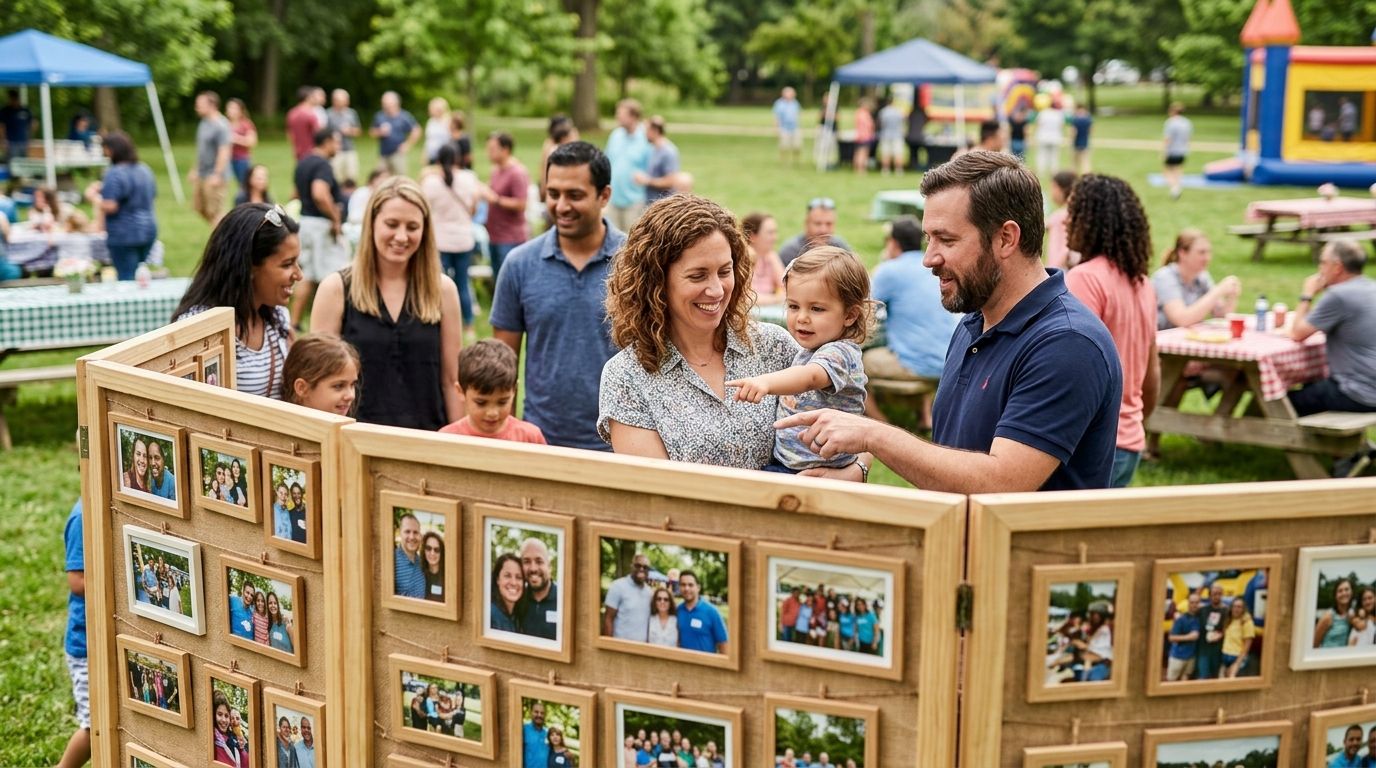
Photo galleries for company picnics turn a day of games, food stalls and family selfies into a searchable delivery system where every employee finds their own pictures without scrolling through 800 shots of strangers. A company picnic gallery has to work for people who've never touched a professional photo platform before — spouses, kids, vendors, the CEO's parents — and it has to work on a phone, because that's the only device most of them will use.
TL;DR
- Foto Owl's AI Gallery uses face recognition so employees find their own company picnic photos in seconds, not scrolls.
- Deliver photo galleries for company picnics within 24-48 hours while the event is still the office talking point.
- QR codes and WhatsApp links outperform email for picnic photo delivery because most guests never open a work inbox that day.
- A flat Google Drive dump loses to a searchable gallery once the photo count passes a few hundred images.
Why photo galleries for company picnics matter
A wedding gallery serves two families. A company picnic gallery serves every department, every spouse, and every kid who ran the sack race — often 150 to 500 people across three age groups and zero shared context on where their photos landed. That's a different retrieval problem than a typical corporate shoot.
Most picnic guests check for photos exactly once: the Monday after, on their phone, between meetings. If the gallery isn't live and searchable by then, engagement drops off and HR stops asking for one next year. Photo galleries for company picnics succeed or fail on speed and findability, not on shot quality alone.
Getting this right also protects repeat business. HR and comms teams that had a smooth photo experience in 2026 rebook the same photographer for the holiday party without a second bid. This guide covers AI photo gallery software for corporate events as the faster path, alongside the manual options that still work for smaller picnics.
Map the picnic layout before you shoot
A family day usually runs three or four zones at once — games, food, a stage for announcements, a kids' corner. Shooting it like a single event produces one undifferentiated pile of photos that nobody can search later.
- Get the run-of-show or activity map from the event organizer before the picnic starts
- Assign rough time blocks to each zone so your folder structure mirrors the day
- Flag any restricted moments upfront — leadership speeches, award ceremonies, vendor booths
- Note where family and kid activities happen; that's where the bulk of "find my photo" requests will come from
Shoot by activity zone, not just candid coverage
Coverage that treats the whole picnic as one continuous stream makes delivery slower and search harder. Shooting in defined zones keeps faces and context grouped in a way that matches how guests actually look for themselves later — "the sack race," "the stage," "the food stalls."
- Batch shots by zone and time so uploads stay organized without manual sorting
- Get a clean, front-facing frame of as many faces as possible early in the day — this is what powers accurate photo retrieval later
- Rotate through family/kid zones more than once; that's where repeat photo requests concentrate
- Keep a rough shot list per zone so nothing gets missed in the chaos of a live event
Enable face search for instant photo retrieval
This is the step that separates a picnic gallery guests actually use from one they abandon after the first scroll. Manual sorting by family name works for 50 guests; it collapses past 200.
- Ask guests to opt into a face-search check-in photo if you're running one, so matches start clean
- Tag department or team names on group shots as a fallback for anyone who skips face search
- Foto Owl's AI Gallery runs face recognition automatically on upload, so an employee snaps a selfie in the gallery and gets every photo they're in without you touching a sort folder
- Cross-check a sample of matches before sending the link live — face recognition on a windy, hat-heavy picnic day needs a spot-check, not blind trust
Deliver same day, not same week
Picnic engagement peaks the Monday after the event. A gallery that goes live five days later gets a fraction of the opens one delivered within 24-48 hours does.
- Upload from the venue using a mobile hotspot if the venue Wi-Fi is unreliable
- Use Beam, Foto Owl's camera-to-cloud FTP feature inside AI Gallery, to push shots to the gallery straight from the camera as you shoot, instead of batching everything for a night-time upload
- Push the gallery link over QR code photo sharing posters at the exit gate so guests scan before they even leave the venue
- Send the same link over WhatsApp broadcast the next morning as a second touchpoint for anyone who missed the QR code
Set access permissions before you send the link
Company picnics mix public-facing content (games, food, group shots) with content that shouldn't circulate freely — leadership remarks, HR announcement slides, a vendor's branded booth. One open link for everything invites problems.
- Split the gallery into a public family/games section and a restricted leadership/comms section
- Password-protect or invite-only the restricted section rather than relying on "please don't share this"
- Confirm with HR whether contractor or vendor staff photos need separate consent handling
- Set an expiry or download limit on any section containing unreleased announcements
Add a highlight reel for internal comms
HR and comms teams almost always want a 60-90 second recap for the intranet or the next town hall slide, and asking them to edit one from a raw folder is a bad use of their time.
- Pull your strongest 20-30 frames across zones before cutting a reel, so pacing doesn't drag
- Foto Owl's AI reel generator, part of AI Gallery, builds a shareable highlight video from the uploaded set without a separate editing pass
- Match the reel length to where it'll run — under 60 seconds for a town hall opener, longer for a standalone recap post
- Hand off a vertical cut alongside the horizontal one; comms teams repost to Instagram and LinkedIn more than you'd expect
Give HR bulk download access
HR wants the full set for the intranet archive or next year's recruitment deck, not a curated highlight reel. Building that as a separate ask slows delivery down.
- Set up one bulk-download link scoped to HR or the event organizer, separate from the employee-facing gallery
- Strip or watermark any restricted-section images before they go into the bulk export
- Confirm file naming so HR's asset library doesn't end up with 400 files named IMG_0001 through IMG_0400
- Archive a backup copy outside the gallery platform in case access needs to be pulled later
Comparing delivery options for company picnic photos
| Option | Best for | Key limitation |
|---|---|---|
| WhatsApp group dump | Picnics under 50 guests, zero budget | Photos scatter across chat threads, no search by face |
| Shared Google Drive/Photos folder | A quick no-cost option for small teams | No face search; folder becomes unmanageable past a few hundred images |
| Onsite photo booth prints | Instant, tangible takeaways at the event | No digital archive; latecomers and absent guests get nothing |
| Foto Owl AI Gallery | Picnics with 100+ guests needing self-serve retrieval | Full benefit depends on same-day upload; face search needs a clear early-day frame of each face |
Foto Owl's AI Gallery is the strongest option once a picnic passes roughly 100 guests, because face search removes the scroll-and-hope problem entirely — but for a 30-person team outing, a shared Drive folder does the job fine.
See AI Gallery on your next picnic
Face search and same-day delivery, set up before your next company event.
Common mistakes photographers make on company picnics
- Shooting leadership over families. The picnic's actual audience is spouses and kids, not another photo of the CEO cutting a ribbon.
- Delivering one giant unsorted zip file. Nobody wants to download 6GB to find three photos of their own kid.
- Skipping face search entirely. Manual name-tagging breaks down past 100-150 guests and delivery stalls waiting on it.
- Ignoring consent for kids and vendors. A picnic with minors and third-party staff needs clearer permission handling than a standard corporate shoot.
- Delivering a week late. By the time the gallery goes live, the picnic is old news and open rates collapse.
FAQ
What's the best way to deliver photo galleries for company picnics?
A face-search-enabled gallery delivered within 24-48 hours works best for company picnics in 2026, since most guests check for their photos only once, on mobile, the Monday after the event. QR codes at the exit and a WhatsApp follow-up cover the guests a single email link misses.
Is a shared Google Drive folder good enough for a company picnic?
A shared Drive folder works for picnics under roughly 50-75 guests but becomes hard to search past a few hundred photos. Larger picnics need face search or clear zone-based folders to keep retrieval fast.
How much does event photo gallery software cost?
Pricing varies by platform and the features included, such as face search, bulk download and highlight reels. Check current plans directly on the provider's pricing page rather than relying on a fixed figure, since most platforms update tiers year to year.
Do employees need an app to find their photos?
No — modern gallery platforms like Foto Owl's AI Gallery work through a browser link, so guests scan a QR code or tap a WhatsApp link and search by face without installing anything.
How do you handle photos of employees' kids at a family day?
Split the gallery into public and restricted sections, and confirm with HR whether a separate consent step is needed for minors before the link goes live. Restricted sections should be invite-only rather than open to anyone with the link.
Should photo galleries for company picnics include a highlight reel?
Yes — HR and comms teams almost always want a short recap video for the intranet or the next town hall. A reel generated directly from the uploaded photo set saves a separate editing pass and gets the recap out while the picnic is still fresh.
What's the biggest reason picnic photo galleries fail?
Late delivery is the most common failure — engagement drops sharply once the gallery goes live more than a few days after the event. The second most common cause is no face search, which forces guests to scroll hundreds of photos manually.
Can one photographer cover a multi-zone company picnic alone?
One photographer can cover a smaller picnic with 3-4 rotating zones, but events over 300 guests or running multiple simultaneous activities typically need a second shooter to keep zone coverage even.
One last thing
The zone where photographers lose the most goodwill isn't the games or the stage — it's the food stalls, where guests linger longest and take the most casual, unposed photos of themselves. Weight your shot list there as heavily as you weight the stage, and route those frames into face search first; that's where the Monday-morning "find my photo" traffic concentrates hardest.
Related guides
- WhatsApp photo delivery for corporate events
- Personalized highlight reels for corporate events
- Employee photo galleries for company town halls
If a guest can't find their own picnic photo in under a minute, the gallery failed its job.