
Manage Photo Galleries Across a Photography Franchise (2026)

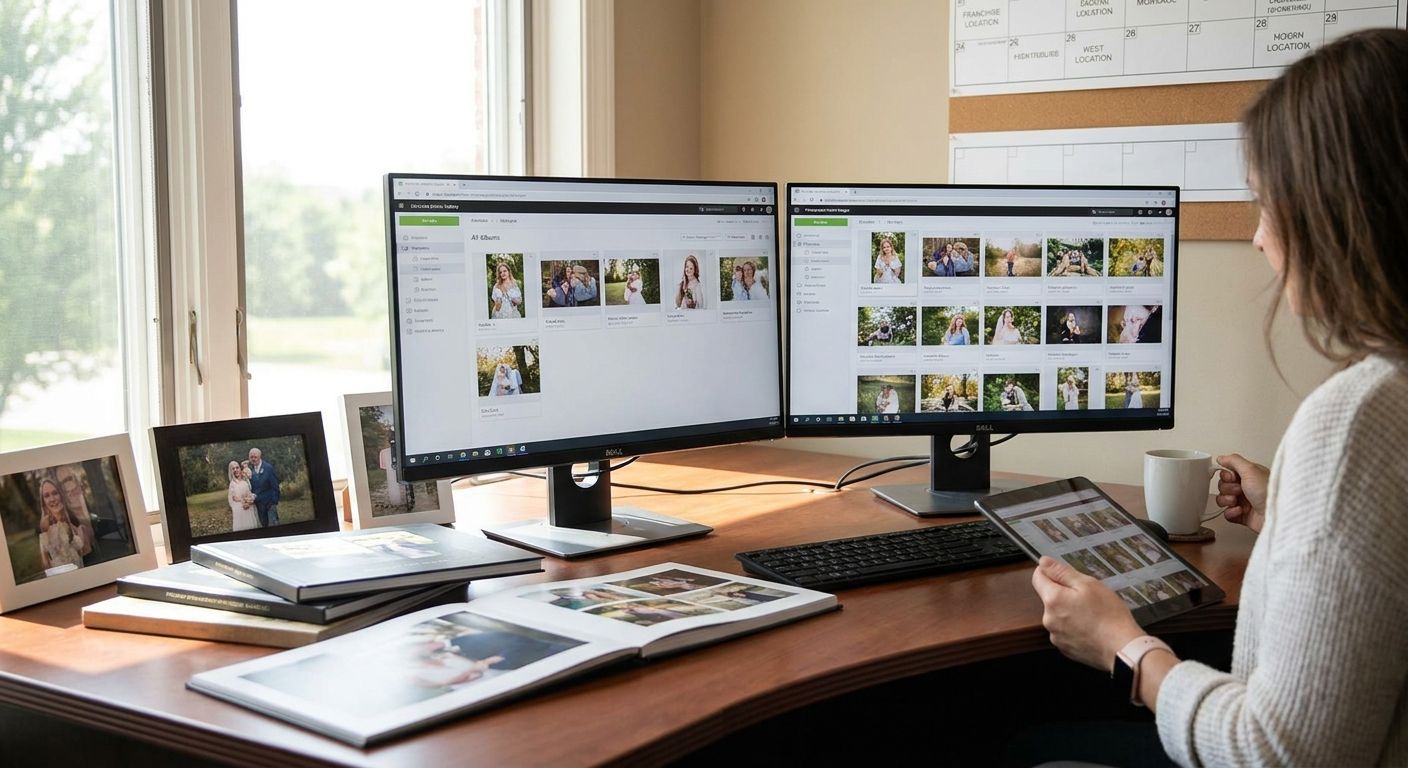
Ten locations, ten different upload habits, and one angry client asking why the Denver gallery looks nothing like the Austin one — that's what happens when a photography franchise scales without a shared system to manage photo galleries across a photography franchise. Here's the exact setup, in order, that keeps every location's galleries consistent, searchable, and on-brand in 2026.
TL;DR
- Centralize every location's uploads into one FotoOwl account structure to manage photo galleries across a photography franchise without ten separate logins.
- Standardize naming, tagging, and branded frames before you onboard a fourth location — retrofitting costs more than setup discipline.
- Turn on face recognition search so a guest can find their photo whether they attended the Chicago event or the Miami one.
- Automate cloud backup and duplicate cleanup so no location loses a shoot to a dead hard drive or a double upload.
- Lock photo selling packages and branding at the franchise level, not the photographer level, so pricing and design stay consistent.
Why this matters
A single photographer managing one event can get away with a messy folder structure. A franchise running 20+ events a month across five or ten locations can't — one inconsistent gallery and a client assumes the whole company is careless. The fix isn't hiring more admin staff per location; it's onboarding freelance photographers onto one shared gallery platform with role-based access, so every location follows the same rules without a manager checking each upload by hand.
Franchises that skip this step end up with the same photo delivered twice, watermarks missing from half the galleries, and clients emailing three different people to ask where their pictures went. None of that is a photography problem. It's a systems problem, and it's fixable in a week, not a quarter.
What you'll need
- One cloud gallery platform account structure that supports multiple locations or sub-accounts, not ten separate free-tool signups
- A photographer roster per location with defined upload permissions
- A standard naming convention: client name, event date, location code
- Face recognition turned on so guests can search by name or selfie instead of scrolling folders
- One branded frame and watermark template applied at the account level
- A written backup and duplicate-cleanup policy every location follows the same way
The steps
1. Build one master gallery structure, not ten separate ones
Every location should upload into the same platform under its own tagged folder, not into whatever tool that location's lead photographer happens to prefer. This is the single biggest fix for franchise chaos in 2026 — one dashboard, one login system, one place to check status across every city. When a client calls about a gallery, whoever picks up the phone can find it in under a minute.
2. Standardize naming and tagging before you scale past three locations
Pick a format — client name, event date, location code — and enforce it everywhere. A gallery named "wedding_final_v2" tells nobody anything six months later. Retrofitting naming across 40 old galleries takes days; enforcing it from day one takes an hour.
3. Give every location role-based photographer access, not shared logins
One shared password across 15 photographers means you can't tell who uploaded what, who deleted a shoot by accident, or who still has access after leaving. Set up individual accounts with permissions scoped to their assigned events, following the same process outlined for manage multiple photographers on one event gallery. This also keeps a fired or departed photographer from taking client galleries with them.
4. Turn on face recognition search at the account level
A guest at a 500-person corporate event doesn't want to scroll 3,000 photos to find themselves. Face recognition search lets them find their own images in seconds, and it works the same way whether the event was shot by your Dallas team or your Seattle team. This one feature cuts support emails asking "where's my photo" more than any other single change.
5. Lock a single branded frame and watermark across every location
Apply the custom branded galleries template at the account level so it's automatic, not something each location's photographer remembers to add. Consistent branding is the fastest way a franchise looks like one company instead of ten freelancers sharing a name.
6. Centralize photo selling packages and pricing
If one location charges $15 a photo and another charges $8, repeat clients notice and complain. Set pricing tiers once, at the franchise level, and let every location inherit them. Photographers can still run local promotions, but the base structure stays identical.
7. Set a delivery time standard and hold every location to it
Decide whether your standard is same-day delivery, 24 hours, or 48 hours — and make it the same number everywhere. A client who got same-day photos at one wedding and waited five days at another books the competitor next time.
See how FotoOwl scales across locations
One gallery platform, every franchise location, consistent branding.
Troubleshooting
Two photographers upload the same shoot into separate folders. Assign one event owner per location before the event starts — that person is the only account with upload rights for that specific gallery, which eliminates the split-gallery problem entirely.
A guest can't find their photo among thousands of images. This almost always means face recognition search isn't switched on for that location's gallery. Turn it on account-wide instead of per-event so nobody forgets.
One location's galleries are missing the company watermark. Photographers are applying frames manually and skipping it under deadline pressure. Lock the branded frame at the platform level so it's not optional.
A hard drive fails mid-season and a shoot disappears. End-of-day manual backups leave a full day of shooting exposed. Automatic cloud backup on upload closes that gap — no location should be relying on a single local drive in 2026.
Delivery times vary wildly between locations. This is a workflow gap, not a talent gap. Photographers waiting until they're back at the office to upload lose hours; mobile upload direct from the event floor closes that lag.
Pricing complaints from repeat clients who used two different locations. Centralize the pricing table once and stop letting individual photographers set their own rates for standard packages.
Tools and resources
- Role-based photographer accounts scoped by location and event
- Face recognition search enabled account-wide, not per gallery
- One branded frame and watermark template locked at the platform level
- Automatic cloud backup running on upload, not end-of-day
- A standard naming convention documented and shared with every location manager
- Mobile upload tools so photographers can deliver from the event floor instead of the office
What to do next
Once the core structure is live across every location, the next fix most franchises need is cleaning up what's already in the system — duplicate uploads, missing backups, and inconsistent galleries from before the standard existed. Handle that backlog location by location rather than all at once; trying to fix 40 galleries in a week usually means fixing none of them well.
FAQ
What's the best way to manage photo galleries across a photography franchise?
The best approach is one cloud gallery platform with role-based accounts per location, not separate tools per city. Standardize naming, branding, and delivery timelines once and apply them account-wide in 2026.
Is a single gallery platform better than letting each franchise location use its own tools?
Yes, for consistency and support speed. A shared platform means one login system, one branding standard, and one place to search when a client calls, instead of ten disconnected setups.
How much does it cost to run a franchise-wide photo gallery system?
Costs vary by platform, guest volume, and number of locations, so check current pricing directly with the provider. Weigh it against the support hours saved from not managing ten separate tools.
How do you stop photographers from uploading duplicate event galleries?
Assign one event owner per shoot with sole upload rights for that gallery. This removes the ambiguity that causes two photographers to create split versions of the same event.
Can guests find their own photos across multiple franchise locations?
Yes, if face recognition search is enabled account-wide rather than per event. A guest searches by name or selfie and gets matched images regardless of which location shot the event.
How do you keep branding consistent across franchise locations?
Lock the frame and watermark template at the platform account level so it applies automatically to every gallery. Leaving branding to individual photographers is the most common cause of inconsistency.
What causes slow photo delivery in a multi-location franchise?
Photographers waiting to return to an office before uploading is the top cause. Mobile upload directly from the event floor closes most of that delay and keeps delivery times consistent across locations.
Should every franchise location charge the same price for photos?
Base pricing should be centralized so repeat clients see consistency across locations in 2026. Local promotions can still vary, but the standard package price should not.
One last thing
The franchise locations that struggle most aren't the ones shooting bad photos — they're the ones where the client can't find the good ones. If a guest can't locate their event album by name, city, and date within a minute, the franchise doesn't have galleries, it has silos, and that's the fix worth making before adding a single new location in 2026.