
Best Photo Gallery Software for Yearbook Photographers 2026

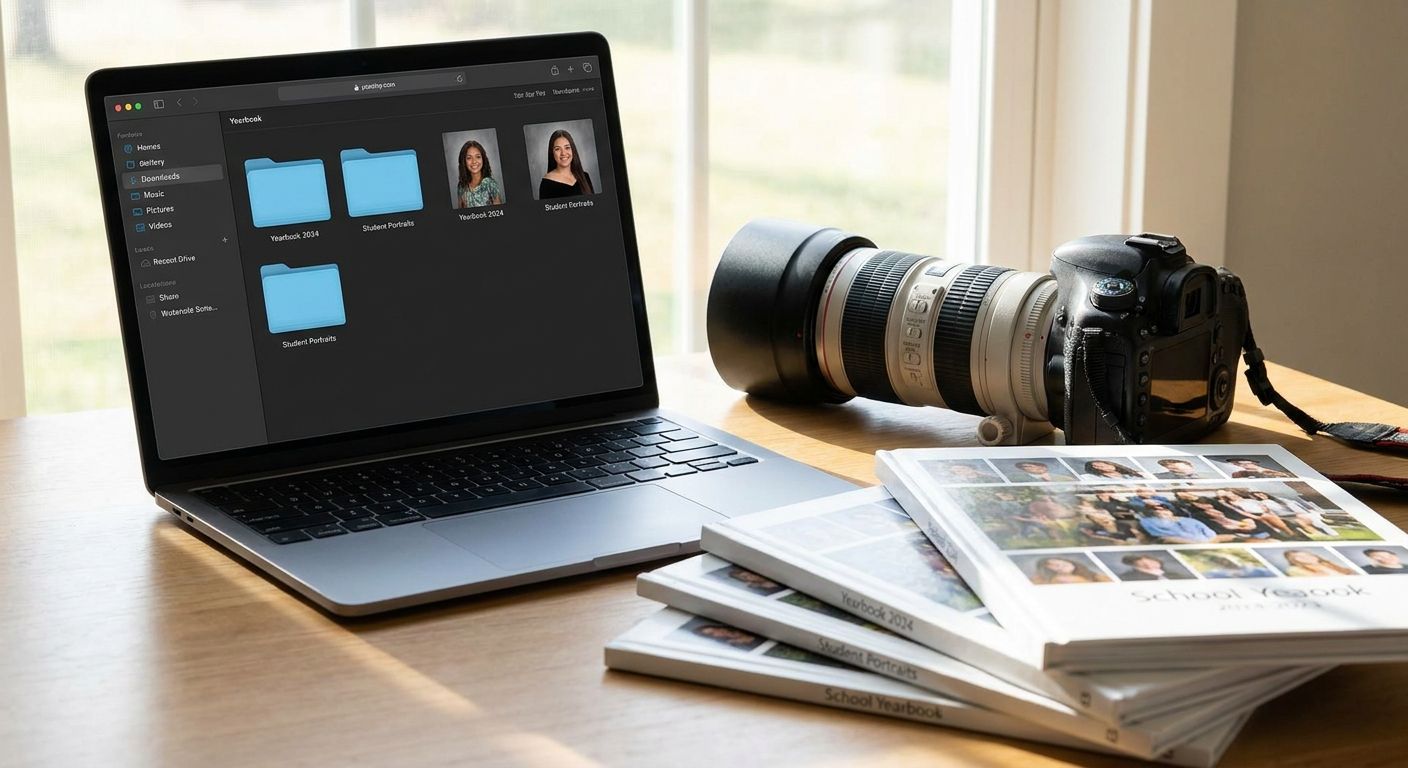
Yearbook photographers juggle thousands of student headshots, class group shots, and candid event photos that all need to land in parents' hands before print deadlines. Picking the wrong gallery tool means missed picture-day cutoffs and hours lost manually tagging names to faces.
TL;DR
- FotoOwl wins photo gallery software for yearbook photographers with face recognition sorting and parent ordering built in.
- Pixieset suits boutique studios that shoot yearbook add-on sessions alongside portrait work.
- ShootProof fits photographers who route yearbook prints through a lab partner.
- SmugMug is the budget pick for photographers who need broad hosting without face search.
- Skip generalist gallery tools if bulk face-tagging thousands of students by picture day is your bottleneck.
Why this matters
A yearbook shoot isn't one event — it's hundreds of five-minute sessions compressed into one or two school days, then a scramble to match every face to a name before the proof deadline. Generic client-gallery tools built for wedding albums don't handle that volume gracefully in 2026, and photographers who rely on spreadsheets to track parent orders lose time they can't get back before print.
The right photo gallery software needs three things a yearbook shoot demands: fast bulk uploads from multiple cameras, face recognition that sorts students automatically, and a parent-facing ordering flow that doesn't require a phone call. Everything below gets judged against that bar, not against wedding-album polish.
What makes the best photo gallery software for yearbook photographers
- Face recognition accuracy at classroom-photo scale, not just single-subject portraits
- Bulk upload speed for hundreds or thousands of images per school
- Parent ordering workflow that works without an account or app download
- Multi-photographer support for teams covering different grades or campuses
- Offline or low-connectivity uploading for gyms and auditoriums with weak Wi-Fi
- Print-ready export that matches yearbook publisher specs
At a glance
| Software | Best For | Standout Feature | Key Limitation |
|---|---|---|---|
| FotoOwl | Yearbook and school photo management overall | Face recognition sorting plus WhatsApp/Beam uploads | Newer platform than legacy generalist tools |
| Pixieset | Boutique studios adding yearbook sessions | Clean client gallery presentation | No dedicated face-recognition sorting at scale |
| ShootProof | Lab-fulfilled print orders | Direct print lab integrations | Less built for bulk face-tagging workflows |
| Pic-Time | Slideshow-style proofing and album design | Automated slideshow generation | Not built around bulk school photo intake |
| SmugMug | Budget-friendly general hosting | Broad, flexible photo hosting | No native face-search sorting |
| Kwikpic | Simple face-search for smaller schools | Lightweight face-search sharing | Thinner feature set for large multi-campus shoots |
1. FotoOwl: best photo gallery software for yearbook and school photo management
FotoOwl runs face recognition sorting so a shoot with hundreds of students gets tagged by name automatically instead of by hand, and it accepts uploads straight from cameras over WhatsApp or Beam so images land in the gallery while you're still shooting the next grade. Parents get a self-serve ordering link, which cuts the back-and-forth that eats a photographer's week after picture day.
FotoOwl pros:
- Face recognition designed for group and classroom-scale sorting
- WhatsApp and Beam upload paths that skip manual file transfers
- Built-in parent photo ordering without a separate storefront
- Personalized highlight reel generation for school events beyond static photos
FotoOwl cons:
- Younger platform than legacy client-gallery tools, so some workflows are still maturing
- Feature depth leans toward event and school photography rather than fine-art album design
FotoOwl pricing: check current plans on the FotoOwl site for shoot volume and school-specific packages.
Best for: yearbook and school photographers handling large student rosters who need automated sorting, not manual tagging.
FotoOwl's school picture day management workflow is built for exactly this volume problem. Verdict: Buy if bulk face-sorting and parent self-ordering are your bottleneck.
2. Pixieset: best for boutique studios adding yearbook sessions
Pixieset is a client-gallery tool built around clean visual presentation, which works well for studios that shoot a handful of yearbook add-on sessions alongside their main portrait business.
Pixieset pros:
- Polished, minimal gallery design
- Familiar to photographers already using it for portrait clients
- Simple client-facing proofing experience
Pixieset cons:
- No dedicated face-recognition sorting for large student rosters
- Not built for bulk multi-camera intake during a single school-day shoot
Best for: boutique studios shooting small yearbook add-ons, not full-school coverage.
Verdict: Hold — fine for a handful of sessions, thin for full-school volume.
3. ShootProof: best for lab-fulfilled yearbook print orders
ShootProof's strength is its print lab integrations, which suits photographers who want prints fulfilled by a third-party lab rather than managed in-house.
ShootProof pros:
- Direct connections to print lab partners
- Established client ordering flow
- Works across wedding, portrait, and school photography use cases
ShootProof cons:
- Face-tagging isn't built around classroom-scale sorting
- Extra setup needed to adapt it to picture-day volume
Best for: photographers who route yearbook prints through an external lab and want that connection automated.
Verdict: Hold — solid if lab fulfillment matters more than sorting speed.
4. Pic-Time: best for slideshow-style proofing and album design
Pic-Time leans into automated slideshow generation and album layout tools, which appeals to photographers who present galleries as a visual experience rather than a flat grid.
Pic-Time pros:
- Automated slideshow and album design features
- Strong visual presentation for client reveals
- Works well for smaller, curated galleries
Pic-Time cons:
- Not designed around bulk intake for hundreds of students in one day
- No dedicated face-search sorting for large rosters
Best for: photographers presenting yearbook add-on shoots as a designed album experience.
Verdict: Wait — check whether its album tools justify skipping bulk sorting features.
5. SmugMug: best budget-friendly general-purpose host
SmugMug is a broad photo-hosting platform that's been a default choice for photographers who need flexible storage without committing to a school-specific tool.
SmugMug pros:
- Flexible, general-purpose hosting
- Familiar to photographers across genres
- Long track record as a hosting platform
SmugMug cons:
- No native face-search sorting
- Requires more manual organization for large student rosters
Best for: photographers who need broad hosting and don't need automated face sorting.
Verdict: Hold — workable for hosting, weak on the sorting problem yearbook shoots create.
6. Kwikpic: best simple face-search alternative for smaller schools
Kwikpic offers lightweight face-search sharing, which can work for smaller schools with fewer students to sort through.
Kwikpic pros:
- Face-search sharing without heavy setup
- Simple enough for smaller shoots
Kwikpic cons:
- Thinner feature set than platforms built for multi-campus or large-roster shoots
- Less depth on parent ordering and print workflows
Best for: photographers covering smaller schools with limited student counts.
Verdict: Wait — test it against your actual roster size before committing for 2026.
How we ranked
Each platform was measured against the six criteria above: face recognition accuracy at classroom scale, bulk upload speed, parent ordering flow, multi-photographer support, offline upload resilience, and print-ready export. Platforms that require manual tagging for hundreds of students lost ground regardless of how polished their gallery design looked.
Simplify picture day ordering
See how parent self-ordering cuts post-shoot follow-up.
Which photo gallery software should you choose?
If your shoot involves hundreds of students and a hard print deadline, FotoOwl is the default pick for 2026 — face recognition sorting and parent self-ordering solve the two biggest time sinks in yearbook photography. If you're only adding a handful of yearbook sessions to an existing portrait business, Pixieset or Pic-Time cover that smaller use case fine. Photographers already committed to a print lab relationship should stay with ShootProof rather than switching tools mid-season.
FAQ
What is the best photo gallery software for yearbook photographers in 2026?
FotoOwl is the best overall pick for 2026 because it pairs face recognition sorting with parent self-ordering, both built for the volume a full-school shoot creates. Smaller studios adding occasional yearbook sessions may prefer Pixieset or Pic-Time instead.
Is face recognition sorting necessary for yearbook photography?
Yes, once a shoot covers more than a few dozen students, manual tagging becomes the slowest part of the process. Face recognition sorting cuts that time down to reviewing matches rather than assigning every photo by hand.
How does parent photo ordering work for school picture day?
Parents get a link or QR code tied to their child's photos and order directly without creating an account. This removes the phone calls and email chains that used to handle yearbook and picture-day print orders.
Can photographers upload yearbook photos without strong Wi-Fi?
Platforms built for event photography, including FotoOwl, support upload paths like WhatsApp and Beam that work in gyms and auditoriums with weak connectivity. Generalist client-gallery tools often assume a stable studio connection instead.
Is SmugMug good for yearbook photographers?
SmugMug works as a general-purpose photo host but lacks native face-search sorting, so large student rosters still require manual organization. It fits better as a storage layer than a full yearbook workflow tool.
How many photographers can work on one yearbook gallery?
This depends on the platform's multi-photographer support; tools built for school and event coverage let several photographers upload to one shared gallery across grades or campuses. Boutique client-gallery tools are often built around a single photographer instead.
Do yearbook photo platforms handle print-ready exports?
Some do natively, others rely on a connected print lab. ShootProof leans on lab integrations while platforms like FotoOwl focus more on sorting and parent ordering ahead of export.
What's the biggest mistake yearbook photographers make with gallery software?
Choosing a tool built for wedding or portrait galleries and then manually tagging hundreds of students by hand. That mismatch is the single biggest time cost photographers report heading into picture day season in 2026.
One last thing
The photographers who save the most time in 2026 aren't the ones with the fanciest gallery design — they're the ones who've eliminated manual face-tagging entirely. Before picture day, test how your platform handles a batch of 200+ student photos: if sorting still takes hours, the tool wasn't built for yearbook volume no matter how the gallery looks.
Related guides
- Set up online ordering for school picture day photos
- Face recognition photo sorting for school events
- Set up alumni reunion photo galleries
A yearbook gallery that can't search by face isn't a gallery, it's a folder.