
Best Photo Gallery for Corporate Hiring Fair Events 2026

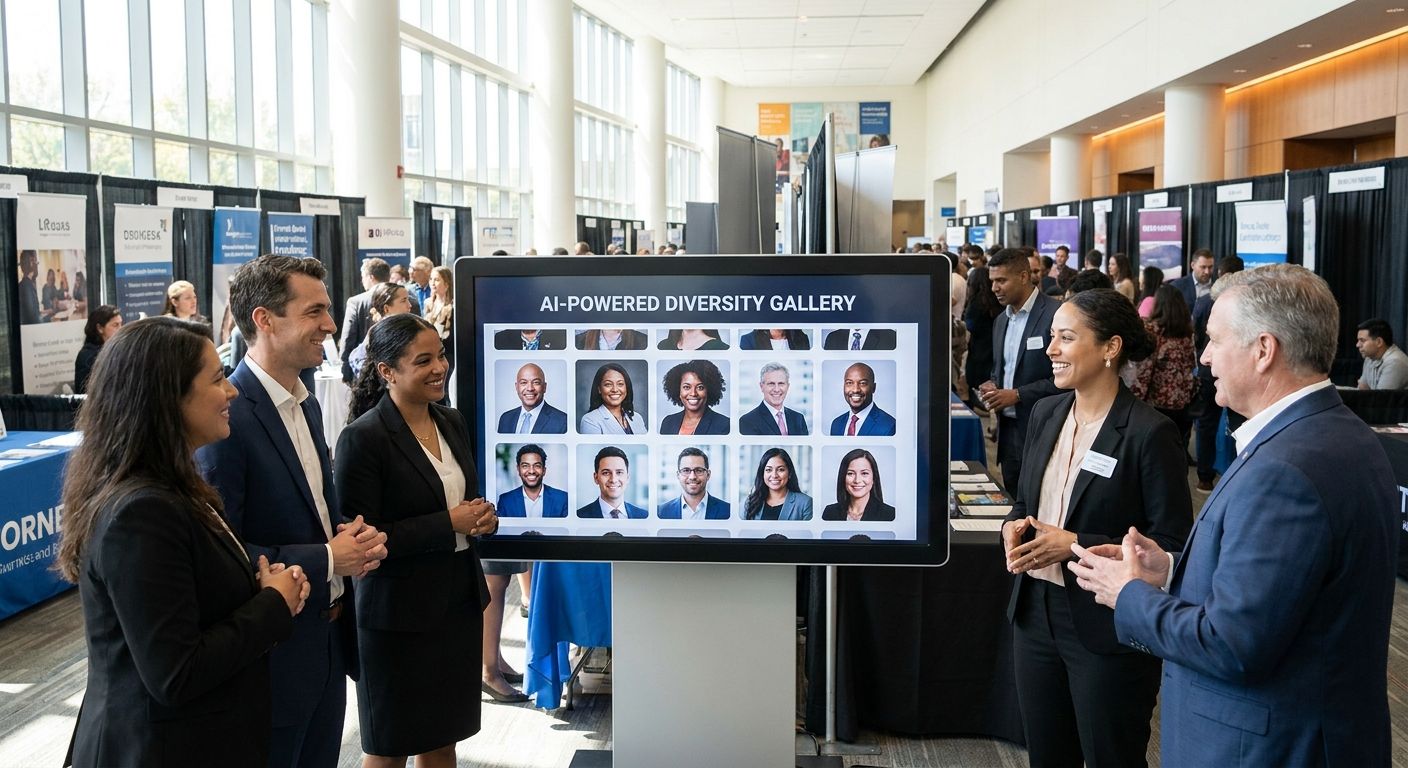
Hiring fairs move fast, and so do the hundreds of headshots, booth photos, and candidate interactions your team needs to capture, sort, and hand off before the recap email goes out. A photo gallery for corporate hiring fair events has to keep pace with crowds, HR compliance, and same-day delivery expectations in 2026.
TL;DR
- FotoOwl's photo gallery for corporate hiring fair events uses face recognition so candidates find their own photo in seconds -- Buy for events over 200 attendees.
- QR code photo sharing skips app downloads entirely, which matters when candidates are on a career fair floor with one hand on a resume.
- Access permission controls let HR, PR, and hiring managers see different photo sets from the same gallery -- Consider for multi-department fairs.
- Skip generic cloud folders and WhatsApp-only delivery once attendance crosses a few hundred people; neither scales with face search.
Why this matters
A hiring fair generates two kinds of photos that HR teams actually use later: candidate-facing shots for recruitment marketing, and internal documentation for compliance and diversity reporting. Losing track of either one creates real problems -- a mislabeled photo folder, a candidate who can't find their booth photo, or a stakeholder who shouldn't have access to headshots but does.
An AI photo gallery software for corporate events solves both by pairing face recognition with role-based access from the moment photos upload. That's the baseline any corporate diversity or hiring fair event needs going into 2026, when candidate volume at large fairs regularly runs into the thousands.
Who this is for
This guide is built for HR event managers, corporate recruiting teams, and D&I program leads who run career fairs, campus recruiting days, or multi-booth hiring events with 150 or more attendees. If your event photographer hands you a single zip file after the event and calls it done, you're the audience for this.
What to look for in a photo gallery for corporate hiring fair events
Face recognition at crowd scale
Candidates move through dozens of booth interactions in a single afternoon, and manually tagging each face is not realistic for a photographer working solo. Face recognition lets a candidate upload one selfie and instantly pull every photo they appear in across the entire event gallery. This is the single biggest time-saver for events with 300+ attendees.
QR code entry with no app download
Candidates at a hiring fair are juggling resumes, name badges, and phone screens -- asking them to download an app before they can see their photos kills engagement. QR code photo sharing gets them into the gallery in one tap, which is why it outperforms app-gated systems for one-day events.
Role-based access permissions
HR, marketing, hiring managers, and external PR vendors often need different slices of the same event gallery. A platform without granular permissions forces you to either over-share sensitive candidate images or manually export separate folders for each team, which adds hours to your post-event workflow.
Same-day or instant delivery
Recruiting marketing teams want booth and candidate photos live on social channels while the fair is still generating buzz, not three days later. Instant delivery during the event, not after it, is what separates a modern gallery from a traditional photographer workflow.
Bulk download for HR and compliance teams
Diversity reporting and internal documentation often require pulling large batches of photos at once rather than browsing one by one. Bulk download by session, booth, or date keeps HR from downloading 2,000 images one at a time.
Top picks for corporate hiring fair photo galleries
The fast-onboarding pick: QR code photo sharing Candidates scan a code at the entrance or booth and land directly in the gallery -- no app, no login wall. QR code photo sharing for corporate events is built around that one-tap flow, which matters when a fair floor runs on tight five-minute booth slots. Verdict: Buy for any single-day fair where candidate time per booth is under 10 minutes.
The scale pick: face recognition photo sharing When a fair pulls 500+ candidates through a day, face-based search is the only realistic way to let each person find their own photos without staff manually sorting images. Face recognition photo sharing for corporate events matches faces automatically as photos upload, so candidates search by selfie instead of scrolling hundreds of thumbnails. Verdict: Buy for events over 200 attendees, Consider for smaller fairs where manual tagging is still manageable.
The HR workflow pick: headshot day organization Many hiring fairs run a dedicated headshot station for candidates or new hires, and that stream needs its own sorting logic separate from candid booth shots. The guide on how to organize headshot day photos for HR and recruiting teams covers naming conventions and delivery formats that HR systems actually accept. Verdict: Buy if your fair includes a headshot booth; Skip the extra setup if headshots aren't part of the event.
The compliance pick: stakeholder access permissions Recruiting fairs involve more stakeholders than a typical corporate event -- HR, legal, external agencies, and sometimes the candidates' own employers-to-be. How to manage photo access permissions for event stakeholders walks through setting view-only, download, and admin tiers so sensitive candidate photos don't end up in the wrong inbox. Verdict: Buy for any fair with more than two internal teams touching the same gallery.
What to avoid
- Generic cloud folders (Dropbox, Google Drive links). They look fine for 50 photos and become unmanageable past a few hundred, with zero face search and no access tiers.
- WhatsApp-only delivery at scale. It works for a small internal team update but breaks down once hundreds of candidates need individual photo access on the same day.
- Flat, unbranded galleries with no permission layers. Every viewer sees every photo, which is a compliance risk when candidate images and internal HR notes end up in the same folder.
If HR and the candidates are pulling from the same unsorted folder, the gallery isn't built for a hiring fair -- it's built for a birthday party.
Verdict comparison
| Criteria | QR Code Sharing | Face Recognition | Headshot Organization | Access Permissions |
|---|---|---|---|---|
| Best for | Fast candidate entry | Events over 200 people | Dedicated headshot booths | Multi-team fairs |
| Setup effort | Low | Low | Medium | Medium |
| Scales past 500 attendees | Yes | Yes | Depends on booth volume | Yes |
| Verdict 2026 | Buy | Buy | Buy (if applicable) | Buy |
Set up your hiring fair gallery
See how FotoOwl handles face search and access tiers for large candidate events.
FAQ
What's the best photo gallery for corporate hiring fair events in 2026?
An AI-powered gallery with face recognition and role-based access, like FotoOwl, is the best fit for hiring fairs in 2026 because it handles both candidate self-service and HR compliance needs from one platform. Generic cloud folders lack both features and become unmanageable past a few hundred attendees.
How do candidates find their own photos at a hiring fair?
Candidates upload a selfie and face recognition matches every photo they appear in across the event gallery within seconds. This removes the need to scroll through hundreds of unsorted images looking for one booth photo.
Is QR code photo sharing better than an app for hiring fairs?
Yes, for one-day fairs QR code sharing outperforms app-based systems because candidates access the gallery in one tap without downloading anything. App downloads add friction that most candidates skip during a busy fair floor.
How much does an AI photo gallery for corporate events cost?
Pricing varies by attendee volume, storage needs, and features like face recognition or branded galleries, so check current plans directly on the provider's site. Most platforms scale pricing to event size rather than charging a flat rate.
Can HR restrict who sees candidate photos in the gallery?
Yes, role-based access permissions let HR set view-only, download, or admin tiers so different stakeholders see only the photo sets relevant to their role. This matters most at fairs with external agencies or multiple internal departments.
Do hiring fair galleries need same-day photo delivery?
Same-day delivery matters most for recruiting marketing teams who want booth and candidate content live on social channels while the event is still generating attention. Delaying delivery by even a day cuts into that engagement window.
What's the difference between a wedding gallery platform and a corporate hiring fair gallery?
Hiring fair galleries need role-based access permissions and bulk export for compliance, which wedding-focused platforms typically don't prioritize. Corporate events also demand faster face-matching at higher attendee volumes than a typical wedding guest list.
How many attendees justify using face recognition instead of manual sorting?
Once a hiring fair crosses roughly 200 attendees, manual photo tagging becomes too slow to keep pace with same-day delivery expectations. Face recognition removes that bottleneck by matching faces automatically at upload.
One last thing
The fairs that get this right in 2026 treat the photo gallery as part of the candidate experience, not an afterthought handled by whichever photographer is free that week -- a candidate who finds their own photo in ten seconds via face search remembers the company differently than one who never gets a photo at all.