
Prom and Graduation Photo Galleries: 2026 Setup Guide

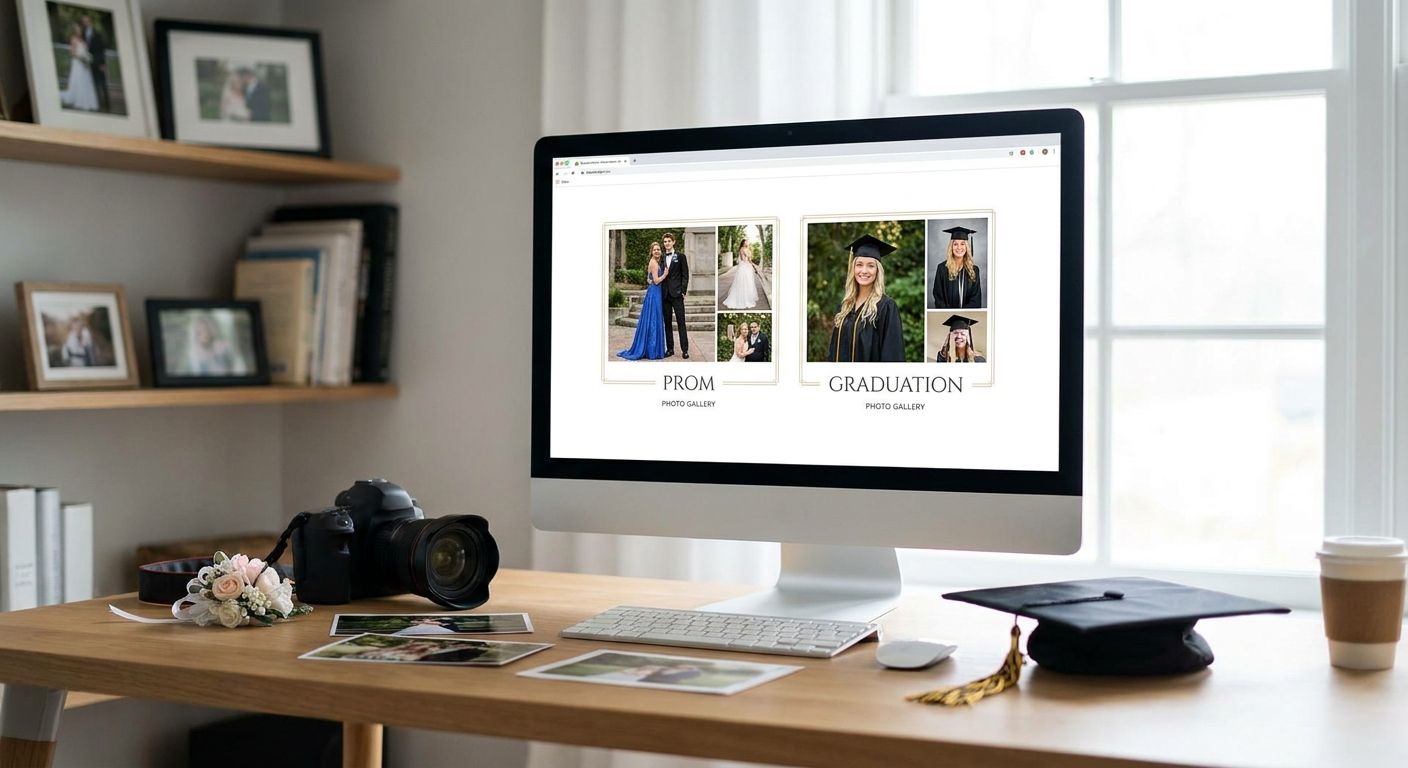
Prom and graduation photographers deal with a night (or a week) that produces more images and more urgent requests than almost any other event category. Prom and graduation photo galleries are the delivery and sales system that turns hundreds of shots of a graduating class into fast, findable, sellable photos for students, parents, and the school itself — without you manually emailing links for two weeks straight.
What makes this segment different from a wedding or a corporate headshot day: you're shooting 200 to 800+ subjects in a single ceremony or dance, most of them minors, all of them wanting their own photo within hours, not weeks.
TL;DR
- Prom and graduation photo galleries need face search, not folders — students won't scroll 500 images to find themselves.
- Watermark every preview before delivery in 2026; graduation proofs get screenshotted and shared more than any other event category.
- Split galleries by homeroom, grad block, or class period so parents aren't wading through the whole senior class.
- Fotoowl handles face-recognition sorting and WhatsApp delivery for large graduating classes; best for photographers booking 3+ schools a season.
- Guardian-level access controls matter for prom galleries specifically since most subjects are under 18.
Why photo galleries matter for prom and graduation photographers
A prom or graduation shoot compresses a year's worth of senior portraits into one evening or one ceremony block. Parents and students don't browse — they search for one face in a crowd of hundreds, usually from a phone, usually within a day of the event while the moment is still fresh on social media.
Schools booking you for graduation also expect a single link they can hand to the whole senior class, not 400 individual email threads. If your delivery system can't handle that volume without you sorting by hand, you lose the repeat contract next spring — schools rebook photographers who make picture pickup painless for their office staff, not just the photographer.
Set up face recognition so students find their own photo first
The single biggest complaint from graduating classes is scrolling through hundreds of strangers to find three photos of themselves. Solve this before you solve anything else.
- Ask each student for a quick selfie at check-in or use the yearbook photo roster if the school provides one
- Group images by grad block, homeroom, or the order students crossed the stage
- Set up a self-serve face search so a student uploads a selfie and gets only their own shots
- Test the search on a stage-crossing sequence, not just posed portraits — lighting and angle change fast in that moment
- Flag group and candid shots separately so face search doesn't miss friend-group photos
Fotoowl's face recognition sorts a full graduation gallery by face automatically, which is the faster path once you're past 150+ subjects in one event — doing this by hand past that volume eats an entire weekend.
Deliver the gallery the same night with WhatsApp and QR codes
Prom photos lose most of their value after 48 hours — students want them posted before the weekend ends. Graduation is similar: parents want proof shared before the extended family group chat moves on to the next thing.
- Post a QR code at the venue exit linking straight to the live gallery
- Send a WhatsApp broadcast to a class list the moment uploads finish
- Upload directly from the camera card during breaks in the ceremony instead of waiting until you're home
- Set the gallery to auto-publish new batches every 30-60 minutes instead of one big dump at the end
- Keep a low-bandwidth fallback view for gymnasiums and stadiums with weak Wi-Fi
The manual version of this is a shared Drive folder you update from your laptop after the event — workable for 50 students, painful for 500. FotoOwl is built for the second case: live uploads that publish while the ceremony is still running.
Watermark proofs before anyone sees full resolution
Graduation and prom photos get screenshotted and reposted more than almost any other category — proud parents share instantly, and an unwatermarked proof becomes a free download.
- Apply a visible watermark to every preview before the gallery goes live
- Keep watermark placement consistent so it can't be cropped out in one tap
- Release full-resolution files only after purchase or after the school-approved release window
- Use a distinct proof style for group shots versus individual portraits, since group shots get shared faster
- Set a reverse-image alert if you're selling prints, so unpaid full-res leaks get flagged
Price and package prom and graduation photo sales
Graduating classes buy differently than wedding clients — smaller individual spend, much larger total volume. Structure packages for that reality instead of copying your wedding price sheet.
- Offer a low-cost digital single-photo download for casual buyers
- Bundle a printed package (cap-and-gown portrait plus one candid) at a mid-tier price
- Add a class-wide or family bundle for parents ordering multiple students
- Set a school-purchase tier if the PTA or yearbook committee is buying bulk rights
- Cap the discount window to the two weeks after the ceremony, when demand peaks
Organize galleries by class, homeroom, or ceremony block
A single unsorted gallery of 600 graduation photos is the fastest way to get complaint emails from parents. Structure beats volume every time in this segment.
- Split the master gallery into folders by last name range, homeroom, or the order of stage crossing
- Label each folder plainly — parents are searching on a phone between errands, not studying a sitemap
- Keep a separate folder for candid and crowd shots so portrait buyers aren't wading through them
- Pin the ceremony program order at the top so families can jump to their student's segment
Fotoowl's guide to organizing multi-day and large-scale ceremony galleries walks through folder structure for convocation-sized crowds, which applies directly to a large graduating class.
Lock down access for underage subjects
Most prom subjects and a large share of graduation subjects are minors, which changes who should be able to view, download, or order photos of them.
- Require a parent or guardian login to unlock full galleries for students under 18
- Restrict candid shots of individual minors from appearing in a public, unindexed link
- Get written opt-out consent tracked before the event for any student whose family declines photo distribution
- Set download permissions separately from viewing permissions, so browsing doesn't equal free full-res access
Turn the ceremony into a shareable highlight reel
Graduation ceremonies run long, and most families only care about the five minutes their student is on stage. A short reel sells better than the raw gallery to families who want something to post immediately.
- Clip the stage-crossing moment for each student automatically where possible
- Add a short opening and closing clip of the venue and program for context
- Keep individual reels under a minute so they're easy to share on mobile
- Offer the reel as an add-on purchase separate from the photo package
See FotoOwl on your next graduation shoot
Face search, WhatsApp delivery, and watermarked galleries built for large graduating classes.
Comparing gallery options for prom and graduation photographers
| Option | Best for | Key limitation |
|---|---|---|
| Shared drive or cloud folder | A single small prom, under 50 students | No face search; students scroll everything manually |
| General client-gallery software | Boutique photographers shooting one or two schools a year | Not built for crowd volume of a full graduating class; no bulk face-sort |
| FotoOwl | Photographers handling several schools or a large graduating class each season | Best results depend on decent venue connectivity for live uploads |
Common mistakes prom and graduation photographers make
- Delivering one giant unsorted gallery. A 500-image dump with no folders guarantees parent complaints and slow sales.
- Skipping watermarks on previews. Graduation photos get screenshotted more than any other category — an unwatermarked proof is a free download.
- Ignoring guardian-level access. Most subjects are minors; treating every login the same as an adult wedding guest creates a real privacy gap.
- Underpricing digital singles. High volume at rock-bottom prices leaves margin on the table when a class-wide bundle would have converted just as well.
- Waiting to upload until you're home. By the time a two-hour ceremony ends and you're back at your desk, half the graduating class has already moved on to their own phones for photos.
If a graduate has to scroll past 400 photos to find their own, they won't come back next year — or recommend you to the next class.
FAQ
What's the best photo gallery software for prom and graduation photographers in 2026?
The best option in 2026 depends on volume: a shared drive works for a single small prom, but any graduating class over roughly 150 students needs face-recognition sorting and WhatsApp or QR delivery to avoid manual folder management. FotoOwl is built specifically for that volume.
How do I let students find their own graduation photos without scrolling everything?
Set up face-recognition search so a student uploads a selfie and gets only their matching photos. Without it, students and parents have to scroll the entire gallery, which is the top complaint photographers get after graduation season.
Should I watermark prom and graduation photo previews?
Yes. Graduation and prom photos get screenshotted and reshared more than most other event categories, and an unwatermarked full-resolution preview removes any reason to buy the file.
How fast should I deliver prom photos after the event?
Aim for the same night or within 24-48 hours. Prom photos lose relevance fast once the weekend social-media window closes, so live or same-night uploads convert better than a delayed batch delivery.
Do I need parental consent to sell photos of prom or graduation students?
Most subjects are minors, so guardian-level access controls and any required consent should be set up before the event, not after complaints arrive. Check your local requirements and the school's own policy, since these vary by district.
Can I organize a graduation gallery by homeroom or class period?
Yes, and it's the recommended structure for any class over roughly 150 students. Splitting by homeroom, last-name range, or ceremony order keeps parents from wading through the whole senior class to find one student.
What's a fair price for a single digital graduation photo download?
Pricing varies by market, but the segment generally sells more volume at a lower single-photo price than a wedding, then makes margin back on class-wide or family bundles. Check current pricing patterns in your local market before setting your sheet.
How is a graduation photo gallery different from a wedding gallery?
A graduation gallery serves hundreds of buyers instead of one couple, runs on a much tighter delivery window, and involves minors, which changes both the folder structure and the access permissions you need to set up.
One last thing
The photographers who get rebooked for graduation season year after year aren't the ones with the sharpest lens — they're the ones whose gallery link works instantly on a parent's phone in a packed gymnasium with one bar of signal. Build the offline-first fallback into your workflow before ceremony day, not after the first complaint call in 2026.