
Daycare Preschool Photo Ordering Setup Guide 2026

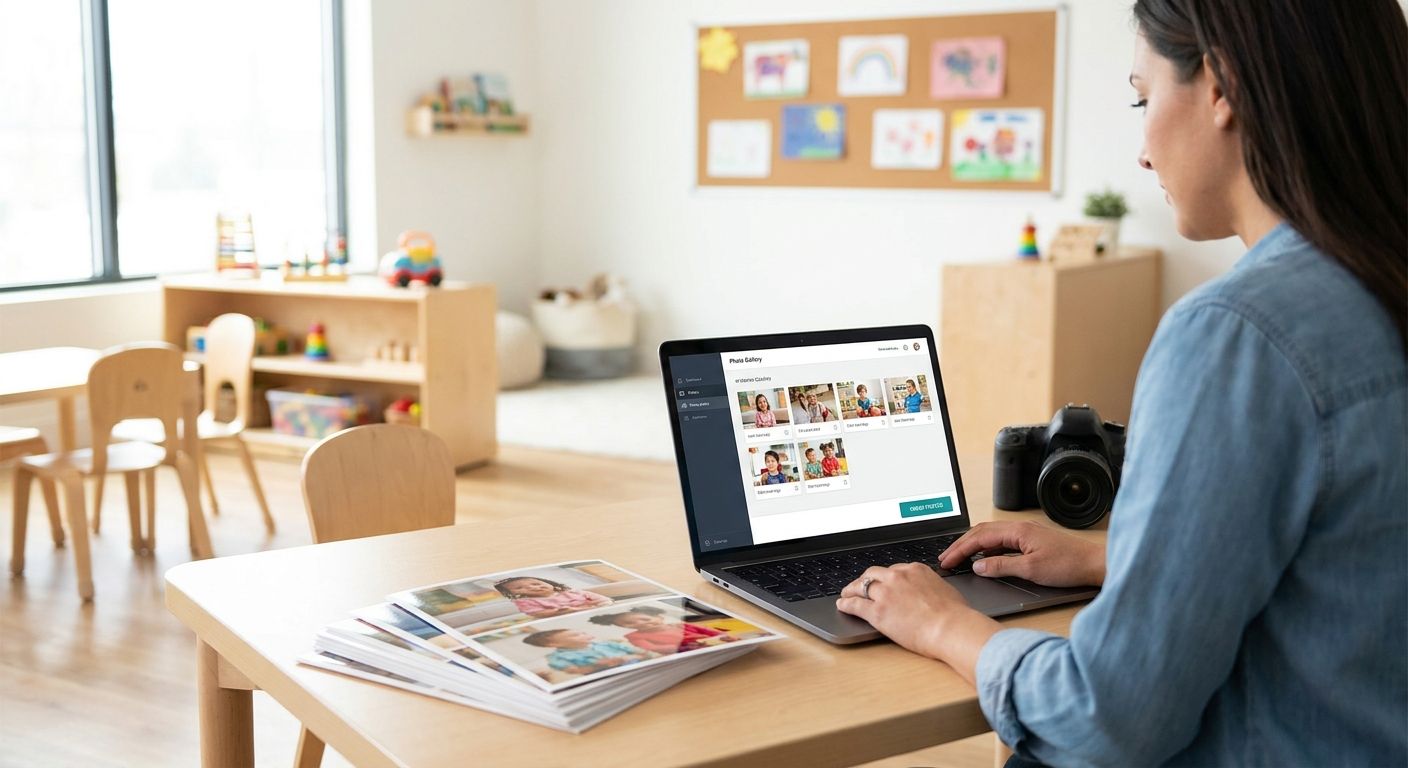
Daycare and preschool photo ordering works best when parents get one link, one deadline, and zero paper forms to lose in a backpack. Set the gallery up around three moves: sort photos by classroom or child, share access through a link, QR code, or WhatsApp, and let parents check out directly instead of routing every order through the front desk.
The hidden cost most centers miss isn't the photography fee — it's staff time spent manually matching prints to names when there's no sorting system in place.
TL;DR
- Daycare preschool photo ordering runs on three things: sorted galleries, a shareable link or QR code, and self-serve checkout.
- Face recognition sorting removes the manual work of matching hundreds of shots to individual kids before picture day 2026 orders open.
- WhatsApp and QR codes outperform paper order forms for parent response because there's no folder to lose.
- FotoOwl handles the sorting, delivery, and payment steps inside one gallery built for school and daycare photo days.
Why This Matters
A daycare photo day only makes money if parents actually see their child's photos before the ordering window closes. Paper forms sent home in a folder get buried under permission slips, and by the time a parent finds it, the deadline has passed.
Centers running multiple classrooms face a second problem: one wrong photo delivered to the wrong family is a privacy complaint, not just a refund request. Setting up ordering correctly in 2026 means solving both problems at once — speed and privacy — with the same system.
How to Set Up Daycare and Preschool Photo Ordering
The setup itself takes less time than most centers expect once the roster and photos are ready. Follow these steps in order:
- Lock the picture day date and ordering deadline before you shoot, and put the deadline in writing on the parent portal or newsletter, not just a flyer.
- Collect a class roster with parent emails or phone numbers ahead of the shoot so delivery isn't a scramble afterward.
- Upload photos the same day straight from the camera to the cloud gallery — online ordering for school picture day works the same way for preschools running a single photo day a year.
- Sort by classroom or child using face recognition photo sorting so a parent only ever sees their own kid's photos, not the whole class.
- Send each family a private link or QR code by WhatsApp, email, or a printed pickup-area flyer — whichever channel the center already uses for daily updates.
- Turn on photo selling inside the gallery so parents pay and download without a staff member processing orders by hand.
- Close the window and export the roster for reprints, late orders, or a short classroom recap reel.
Which delivery method actually gets parents to order
| Delivery Method | Setup Effort | Parent Experience | Best For |
|---|---|---|---|
| Paper order forms | Minimal tech, heavy manual sorting | Slow, easy to lose in a folder | Tiny single-classroom daycares — Skip once you run more than one class |
| Shared cloud gallery link | One link per class, set once | Browse and buy anytime, no app needed | Preschools running one photo day a year — Buy |
| QR code on a flyer | Print once, post at pickup | Scan and land straight in the gallery | Centers without parent email lists on file — Buy |
| WhatsApp broadcast | Needs a broadcast list built ahead of time | Familiar app, high open rate | Daycares that already use WhatsApp for daily updates — Buy |
| Face recognition search | Auto-sorts once photos are tagged | Parent finds only their child, no scrolling through a whole class | Multi-classroom preschools and franchise chains — Buy |
The verdict holds across every center size: a shared link paired with face recognition sorting beats paper forms on speed, privacy, and order volume every time.
Why Parent Order Rates Vary
Two daycares running the exact same photographer and the exact same prices can see very different order totals. The gap usually comes down to a handful of factors:
- Deadline length — a window that closes too fast loses late-enrolling families; one that drags on loses urgency.
- Delivery method — a link or QR code gets opened same-day; a paper form sits in a bag until laundry day.
- Sibling grouping — parents with two or three kids across classrooms want one order, not three separate logins.
- Teacher involvement — a quick reminder from the teacher at pickup drives more orders than a center-wide email blast.
- Mobile access — most parents are ordering from a phone in the parking lot, not a desktop at home.
- Photo quality signal — a gallery with only a few sample shots per child sells worse than one showing the full set.
Do parents need an account to order preschool photos?
No — a link or QR code should open straight to the gallery without forcing a parent to create a login. Extra signup steps are the single most common reason a parent abandons an order before paying.
Can siblings in different classrooms be grouped into one order?
Siblings can be matched into a single gallery view when the roster links their names to one parent contact during setup. Without that step, a parent with kids in two classrooms ends up managing two separate orders, which cuts completion rates.
Is WhatsApp or a shareable gallery link better for daycare photo delivery?
Both work, and the better choice depends on which one parents already check daily — a shareable gallery link gives a permanent, always-open destination, while a WhatsApp message drives faster same-day opens. Centers that already send daily updates through WhatsApp for schools see faster response using the same channel for photo delivery.
Set up your daycare photo gallery
Sort by classroom, deliver by link or WhatsApp, and let parents check out themselves.
FotoOwl builds the gallery around the roster instead of the other way around — photos land sorted by classroom, parents get a private link or QR code, and checkout happens inside the same page. That structure is what separates a 2026 photo day that clears its deadline from one that needs a follow-up email two weeks later chasing stragglers.
FAQ
What's the best way to set up daycare and preschool photo ordering in 2026?
The best setup pairs a sorted cloud gallery with a shareable link or QR code and self-serve checkout, so parents never route an order through the front desk. Face recognition sorting removes the manual step of matching photos to names before the gallery opens.
Do parents need an app to order preschool photos?
No app install is required — a link opened in a phone browser or a QR code scan should land directly in the gallery. Requiring an app download before ordering cuts completion rates noticeably.
Can one gallery link work for multiple classrooms?
Yes, a single gallery can hold multiple classrooms as long as photos are sorted so each family only sees their own child's shots. Face recognition handles that sorting automatically once photos are tagged to the roster.
Is WhatsApp or a gallery link better for daycare photo delivery?
Both work well; WhatsApp tends to get faster same-day opens because parents already check it for daily updates, while a gallery link stays live as a permanent destination for late orders. Centers pick based on which channel parents already use.
How do you keep other families from seeing a child's photos?
Face recognition sorting and per-family private links keep each parent's view limited to their own child, unlike a shared class folder anyone can browse. This matters most for centers running more than one classroom.
Can siblings in different classrooms be grouped in one order?
Siblings can be linked into a single order when the roster connects their names to one parent contact during setup. Without that step, a parent manages separate logins for each child.
Do preschools need special software or can teachers just email photos?
Emailing photos works for a handful of families but breaks down past one classroom because there's no sorting, no deadline tracking, and no way to prevent mix-ups. A gallery built for photo ordering handles all three automatically.
How does face recognition help with daycare photo sorting?
Face recognition matches uploaded photos to the class roster automatically, so a center with 200 photos across five classrooms doesn't need a staff member sorting by hand. It's the step that makes multi-classroom photo days manageable in 2026.
One Last Thing
The biggest source of missed sales on daycare photo day isn't pricing — it's an order deadline parents never saw because it went home in a folder that got buried under permission slips. Move the deadline to a link or a text message parents check daily, and the sorting and privacy problems solve themselves along the way.