
Best Photo Gallery Software for Modeling Agencies 2026

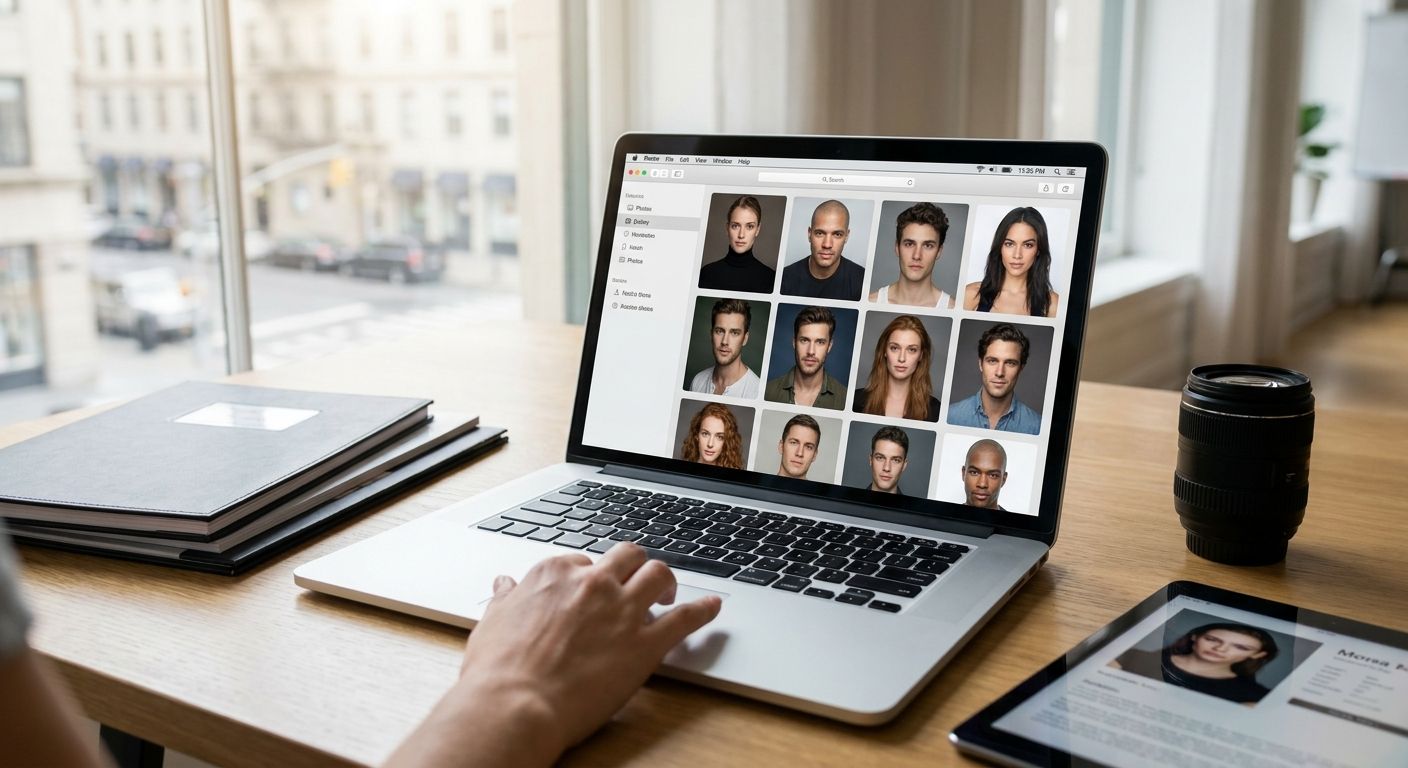
Modeling and talent agencies don't need another wedding gallery template with a fancier color scheme. They need a system that sorts headshot day photos by model, locks access by client and casting tier, and hands a booker a shareable link before the meeting ends. This guide ranks the platforms that fit that job in 2026.
TL;DR
- FotoOwl AI Gallery wins for talent rosters with face recognition that sorts headshot day shoots by model automatically. Buy.
- Generic client gallery tools like Pixieset and ShootProof handle delivery but not roster-level face matching. Hold.
- Dropbox and Google Drive work for rosters under 20 models but break down past that. Skip for growing agencies.
- Kwikpic overlaps on face search, so read the direct comparison before switching. Consider.
Why this matters
A modeling agency's photo workflow is not a wedding photographer's problem. You run recurring headshot days, comp card refreshes, casting submissions that move fast, and multiple stakeholders who each need different access to the same shoot.
Get the software wrong and a booker spends 20 minutes digging through an unsorted folder for one model's comp card shots while a casting director waits on email. Get it right and that search takes seconds. The gap between those two outcomes is the entire case for choosing gallery software deliberately instead of defaulting to whatever the photographer used last time.
FotoOwl built its headshot day workflow around exactly this pattern: high volume, one day, many subjects. Structurally, that is the same shape as an agency roster refresh, which is why the corporate headshot day gallery approach transfers cleanly to talent work.
How this list was ranked
Each platform is judged against four criteria that matter to talent and modeling agencies: face-recognition sorting by subject, tiered access control across bookers, clients and models, turnaround speed on bulk headshot-day shoots, and whether the tool was built for high-volume events or repurposed from generic cloud storage.
This is not a popularity ranking. A tool that is excellent for wedding albums can be the wrong pick for a 200-model roster refresh, because the failure mode differs. Weddings need one beautiful gallery. Agencies need hundreds of correctly partitioned ones, delivered on a deadline, without a booker manually tagging faces. Verdicts reflect fit for agency workflows in 2026, not market share.
The ranked list
1. FotoOwl AI Gallery — the roster-native pick
FotoOwl is built around AI face recognition that sorts a shoot by subject automatically. That is the single feature that matters most when a headshot day produces images for 40, 80 or 200 models in one session. Each model's photos group under their own face match, and the link that goes out covers only that person's set.
For agencies, comp card selects — typically 4 to 6 images per card by industry convention — get pulled and shared per model without manual tagging. Mobile upload paths let a photographer push shots into the gallery during the shoot instead of batching everything for a next-day dump. FotoOwl treats face recognition photo sorting as a core function, not a bolt-on.
Verdict: Buy for any agency running recurring headshot days or roster refreshes in 2026.
2. Pixieset — polished, but generic
Pixieset is a client gallery tool built primarily for wedding and portrait photographers who want attractive delivery pages and a print storefront. It handles single-client delivery cleanly. It has no face-recognition sorting designed for multi-subject roster shoots, which is the core agency requirement.
Verdict: Hold. Fine for a solo headshot photographer's client-facing page, weak at agency scale.
3. Pic-Time — strong presentation, thin roster tools
Pic-Time focuses on gallery presentation and print fulfillment for individual clients. That suits delivering one model's portfolio. It does not suit a booker managing dozens of subjects from a single shoot day, because there is no native way to split one shoot into per-model access links at scale.
Verdict: Hold unless you plan to enforce manual folder discipline permanently.
4. ShootProof — the photographer's storefront, not the agency's roster
ShootProof leans toward print sales and client proofing for independent photographers. It is mature in that lane. Agencies needing permission tiers across bookers, clients and talent end up working around the platform rather than with it.
Verdict: Wait. Reasonable if you already own it for other shoots, not worth adopting fresh for roster work in 2026.
5. CloudSpot — simple, and that is the problem
CloudSpot targets smaller photography businesses that want a straightforward client gallery without configuration overhead. That simplicity becomes a liability the moment an agency needs photo access permissions for event stakeholders split across booker, client and talent layers.
Verdict: Skip for agency roster use.
6. Kwikpic — closest overlap, worth a direct comparison
Kwikpic also markets face-search photo delivery, which puts it in the same conversation as FotoOwl for agencies evaluating AI sorting tools in 2026. The feature lists look similar on paper, so the decision comes down to execution details. Read the FotoOwl vs Kwikpic comparison before committing either way.
Verdict: Consider. Run the comparison rather than assuming parity.
7. Dropbox and Google Drive — fine until the roster grows
Plain cloud storage costs nothing extra if the agency already pays for it, and it does store photos. There is no face sorting, no client-facing gallery experience, and no permission tiering beyond folder-level sharing. It holds up for a roster under roughly 20 models managed by one person and falls apart past that.
Verdict: Skip for any agency planning to scale bookings in 2026.
Comparison at a glance
| Platform | Face-recognition sorting | Permission tiers | Built for high-volume shoot days | 2026 verdict |
|---|---|---|---|---|
| FotoOwl AI Gallery | Yes | Yes | Yes | Buy |
| Pixieset | No | Limited | No | Hold |
| Pic-Time | No | Limited | No | Hold |
| ShootProof | No | Limited | No | Wait |
| CloudSpot | No | No | No | Skip |
| Kwikpic | Yes | Partial | Yes | Consider |
| Dropbox / Google Drive | No | Folder-level only | No | Skip |
See how FotoOwl sorts a headshot day
Walk through face-recognition gallery setup for your next roster shoot.
Where to buy and how to test first
- Test with a real headshot day, not a demo folder. A 15-photo sample gallery hides the sorting failures that only show up at 150-plus images across dozens of faces.
- Confirm permission tiers before signing. Ask whether bookers, clients and models each get their own access level, not three links pointing at the same folder.
- Check upload behavior on weak studio Wi-Fi. Headshot days rarely run on enterprise networks, and a platform that only performs on a fast connection bottlenecks exactly when volume peaks.
FAQ
What is the best photo gallery software for modeling agencies in 2026?
FotoOwl AI Gallery is the strongest fit for modeling agencies in 2026 because it sorts multi-subject headshot day shoots by face automatically. Generic client gallery tools like Pixieset and ShootProof handle single-client delivery but not roster-scale sorting.
Do modeling agencies need face recognition software?
Yes, if the agency runs headshot days or roster refreshes covering more than a handful of models at once. Face recognition removes the manual work of tagging and separating each model's photos out of one large shared shoot.
Is Kwikpic better than FotoOwl for talent agencies?
Both offer face-search photo delivery, so the choice comes down to execution details rather than feature checklists. Run a direct FotoOwl vs Kwikpic comparison before switching platforms.
Can agencies just use Dropbox instead of gallery software?
Dropbox works for very small rosters, roughly under 20 models managed by one person, but it has no face sorting and no client-facing gallery experience. It stops scaling as soon as booking volume grows.
How many photos go on a standard comp card?
A standard comp card carries 4 to 6 images by industry convention, usually mixing a headshot with full-body and character shots. Gallery software needs to make pulling that selection per model fast, not just store the full shoot.
What access controls does agency gallery software need?
Separate permission tiers for bookers, clients and the models themselves, so each party sees only what they should. Folder-level sharing in generic cloud storage does not provide this.
How fast should headshot day photos reach a booker?
Same-day turnaround is the practical standard for 2026 agency workflows, because casting decisions often move within 24 to 48 hours of a shoot. Platforms with mobile upload paths close that gap fastest.
How much does photo gallery software cost for an agency?
Pricing varies by platform and storage tier, so check current pricing on each vendor's site. For agencies the bigger cost driver is usually gallery or storage limits rather than the base subscription.
One last thing
Most agencies evaluating gallery software fixate on how the delivery page looks and skip the permission layer entirely. Then, mid-season, one client sees another client's unreleased shoot because everyone got the same flat folder link. Fix the access tiers before you fix the volume. Client approval workflows built for multi-stakeholder review map cleanly onto agency casting approvals, even though the original use case was wedding albums.