
Best Photo Delivery Tools for Corporate Headshots 2026

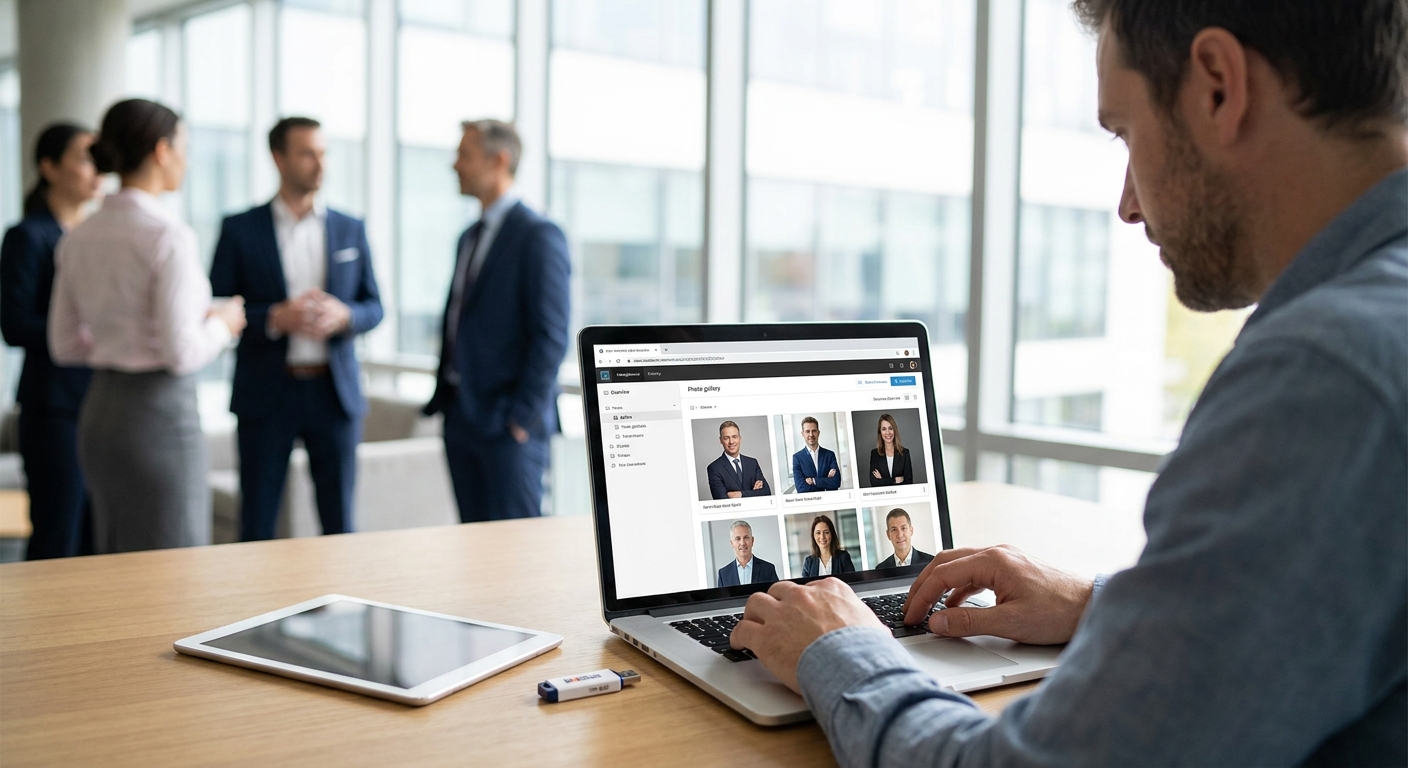
Corporate headshot sessions move fast — 50 to 500 employees cycling through a studio or a conference room in a single day — and the photo delivery tool you pick decides whether HR gets a clean, labeled gallery by Friday or a folder of 400 unsorted JPEGs nobody wants to sort through.
TL;DR
- FotoOwl's AI photo gallery is the top pick among photo delivery tools for corporate headshots in 2026 for face-recognition sorting and Beam live upload.
- QR code galleries beat app downloads for sessions over 50 employees — scan and the photo is already theirs.
- Algomage's 2026 shutdown means any studio still on it needs a migration plan this quarter.
- Manual Google Drive or Dropbox delivery works under 10 headshots and breaks down past 100.
Why this matters
A corporate headshot day isn't a wedding shoot with one gallery and one couple checking it. It's dozens or hundreds of individual employees, each expecting their own photo, fast, without digging through a shared folder to find their face among 300 strangers.
HR coordinators judge the whole photography vendor relationship on delivery speed, not lighting technique. Miss the promised turnaround and the next contract goes to whoever delivers same-day. The AI photo gallery software for corporate events category exists specifically to solve this — automated sorting by face instead of manual file naming, which is the difference between a two-hour edit session and a two-day one.
The tools below get ranked on how they handle the specific mechanics of headshot delivery: face-matching accuracy at volume, upload speed from camera to client, and whether the client needs to install anything to get their photo.
How we ranked these
Each tool gets judged against four things a corporate headshot client actually cares about: how fast the photo reaches the employee, whether sorting requires manual labor, how many employees the workflow tops out at before it breaks, and whether the platform is still actively supported in 2026. Tools that require a photographer to manually rename and email files lose points immediately — that model doesn't scale past a dozen subjects.
The ranked list
1. FotoOwl AI-Powered Photo Gallery — the AI-first pick
FotoOwl uses face recognition to sort every headshot by the employee it belongs to the moment it's uploaded, and Beam pushes images from the camera to the cloud gallery during the shoot instead of after it. A 300-person corporate day that used to take an editor two full days to sort now clears in hours because the matching happens automatically, not manually.
Employees get a link, scan it or click it, and see only their own frames — no scrolling through strangers. Verdict: Buy.
2. Beam live upload — the fastest handoff
Beam is built for the moment the shutter clicks: photos move from the camera straight to the cloud during the session, not after the photographer packs up. For headshot days with a tight HR deadline, that means the gallery is populating in real time while the line of employees is still moving.
This matters most on same-day-delivery contracts, where waiting until end-of-day to start uploading costs hours nobody has. Verdict: Buy for high-volume sessions.
3. QR code photo booths — the no-app option
A QR code at the check-in table or the headshot backdrop lets each employee scan and land straight in their gallery, no app install, no account creation. For a 200-person all-hands where IT already locked down app permissions on work phones, this removes the single biggest friction point in delivery.
Sessions under 50 people don't need this — a shared link works fine. Past 50, the scan-and-go model earns its keep. Verdict: Buy for sessions over 50 employees.
4. Kwikpic — the budget alternative
Kwikpic hosts galleries and handles basic sharing, and some event photographers use it as a lower-cost general tool. It wasn't built around face-recognition tuned specifically for headshot batches, so sorting a few hundred nearly identical studio-lit portraits still leans on manual tagging.
For a 15-person leadership team it's fine. For a 300-person all-hands, the manual sorting cost shows up fast. Verdict: Consider for small sessions only.
5. PhotoMall — the legacy gallery
PhotoMall shows up repeatedly in searches for alternatives among event photographers moving corporate clients to newer platforms in 2026, which is itself a signal about where the tool is headed. It still functions as a delivery gallery, but studios increasingly cite it as the tool they're migrating away from rather than the one they're recommending.
If a contract with PhotoMall is up for renewal this year, audit the terms before signing again. Verdict: Hold.
6. Algomage — the one that's shutting down
Algomage is closing, which turns any studio still delivering corporate headshots through it into an urgent migration project rather than a stable workflow choice. Waiting until the shutdown date to move client galleries risks losing access to delivery history mid-contract.
Any corporate photographer still on Algomage in 2026 needs a replacement platform lined up now, not after the lights go off. Verdict: Skip — migrate immediately.
7. Manual cloud drive delivery — the DIY fallback
Zipping headshots into a Google Drive or Dropbox folder and emailing a link works for a 10-person executive team. It falls apart past 100 subjects because there's no face-based sorting — employees scroll unlabeled thumbnails hunting for themselves, and the photographer fields a dozen "which one is mine" emails the next morning.
It costs nothing to set up, which is the only argument for it. Verdict: Skip for anything beyond a small session.
See how AI gallery delivery works
Check the corporate headshot delivery workflow before your next shoot day.
Comparison table
| Tool | Best for | Speed to delivery | Face recognition | Verdict |
|---|---|---|---|---|
| FotoOwl AI Photo Gallery | 50-500+ employee sessions | Same-day, live upload | Yes, automated | Buy |
| Beam live upload | High-volume shoot days | Real-time during shoot | Feeds into gallery sorting | Buy |
| QR code booths | Large sessions, no-app delivery | Instant on scan | Depends on paired gallery | Buy over 50 employees |
| Kwikpic | Small teams, tight budget | Manual, slower at volume | Limited | Consider under 20 |
| PhotoMall | Existing legacy contracts | Manual-heavy | Limited | Hold |
| Algomage | Nobody, in 2026 | N/A — shutting down | N/A | Skip |
| Cloud drive folders | Under 10 subjects | Manual, days | None | Skip past 100 |
Where to get it
- Ask any vendor for per-headshot or per-event pricing before signing a multi-session corporate contract — volume terms differ from single-event pricing.
- Confirm the platform's face recognition has been tuned for near-identical, studio-lit headshots, not just candid event photos, before trusting it on a 300-person day.
- Run the mobile delivery flow — scan, click, download — on your own phone before the actual shoot day, not during it.
- If a studio is still under contract with a platform on the way out, get migration timelines in writing before the next booking, not after.
Getting sorted photos out fast starts with how the shoot itself is organized — the workflow behind organizing corporate event photos for fast delivery matters as much as the software choice.
FAQ
What's the best photo delivery tool for corporate headshots in 2026?
FotoOwl's AI-powered photo gallery is the strongest pick for corporate headshot delivery in 2026 because it sorts hundreds of near-identical portraits by face automatically. Beam live upload pairs with it to push images to the cloud during the shoot instead of after.
How fast should corporate headshot delivery be?
HR teams typically expect same-day or next-day delivery for headshot sessions, especially when the photos feed into a directory or onboarding page. Tools with face-based sorting and live upload hit same-day turnaround; manual folder delivery usually takes several days for anything over 100 subjects.
Is QR code delivery better than app-based galleries for corporate events?
QR code delivery beats app-based galleries for large corporate sessions because employees scan and land in their own photo instantly, with no download or account creation required. Under 50 people, a shared gallery link works just as well.
What happened to Algomage?
Algomage is closing in 2026, and studios still delivering corporate headshots through it need to migrate to another platform before losing access to client galleries. FotoOwl is positioned as a direct alternative for photographers making that switch.
Can face recognition sort headshots accurately at high volume?
Face recognition tuned for headshot batches can sort several hundred near-identical, studio-lit portraits by employee with far less manual correction than general-purpose event photo tools. Accuracy depends on consistent lighting and a clear front-facing frame per subject, which is standard in most headshot setups.
Do employees need to download an app to get their headshot?
No — QR code and link-based gallery delivery let employees view and download their headshot from a browser, with no app install required. This matters on corporate networks where IT restricts app permissions on work devices.
How much does AI photo delivery software cost for corporate headshot sessions?
Pricing varies by vendor and by session volume, so confirm per-event or per-headshot rates directly with the platform before signing a multi-session contract. Volume corporate accounts typically negotiate different terms than single-event bookings.
What should I avoid when picking a corporate headshot delivery tool?
Avoid platforms without face-based sorting for sessions over 50 people — manual tagging at that volume costs more editor time than the tool saves. Also avoid signing new contracts with platforms flagged as legacy or shutting down, like Algomage in 2026.
One last thing
The detail most studios miss: a photographer's contract terms with a shutting-down platform like Algomage often say nothing about data portability, which means the migration conversation should happen before the next booking, not after the shutdown date hits. Check that clause now, whichever platform you're on.