
Best mobile apps for on-site event photo editing

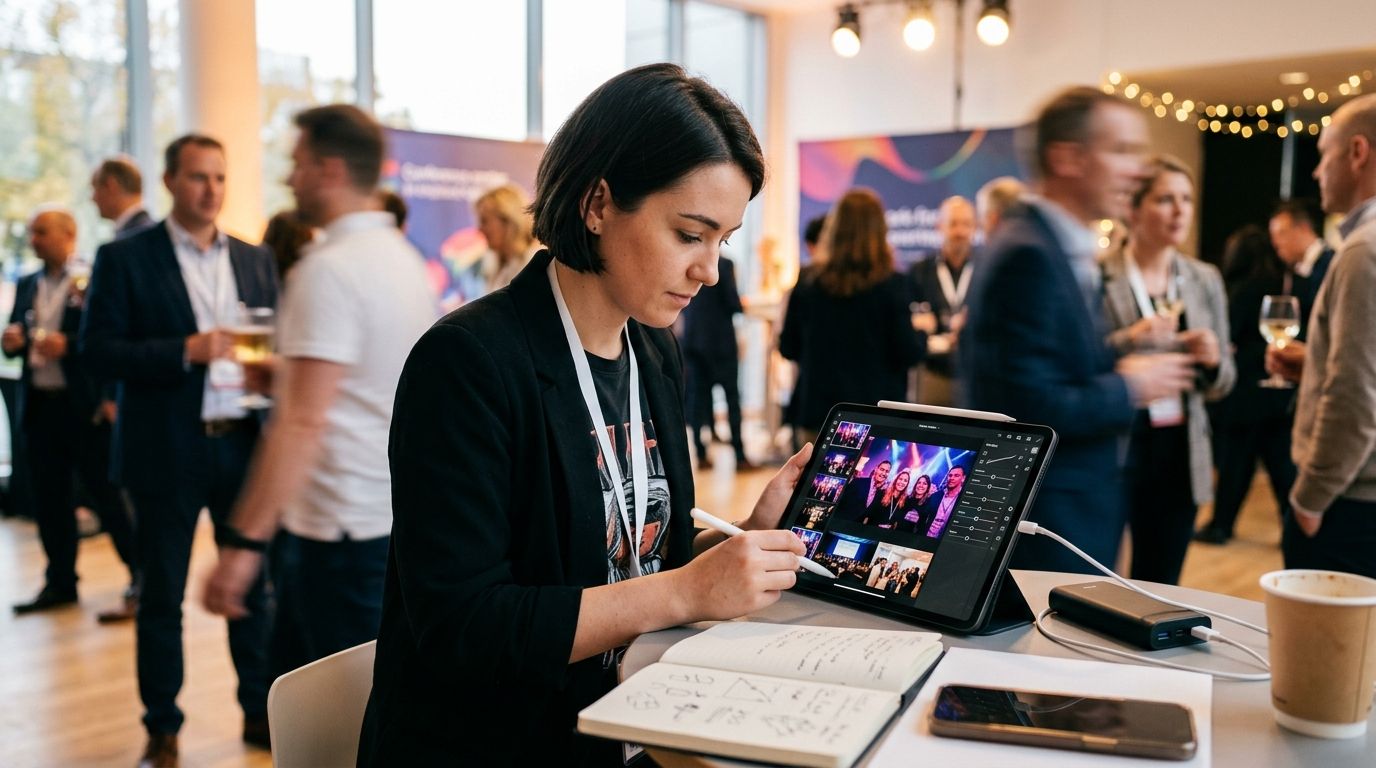
Best overall: Adobe Lightroom Mobile. Best for delivering edited photos the same day: FotoOwl. Best free editor: Snapseed. Best for social-ready color: VSCO. Best for one-tap fixes: Adobe Photoshop Express. Best for removing photobombers from crowd shots: TouchRetouch.
TL;DR
- Adobe Lightroom Mobile wins overall among mobile apps for on-site event photo editing in 2026.
- FotoOwl isn't a raster editor — it's the fastest way to move edited photos to guests same day via Beam and WhatsApp.
- Snapseed remains the strongest free pick with no subscription and a full tool set.
- TouchRetouch is the only app on this list built specifically to erase photobombers and clutter from crowd shots.
- VSCO wins when the client wants a consistent film-look feed, not raw color accuracy.
Why this matters
Editing on a phone between shots is a different job than retouching at a desk. Venue Wi-Fi drops, the reception ends in three hours, and the client already expects a link to a gallery before dessert.
A wedding shoot edited at 6 PM needs to be culled, graded, and delivered by 9 PM — there's no round-trip to a laptop. That's why the apps below split into two real camps: full editors built for touchscreens, and delivery tools built to move finished files out fast. Pairing a real editor with uploading photos directly from your camera using Beam closes the gap between edited and in the client's hands in 2026.
None of the apps below do both jobs equally well, which is the point of ranking them by task instead of by star count.
What makes the best mobile apps for on-site event photo editing
- Speed on a phone mid-event — exports and previews render without lag on the hardware a photographer actually carries
- RAW/DNG support — handles files straight off a camera's Wi-Fi transfer or an SD card reader, not just JPEGs
- Offline function — works when venue Wi-Fi is down or the app has no signal
- Fast handoff — exports cleanly into a delivery or gallery workflow instead of dead-ending in the camera roll
- Retouching depth — spot removal, skin smoothing, and object erase that actually hold up on crowded backgrounds
- Cost model — free, one-time purchase, or subscription, since a photographer running six events a month feels the difference
Mobile apps for on-site event photo editing at a glance
| App | Best For | Standout Feature | Key Limitation |
|---|---|---|---|
| Adobe Lightroom Mobile | RAW color grading on-site | Preset sync via Creative Cloud | Needs a subscription for full masking tools |
| FotoOwl | Delivering edited photos instantly | Beam camera-to-cloud upload + WhatsApp delivery | No built-in raster editing tools |
| Snapseed | Free full-tool editing | 29 tools including Curves and Healing | No cloud sync between devices |
| VSCO | Social-ready film color | Consistent preset-based color story | Advanced presets require a membership |
| Adobe Photoshop Express | Quick one-tap retouching | Fast spot heal and collage templates | Thinner controls than desktop Photoshop |
| TouchRetouch | Removing photobombers | Object and wire removal in a few taps | No exposure or color grading tools |
1. Adobe Lightroom Mobile: best mobile app for on-site event photo editing for RAW color grading
Lightroom Mobile edits RAW and DNG files straight from a camera transfer, with the same slider set as the desktop app: exposure, curves, selective masking, and color grading. Presets sync across a phone and a laptop through Adobe Creative Cloud, so a color look built once carries into every gallery.
Lightroom Mobile pros:
- Full RAW/DNG editing on a phone, not just JPEG touch-ups
- Selective masking (sky, subject, background) matches desktop-grade precision
- Preset sync keeps a consistent look across an entire event
Lightroom Mobile cons:
- Full masking and healing tools sit behind a Creative Cloud subscription
- Large RAW files can lag on older or budget phones
- No native tool for delivering the finished gallery to guests
Best for: photographers who need desktop-level color control without opening a laptop. Verdict: Buy.
2. FotoOwl: best app for delivering edited event photos instantly
FotoOwl isn't built to grade or retouch a photo — it's built for what happens right after. Beam pulls images straight from a camera to the cloud as they're shot, and finished galleries go out to guests through WhatsApp or a QR code the same day, sorted automatically with face recognition so each guest finds their own photos without scrolling a shared album.
FotoOwl pros:
- Beam moves images from camera to cloud without a manual transfer step
- Face recognition sorts and delivers guest-specific photos automatically
- WhatsApp and QR delivery get edited galleries to attendees the same day
FotoOwl cons:
- No crop, color, or exposure tools inside the app — pair it with an editor first
- Built for delivery and photo selling, not creative retouching
- Best value shows up on multi-photographer events, less so on single-shooter jobs
Best for: the moment editing is done and the photos need to reach 200 guests before the event ends. Verdict: Buy as the delivery layer, not as a replacement for an editor.
3. Snapseed: best free mobile editor for on-site touch-ups
Snapseed is Google's free editor and still one of the deepest toolsets on mobile: Curves, Healing, Selective adjustment, Perspective correction, and a non-destructive edit stack that lets a photographer undo three steps without starting over.
Snapseed pros:
- Completely free with no subscription tier
- 29 tools cover most on-site fixes: exposure, healing, white balance
- Non-destructive stack — edits can be reordered or removed after the fact
Snapseed cons:
- No cloud sync; exports have to be shared manually from each device
- Interface hasn't changed much in years and feels dated next to newer apps
- No batch editing across a full event's worth of photos
Best for: photographers who want real editing depth without paying for it. Verdict: Buy.
4. VSCO: best app for social-ready film color on-site
VSCO leans on preset-based film looks rather than manual grading, which makes it fast for a consistent feed across an entire event — a music festival gallery or a corporate recap post where every shot needs to match.
VSCO pros:
- Preset library built around cohesive film-style color, not single-shot fixes
- Social crop presets built for Instagram and recap posts
- Quick to apply a consistent look across dozens of images
VSCO cons:
- Deeper preset packs and watermark-free export sit behind a membership
- Manual color controls are shallower than Lightroom's masking tools
- Less useful for precise skin or exposure correction than a dedicated editor
Best for: a photographer delivering a styled social recap rather than accurate color. Verdict: Hold unless the client specifically wants a film look.
5. Adobe Photoshop Express: best app for quick one-tap retouching
Photoshop Express trades depth for speed: spot heal, blemish removal, and collage or story templates built for a fast turnaround rather than fine control.
Photoshop Express pros:
- One-tap spot heal and retouch tools move fast between shots
- Collage and story templates work well for social recap posts
- Free tier covers most on-site quick fixes
Photoshop Express cons:
- Far less granular than desktop Photoshop or even Lightroom Mobile
- Free version carries ads
- Not built for RAW files or serious color grading
Best for: fast blemish fixes and social templates between shots. Verdict: Hold as a backup, not a primary editor.
6. TouchRetouch: best app for removing photobombers from crowd shots
TouchRetouch does one job: erase people, wires, and objects from a frame in a few taps. At a corporate event or a wedding reception, that means pulling a stray waiter or an exit sign out of an otherwise clean shot.
TouchRetouch pros:
- Removes photobombers and background clutter faster than a healing brush
- One-time purchase, no subscription
- Works well on simple backgrounds common at indoor events
TouchRetouch cons:
- No exposure, color, or grading tools at all
- Struggles on dense crowd shots with overlapping subjects
- Needs a second app to finish the edit
Best for: the one distracting element that ruins an otherwise usable shot. Verdict: Buy as a specialist add-on.
How we ranked these apps
Each app is scored against the six criteria above: on-site speed, RAW support, offline function, export handoff, retouching depth, and cost model. Editors and delivery tools aren't interchangeable, so the ranking assigns each app the single use case it handles best rather than forcing six apps into one leaderboard.
Which app should you choose in 2026?
For most event photographers, the honest stack is two apps, not one: Adobe Lightroom Mobile for the actual edit, and a delivery layer like FotoOwl to get the finished gallery to guests the same day. Snapseed is the right call when budget rules out a subscription. TouchRetouch earns its spot as a five-minute fix for the one shot with a photobomber in it.
Skip trying to force a single app to do color grading, retouching, and guest delivery — none of the six do all three well in 2026, and pretending otherwise costs time on event night.
FAQ
What is the best mobile app for on-site event photo editing in 2026?
Adobe Lightroom Mobile is the best overall pick for on-site editing in 2026 because it handles RAW files and syncs presets through Creative Cloud. Snapseed is the strongest free alternative with no subscription required.
Can I edit RAW photos on my phone during an event?
Yes, Adobe Lightroom Mobile supports RAW and DNG files transferred straight from a camera. Most other mobile editors, including Snapseed and VSCO, work primarily with JPEGs.
Is FotoOwl a photo editing app?
No, FotoOwl does not include crop, color, or exposure tools. It handles photo upload via Beam, guest sorting through face recognition, and same-day delivery via WhatsApp or QR code, so it pairs with an editor rather than replacing one.
What is the best free app for editing event photos on a phone?
Snapseed is the best free option in 2026, offering 29 editing tools including Curves and Healing with no subscription fee. It lacks cloud sync, so exports need to be shared manually.
How do I remove a photobomber from an event photo on my phone?
TouchRetouch is built specifically for removing people, wires, and objects from a frame in a few taps. It works best on simple backgrounds and struggles on dense, overlapping crowd shots.
How can I deliver edited event photos to guests the same day?
Upload edited photos through a tool like FotoOwl's Beam feature, which moves images from camera to cloud as they are shot, then deliver the gallery via WhatsApp or a QR code. Face recognition sorts photos by guest automatically.
Is VSCO or Lightroom Mobile better for event photographers?
Lightroom Mobile is better for accurate, controllable color grading, while VSCO is better for a fast, consistent film-style look across a whole event gallery. Choose based on whether the client wants precision or a styled feed.
One last thing
The apps photographers actually keep on their home screen in 2026 aren't the ones with the most filters — they're the ones that survive a dead Wi-Fi signal at 8 PM with 40 minutes left before the couple's exit. Test every app on this list in airplane mode before an event, not during one.