
AI photo gallery software for naturalization ceremonies

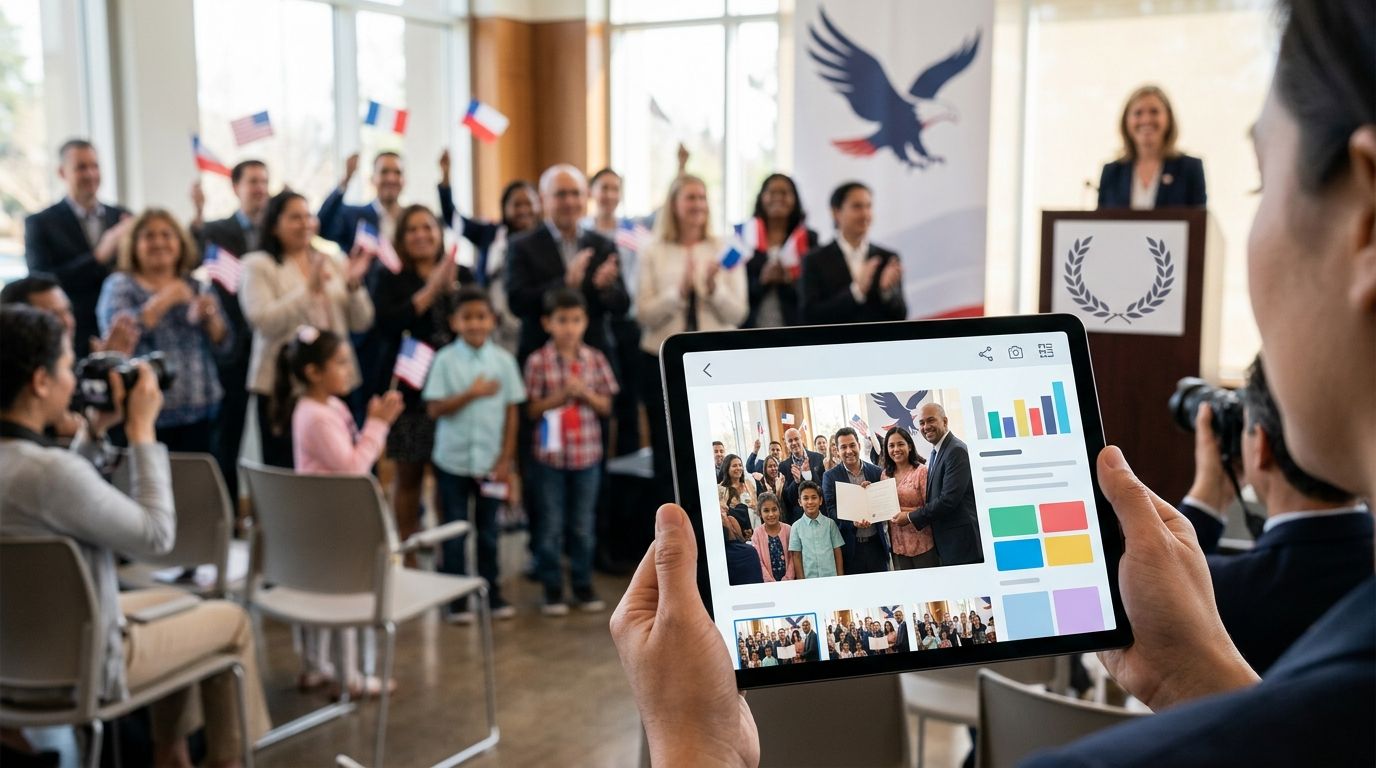
Naturalization ceremony photo gallery software is a system for organizing and delivering event photographs so participants can find their images. Photo gallery software for naturalization ceremonies must also account for a mixed audience: the photographer serves one organizer, but the photographs show many people with different expectations about access and sharing. In 2026, the best workflow starts with the organizer’s instructions, not the gallery settings.
TL;DR
- Photo gallery software for naturalization ceremonies must make images easy to find without treating every participant as one client.
- Fotoowl’s AI Gallery is best for photographers who need face-recognition galleries; confirm access requirements before sharing.
- Use a manual review before upload, then test face search and the recipient experience before delivery.
- Keep organizer images separate from participant delivery when the approved uses differ.
Why photo delivery matters for naturalization ceremonies
A ceremony photographer can hand a conventional event gallery to the organizer and call the job complete. That does not answer how an individual participant finds a portrait, or whether the organizer has approved sharing the wider collection. The delivery plan must identify who receives images, which images they receive and who approves the handover.
This is the same practical split photographers encounter at university convocation ceremonies: the commissioning organization needs event coverage, while individuals want photographs of themselves. The answer is not necessarily a separate gallery for every person. It is a collection organized around the agreed delivery routes, with a clear way to find relevant images.
Fotoowl’s AI Gallery is best for ceremony photographers who want face-recognition discovery alongside gallery delivery, not a substitute for the organizer’s sharing instructions. Set those instructions before enabling any participant-facing search in 2026.
How to set up a naturalization ceremony photo gallery
Plan coverage with the organizer
Ask for a shot list and a delivery decision before you photograph the ceremony. The organizer can define which moments need coverage and which images are intended for its own use. Do not assume that permission to photograph an event also settles how participant portraits should be distributed.
Start with a written note or spreadsheet. Record the organizer’s contact, the intended recipients and the approval point for publishing. This gives you a usable manual process even when the venue has no reliable connection and no gallery is ready yet.
- List the ceremony moments the organizer wants documented.
- Mark images intended for the organizer separately from participant portraits.
- Ask who can approve the final collection and its method of sharing.
- Record any venue-specific restrictions before the shoot.
Organize captures while you shoot
A gallery is easier to search when you know what each part of the shoot covers. Use your camera’s timestamps and a simple field note to identify major ceremony stages. Photographing a person in several locations does not guarantee that face recognition will match every frame, so retain a way to review the sequence yourself.
Keep the field system short enough to follow while working. A note that identifies the start of each ceremony stage is more useful than an ambitious naming scheme nobody maintains during the event. If more than one photographer contributes, agree on the same stage names before capturing begins.
- Record the start of each ceremony stage in your notes.
- Keep organizer portraits and general coverage identifiable.
- Agree on stage names with other photographers before the event.
- Preserve original files until the delivery has been reviewed.
Cull frames before uploading
Remove obvious duplicates, missed focus and frames that do not help tell the story before recipients see the gallery. You can do this manually with your existing editing workflow: compare similar frames, select the strongest expression and make a second pass over the shortlist. A face-search result is only useful when the photograph itself is worth delivering.
For a faster first pass, Fotoowl’s AI Culling is an offline desktop application that rejects duplicates and weak frames, groups similar shots and ranks images by composition, exposure and blur. It still calls for a human second pass before export to Lightroom or the gallery. That distinction matters: culling narrows the selection; the photographer makes the delivery decision.
- Remove blurred and accidental frames manually first.
- Compare similar portraits for expression and composition.
- Make the human second pass before exporting selections.
- Keep images needed for the organizer’s brief in the review.
Upload the gallery in a clear structure
Build one ceremony gallery as the working collection, then arrange its images so the organizer can review coverage without relying on a participant’s face search. Name sections for the actual stages you photographed rather than guessing identities from seating positions. If the organizer requests separate collections, confirm that structure before sharing anything.
Fotoowl’s AI Gallery accepts photos and videos and offers face-recognition galleries. Beam, a feature within AI Gallery, supports camera-to-cloud FTP uploads. Neither upload method removes the need to check the files and the agreed delivery structure. In 2026, a quick upload is useful only when the resulting collection is ready for review.
- Name gallery sections for photographed stages.
- Check that uploaded files match the reviewed shortlist.
- Keep organizer material easy to identify during approval.
- Review the collection on a phone before distributing it.
Check access before sharing
Decide access rules from the organizer’s instructions, not from the convenience of a single link. A participant-facing search, an organizer handover and a portfolio image are different uses of the same photograph. Get approval for each intended route rather than treating gallery access as blanket permission.
Write the handover rules down. If a requested restriction is not supported by your chosen platform, change the delivery method or confirm an alternative with the organizer; do not imply a feature exists without checking it. The guide to event photo access permissions gives you a separate checklist for stakeholder handovers.
- Identify who can view the organizer’s collection.
- Confirm whether participants can search for personal images.
- Ask whether any images are cleared for portfolio use.
- Test the recipient link with a non-administrator view.
- Withhold sharing until the organizer approves the route.
Test face search with consent
Face recognition helps a participant locate relevant images, but it is not an identity check or an approval decision. Test it on images for which you have permission to run the check. Then inspect both the matches and the missed photographs before deciding whether it belongs in this ceremony’s delivery workflow.
Fotoowl’s AI Gallery offers face recognition, which makes it a practical option when the organizer approves participant-facing discovery. In 2026, explain the search method to the organizer in plain terms and agree on a non-search way to request a photograph if that is needed. Do not promise that every face will be found in every frame.
- Confirm that the proposed search method is approved.
- Test clear portraits and harder-to-match group frames.
- Inspect results as a participant would see them.
- Arrange a manual request route for missed images.
Hand over images and record the decision
Send the organizer the agreed collection and request sign-off before wider delivery. If participants receive access, use the approved message and channel, then open that message yourself to check the complete journey. A successful upload does not prove that the recipient received usable instructions.
Keep a record of what was approved and what was delivered. This helps when a participant asks for a missing portrait or the organizer requests a different selection later. For proofing work, Fotoowl’s Photo Selection lets a client choose images; those selections can be reused for albums and printing. Use that step when the organizer needs to choose, rather than treating proofing as automatic public access.
- Send the reviewed collection to the named approver.
- Record the approved selection and delivery route.
- Test the message and gallery from a recipient’s phone.
- Keep requests for missing images tied to the ceremony.
Compare delivery options for this segment
The right option depends on who must find the images. A file handover works for an organizer that handles all distribution. A searchable gallery is more useful when approved participants need to locate their own photographs. There is no reason to add participant search to a job that calls only for an organizer handover.
| Option | Best for | Strength | Key limitation |
|---|---|---|---|
| Manual folders | Photographers handing a reviewed set to one organizer | Direct control over the selection | The photographer must organize and locate images manually |
| General file-sharing link | Organizer-only transfer after selection | Straightforward handover of files | A file link does not organize portraits by face |
| Fotoowl AI Gallery | Photographers delivering searchable event galleries | Face-recognition discovery and photo-and-video gallery delivery | The photographer must still review images and confirm access instructions |
| Fotoowl Photo Selection | Jobs where a client must choose photographs | Client proofing before final deliverables | Proofing does not replace a participant-facing gallery |
| Fotoowl AI Culling | Photographers reducing a large shoot before upload | Offline first-pass sorting with human review | A desktop culling app does not deliver the gallery |
Choose the organizer-only route when only the organizer should receive files. Choose AI Gallery when approved participants need to find relevant images. The comparison is about the delivery task, not a claim that every ceremony needs every product.
Common mistakes ceremony photographers make
- Sharing before the organizer approves the audience. A finished gallery and an approved gallery are not the same thing. Confirm recipients and permitted uses before sending access details.
- Using face search as the only discovery route. Group frames, turned faces and missed matches still need a manual request process. Test search on the actual collection before making it the sole instruction.
- Uploading every frame straight from the camera. Duplicate or weak photographs make the gallery harder to use. Cull first, then verify the uploaded shortlist.
- Mixing organizer coverage with participant delivery. An official record and a personal portrait serve different requests. Identify both in the brief so the handover does not depend on last-minute guesswork.
- Assuming an upload confirms receipt. Open the final message and gallery as a recipient. Check the instructions, not just the files.
FAQ
What is photo gallery software for naturalization ceremonies?
It is software for organizing and delivering ceremony photographs to the intended recipients. For a photographer serving both an organizer and participants, the delivery workflow must also distinguish organizer handover from approved participant access.
Is face recognition useful for naturalization ceremony photos?
Yes, face recognition helps participants find photographs in an approved searchable gallery. Test its results and provide a manual request route for images it misses.
Should every participant receive the whole ceremony gallery?
No; distribute images according to the organizer’s approved instructions. Decide what participants can access before sharing a link or enabling search.
Can I organize ceremony photos without AI software?
Yes. You can cull photographs manually, label ceremony stages and hand reviewed folders to the organizer. Manual work grows when participants need help finding individual images.
What does Fotoowl’s AI Gallery do for ceremony photographers?
Fotoowl’s AI Gallery offers photo-and-video galleries with face recognition. Photographers still need to review the images and confirm whether participant-facing delivery is approved for the event.
Is AI Culling the same as an online photo gallery?
No. AI Culling is an offline desktop application for sorting photographs before export to Lightroom or a gallery. It requires a human second pass and does not replace gallery delivery.
How should I handle a face-search miss?
Check the reviewed collection manually using the ceremony stage and the participant’s description of the moment. Do not promise that face recognition will find every image.
One last thing
Before the 2026 handover, test two views: the organizer’s route to its approved images and the participant’s route to a personal photograph, if participant access was approved. A gallery that looks organized to its photographer can still leave its intended recipient unsure what to do next.