
Photo Gallery Software for Corporate Holiday Party 2026

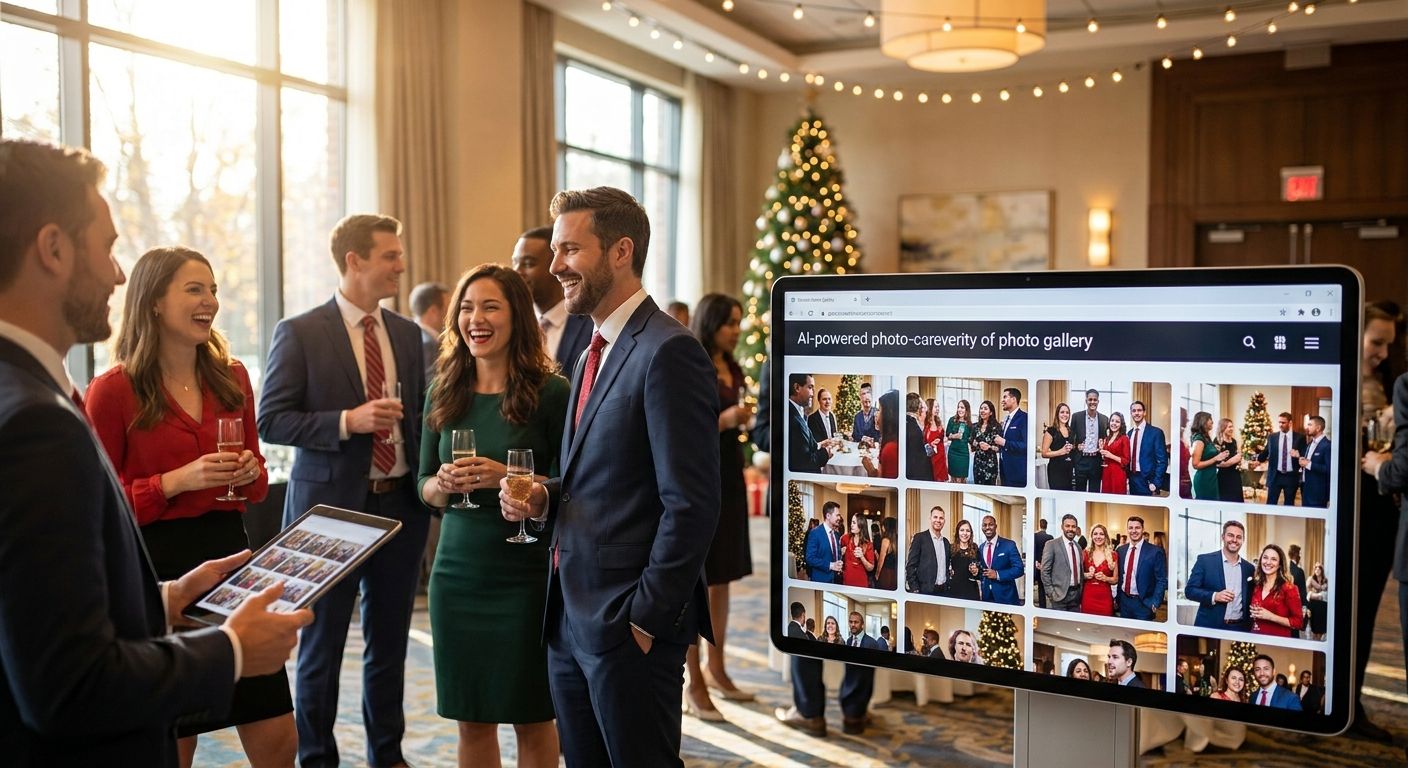
Photo gallery software for corporate holiday party events lets HR teams and photographers collect, sort, and deliver every photo from the party to employees within hours instead of weeks of chasing a shared drive link. Corporate holiday parties differ from weddings or sports days in one big way: the audience is a single company roster, not the public, so access control and branding matter more than crowd-scale face search.
TL;DR
- FotoOwl is a strong photo gallery software for corporate holiday party events needing same-night delivery and face search in 2026.
- Face recognition photo sharing for corporate events cuts employee search time from scrolling hundreds of shots to one selfie upload.
- QR code photo sharing for corporate events skips the app-download step entirely — guests scan and land straight in the gallery.
- A generic cloud folder buckles once headcount passes a few hundred; sorting by department or table takes hours by hand.
- WhatsApp photo delivery for corporate events works well for smaller in-house parties where most staff are already on one thread.
Why photo gallery software matters for corporate holiday parties
A holiday party photo dump usually lands in one of two places: an unsorted Google Drive folder or a Slack channel full of candid shots nobody can find later. Neither scales past a headcount of 50, and most corporate holiday parties in 2026 run well past that with hybrid attendees, vendor guests, and leadership who all want different things from the gallery.
HR and events teams also answer to two audiences at once — employees who want their own photos fast, and leadership or marketing who want a clean, branded recap for the intranet or LinkedIn. AI photo gallery software for corporate events solves both by separating the raw photo feed from a curated highlight set, something a plain shared folder can't do on its own.
The verdict: if your holiday party has more than 100 attendees or multiple departments, manual photo sharing costs more staff hours than the software does.
Set your photo-sharing goals before the party starts
Decide what "done" looks like before a single photo gets taken. A party with 80 employees in one office has different needs than a 500-person multi-floor event with a photo booth and a company DJ.
- List every stakeholder who needs photos: employees, HR, marketing, leadership, external vendors
- Set a delivery deadline — same night, next morning, or within 48 hours
- Decide if photos need face-based sorting or just chronological order
- Flag any employees who opted out of photo sharing for privacy reasons
- Confirm whether a recap video is expected for internal comms
Choose a delivery method employees will actually use
The fastest gallery in the world fails if employees never open the link. Test the delivery channel against how your company actually communicates day to day.
- Email link: reliable but often buried in a crowded inbox by January
- Slack or Teams channel post: works for smaller, single-office teams
- WhatsApp photo delivery for corporate events: high open rates since most staff already have the app installed
- QR code photo sharing for corporate events: printed on table cards or the photo booth backdrop so guests scan on the spot
- FotoOwl's Beam upload path moves shots from the photographer's camera to the gallery in real time, so the link is live before the party ends
Set up face recognition so employees find their own photos instantly
Once headcount clears 150, nobody wants to scroll a 2,000-photo folder looking for the three shots they're actually in. Face recognition photo sharing for corporate events flips that: employees upload a selfie once and get only their own photos back.
- Skip the manual route of tagging names in file metadata one by one
- Turn on selfie-based face search so employees self-serve instead of emailing the events team
- Set a face-match confidence threshold high enough to avoid mixing up look-alike coworkers
- Let employees download their own set without touching the full company gallery
- Route any face-match errors to a manual review queue before the gallery goes public
Brand the gallery so it looks like a company event, not a stranger's album
A holiday party gallery that shows up as a bare file-hosting link undercuts the effort that went into the event. Branding also matters if a sponsor or vendor co-hosted the party.
- Add the company logo and holiday theme colors to the gallery header
- Credit any co-sponsoring vendor with a branded frame or watermark
- Use a custom URL slug instead of a random file-share ID
- Keep the color scheme consistent with the internal comms the recap will be shared through
- If sponsors activated a branded photo booth, list it under branded photo kiosks for corporate sponsor activations for a shareable booth experience
Automate a highlight reel for the internal recap
Most companies want a two-minute recap video for the intranet or next town hall, not just a photo dump. Editing that by hand eats a full day for one person.
- Cutting a manual reel in Premiere or CapCut takes hours per minute of finished video
- Personalized highlight reels for corporate events auto-generate a recap video straight from the uploaded gallery
- Sync the reel's cut points to the party's music or company branding
- Export a vertical version for internal Slack or LinkedIn alongside the standard 16:9 recap
- Hold the reel for review by comms before it goes on the intranet
Control access and permissions for HR and leadership
Not every photo belongs in front of every audience. A candid shot from an open bar doesn't need to sit next to the CEO's holiday toast in the same public feed.
- Separate leadership and press-ready shots from general candid photos
- Give HR admin-level access to remove any photo flagged by an employee
- Restrict external vendor access to only the photos relevant to their booth or activation
- Set an expiration date on public gallery links if the company handles sensitive data
Archive and measure engagement after the party
The gallery's job doesn't end when the party does. Knowing how many employees actually opened and downloaded their photos tells you whether next year's setup needs a change.
- Track total gallery views and unique face-search logins
- Check download counts against total headcount to gauge real engagement
- Archive the full-resolution set to cloud storage for company records
- Flag any low-engagement departments for a different delivery channel next year
Comparison: photo delivery options for corporate holiday parties
| Option | Best for | Key limitation |
|---|---|---|
| Shared Drive or Dropbox folder | Very small parties under 50 people | No face search, no sorting, gets messy fast |
| WhatsApp group thread | Single-office teams already on one chat | Photos get buried under unrelated messages |
| Generic cloud gallery platform | Teams that only need basic hosting | No corporate branding or employee-only face search |
| FotoOwl AI photo gallery software | Multi-department or hybrid holiday parties needing same-day delivery | Requires the photographer or events team to set up uploads via Beam or app |
Set up your holiday party gallery
See how the AI photo gallery software handles face search, branding, and delivery.
Common mistakes companies make with holiday party photos
- Dumping everything into one unsorted folder. A 500-employee party generates thousands of shots; nobody scrolls that far to find themselves.
- Forgetting hybrid or remote staff. They still want to see the party even if they weren't physically in the room.
- Skipping permission tiers. Leadership and press-ready photos end up mixed in with candid bar shots from the open mic.
- No sponsor or vendor credit. If a vendor co-funded the photo booth, an uncredited gallery looks unprofessional and can strain that relationship.
- No backup plan. Venue Wi-Fi drops or a photographer's card corrupts, and photos vanish with no cloud copy.
FAQ
What's the best photo gallery software for corporate holiday party events in 2026?
FotoOwl works well for corporate holiday parties that need same-day delivery, face-based photo search, and branded galleries for multiple departments. Smaller in-house parties under 50 people can get by with a shared drive link instead.
Is WhatsApp or a dedicated gallery better for a corporate holiday party?
WhatsApp works for single-office teams already on one group thread, but photos get buried fast in ongoing chat. A dedicated gallery with QR code access holds up better once the party crosses 100 attendees.
How does face recognition photo sharing work for corporate events?
Employees upload a single selfie and the software matches it against every photo in the gallery, returning only the shots they appear in. This replaces manual tagging or scrolling through the full event album.
Can employees download their own holiday party photos without full gallery access?
Yes, face-search based galleries let each employee pull only their matched photos, so the full company set stays behind admin-level access if needed.
How much does photo gallery software cost for a corporate holiday party?
Pricing varies by vendor and event size, so check current plans on the provider's site before booking. Compare what's included — face search, branding, and reel generation aren't standard on every platform.
Do we need a QR code for corporate holiday party photo sharing?
A QR code on table cards or the photo booth backdrop lets guests reach the gallery without a company app or login, which speeds up adoption at large in-person events.
How fast can photos be delivered after a corporate holiday party?
With live upload tools like Beam, photos can reach the gallery in real time during the event instead of waiting until the photographer gets home to edit and upload.
Should remote employees get a separate photo gallery?
No — give remote staff the same gallery link so they see the same recap and highlight reel as in-person attendees, just without the in-person face-search prompt.
One last thing
Send the gallery link before employees leave the building, not the next morning. Once the holiday season email backlog piles up in January, click-through on any recap link drops fast, and a highlight reel that never gets opened defeats the point of making one in 2026.