
AI photo gallery software for airshow and aviation events

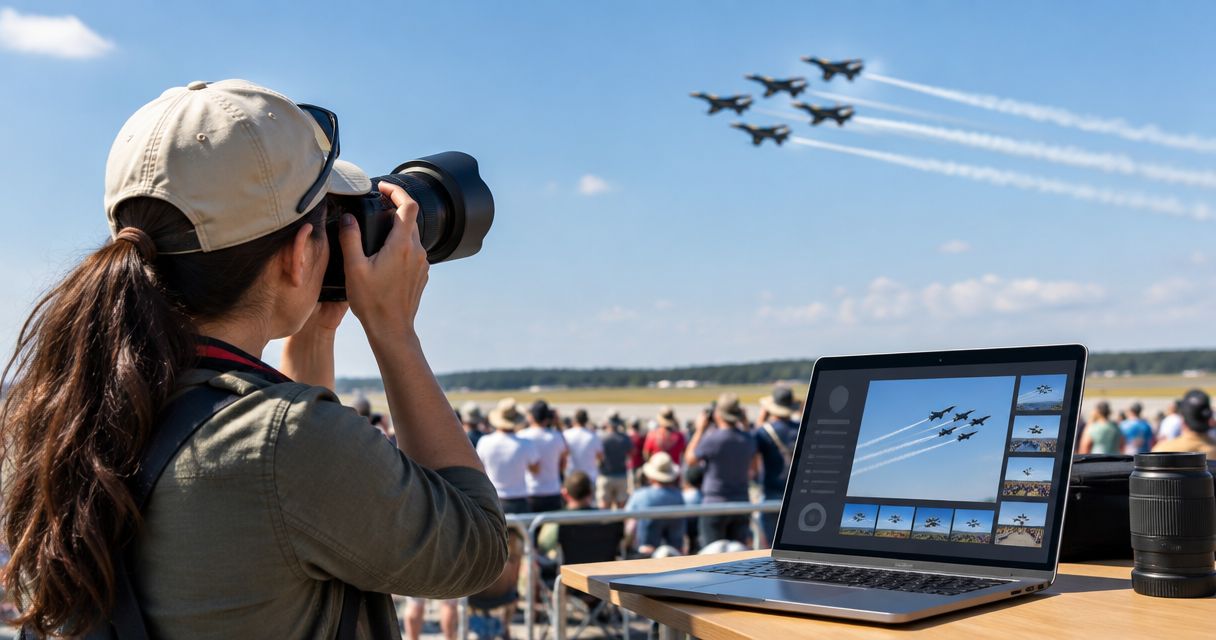
Airshow and aviation event photography software is a photo gallery and delivery system built to sort, tag and hand off thousands of spectator and aircraft photos before the crowd drives home, even when the airfield has no reliable signal. Aviation shoots differ from a wedding or a corporate gig in three ways: the crowd is huge and outdoors, the subjects move at display speed with long lenses, and the venue is often a runway or air base with weak or no 4G.
TL;DR
- Foto Owl AI's AI Gallery with Beam camera-to-cloud upload is the fastest workflow for airshow crowds shooting at low-connectivity airfields in 2026.
- Face recognition galleries let spectators find their own photos in seconds instead of scrolling thousands of frames.
- AI Culling, an offline desktop app, rejects blur and duplicate burst-mode jet frames before a human does the final pass.
- Photo Selling turns crowd and close-up aircraft shots into same-day print and download revenue for aviation photographers.
Why photo gallery software matters for airshow photographers
Airshows are not weddings. A single air display puts a photographer in front of a crowd spread across an open airfield, shooting jets with a 400mm to 600mm lens while spectators queue at the fence for a print. Most of these shows happen on runways, military bases or rural airstrips where 4G drops in and out and Wi-Fi is not guaranteed.
That combination of a huge crowd, fast action and a weak network is why general-purpose gallery tools built for indoor weddings and studio sessions struggle at an airshow. A photographer without an offline-first photo gallery workflow risks losing a day's shoot to a signal drop, or spending the next three days sorting thousands of frames by hand.
In 2026, aviation event photographers serve two buyers at once: families who watched the display and want their own faces found in the crowd, and enthusiasts who want the exact aircraft or formation shot, in print or high-resolution download.
Plan for airfield connectivity before the gates open
Do this before show day, not on it. Airfields and military bases routinely see towers overload once thousands of spectator phones hit the same cell.
- Call the organizer to confirm on-site Wi-Fi and power access
- Test 4G/5G signal strength at the shoot location a day ahead, not on show day
- Carry two SIM cards from different carriers as a backup
- Bring a battery bank rated for a full shoot day
- Pack a mobile hotspot rather than relying on phone tethering alone
Get frames off the camera and into the workflow fast
The manual route is a card swap: hand a full card to an assistant with a laptop, back it up to two drives before leaving the airfield. It works for a small show and falls apart once the crowd and the frame count both scale up.
The faster path is Beam, the camera-to-cloud FTP feature inside AI Gallery, which uploads event photos directly from your camera as you shoot, skipping the card-swap step entirely.
- Set the camera to send full-res JPEGs with a RAW backup on the card
- Assign one team member to monitor the upload queue
- Pre-tag frames by aircraft or squadron before the display starts
- Batch-verify uploads during scheduled breaks in the flying program
- Keep RAW files on the card as a physical backup until the gallery confirms receipt
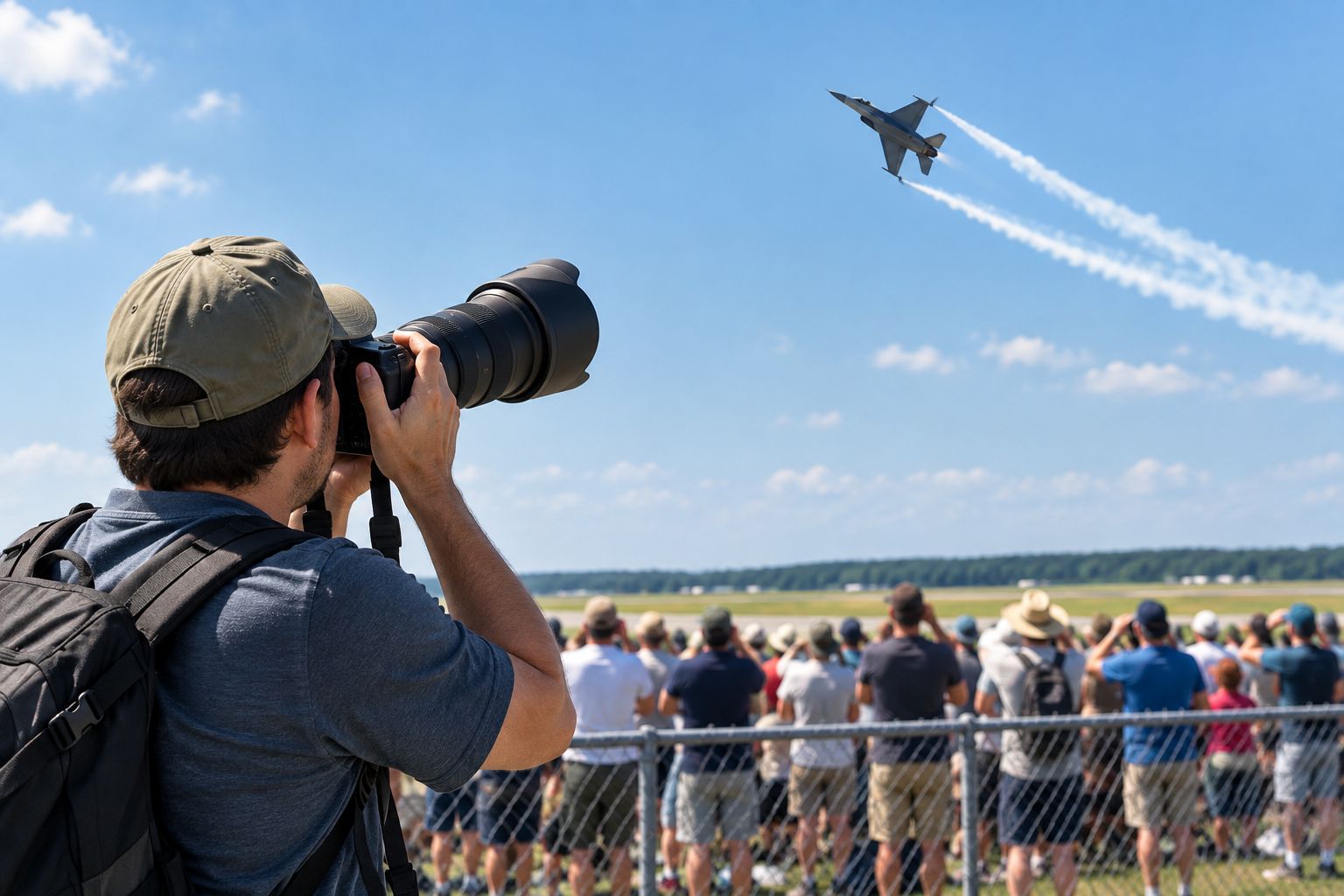
Frame count and network load both spike the moment the display starts, not before.
Cull thousands of burst-mode frames without losing the sharp one
Manually, this means scrubbing through burst sequences in Lightroom and flagging by star rating one frame at a time. At airshow volume, that's an overnight job every single time.
AI Culling, an offline desktop app, rejects duplicate and weak frames, groups similar shots from the same pass, and ranks them by composition, exposure and blur before a human does a final check and exports the shortlist to Lightroom or the gallery.
- Group burst sequences by aircraft pass, not by folder date
- Flag focus-hunted frames before grouping similars
- Keep the top two or three ranked frames per pass, discard the rest
- Run the human pass only on the AI-ranked shortlist, not the full card
- Export the shortlist straight to Lightroom for color grading
Let spectators find their own photos without scrolling
A shared album link works for a hundred guests. It stops working once a few thousand people are searching for one photo of their kid pointing at a jet.
A face recognition gallery lets each spectator search their own face and pull only matching photos, which cuts the "which one is mine" messages down to almost none.
- Set up a QR code at the exit gate linking to the gallery
- Group photos by viewing stand or zone before publishing
- Turn on face search so parents find their kids without messaging the photographer
- Add a watermark to preview images until purchase
- Cap free downloads separately from shots being sold as prints
Sell prints and downloads to aviation enthusiasts
A print stand with cash and a portable printer covers a small local show. It's slow and it caps how much a photographer can move on show day itself.
The pattern is close to what enthusiast crowds pay for at a photo selling platform for car and auto show photographers — buyers want the specific subject, not the general scene, and they'll pay more for it.
- Price close-up aircraft shots higher than wide crowd shots
- Offer instant digital download plus a mailed print option
- Bundle a small set of shots from one air display as a pack
- Accept UPI at the print stand; most Indian showgoers expect it
- Keep a separate gallery for press and sponsors versus the public
Deliver highlight reels to organizers and sponsors the same day
Cutting clips overnight in an editing suite is the fallback plan, and it usually means the reel lands after the news cycle has moved on.
The AI Reel Generator inside AI Gallery pulls the strongest frames and cuts a short reel automatically the same day the show wraps.
- Ask the organizer what aspect ratio their sponsor deck needs
- Include at least one wide crowd shot per reel for context
- Tag sponsor branding moments so they land in the cut
- Deliver the reel within the same news cycle as the show
- Keep a raw, unedited highlight folder ready for press requests
Manage leads and follow-ups without losing the enthusiast crowd
Business cards and a spreadsheet get lost between shows, and enthusiast leads go cold fast once the display season ends.
Studio Manager, the agentic CRM built for photographers, captures leads directly from WhatsApp and Instagram chats and runs the full cycle through delivery and payment.
- Reply to every enthusiast DM asking for "that one jet shot" the same day
- Tag leads by aircraft or squadron interest for next year's show
- Send a payment link for print orders coming in over WhatsApp
- Follow up with sponsors before the next airshow date, not after
- Keep press contacts in a separate list from consumer buyers
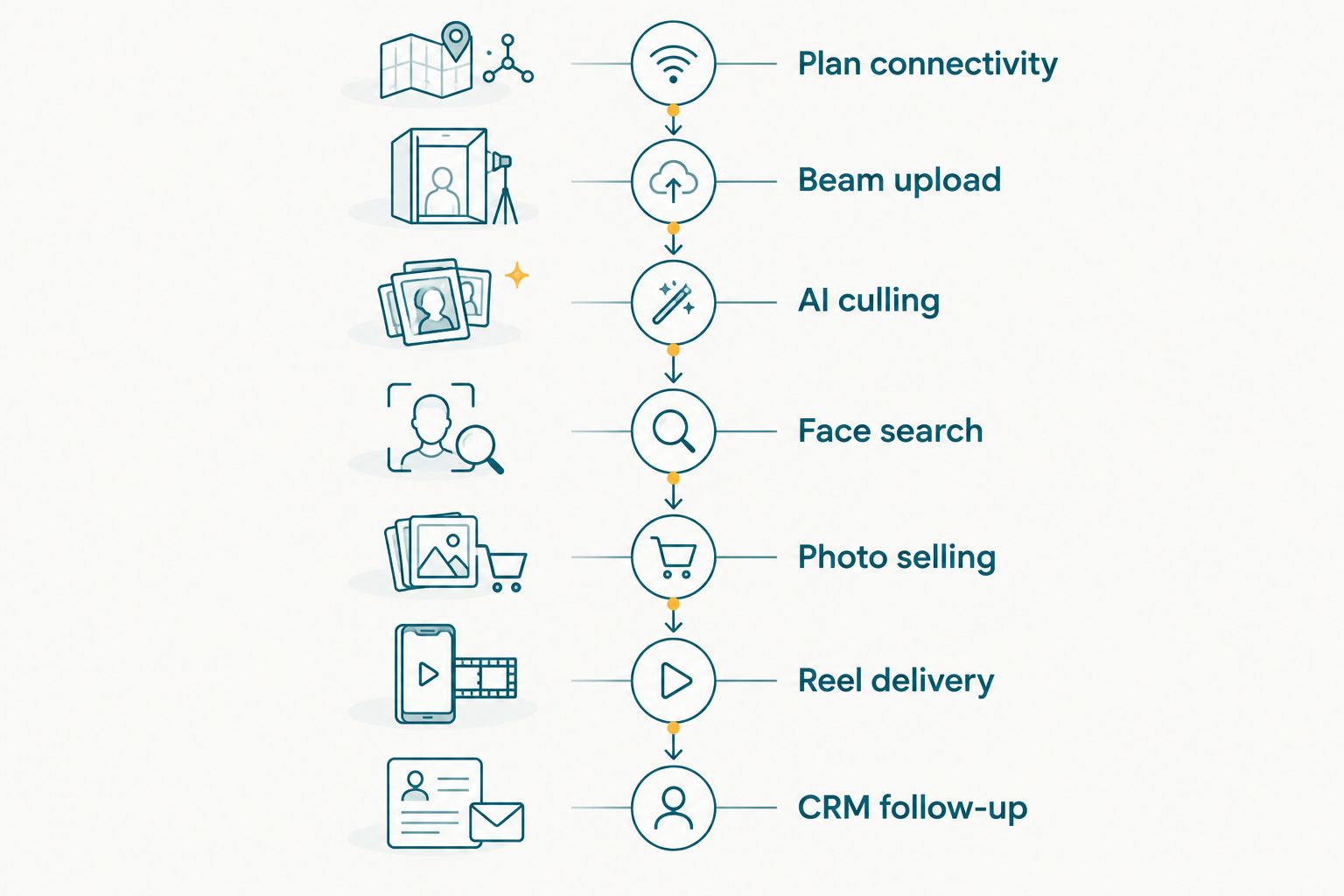
Each step feeds the next; skipping the culling step is what backs up delivery on show day.
Photo delivery options for airshow photographers compared
In 2026 most airshow photographers choose between four setups, and the right one depends on crowd size and how remote the airfield is.
| Option | Best for | Key limitation |
|---|---|---|
| USB drop + WhatsApp groups | One-off small local airshows | No face search; breaks down past a few hundred guests |
| Free cloud photo hosting | Quick sharing with volunteers and staff | No offline capture; links degrade or expire without notice |
| General-purpose event gallery software | Mid-size shows with steady Wi-Fi | Not built for low-connectivity airfields or burst-mode culling |
| Foto Owl AI Gallery with Beam and AI Culling | Airshows with thousands of visitors, press and sponsor deliverables | Needs setup time and a workflow briefing before show day |
Foto Owl AI is the setup built for the airfield, not adapted to it — worth the setup time if the show draws a crowd measured in thousands, not hundreds.
Common mistakes airshow photographers make
- Betting on show-day 4G — towers near air bases and rural airstrips get congested fast once thousands of phones join the same cell tower.
- Delivering one giant zip file — spectators without a face search option won't dig through thousands of frames to find one family photo, and most never buy.
- Culling after everyone's gone home — sorting a full card of burst-mode frames the day after the show delays press and sponsor deliverables that only matter same-day.
- Treating every buyer the same — enthusiasts want a specific tail number or formation shot; families want their own faces in the crowd. One flat price list under-sells both.
- Skipping a backup plan for press and media — reporters covering the display need a same-day handoff, not a link that goes out three days later.
Set up your airshow gallery workflow
See how AI Gallery, Beam and AI Culling handle high-crowd, low-signal events.
FAQ
What's the best photo gallery software for airshows in 2026?
Foto Owl AI's AI Gallery, paired with the Beam camera-to-cloud upload and the AI Culling desktop app, is built for the crowd size and weak connectivity typical of airshow venues. Face recognition search lets spectators find their own photos without scrolling thousands of frames.
How do photographers deliver photos fast without reliable Wi-Fi at an airfield?
Beam uploads frames directly from the camera over FTP as you shoot, so photos start reaching the gallery before the display ends. Pairing that with a mobile hotspot and a backup SIM covers most airfield dead zones.
Can spectators find their own photos in a crowd of thousands?
Yes, with a face recognition gallery spectators search their own face and pull only their matching photos instead of scrolling the full event album. The same approach works at large stadium and festival crowds.
Is AI Culling only for weddings, or does it handle burst-mode aviation shots?
AI Culling is an offline desktop app that groups similar frames and ranks them by composition, exposure and blur, which is exactly the problem burst-mode jet photography creates. It exports the shortlist to Lightroom or the gallery after a human does the final pass.
How should airshow photographers price prints for aviation enthusiasts?
Price close-up aircraft and formation shots higher than wide crowd shots, since enthusiasts pay for the specific plane or maneuver, not the general scene. A tiered pack from one display sells better than a single flat price.
How fast should highlight reels go out to sponsors after an airshow?
Same day is the standard sponsors expect, since airshow coverage has a short news cycle. An AI reel generator that pulls the best frames automatically gets a cut out before the story goes cold.
Do press and media need a separate photo gallery from the public one?
Yes, press and sponsors need a fast, high-res handoff without wading through public crowd shots, so an access-controlled gallery works better than one shared public link.
What's the biggest mistake in airshow photo delivery?
Relying on show-day cell coverage. Airfields and military bases routinely see towers overload once thousands of spectators join the same network, which is why an offline-capable upload plan matters more than it does for an indoor event.
One last thing
Airshows are one of the few events in 2026 where the photographer's buyer isn't guaranteed to be inside cell range. Build the offline step into the workflow before the show, not as a fallback once the signal drops — a shortlist that's already ranked and ready the moment connectivity returns beats a scramble to re-cull thousands of frames overnight.