
Slideshow Videos for Corporate Event Galleries: 2026 Guide

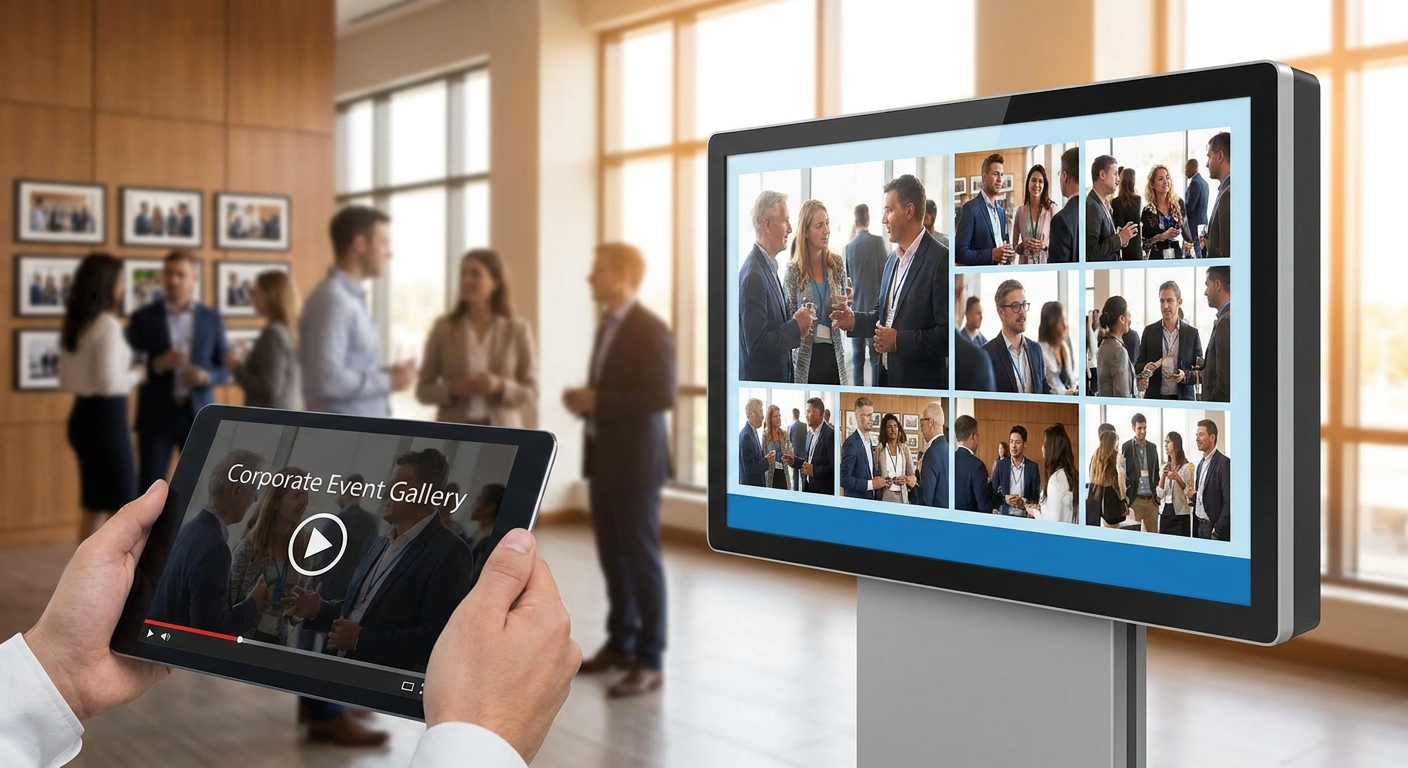
Corporate comms teams and event photographers both want the same thing after a conference or town hall wraps: a slideshow video for corporate event photo galleries that turns hundreds of raw shots into a two-minute recap without a week in a timeline editor.
TL;DR
- AI-generated highlight reels are the top pick for slideshow videos for corporate event galleries in 2026 — buy.
- Branded custom-frame slideshows fit town halls and conferences; unbranded generic templates are a skip.
- QR-triggered instant recap loops work best for trade shows and product launches with 500+ attendees.
- Skip wedding-style romantic music templates — corporate reels need a professional tone, not sentimental pacing.
- Same-day turnaround under 24 hours is the bar event marketing teams expect from any reel tool in 2026.
Why this matters
A corporate event gallery with 3,000 raw photos is useless to a marketing team that needs a recap video by Monday morning. Slideshow videos for corporate event photo galleries solve the distribution problem — HR wants a town hall recap, the events team wants a product launch teaser, and the CEO's office wants something short enough to post on LinkedIn.
An AI-powered corporate event gallery that auto-generates reels from the same photo set your photographers already uploaded removes the manual editing step entirely. That's the difference between a recap that ships same-day and one that ships two weeks later, after everyone has stopped caring.
Who this is for
This guide is for corporate event photographers delivering to marketing and HR clients, and for in-house comms teams running town halls, product launches, headshot days, and conferences who need a finished recap video without hiring a video editor. If your event produces 1,000+ photos across multiple photographers and the client expects a shareable video within a day or two, this is your buyer profile.
What to look for in slideshow videos for corporate event galleries
Automated face and moment sorting
A reel built manually means someone scrolls through thousands of photos picking favorites. Automated sorting flags executives, team shots, and high-energy moments first, so the reel-builder starts with the best 100 photos instead of the full 3,000.
Same-day or live turnaround
Corporate clients don't wait a week. A slideshow tool that renders a reel in under an hour, right after the event photos land in the gallery, is the difference between a recap that gets shared internally the next morning and one that misses the news cycle entirely.
Branding controls
Company logos, brand colors, and a custom frame around every photo matter more here than at a wedding. A reel that goes out to 500 employees or gets posted externally needs to look like it came from the marketing department, not a stock template.
Tone and music pacing
Corporate reels need a clean, professional pace — not the slow, sentimental fades built for wedding highlight videos. A tool that lets you swap music and pacing presets by event type avoids the mismatch.
Delivery channel flexibility
The reel is only useful if people actually watch it. Delivery through WhatsApp, a QR code at the venue, or a shareable link matters more for corporate audiences than a downloadable file buried in an email.
Multi-photographer aggregation
Large corporate events run three or four photographers at once. The slideshow tool needs to pull from every shooter's uploads into one gallery before it builds the reel — otherwise you're stitching together separate exports by hand.
Top picks for corporate event slideshow videos
AI-generated highlight reel (the default pick). Built directly from the event's full photo gallery, this format auto-selects standout shots and renders in under an hour once photos are uploaded. Best for any corporate event where the client wants a recap without a brief. Buy.
Branded custom-frame slideshow (the safe pick for town halls). Adds company logo and brand colors to every frame, which matters when the reel goes to 500+ employees at once. An employee-facing gallery built for town halls pairs well with this format. Buy.
QR-triggered instant recap loop (the wildcard for trade shows). Attendees scan a code at the booth and see a looping slideshow update live through the event — no waiting for a post-event send. Works best at conferences and product launches with heavy foot traffic. Consider.
Personalized per-attendee reel. Pulls each person's own photos into an individual highlight clip using face recognition, the same approach covered in personalized highlight reel creation for clients. Needs at least 200 tagged photos per attendee to feel substantial rather than sparse. Consider.
Product-launch teaser reel. A tight 30-60 second cut built for external sharing, heavier on b-roll and less on candid crowd shots. Only worth building when the client plans to post it publicly — internal town halls don't need this level of polish. Consider.
What to avoid
- Generic slideshow apps that require manual photo selection. If you're clicking through 2,000 photos to pick 40, you've already lost the same-day turnaround window.
- Wedding-style romantic music templates. Slow fades and string music read as off-brand for a quarterly earnings town hall or a product launch.
- Unbranded exports with no custom frame. A reel with no logo looks like it was made by an intern, not delivered by a professional event photography setup.
Build your first corporate recap reel
See how FotoOwl turns an event gallery into a branded slideshow video.
Verdict comparison
| Format | Turnaround | Branding | Best for | Verdict |
|---|---|---|---|---|
| AI-generated highlight reel | Under 1 hour | Automatic | Any corporate event | Buy |
| Branded custom-frame slideshow | Same day | Full logo/color control | Town halls, all-hands | Buy |
| QR-triggered recap loop | Live, during event | Moderate | Trade shows, launches | Consider |
| Personalized per-attendee reel | Same day, needs 200+ photos/person | Light | HR events, offsites | Consider |
| Product-launch teaser | 1-2 days | Heavy (external-facing) | Public launches only | Consider |
FAQ
What are slideshow videos for corporate event photo galleries?
They're short highlight videos automatically built from the photos taken at a corporate event — town hall, conference, or product launch — instead of manually edited recap videos. In 2026, most corporate clients expect one within a day of the event ending.
How fast should a corporate event slideshow video turn around?
Same-day, ideally under 24 hours. A tool that auto-generates the reel from the uploaded gallery renders it in under an hour once photos land, which beats a manually edited version by days.
Do corporate slideshow videos need a company logo?
Yes, especially if the reel goes to 500 or more employees or gets shared externally. A custom frame with brand colors makes the video look like it came from the marketing team, not a generic template.
Can slideshow videos be personalized per employee?
Yes, using face recognition to pull each attendee's own photos into an individual reel. This works best with at least 200 tagged photos per person; fewer than that produces a thin, repetitive clip.
What's the difference between a corporate reel and a wedding highlight video?
Pacing and music. Corporate reels need a clean, fast tone suited to internal comms or a product launch, while wedding highlight videos lean slow and sentimental. Using wedding-style templates for a corporate audience reads as off-brand.
How many photographers can feed into one corporate event slideshow?
As many as the event needs, as long as their uploads land in one shared gallery before the reel builds. Large conferences commonly run three or four photographers whose photos merge into a single recap.
Are QR code slideshows useful for corporate events?
Yes, particularly at trade shows and product launches where attendees scan a code at a booth to view a live-updating recap loop during the event, rather than waiting for a post-event send.
What ruins a corporate event slideshow video?
Manual photo selection that delays delivery past the client's expected window, and unbranded exports with no logo or color match. Both push the finished video from same-day to a week late.
One last thing
The biggest gap between corporate event photographers who repeat business and ones who don't isn't photo quality — it's the 24-hour window after the event. A slideshow video that lands in the client's inbox before their Monday morning meeting gets forwarded around the company; one that lands two weeks later gets ignored, even if the editing is better.