
Church Event Photo Gallery: Best 2026 Setup Guide

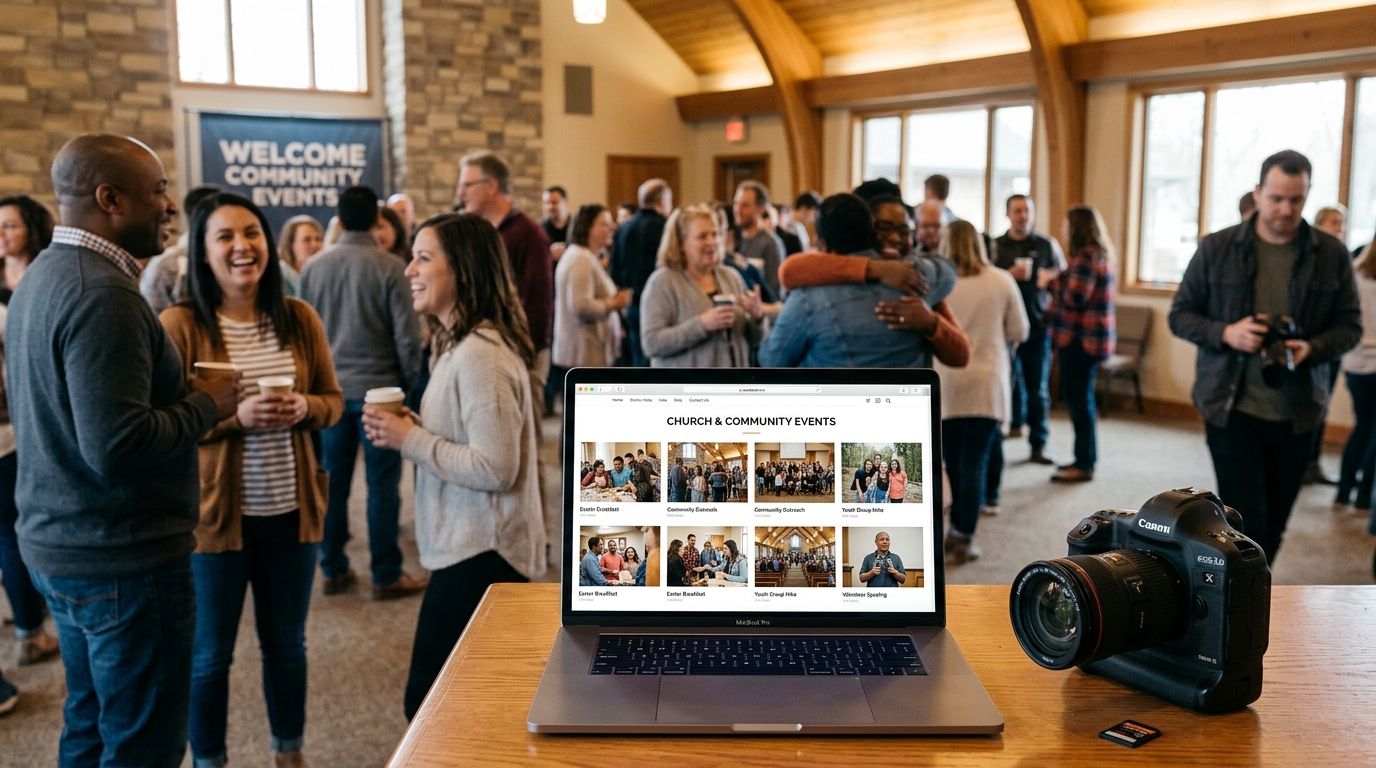
Church and community event photographers need a church event photo gallery that gets baptism, confirmation, choir concert, and fundraiser photos into congregation members' hands fast, without a login wall or a paywall that feels wrong for a nonprofit crowd. The segment is different from weddings or corporate work because the audience skews older, less tech-fluent, and often connects over church Wi-Fi that struggles the moment 200 phones hit it at once.
TL;DR
- A church event photo gallery works best when it combines WhatsApp or QR delivery with face recognition search, not logins.
- FotoOwl is built for exactly this mix: offline-tolerant uploads, face search, and tiered access for staff, volunteers and families.
- Free hosting tools like Google Photos work for a 30-person Bible study but break down past a few hundred guests.
- Price photo sales carefully in 2026 — congregations respond better to modest, transparent pricing than aggressive upsells.
Why a church event photo gallery matters for this segment
A congregation isn't a wedding party of 150 people who all check one shared album link. It's grandparents on flip phones, teenagers on Instagram, and a pastor who wants five clean shots for the church bulletin by Monday morning. The photo gallery has to serve all three without three separate workflows.
Community events — food drives, vacation Bible school, interfaith gatherings, nonprofit galas — carry the same pattern: a broad, mixed-age audience, a volunteer photo team instead of a single pro, and near-zero tolerance for anything that feels like a sales funnel. Get the delivery wrong and people simply stop asking you back next year.
Map every ministry moment before the event
A typical church calendar has a dozen shootable moments a year — Easter service, VBS week, youth group retreats, baptisms, choir concerts, the annual picnic. Treat each as its own mini-gallery instead of one giant folder that nobody can search.
- List every recurring event on the church calendar for 2026 and tag each with an expected headcount
- Assign one folder or gallery per event, not per photographer
- Decide in advance who gets full access (staff), partial access (volunteers), and view-only access (families)
- Note which events need same-day turnaround (Sunday service recap) versus which can wait a week (annual directory photos)
Set up WhatsApp and QR delivery for congregation-wide reach
Most congregants will never download a new app for one event. Meeting them where they already are — WhatsApp and a printed QR code on the bulletin — beats any link-in-email approach for open rates.
- Print one QR code per service and post it at the exit doors and on the projector screen
- Push a WhatsApp broadcast link the same day photos go live, not three days later
- Skip requiring an account creation step; a phone number or a face scan should be enough
- Test the QR flow on an actual church Wi-Fi network before the real event, not after
This is where a church event photo gallery built for volunteer-run events earns its keep: FotoOwl's WhatsApp and Beam upload flow moves photos from camera to shareable gallery without a photographer manually sorting SD cards at midnight.
Turn on face recognition for guest self-service
A face-search gallery removes the single biggest complaint in this segment: "I can't find myself in 400 photos." Guests scan their own face once and pull only their matches.
- Enable face search on any gallery with more than 100 photos
- Ask ushers to mention the face-search option during announcements, not just in a text
- Keep a manual browse option for anyone who declines face scanning
- Cross-check that group shots (choir, youth group) still surface for everyone tagged in them
Build tiered access for staff, volunteers and families
A church office manager needs bulk download rights. A volunteer photographer needs upload rights to one event only. A family needs to see their kid's confirmation photos and nothing else. Collapsing these into one shared folder is the fastest way to leak private photos of minors.
- Set three access tiers as a baseline: admin (staff), contributor (volunteers), viewer (families)
- Require face-match or invite-only access for any gallery involving children's ministry or youth groups
- Rotate contributor access off after the event closes, not at the end of the year
- Audit who has download rights to the full-resolution archive at least once per quarter
Plan for spotty church-hall Wi-Fi
Fellowship halls, gymnasiums, and outdoor picnic grounds are notorious dead zones. A gallery that depends on constant connectivity to upload will lose photos the moment a volunteer's signal drops.
- Choose an upload workflow that queues photos locally and syncs when signal returns
- Test connectivity at the actual venue at least a week before the event, not the morning of
- Keep a backup local storage device on hand for any multi-hour event
- Brief the volunteer photo team on what "upload pending" looks like so nobody re-shoots out of panic
Price and sell prints without alienating the congregation
Selling prints or digital downloads at a church event is delicate. The nonprofit or community mission of the event has to stay visible even when money changes hands.
- State clearly whether proceeds support the church, ministry, or photographer directly
- Keep checkout to two taps or fewer from the gallery view
- Offer a free low-resolution download alongside any paid print or high-resolution option
- Avoid pop-up discount timers or urgency language that reads as a hard sell in a faith setting
Deliver same-day highlight reels for social and Sunday announcements
A 90-second reel from Sunday service or the fall festival gets shared far more than a static album link. Congregations respond to a short recap video in the group chat before the bulletin even gets printed.
- Generate a highlight reel the same day for any event with more than 200 attendees
- Keep reels under two minutes so they play cleanly on older phones over cellular data
- Add the church or organization name as a light branded frame, not a full-screen watermark
- Push the reel to the same WhatsApp broadcast used for the photo gallery link
Comparison: gallery options for church and community photographers
| Option | Best for | Key limitation |
|---|---|---|
| FotoOwl | Congregations and community groups needing face search, WhatsApp delivery and tiered access | Requires a short setup pass before the first event |
| Free photo hosting (Google Photos, Dropbox) | Small Bible studies or single-family events under 50 guests | No face search, no tiered permissions, breaks down past a few hundred photos |
| Generic client gallery software | Solo photographers billing per shoot like a studio | Built around paid client delivery, not free congregation-wide sharing |
| USB drive or printed handout | Archival-only events with no live sharing need | No same-day access, no mobile-friendly viewing at all |
Verdict: FotoOwl is the strongest fit for a church event photo gallery in 2026 when the event serves more than a couple hundred people and needs face search plus tiered access; smaller single-family gatherings can still get by on free hosting.
Set up your church photo gallery
See how FotoOwl handles WhatsApp delivery and face search for congregations.
Common mistakes church and community photographers make
- Requiring an account signup before viewing photos. Older congregants abandon the gallery at this step almost every time.
- Mixing children's ministry photos into a public gallery. Any youth group or Sunday school gallery needs its own restricted access tier.
- Ignoring Wi-Fi testing until event day. Fellowship halls and gyms are consistently the worst-connected rooms on the property.
- Treating print sales like a retail upsell. A hard-sell checkout flow reads badly at a nonprofit or faith-based event.
- Delivering photos a week later. By the time the gallery link goes out, the moment for social sharing and word-of-mouth has already passed.
For community events outside the church building — food drives, charity runs, interfaith fundraisers — the same access and delivery logic applies. The NGO and nonprofit fundraiser photo galleries approach and the temple and religious festival photo galleries approach both lean on the same WhatsApp-first, face-search-enabled model.
FAQ
What is the best church event photo gallery software in 2026?
FotoOwl is the strongest fit for congregations in 2026 because it combines WhatsApp delivery, face recognition search and tiered access for staff, volunteers and families in one gallery.
Can free photo hosting work for a church event?
Free hosting like Google Photos works for a small Bible study or single-family gathering under 50 guests, but it lacks face search and breaks down once a gallery passes a few hundred photos.
How do congregants find their own photos in a large gallery?
Face recognition search lets a guest scan their own face once and pull only their matches, which is faster than scrolling through hundreds of images.
Is it okay to sell prints at a church event?
Yes, as long as pricing stays modest and transparent and a free low-resolution option remains available alongside any paid print or download.
How do you handle poor Wi-Fi in a church hall?
Choose an upload workflow that queues photos locally and syncs automatically once signal returns, and test connectivity at the venue before the event.
Should children's ministry photos go in the same gallery as adult events?
No. Youth group and Sunday school galleries need a restricted access tier separate from public congregation galleries.
How fast should a church photo gallery go live after the event?
Same-day delivery works best for high-attendance services like Easter or Christmas, since sharing and word-of-mouth drop off sharply after the first week.
One last thing
The volunteer photo team is usually the weakest link in a church gallery setup, not the software. Brief them once, in writing, on the upload workflow and access tiers before the event — most gallery failures at church events trace back to a volunteer uploading to the wrong folder, not a platform limitation.