
Baptism Photo Gallery: Best Setup for 2026 Ceremonies

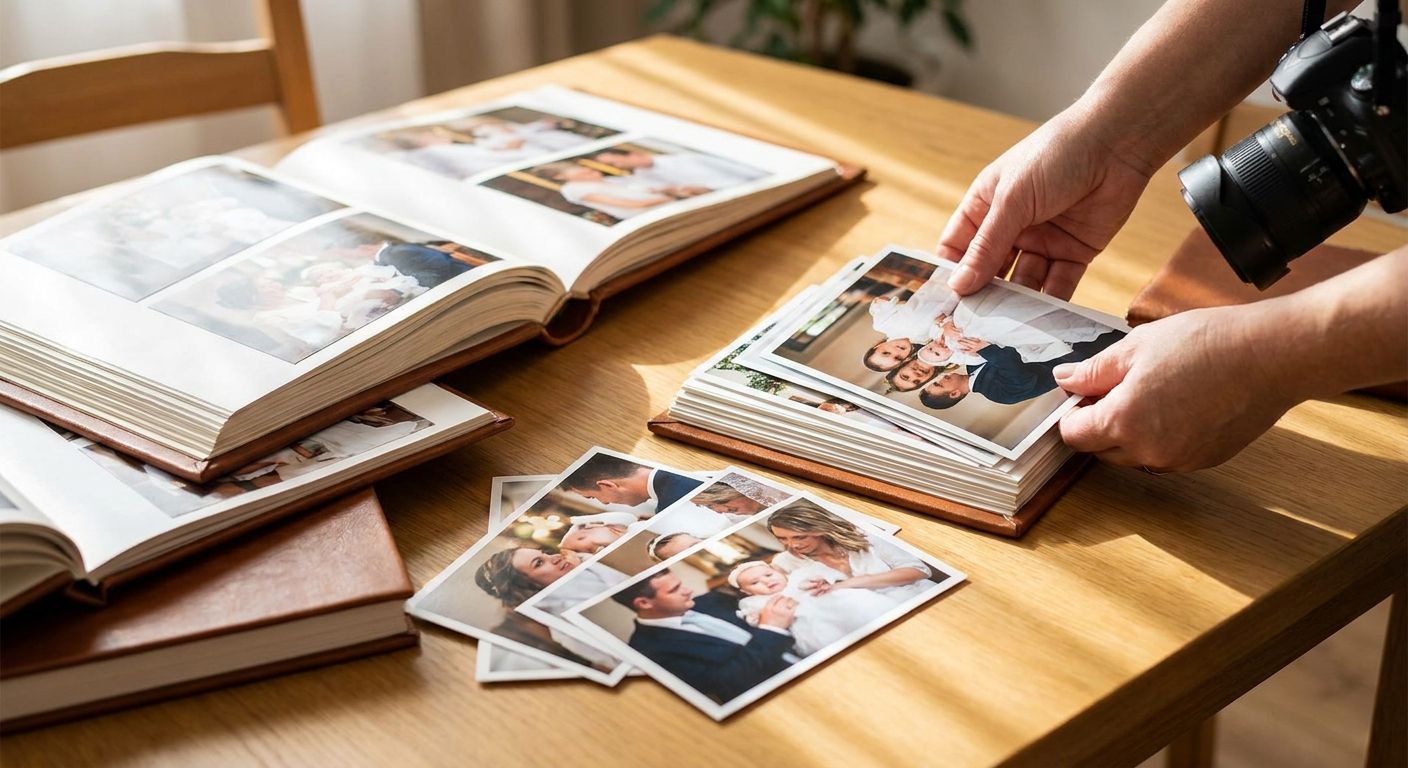
A baptism photo gallery is a shared online space where a photographer or family uploads christening photos so guests, godparents, and relatives can find, view, and download their own pictures without a group text chain or a shared USB drive after the fact. Baptism and christening ceremonies mix formal religious moments at the font with candid family gathering shots, so the gallery has to handle both a tight, quiet church sequence and a longer, looser reception in one place.
TL;DR
- A baptism photo gallery works best when guests can find their own photos through face search instead of scrolling a shared album.
- FotoOwl delivers baptism and christening photos same-day via WhatsApp link, which beats email galleries for extended family who skip inboxes.
- Godparents and out-of-town relatives are the group most likely to never see photos at all without a dedicated gallery in 2026.
- Free tools like Google Photos work for small ceremonies under 30 guests; paid platforms earn their place past that.
Why this matters
A christening guest list skews toward people who won't chase down a photographer for a download link: godparents traveling in for the day, grandparents who don't use cloud apps, and relatives who leave right after the reception. If the only distribution plan is "I'll email everyone later," a large chunk of that list never gets a single photo. A baptism photo gallery fixes the handoff problem at the moment guests are still in the room, phones out, expecting something before they leave.
The ceremony itself is short. Most of the photo volume comes from the reception afterward, where family members from both sides mix, kids run around, and nobody is coordinating who's taking what. That's a sorting problem as much as a delivery problem, and it's exactly what an event photographer's toolkit needs to solve for baptism photo gallery delivery to actually work in 2026.
Why baptism photo galleries matter for photographers and families
Christening ceremonies pack two distinct photo needs into one event: the formal, few-minute ritual at the altar or font, and the extended family reception that can run for hours. A generic wedding gallery template overserves the ceremony portion and underserves the reception sprawl, where dozens of relatives each want just their own group shot.
Families booking a baptism photographer in 2026 are also more likely to ask for photos on the same day, not weeks later, because godparents and out-of-town guests are flying home. A gallery built for slow, curated wedding-style delivery misses that window entirely.
Collect every photo in one shared upload
Start with the free, manual version: a single shared folder or album link that anyone at the event can drop photos into, guests and photographer alike. This catches the phone shots relatives take that the hired photographer misses entirely.
- Create one shared album before the ceremony starts, not after
- Share the upload link in the family group chat, not just with the photographer
- Ask godparents specifically to contribute their phone photos from the font moment
- Set a soft deadline (24-48 hours) so late uploads don't get lost
Sort photos by face instead of by hand
Manually tagging who's in each of 400+ reception photos takes hours a photographer doesn't have on a same-day turnaround. Face recognition tools cut that sorting time to minutes by grouping shots automatically once a few reference faces are set.
- Tag the baby, parents, and godparents as reference faces first
- Let the system auto-group extended family clusters from there
- Review auto-sorted groups for mis-tags before sharing (face recognition isn't perfect at large family gatherings with lookalike cousins)
- Skip manual sorting entirely once a gallery with built-in face recognition, like the one on FotoOwl, is set up for the event
Deliver photos same day through WhatsApp
Email galleries get ignored by relatives who don't check personal inboxes; WhatsApp links get opened within minutes because that's where the family group chat already lives. This is the single highest-leverage change most baptism photographers can make to guest satisfaction.
- Send the gallery link directly into the existing family WhatsApp group
- Include a short caption naming the ceremony and date so it's easy to find later
- Use WhatsApp-based delivery instead of a generic download email for guests over 50
- Confirm the link works on mobile data, not just Wi-Fi, since receptions rarely have reliable venue Wi-Fi
Let guests find their own photos with face search
Nobody wants to scroll through 600 photos to find the 12 they're actually in. Guest-facing face search lets each relative type in or scan their own face and pull only their photos, which cuts complaints about "I can't find myself" down to almost zero.
- Set up guest face search before the reception starts, not after
- Test the search with 2-3 known faces before opening it to the full guest list
- Make the search link mobile-friendly since almost every guest will use a phone
- Pair it with a QR code printed on the reception program for guests who missed the WhatsApp share
Protect family moments with access permissions
Baptism photos often include infants and young children, and not every family wants every photo public to the full guest list, especially images shared to extended relatives outside the immediate family. Access controls matter more here than at most other event types.
- Restrict full-album access to immediate family and godparents by default
- Give extended guests access only to reception-wide group shots, not close-up baby photos
- Turn off public search-engine indexing on any hosted gallery
- Review who has edit or download rights before the link goes out, not after
Sell prints and keepsake packages after the event
Many families want a physical print or an album for a grandparent who won't touch a phone. Building a simple sell-after-delivery flow into the gallery captures that demand without a separate ordering system.
- Offer a basic print package alongside the digital download link
- Let the gallery handle checkout directly rather than routing orders through email
- Flag the ceremony's key shots (the pouring of water, the candle lighting) as suggested print picks
- Keep the sell page visible for at least a few weeks after the event, since orders trickle in slowly
Build a short highlight reel for sharing
A 60-90 second recap video gets shared on family group chats and social media far more than a static album link, and it works as a keepsake the immediate family actually rewatches.
- Pull the ceremony's core moments: arrival, the ritual itself, the reception toast
- Keep it under two minutes so it's easy to send as a single file
- Use auto-generated reels from tools like personalized highlight reels as a starting cut, then trim manually
- Send the reel separately from the full gallery link so it doesn't get buried
Comparing gallery options for baptism and christening events
| Option | Best For | Key Strength | Key Limitation |
|---|---|---|---|
| FotoOwl AI gallery | Photographers running same-day delivery with face search | Face recognition, WhatsApp delivery, and print selling in one workflow | Requires setup time before the event to add reference faces |
| Google Photos shared album | Small, informal ceremonies under 30 guests | Free, familiar interface for most guests | No face search, no print selling, weak permission controls |
| WhatsApp group only | Immediate family sharing without a formal gallery | Instant, zero setup | Photos get buried in chat scroll within days |
| Traditional USB/DVD handoff | Families who want a physical archive only | No dependency on internet access | Slow, one-off, no guest self-service at all |
FotoOwl is the strongest fit for photographers who need same-day, face-searchable delivery for a mixed guest list of tech-comfortable and tech-averse relatives; families running a small, informal gathering can get by on a free shared album instead.
Common mistakes with baptism photo delivery
- Treating it like a mini-wedding gallery. Baptisms skew toward older relatives and infants; heavy watermarking and complex download steps frustrate a grandparent trying to save one photo.
- Delivering only to the parents. Godparents and out-of-town family are the people most likely to be left out if the gallery link only goes to the immediate household.
- Skipping permission settings on infant photos. Not every family wants baby photos visible to the full extended guest list by default.
- Waiting weeks to deliver. Godparents often travel in for a single day; a two-week delivery window means they've already lost interest by the time the link arrives.
- No print or reel option offered. Older relatives frequently want a physical copy or a short video, and skipping that step leaves easy revenue and goodwill on the table.
Set up same-day baptism photo delivery
Face search, WhatsApp delivery, and print selling in one gallery.
FAQ
What's the best way to share baptism photos with guests?
A shared gallery link sent through WhatsApp works best for baptism guests in 2026, since most extended family checks group chats far more often than email. Pair it with face search so each guest can pull only their own photos instead of scrolling the full set.
How much does a baptism photo gallery cost?
Costs vary by platform and photo volume, so check current pricing directly with the provider you're considering. Free tools like Google Photos work for small gatherings, while paid gallery platforms add features like face search and print selling.
Is a baptism photo gallery better than emailing photos?
Yes, for guest lists that include grandparents and infrequent email users, a shared gallery beats an email attachment because it doesn't get buried in an inbox. Email still works fine for small, tech-comfortable family groups.
Can guests find just their own photos in a baptism gallery?
With face search enabled, guests can search or scan their own face to pull only the photos they appear in, cutting out manual scrolling through the full album. This matters most at receptions with 50 or more attendees.
How fast should baptism photos be delivered?
Same-day delivery is realistic for a face-recognition gallery with automated sorting, and it matters because godparents and traveling relatives often leave the same day. A two-week turnaround risks losing that audience entirely.
Do baptism photo galleries support selling prints?
Platforms built for event photographers, including FotoOwl, support print and digital package sales directly from the gallery so grandparents can order a physical copy without a separate email request.
How do you protect baby photos from being shared too widely?
Set access permissions so full-resolution close-up shots of the infant go only to immediate family, while extended guests see reception-wide group photos by default. Review those settings before sending the link out.
What's the difference between a baptism gallery and a wedding gallery?
A baptism gallery needs tighter permission controls for infant photos and skews toward older, less tech-comfortable guests, so simple mobile access matters more than heavy customization. A wedding gallery usually handles a larger guest list and longer event timeline.
One last thing
The godparents and out-of-town relatives are the guests most likely to walk away with zero photos if delivery depends on a follow-up email weeks later. Send the gallery link into the family WhatsApp group before the reception ends, not after everyone's already scattered home.