
Best live slideshow software for wedding receptions

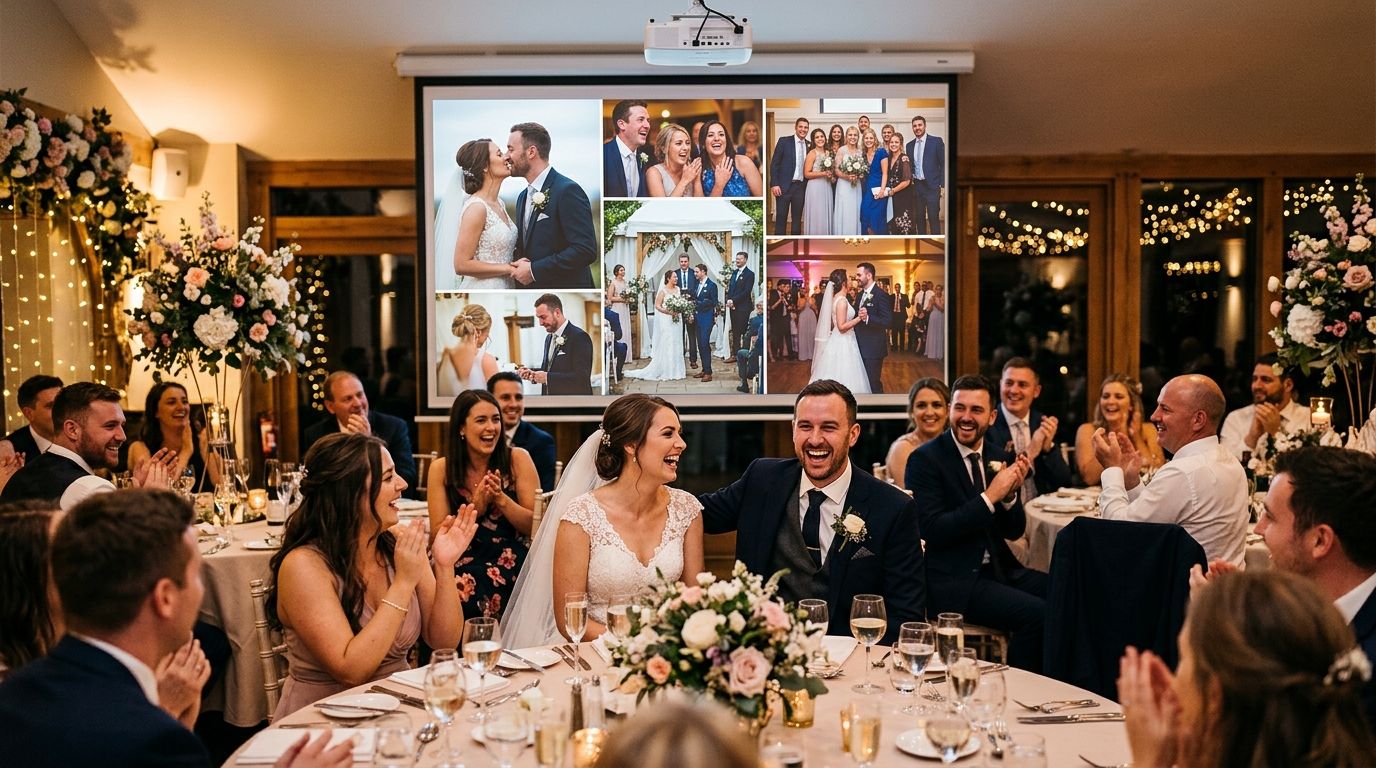
Five tools handle a live wedding reception slideshow well in 2026, and the right one depends on whether you need AI-sorted guest photos, an app-free crowd-sourcing feed, or just a laptop running a deck of curated shots.
TL;DR
- FotoOwl wins for live slideshow software for wedding receptions that need AI-sorted guest uploads and automatic reel generation.
- Eversnap is the pick when guests must not be asked to download an app.
- Vibe fits large ballrooms that need the same slideshow synced across multiple screens.
- Darkroom Booth only makes sense if a photo booth is already running at the reception.
- Google Slides or PowerPoint stays free but requires a person manually loading photos all night.
Best overall: FotoOwl, for its AI-sorted live gallery and instant guest uploads. Best for crowd-sourced guest slideshow without an app: Eversnap. Best for synced multi-screen display: Vibe. Best for a slideshow paired with a photo booth: Darkroom Booth. Best budget DIY option: Google Slides or PowerPoint, run manually by someone at the reception.
Why this matters
A wedding reception runs three to five hours, and a slideshow that lags behind the actual party looks broken within the first twenty minutes. Guests notice fast when their photos from cocktail hour still haven't appeared by dinner.
The software choice also decides whether the slideshow becomes a delivery channel. Some tools just display images on a screen and stop there. Others, like FotoOwl, turn the same upload stream into a searchable gallery and a shareable highlight reel the couple can post before the reception ends.
What makes the best live slideshow software for wedding receptions
- Upload-to-screen speed — how fast a photo taken on a guest's phone or the photographer's camera actually appears
- Guest access friction — app download vs. QR code vs. WhatsApp link
- Display reliability — does it hold up on a hotel ballroom projector or a rented LED wall for a full reception
- Curation controls — can the photographer or planner filter blurry shots and block inappropriate uploads before they hit the screen
- Post-event value — does the same tool double as photo delivery, selling, or reel generation once the reception ends
Live slideshow software for wedding receptions: at a glance
| Tool | Best for | Standout feature | Key limitation |
|---|---|---|---|
| FotoOwl | AI-curated slideshow with instant guest uploads | Dedicated TV and gallery apps with face recognition | Venue internet and screen setup still need testing before the reception |
| Eversnap | Crowd-sourced slideshow without an app | Guests upload from a phone browser, no install | No professional camera or face-search workflow |
| Vibe | Synced multi-screen display | Same live feed mirrors across several screens at once | Weak on post-event delivery or photo sales |
| Darkroom Booth | Slideshow paired with a photo booth | Runs alongside the booth's print station | Requires a booth setup, not standalone |
| Google Slides / PowerPoint | Budget DIY option | Zero cost, full manual control | Someone has to load every photo by hand |
1. FotoOwl: best live slideshow software for wedding receptions with AI-curated guest uploads
FotoOwl runs as an AI-powered photo gallery built for event photographers, and weddings are one of its core use cases. Guests can browse through FotoOwl's dedicated gallery app, while the dedicated TV app gives the reception screen a purpose-built viewing experience. The photographer can send images through WhatsApp or Beam, and face recognition sorts the incoming stream so each guest can find their own shots quickly. The platform also generates personalized highlight reels through the night, which gives the couple a shareable video before the reception wraps.
FotoOwl pros:
- Dedicated TV and gallery apps give guests and viewers a purpose-built experience
- Face recognition sorts the live gallery so guests can find their own photos as the feed grows
- Highlight reels compile automatically during the event, ready to share before the night ends
- The same gallery doubles as a photo-selling platform after the reception
FotoOwl cons:
- Venue internet and the TV connection still need testing before the reception begins
- Face recognition accuracy, like any AI matching tool, depends on lighting and camera angle
- The reel-generation value is strongest when a hired photographer is shooting, less so for phone-only guest uploads
Best for: photographers and planners who want the reception slideshow to feed straight into guest delivery and a same-night highlight reel. Verdict: Buy.
2. Eversnap: best for a crowd-sourced guest slideshow without an app
Eversnap is built specifically around live event photo walls — guests open a link in their phone browser and their photos land in the shared feed within seconds, no app store detour required. It's a narrower tool than a full gallery platform, but for a reception where the only goal is getting guest phones onto the screen fast, it does that one job cleanly.
Eversnap pros:
- Zero-install upload path for guests
- Purpose-built for the live-slideshow use case, not a repurposed gallery tool
Eversnap cons:
- Photo quality depends entirely on guest phone cameras — there's no professional camera ingestion comparable to FotoOwl's Beam workflow
- Finding a specific guest's own photos later isn't the focus of the product
Best for: receptions where guest participation matters more than professional photo quality. Verdict: Buy for that narrow use case.
3. Vibe: best for a synced multi-screen slideshow display
Vibe targets venues running the same live feed across several screens — think a ballroom with a projector up front and a secondary TV near the bar, both showing the identical stream in real time. It's a solid fit for larger receptions where one screen isn't enough coverage.
Vibe pros:
- Multiple screens sync to the same feed without separate setups
- Built as a display-first tool, so screen reliability is the whole product
Vibe cons:
- Limited value once the reception ends — it's not a delivery or photo-selling platform
- No face recognition to help guests locate their own shots
Best for: larger venues that need one live feed shown in more than one spot. Verdict: Hold — solid if multi-screen sync is the actual requirement, unnecessary otherwise.
4. Darkroom Booth: best for a slideshow paired with a photo booth
Darkroom Booth is photo booth software, not a standalone slideshow tool, but plenty of receptions already run a booth for prints. If that booth is in the plan anyway, its live-view feed can double as the reception slideshow without adding a second system.
Darkroom Booth pros:
- Works alongside a booth print station operators already know
- No extra software license if the booth is already booked
Darkroom Booth cons:
- Only makes sense when a photo booth is part of the reception — not a fit as a standalone slideshow
- Not designed for smartphone guest uploads outside the booth
Best for: photographers or vendors already running a photo booth at the reception. Verdict: Buy only if the booth is already in the budget.
5. Google Slides / PowerPoint: best budget DIY option
Running a deck of curated photos through Google Slides or PowerPoint on a laptop hooked to a projector costs nothing and gives total control over order and transitions. It's the option most small receptions default to before realizing how much manual work it creates.
Google Slides / PowerPoint pros:
- Free, and works on hardware most venues already have
- Full creative control over which photos appear and when
Google Slides / PowerPoint cons:
- Someone has to keep loading new photos throughout the reception, manually
- No live guest upload path at all — it's static once loaded
Best for: small guest lists where a designated person is willing to run the deck by hand. Verdict: Skip for anything past roughly 50 guests; the manual workload doesn't scale.
How we ranked these
Each tool was weighed against the five criteria above: upload speed, guest access friction, display reliability, curation controls, and post-event value. Eversnap keeps guest access browser-based, while FotoOwl provides dedicated TV and gallery apps for a more focused viewing experience. FotoOwl separated itself on post-event value because the same upload stream produces a searchable gallery and a reel, not just a screen display.
See a live wedding gallery in action
Check how FotoOwl handles guest uploads and same-night reels.
Which live slideshow software for wedding receptions should you choose?
For most couples and photographers booking 2026 weddings, FotoOwl is the default pick — it covers the live-upload feed, guest photo search, and a reel the couple can post that same night. Pick Eversnap if the only requirement is a frictionless guest upload wall. Pick Vibe if the venue needs the feed mirrored across multiple screens. Reach for Darkroom Booth only if a photo booth is already booked, and treat Google Slides or PowerPoint as a fallback for small, low-budget receptions where someone can babysit the deck all night.
FAQ
What's the best live slideshow software for wedding receptions in 2026?
FotoOwl is the strongest overall pick for 2026 because it combines a live guest upload feed with face recognition sorting and same-night highlight reels. Eversnap is a solid narrower option if the only goal is an app-free guest photo wall.
Do guests need to download an app to add photos to a live wedding slideshow?
No, not with FotoOwl or Eversnap. Both accept uploads through a phone browser or messaging link, which removes the app-download friction that stalls guest participation.
How much does live slideshow software cost for a wedding?
Pricing depends on guest count and whether it is bundled with photo delivery or selling features, so check current plans directly with each provider before booking.
Can a live wedding slideshow run without reliable WiFi at the venue?
Connectivity gaps are a common failure point for any cloud-based slideshow tool. Confirm the venue WiFi capacity ahead of time or plan a fallback like a preloaded deck for dead zones.
Is Eversnap or FotoOwl better for a wedding reception slideshow?
Eversnap wins on pure simplicity for guest uploads with zero setup. FotoOwl wins when you also want face-sorted galleries, photo selling, and an automatic highlight reel from the same event.
Can guests find their own photos in a live wedding slideshow?
With face recognition tools like FotoOwl, yes, guests can search the live gallery for their own face instead of scrolling the whole feed. Screen-only tools like Vibe do not offer that search function.
Does a live slideshow replace a wedding photographer?
No. A live slideshow displays photos in real time during the reception; it does not replace the edited, curated gallery a hired photographer delivers afterward.
One last thing
The biggest failure mode for a reception slideshow isn't the software — it's venue WiFi buckling under fifty guests uploading at once during the first dance. Test the upload path on-site before doors open, not the morning of the 2026 wedding.
Related guides
- WhatsApp photo delivery for wedding photographers
- QR code photo sharing for wedding guests
- Best AI event wedding photo sharing apps 2026
- AI reel generation for wedding reception highlight videos
If guests need to download an app before they can see themselves on the screen, the slideshow is already too slow.