
Best external hard drives for backing up event photos

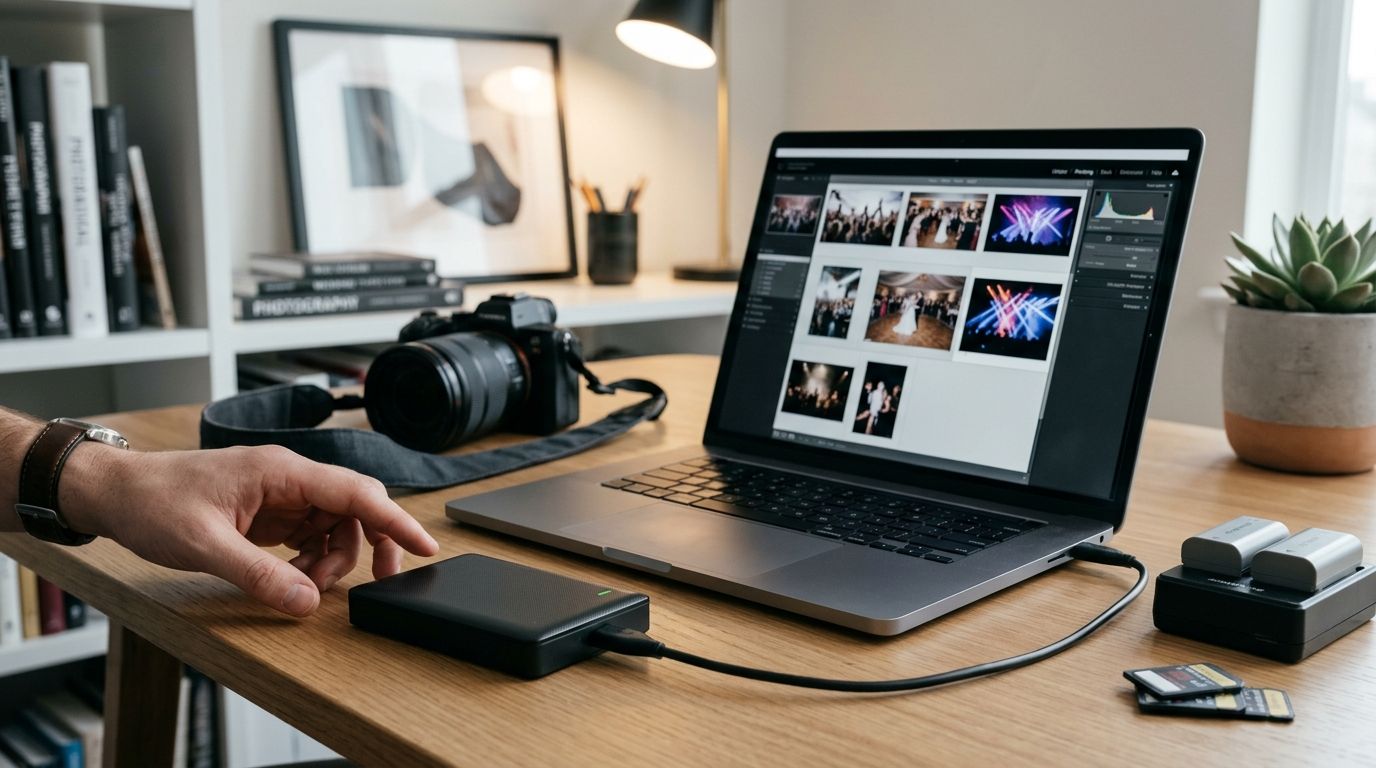
Event photographers shoot 2,000 to 8,000 frames on a single wedding or tournament weekend, and one failed drive can erase the only copy of a client's day. This guide ranks the external hard drives worth trusting for backup in 2026, and shows where a physical drive fits next to cloud delivery.
TL;DR
- Samsung T7 Shield SSD is the best external hard drive for event photographers overall in 2026.
- LaCie Rugged SSD wins for outdoor shoots — sports fields, marathons, and festival crowds.
- WD My Passport HDD covers bulk archive storage for studios watching every rupee.
- Seagate One Touch with Hub automates desktop backup so nobody forgets to run it.
- A drive backs up files; it doesn't deliver a gallery — pair it with cloud upload for clients.
Why this matters
Most event photographers already know the 3-2-1 rule: three copies of every file, on two different media types, with one copy off-site. A card in the camera doesn't count as a backup — it's the only copy until it's copied twice more.
The drive you pick decides how fast that second and third copy happen after a 10-hour wedding day or a three-day music festival. A slow, fragile drive turns backup into a chore photographers skip when they're exhausted at 1 a.m. A fast, rugged one turns it into a five-minute habit.
Before you get to any drive, run your take through Fotoowl's guide on speeding up photo culling before client delivery — cutting duplicates and blown frames before you back up means you're not burning drive space and transfer time on files you'll delete anyway.
What makes the best external hard drive for event photographers
- Read/write speed — SSDs move files in a fraction of the time HDDs take, which matters when you're backing up 200GB before a 6 a.m. flight home
- Physical durability — drop, dust, and water resistance, since these drives travel in camera bags, not desk drawers
- Capacity headroom — enough room for a full weekend of RAW files plus video, with room to spare for the next booking
- Interface compatibility — USB-C or Thunderbolt that matches your laptop, not an adapter you have to hunt for
- Portability — small and light enough to live in a bag pocket, not a hard case
- Software support — scheduled backup tools that run without you remembering to click anything
Best external hard drives for event photographers: at a glance
| Drive | Best for | Standout feature | Key limitation |
|---|---|---|---|
| Samsung T7 Shield SSD | Overall use, weekend weddings | IP65-rated, drop-tested to 3 meters | Capacity tops out lower than desktop HDDs |
| LaCie Rugged SSD | Outdoor and on-location events | Drop-tested to roughly 2 meters, signature bumper casing | Bulkier than slim consumer SSDs |
| WD My Passport HDD | Bulk budget archiving | 256-bit AES hardware encryption on most models | Moving parts mean more shock sensitivity |
| Seagate One Touch with Hub | Automated studio backup | Bundled backup software plus extra USB ports | Needs a stable desk setup, not built for bags |
| SanDisk Professional G-DRIVE | Full-season archive storage | Highest capacity tier in this list | Desktop form factor, not pocket-portable |
1. Samsung T7 Shield SSD: best external hard drive for event photographers overall
The T7 Shield is a solid-state drive with no moving parts, an IP65 rating against dust and water, and a drop rating around 3 meters — specs built for a camera bag, not a desk. It connects over USB 3.2 Gen 2, which runs at up to 10Gbps, fast enough to clear a full card dump between ceremony and reception.
Samsung T7 Shield pros:
- Rugged aluminum casing survives bag drops and venue chaos
- No moving parts, so it's quieter and less shock-sensitive than a hard drive
- Compact enough to clip to a belt pouch or lens pocket
Samsung T7 Shield cons:
- Costs more per terabyte than spinning-disk options
- Top capacities lag behind desktop HDDs for full-season archives
Best for: wedding and corporate event photographers who need a fast, pocketable backup for every shoot. Verdict: Buy.
2. LaCie Rugged SSD: best external hard drive for outdoor and on-location events
The Rugged line has carried the same orange bumper design for years because it works — drop resistance around 2 meters and a design built to survive being dropped on a sideline, a trail, or a festival field. It's the drive sports and outdoor event photographers reach for when the shoot doesn't happen indoors.
LaCie Rugged SSD pros:
- Built specifically for field conditions — dust, moisture, impact
- SSD speed without the fragility of a spinning disk
- Recognizable casing makes it easy to spot in a bag at 6 a.m.
LaCie Rugged SSD cons:
- Bulkier and heavier than slim consumer SSDs
- Premium build means less capacity per dollar than a basic HDD
Best for: marathon, cricket, and music festival photographers shooting outdoors in unpredictable conditions. Verdict: Buy.
3. WD My Passport HDD: best budget external hard drive for bulk photo archives
My Passport drives are the default hard-disk backup for photographers who need raw storage volume without SSD pricing. Most models ship with 256-bit AES hardware encryption, which matters if a bag goes missing with a client's wedding files on it.
WD My Passport pros:
- Lowest cost per terabyte in this list
- Hardware encryption built in on most current models
- Widely available and easy to replace if one fails
WD My Passport cons:
- Spinning platters are more shock-sensitive than SSDs
- Transfer speeds trail SSD options noticeably on large batches
Best for: studios archiving years of past events where speed matters less than capacity. Verdict: Buy for archiving, not for field backup.
4. Seagate One Touch with Hub: best external hard drive for automated studio backup
The One Touch with Hub pairs a standard drive with bundled backup software and extra USB ports, so a studio desk becomes a one-cable backup station. It's built for the desk, not the bag — plug in, and scheduled backups run without anyone remembering to click a button.
Seagate One Touch pros:
- Backup software runs on a schedule, no manual step required
- Hub design adds ports for card readers and other peripherals
- Simple setup for a studio that backs up the same way every time
Seagate One Touch cons:
- Desk-bound design, not meant to travel to shoots
- Standard HDD speed, not SSD-fast
Best for: studios that want backup to happen automatically after every import, without a manual step. Verdict: Buy for a fixed studio setup.
5. SanDisk Professional G-DRIVE: best external hard drive for full-season photo archives
G-DRIVE desktop models sit at the top of the capacity tier, built for photographers and studios archiving an entire wedding season or sports program in one place rather than spreading it across five smaller drives.
SanDisk Professional G-DRIVE pros:
- Highest usable capacity of any drive in this list
- Desktop form factor keeps cost per terabyte reasonable at scale
- Suited to long-term cold storage of full seasons or years
SanDisk Professional G-DRIVE cons:
- Not portable — this lives on a shelf, not in a bag
- Overkill for a single event or a small studio
Best for: studios and agencies archiving a full year or season of events in one location. Verdict: Buy for archive, not for daily carry.
How this ranking was built
Every drive above was scored against the same six criteria: speed, durability, capacity, interface, portability, and whether backup software runs on its own. No two drives compete for the same slot — an outdoor shooter and a studio archivist need different tools, and the ranking reflects that instead of forcing one "winner."
Which external hard drive should you choose?
If you shoot weddings or corporate events and need one drive that goes everywhere, the Samsung T7 Shield SSD is the default pick in 2026. If you're regularly outdoors — sidelines, trails, festival mud — step up to the LaCie Rugged SSD. If the job is bulk archiving years of past work at the lowest cost, WD My Passport or a SanDisk Professional G-DRIVE covers it.
A drive is only half the backup story. It protects the files sitting on your desk; it does nothing for the client waiting on a gallery link. Fotoowl's Beam feature moves that second half by pushing images from the camera straight to the cloud as you shoot, which is worth reading about in how to upload event photos directly from your camera using Beam — it runs alongside a physical drive, not instead of one.
Once files are backed up, the culling step decides what actually reaches a client. Fotoowl's AI Culling application runs offline on the desktop, rejects duplicates and weak frames, ranks the rest by exposure and composition, and exports the keepers to Lightroom or straight to the gallery after a quick human pass. A local drive and an offline culling pass belong on the same workflow checklist, right before delivery through a gallery.
Get event photos from drive to client faster
See how Fotoowl moves backed-up files into a delivered gallery.
FAQ
What is the best external hard drive for event photographers in 2026?
The Samsung T7 Shield SSD is the best overall pick for 2026 — it's fast, IP65-rated against dust and water, and drop-tested to about 3 meters. Photographers shooting mostly outdoors should consider the LaCie Rugged SSD instead.
SSD or HDD for backing up event photos?
SSD for anything you carry to a shoot — no moving parts means better shock resistance and faster transfers. HDD makes sense for cheap, high-capacity archive storage sitting on a shelf.
How much storage does a wedding photographer need per event?
It depends on shot count and whether video is included, but RAW files from an 8-hour wedding commonly run into hundreds of gigabytes, which is why capacity headroom is one of the six ranking criteria above.
Is a rugged drive worth it for indoor event photography?
Not usually. Rugged models like the LaCie Rugged SSD earn their premium outdoors, at sports fields or festivals. Indoor studio and wedding photographers get better value from a standard SSD like the T7 Shield.
Do I still need a hard drive if I back up to the cloud?
Yes. The 3-2-1 backup rule calls for three copies across two media types, so a physical drive and a cloud upload — like Fotoowl's Beam feature — should run together, not as substitutes for each other.
What's the fastest way to transfer photos from camera to backup drive?
A USB-C or Thunderbolt connection running at 10Gbps to 40Gbps clears a full memory card far faster than USB 3.0. Match your drive's interface to your laptop's fastest available port.
Can AI culling software replace manual backup checks?
No. Culling software like Fotoowl's AI Culling app removes duplicates and weak frames after files are already backed up — it's a quality step, not a substitute for having three copies of your originals.
One last thing
The drive most photographers regret buying isn't the cheap one — it's the one with no backup software, because "I'll copy it over later" is exactly how backups get skipped after a 12-hour shoot day. Buy the drive that automates the step you're least likely to do manually.