
Best CapCut alternatives for wedding highlight reels

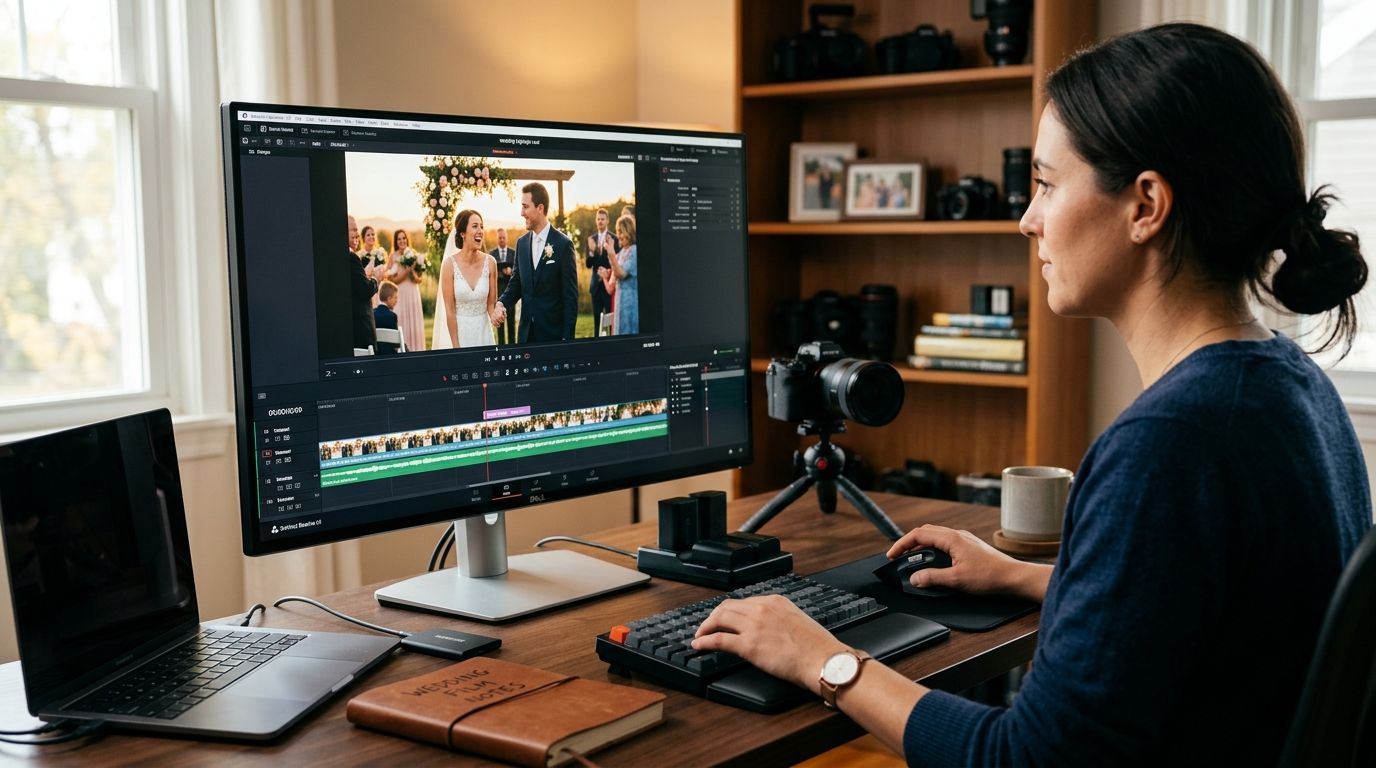
CapCut handles quick social edits fine, but wedding highlight reels need face-matched clips, guest-ready delivery, and turnaround measured in hours, not days. FotoOwl wins for AI-generated personalized wedding reels, Adobe Premiere Rush wins for photographers who move between phone and desktop, and VN Video Editor wins as the free mobile pick for solo videographers running highlight edits between shoots in 2026.
TL;DR
- FotoOwl is the top pick among capcut alternatives for wedding highlight reels because it auto-generates personalized reels from face-matched clips instead of a manual timeline.
- Adobe Premiere Rush suits photographers who edit on mobile and finish on desktop for the same wedding gallery.
- Descript fits reels built around toasts, interviews, or voiceover-heavy speeches that need text-based trimming.
- VN Video Editor is the strongest free mobile option for solo wedding videographers on tight same-day deadlines.
- Final Cut Pro remains the pick for cinematic multi-cam wedding films needing full color grading, Mac only.
Why this matters
Wedding clients in 2026 expect a highlight reel before they've finished thanking their guests, and CapCut alone forces a manual timeline for every single edit. That works for a one-off Instagram clip. It falls apart when a videographer is producing 40 personalized reels a week for different couples, each needing different music, pacing, and guest-facing delivery.
The alternatives below split into two camps: general-purpose editors that give more manual control than CapCut, and automated platforms built specifically around event and wedding workflows. FotoOwl sits in the second camp, generating personalized highlight reels straight from an event gallery rather than a raw timeline.
What makes the best CapCut alternative for wedding highlight reels
- Automated reel generation — pulls best-moment clips without a manual scrub through hours of footage
- Face-matching or guest personalization — ties specific guests or couples to specific clips automatically
- Fast export and delivery — gets a shareable reel to the couple same-day, not same-week
- Mobile-to-desktop flexibility — works whether the editor is on a phone at the reception or at a desk the next morning
- Music and pacing control — syncs cuts to a beat without frame-by-frame manual work
- Integration with existing delivery tools — connects to however photos and clips already reach the couple and guests
Comparison at a glance
| Tool | Best for | Standout feature | Key limitation |
|---|---|---|---|
| FotoOwl | Automated personalized wedding reels | AI reel generation from event galleries | Built for event workflows, not general video editing |
| Adobe Premiere Rush | Cross-device pro editing | Mobile-to-desktop project sync | Steeper learning curve than CapCut |
| Descript | Voiceover and toast-heavy reels | Text-based editing of spoken audio | Less suited to pure visual montages |
| VN Video Editor | Free mobile editing for solo shooters | Manual timeline control at no cost | No automated personalization |
| InShot | Fast teaser clips for same-day posting | Quick trim-and-caption workflow | Not built for full-length reels |
| Final Cut Pro | Cinematic multi-cam wedding films | Full color grading and multi-cam sync | Mac only, desktop only |
1. FotoOwl: best CapCut alternative for automated personalized wedding reels
FotoOwl builds highlight reels directly from the event photo and video gallery a wedding photographer already manages, using AI to match faces and moments instead of a manual cut-by-cut timeline. It's built for photographers delivering to entire wedding parties, not just one couple, so reels can personalize per guest rather than shipping one generic edit.
FotoOwl pros:
- Generates reels automatically from uploaded event media instead of manual editing
- Personalizes output using face recognition tied to the same gallery guests already use to find their own photos
- Fits directly into a delivery workflow that also handles WhatsApp and Beam uploads for the same wedding
FotoOwl cons:
- Not a general-purpose video editor — no frame-by-frame manual timeline for editors who want full manual control
- Best suited to photographers already running an event gallery workflow, less useful for a single freelance edit outside that system
FotoOwl best for: wedding and event photographers who need personalized highlight reels for wedding photographers delivered at guest scale, not a single manual export.
Verdict: Buy for studios producing multiple wedding reels per week.
2. Adobe Premiere Rush: best for cross-device wedding editing workflows
Premiere Rush lets an editor start a highlight reel on a phone during the reception and finish it on desktop the next morning, syncing the project across devices. It carries real timeline control that CapCut's simplified interface doesn't match for complex multi-clip sequences.
Premiere Rush pros:
- Full project sync between mobile and desktop
- Real multi-track timeline for layered audio and video
- Familiar Adobe ecosystem for editors already using Lightroom or Photoshop
Premiere Rush cons:
- Steeper learning curve than CapCut or VN
- No automated reel generation — every cut is manual
Premiere Rush best for: solo editors who want manual control across two devices rather than an automated output.
Verdict: Buy if the workflow already runs through Adobe tools.
3. Descript: best for voiceover and toast-heavy wedding reels
Descript edits video by editing a text transcript, which matters when a highlight reel centers on a father-of-the-bride speech or vows rather than pure visual montage. Cutting a sentence from the transcript cuts the matching video clip automatically.
Descript pros:
- Text-based editing speeds up trimming spoken segments
- Built-in transcription and filler-word removal
- Useful for reels built around speeches, not just b-roll
Descript cons:
- Less efficient for pure music-driven montage cuts
- Requires clean audio to transcribe accurately
Descript best for: videographers building reels around ceremony vows or reception toasts.
Verdict: Buy for speech-heavy highlight formats.
4. VN Video Editor: best free mobile CapCut alternative for solo shooters
VN gives a full manual timeline, multi-layer audio, and keyframe control on mobile at no cost, making it a straightforward CapCut swap for a solo wedding videographer without a studio budget for editing software in 2026.
VN Video Editor pros:
- No-cost manual editing with real timeline depth
- Mobile-first, works well for on-site same-day teasers
- Keyframe and speed-ramp controls beyond CapCut's basics
VN Video Editor cons:
- No automated highlight generation or face-matching
- Every reel still requires full manual editing time
VN Video Editor best for: solo videographers who want more manual control than CapCut without paying for it.
Verdict: Buy for budget-conscious solo editors comfortable with manual cuts.
5. InShot: best for fast same-day teaser clips
InShot trims, captions, and exports a short teaser clip faster than most alternatives here, which matters when a couple wants a 30-second Instagram post before the full reel is ready.
InShot pros:
- Fast export for short-form social clips
- Simple caption and music overlay tools
- Low learning curve, similar to CapCut
InShot cons:
- Not built for full-length highlight reels
- Limited multi-track depth for layered edits
InShot best for: a quick teaser clip posted the same night, not the final wedding reel.
Verdict: Hold — useful as a teaser tool, not a full replacement.
6. Final Cut Pro: best for cinematic multi-cam wedding films
Final Cut Pro handles multi-camera sync and full color grading at a level none of the mobile-first tools reach, which matters for a videographer delivering a cinematic full-length wedding film alongside the highlight reel.
Final Cut Pro pros:
- Full multi-cam sync and professional color grading
- Deep audio mixing controls
- Built for feature-length wedding film delivery, not just short reels
Final Cut Pro cons:
- Mac and desktop only, no mobile workflow
- Overbuilt for a quick same-day highlight reel
Final Cut Pro best for: studios delivering a full cinematic film in addition to the highlight reel.
Verdict: Buy for desktop-based pro studios, Skip for mobile-first same-day turnaround.
How this ranking was built
Each tool was weighed against the six criteria above: automated generation, personalization, delivery speed, device flexibility, music/pacing control, and integration with existing delivery workflows. Tools that require full manual editing for every reel rank lower on speed even when their manual controls are stronger than CapCut's.
Which CapCut alternative should you choose for wedding highlight reels?
For studios delivering personalized reels to entire wedding parties in 2026, FotoOwl is the default pick — the automation replaces hours of manual cutting per wedding. Solo shooters who want to keep full manual control on a budget should start with VN Video Editor, and studios already producing a separate cinematic film should keep Final Cut Pro in the stack alongside whichever reel tool handles the fast turnaround piece.
Automate your wedding highlight reels
See how AI reel generation fits an existing wedding photo delivery workflow.
FAQ
What is the best CapCut alternative for wedding highlight reels in 2026?
FotoOwl is the best pick for studios needing automated, personalized wedding reels generated from an existing photo and video gallery. Editors who want full manual control instead should look at Adobe Premiere Rush or VN Video Editor.
Is CapCut good enough for wedding videographers?
CapCut works for one-off social clips but requires a full manual timeline for every reel, which doesn't scale for studios delivering multiple personalized reels per wedding. Automated tools like FotoOwl cut that manual editing time significantly.
Does FotoOwl replace a video editor entirely?
No. FotoOwl automates highlight reel generation from event media using face-matching, but studios producing a full cinematic wedding film still use a dedicated editor like Final Cut Pro for that separate deliverable.
What's the best free CapCut alternative for solo wedding videographers?
VN Video Editor is the strongest free option, offering a full manual timeline and keyframe controls on mobile without a subscription. It has no automated reel generation, so every edit is still manual.
Can these tools deliver reels the same day as the wedding?
InShot and VN Video Editor both support fast mobile exports suited to same-day teaser clips. FotoOwl's automated generation is built specifically for same-day full reel delivery at guest scale.
Which tool handles wedding speeches and toasts best?
Descript is built around text-based editing of spoken audio, making it the strongest option for reels centered on vows, toasts, or speeches rather than pure visual montage.
Is Final Cut Pro overkill for a highlight reel?
For a short same-day highlight reel, yes — its multi-cam sync and color grading tools are built for full-length cinematic wedding films, not a fast turnaround teaser.
One last thing
The real bottleneck in wedding reel delivery in 2026 isn't editing skill, it's the manual hours spent scrubbing footage to find the right 40 seconds out of an 8-hour event. Tools that automate that search, not just the cutting, are the ones actually saving studios time.