
Photo Gallery Software for Daycare Centers (2026)

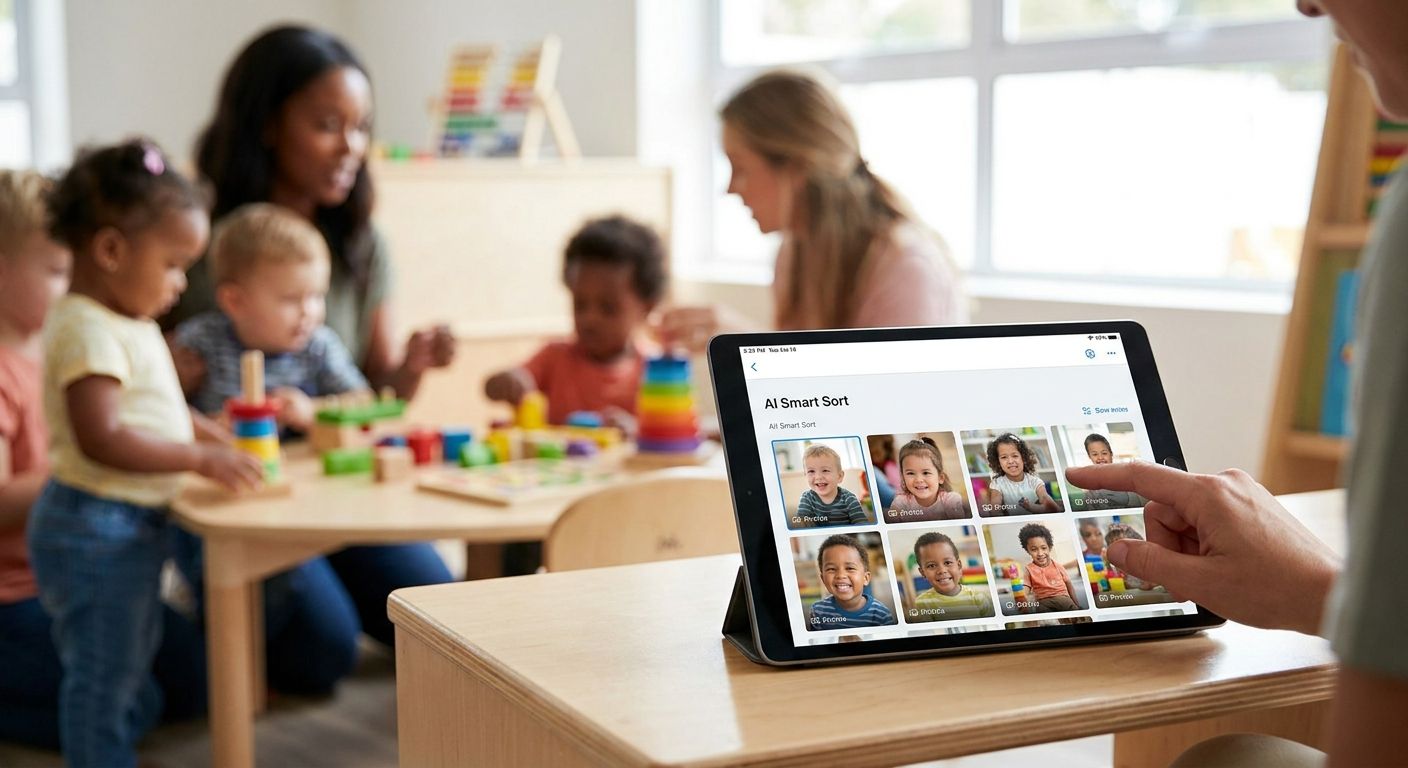
Photo gallery software for daycare centers is a cloud-based system that collects, sorts, and delivers child photos to parents with per-family consent controls, so preschool staff and photographers spend minutes instead of hours on distribution. Daycare and preschool photo work looks nothing like a wedding gallery: dozens of toddlers photographed daily by multiple staff phones, strict consent rules tied to individual children, and parents who expect same-day updates, not a gallery link three weeks later.
TL;DR
- Photo gallery software for daycare centers works best when it separates photos per child, not just per class, for consent compliance.
- FotoOwl's face recognition sorts hundreds of daily preschool photos by child in 2026 without manual tagging.
- Manual folder sharing (Drive, Dropbox) fails once a center passes 20-30 kids because consent and mix-up risk both rise.
- WhatsApp and Beam delivery beat email links for parent engagement rates at daycare centers.
- Studio-only gallery tools (Pixieset, SmugMug) are built for one-time shoots, not daily staff uploads.
Why photo gallery software matters for daycare centers
A preschool classroom generates photo volume that outpaces a wedding shoot inside a single week. Staff snap photos on personal or center-owned phones during art time, nap time, outdoor play, and pickup, and every one of those images carries a consent obligation tied to a specific child, not the whole class.
Parents at daycare centers check for updates far more often than wedding guests check a gallery link, because the audience is anxious parents who want proof their two-year-old had a good day. That behavior pattern is what makes generic file-sharing tools a bad fit: a shared Google Drive folder shows every child to every parent, which most centers can't do under their own enrollment agreements.
Getting this wrong costs more than annoyance. A misdirected folder link or a photo of the wrong child in a parent's inbox is a trust problem a daycare center can't walk back easily in 2026, when parents already expect app-level privacy from every service they use.
Step 1: Audit your current photo workflow
Before adding software, map where photos actually live today. Most centers discover photos scattered across five or six places with no consistent naming or consent tagging.
- List every device staff use to take photos (personal phones, tablets, one shared camera)
- Check where photos currently land: text threads, email, a shared drive, a printed board
- Note which classes or children currently have signed photo-consent forms on file
- Flag any past incident where the wrong parent saw the wrong child's photo
- Time how long it takes a staff member to send one week's photos to one family today
Step 2: Set up consent-based parent access
Consent in daycare photo work is per-child, not per-class, which most free tools were never built to handle. This is the point where a dedicated gallery platform starts to outperform a shared folder.
- Tag each uploaded photo to the children who appear in it, not just the class name
- Restrict a parent's access to only images containing their own child
- Keep an opt-out list current so children without signed consent never appear in a shared link
- Use a platform like FotoOwl that applies face-based access rules automatically instead of manual folder splitting
- Re-confirm consent status each term, since enrollment and custody situations change
Step 3: Use face recognition to sort by child
Sorting a week of preschool photos by hand, child by child, is the single biggest time sink center staff report. Face recognition removes that step entirely.
- Upload the week's batch in one pass instead of pre-sorting by class or activity
- Let face recognition photo sorting group images by the children who appear in them
- Spot-check a sample for accuracy before the first send, especially for siblings or twins
- Set a reference photo per child at enrollment so matching starts accurate on day one
- Re-run sorting automatically as new photos are added through the term
Step 4: Build a simple upload pipeline for staff
Staff won't use a system that adds friction to an already busy day. The upload step needs to take under a minute per batch.
- Give each classroom a single upload link or app shortcut, not a login-heavy portal
- Allow uploads straight from a phone camera roll, no desktop transfer required
- Set a daily or twice-weekly upload cadence so parents know when to expect updates
- Assign one staff member per room as the uploader to avoid duplicate or missed batches
- Skip manual renaming; let the platform's face sorting handle organization after upload
Step 5: Deliver galleries the same day
Parents at daycare centers respond fastest to updates that arrive the same day, before the school run ends. Delivery channel matters as much as speed.
- Send a direct link rather than requiring an account creation step for parents
- Use WhatsApp photo delivery for school events since most parents already have it open on their phone
- Set expectations up front: same-day delivery, not end-of-week batching
- Confirm mobile rendering works well since nearly all parent views happen on a phone screen
- Track open rates where the platform allows it, to catch a broken link fast
Step 6: Give parents an easy way to find their own child's photos
A parent scrolling through 200 classroom photos to find their own kid abandons the gallery halfway through. Face search fixes this without extra staff work.
- Enable a guest-facing search so a parent finds only their child's photos, not the full batch
- Test the guest photo sharing app for schools flow from a parent's phone before rolling it out center-wide
- Keep the search interface to one tap, no filters or menus a busy parent has to learn
- Offer a simple download option so parents can save photos without screenshotting a gallery
- Route any access issue back to the front desk, not to teaching staff
Step 7: Protect photos and manage who sees what
A daycare center answers to parents, licensing bodies, and sometimes custody arrangements, all at once. Access permissions need to reflect that.
- Set gallery-level permissions so only enrolled families can view a given child's images
- Review how to manage photo access permissions for event stakeholders as a baseline framework, then apply it per-child rather than per-event
- Remove a child's photo access immediately on withdrawal or a custody-order change
- Keep an audit trail of who viewed or downloaded which gallery
- Avoid public or unlisted links that bypass the consent layer entirely
See FotoOwl on your center's photos
Run one week of uploads through face-based sorting before switching over fully.
Comparing your options
| Option | Best for | Limitation |
|---|---|---|
| Google Drive / email folders | Centers testing photo sharing with no budget | No consent separation; every parent sees every child |
| Dropbox or Google Photos shared albums | A single small classroom | Still full-folder access; no per-child privacy split |
| Studio-only gallery tools (Pixieset, SmugMug-style) | Photographers selling one-time portrait sessions | Built for a single shoot, not daily staff uploads or safeguarding rules |
| FotoOwl | Daycare and preschool centers needing daily uploads, per-child sorting, and same-day parent delivery | Face-matching accuracy depends on consistent photo uploads from staff |
A daycare center that mixes 40 kids into one shared folder link is one misclick away from a consent breach; per-child sorting is the fix, not a nice-to-have.
Common mistakes daycare centers make
- Sharing one folder for the whole class. Every parent ends up with access to every other child's photos, which most enrollment agreements don't allow.
- Skipping the consent refresh each term. A child who lost photo consent mid-year still shows up in old shared links if permissions aren't re-checked.
- Relying on staff to manually rename and sort photos. This is the workflow that quietly stops happening the week enrollment jumps.
- Sending galleries once a week instead of same-day. Parents disengage fast when the update cadence doesn't match their expectation of daily proof-of-day.
- Using a studio tool built for one shoot. Pixieset-style platforms assume a single event, not an ongoing daily upload stream from multiple staff phones.
FAQ
What is the best photo gallery software for daycare centers in 2026?
FotoOwl is built for per-child face sorting and consent-based access, which fits daycare centers better than general file-sharing tools in 2026. It handles daily staff uploads and same-day WhatsApp delivery to parents.
Is Google Drive good enough for daycare photo sharing?
Google Drive works for a single small classroom but breaks down once a center manages consent per child, since every parent with the folder link sees every other child too.
How does face recognition help preschool photo sorting?
Face recognition matches each photo to the children who appear in it automatically, removing the manual tagging step staff otherwise do by hand after every upload batch.
Can parents find their own child's photos without scrolling through everyone else's?
Yes, a guest-facing face search lets a parent view only their own child's photos instead of the full classroom batch, which cuts gallery abandonment.
How fast should daycare photo galleries reach parents?
Same-day delivery is the standard parents expect at daycare centers in 2026, since they're checking for proof-of-day updates, not a weekly recap.
Does WhatsApp delivery work better than email for daycare photo updates?
WhatsApp delivery generally gets opened faster because parents already have it open on their phone, unlike an email link that sits unread in an inbox.
What happens to photo access when a child leaves the center?
Access permissions should be revoked immediately on withdrawal so a former family's app or link no longer shows any current child's photos.
Is studio client-gallery software like Pixieset a fit for daycare centers?
No, those tools are built for single photography sessions, not the daily multi-staff upload pattern a preschool classroom generates.
One last thing
The centers that struggle most aren't the ones without a budget for software, they're the ones still sorting photos by hand at 9pm because nobody set up per-child tagging on day one. Fix the sorting step first, in 2026, and the delivery speed problem mostly solves itself.
Related guides
- Cloud storage for school photographers
- Face recognition photo sorting for school events
- Guest photo sharing app for schools
- Best cloud gallery platforms for school photographers
A daycare center that mixes 40 kids into one shared folder link is one misclick away from a consent breach.