
How to Turn Product Photos into Social Media Videos with an Image to Video AI Generator

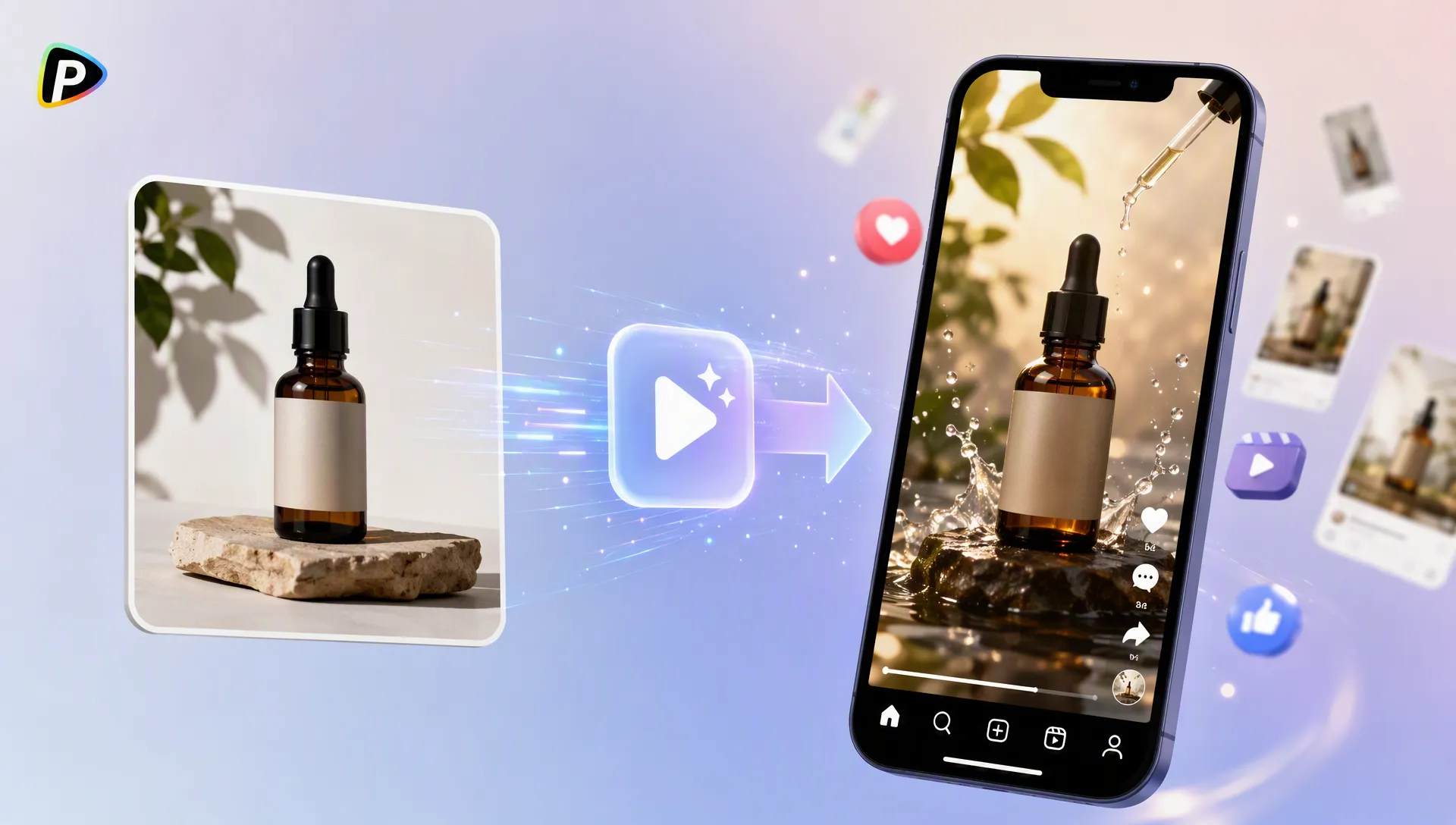
Product photos are often the main visual asset for online stores and social media campaigns, but static images may not always capture enough attention. An image to video AI generator helps businesses transform existing product images into short videos by adding motion, camera effects, and scene changes without requiring a full video shoot.
Pollo AI's image-to-video tool allows users to upload images and generate videos based on the original visual reference. It supports different AI video models, giving creators more options when creating product showcases, social media clips, and promotional content.
How Should Product Images Be Prepared Before Video Generation?
The source image has a major impact on the final video quality. When using Pollo AI's image to video AI generator, the uploaded image works as the visual reference, helping the AI model understand the product's appearance, position, and details before creating movement.
A suitable product image should clearly show the main design, shape, and important features. Images with simple backgrounds are usually easier for AI to process, but lifestyle photos can also work well when the goal is to create a specific scene, such as showing a coffee machine in a kitchen or outdoor equipment in nature.
Users should avoid images where the product is blurry, partially hidden, or surrounded by too many unrelated objects, as these factors may lead to inaccurate details or unwanted changes during generation.
The image format should also match the target platform. Vertical images are generally better for TikTok and Instagram Reels, while horizontal images may be more suitable for websites or YouTube.
How Can Users Create Product Videos with Pollo AI's Image to Video Generator?
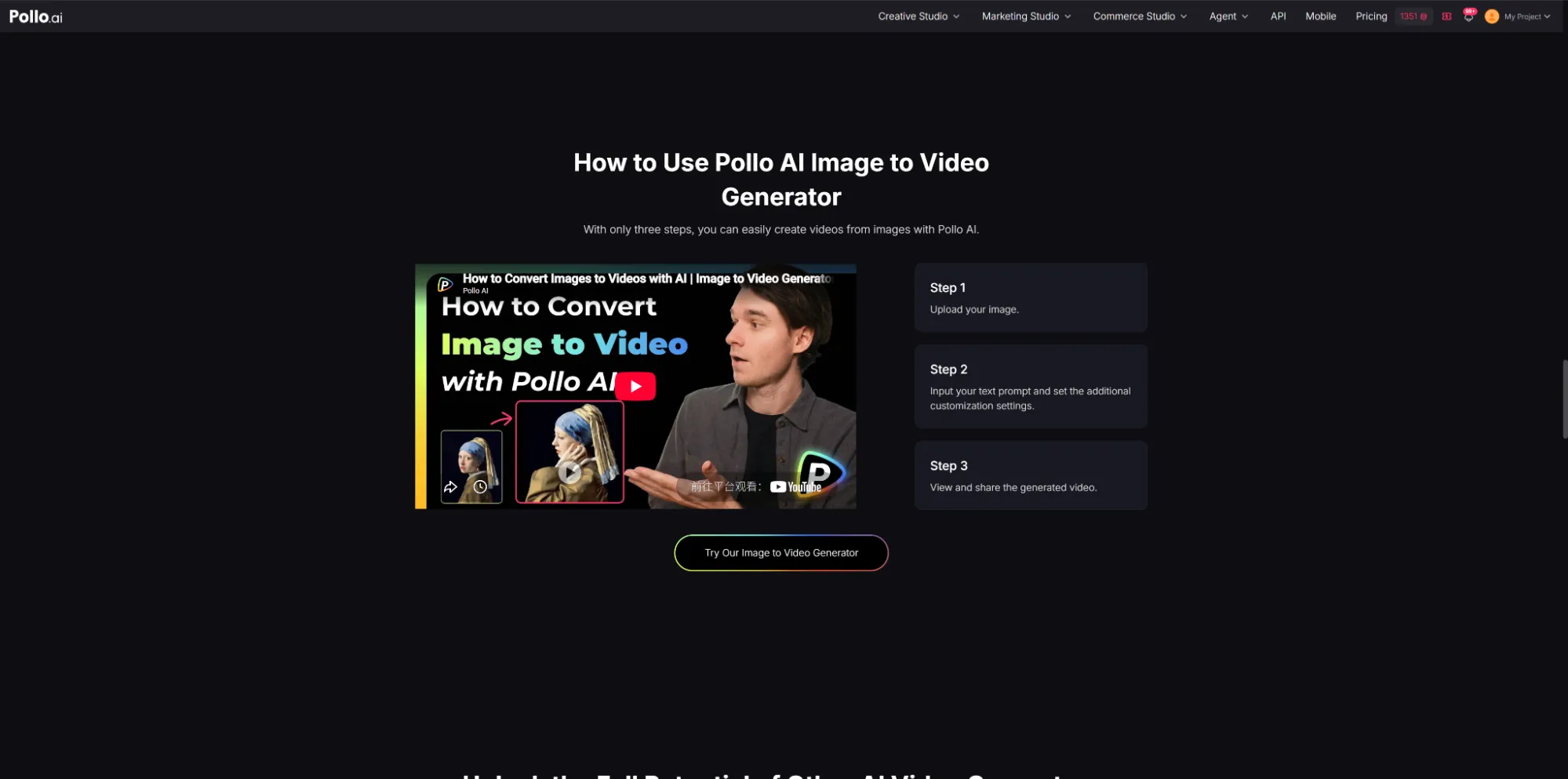
After preparing the image, users can upload it to Pollo AI's image to video generator and describe the desired movement through prompts. Similar AI video workflows, such as those available through Fliki AI video generator, also focus on turning ideas or visual assets into video content, but the prompt instructions remain important for controlling the final result. The main challenge is not simply adding motion, but controlling how the product appears throughout the video.
Write Prompts Based on Movement
A common mistake is focusing only on describing the product instead of explaining how it should move. Since the uploaded image already provides product information, prompts should mainly describe camera movement, product action, and atmosphere.
For example, "Create a slow camera zoom toward the perfume bottle with soft lighting and a premium product showcase style" gives clearer guidance than a general request like "make a perfume advertisement."
Simple and realistic instructions often produce more stable results. Slow zooms, product rotations, camera pans, and subtle background changes are usually easier for AI to handle than multiple complex actions combined in one short video.
Adjust the Generation Results When Necessary
The first generated video may not always match the intended style. If the product appearance changes or the movement looks unnatural, users can improve the result by simplifying the prompt, changing the motion description, or testing another available AI model.
Pollo AI provides access to multiple AI video models, and each model may create different visual styles. Trying different options can help users find a result that better matches the purpose of the video.
How Can Businesses Use AI-Generated Product Videos?
AI-generated product videos are most effective when they match the platform and marketing goal. The product should remain the main focus, while movement and visual effects should support the message instead of distracting viewers.
Businesses can use these videos in different ways, such as turning marketplace images into promotional clips, creating product launch content, or adapting existing visuals for seasonal campaigns. Short videos often perform better when they focus on one clear message, such as highlighting a product feature, showing a design detail, or presenting a usage scenario.
After generation, creators can further improve the content by adding captions, branding elements, subtitles, or product information to make the video more suitable for social media and advertising campaigns.
Conclusion
An image to video AI generator provides a practical way to turn product photos into social media videos. Better results usually come from selecting clear images, writing prompts focused on movement, and keeping generated effects aligned with the product's purpose.
With Pollo AI's image-to-video tool, users can transform static images into videos and explore different AI video models within one workflow. For product marketing, the most effective videos are usually those that create natural movement while keeping the product recognizable and easy for viewers to understand.