
Organize Corporate Event Photos for Fast Delivery (2026)

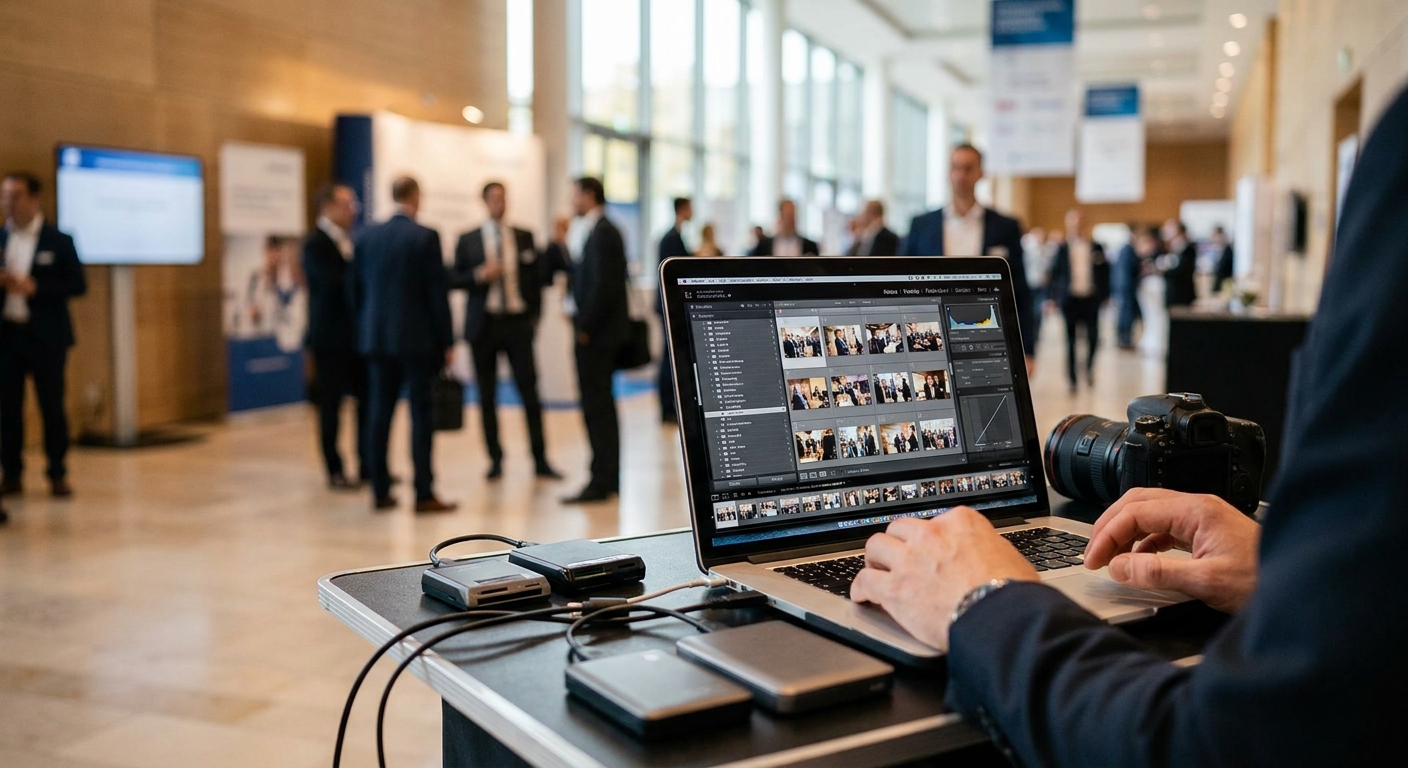
Corporate clients expect their event photos back within 24 to 48 hours in 2026, not two weeks. If your folder structure is a mess and your delivery process depends on manual sorting, you lose the client before the next event even gets booked.
TL;DR
- Organize corporate event photos for fast delivery by shooting in session blocks, tagging by face and moment, then routing through an automated gallery like FotoOwl.
- Face recognition cuts sorting time from hours to minutes for events with 200+ attendees.
- QR code and WhatsApp delivery get photos into inboxes same-day instead of next-week.
- Bulk download links let corporate clients grab the full gallery in one action — skip the individual-file-request cycle.
- Verdict: batch capture plus AI sorting beats manual folder management every time in 2026.
Why this matters
Corporate event photography runs on tight turnaround windows. A marketing team wants LinkedIn-ready shots within hours of a product launch. An HR department wants the all-hands photos before the internal newsletter goes out Monday.
Miss that window and the photos lose their news value. The client remembers slow delivery, not good composition. Organization at capture time is what makes fast delivery possible — you cannot sort your way out of a chaotic shoot after the fact.
What you'll need
- A shot list broken into session blocks (keynote, breakout rooms, networking, awards)
- Cameras set to consistent time sync across all shooters if you're working with a team
- A cloud gallery platform with AI-powered face recognition and instant sorting for corporate events
- A tagging convention (client name, date, session code) applied at import, not after
- A delivery method the client already uses — email link, WhatsApp, or a branded gallery URL
- Roughly 60-90 minutes of post-event buffer time before the first delivery deadline
The steps
1. Structure your shoot by session, not by camera roll
Break the event into blocks before you arrive: registration, keynote, breakouts, lunch, awards, closing. Shoot each block as its own sequence and pause briefly between blocks so your gallery software can detect the time gap and auto-split folders.
This matters because corporate clients almost always ask for specific sessions, not the whole set. A marketing manager wants keynote-only shots for the recap email; HR wants the awards segment for the newsletter.
Common mistake: shooting continuously across the whole day with no pause markers. That forces manual scrubbing through thousands of frames to find one segment later.
2. Upload in batches during the event, not after
Upload each session block as soon as it wraps, ideally over WhatsApp or a Beam-style direct-to-cloud connection. Waiting until the end of the day to dump 3,000 files at once creates a processing bottleneck and delays face-tagging.
Rolling uploads mean sorting starts while you're still shooting the next session. By the time the event closes, 70-80% of the gallery is already tagged and ready.
3. Let face recognition do the attendee sorting
For events with more than 150 attendees, manual tagging by name is not realistic on a same-day deadline. Run uploaded images through a face recognition tool built for corporate events so each attendee gets a personal gallery link without your team touching a single file.
This is the single biggest time saver in the whole workflow. A 400-person conference that would take a team 6-8 hours to hand-sort gets tagged in under 30 minutes with automated recognition.
Common mistake: relying on face recognition alone for badge-scan matching without spot-checking a sample batch. Lighting changes between rooms can drop match accuracy, so review 20-30 images per session block.
4. Generate a QR code for on-site instant access
Print or display a QR code at registration desks and session exits linking straight to the live gallery. Attendees scan it during the event and find their own photos appearing in real time as you upload.
A QR code photo sharing setup for corporate events removes the biggest friction point in delivery: attendees no longer wait for an email that might land in spam. They get access the moment the photo exists.
5. Set up one bulk download link for the client contact
The person who booked you — usually a marketing coordinator or HR lead — does not want to click through 40 individual thumbnails. They want one link that pulls the full, organized set at once.
A bulk photo download option for corporate event clients turns a multi-day back-and-forth into a single click. Send this link within 24 hours of the event closing, even if some late edits are still pending.
Expected outcome: the client contact has full-resolution access to every tagged session within a day, and individual attendees have personal galleries within hours.
6. Apply a consistent naming and metadata pass before final delivery
Before the gallery goes live to the wider client team, run one pass to confirm session tags, client name, and date are embedded correctly in file metadata. This prevents duplicate uploads and mismatched folders if the same event spans multiple locations.
A five-minute metadata check now saves an hour of client-side confusion later, especially when the marketing team repurposes photos across multiple channels months after the event.
7. Send the delivery notification the moment the gallery is complete
Don't wait for a perfect edit pass on every single image. Send the notification — email, WhatsApp, or SMS — as soon as the bulk of the gallery is tagged and live, then push final retouched hero shots as a smaller follow-up set.
Clients remember speed of first contact more than they remember whether image #847 got a color correction. Verdict on this step: deliver fast, polish second.
Troubleshooting
Problem: Face recognition mismatches employees who look similar in group shots. Fix: spot-check high-density crowd shots manually and re-tag as needed; accuracy holds better on individual and small-group frames.
Problem: Client wants photos split by department, but you shot by session. Fix: rely on face-tag cross-referencing to pull the same person's photos across multiple sessions into one department folder without reshooting.
Problem: Upload speed drags on-site Wi-Fi during peak sessions. Fix: switch to a mobile hotspot for the upload device specifically, keeping the shooting camera separate from the upload connection.
Problem: Attendees can't find their own photos in a 2,000-image gallery. Fix: push the QR code face-search feature so each attendee searches their own face instead of scrolling the full set.
Problem: The client asks for a re-delivery three weeks after the event. Fix: keep the gallery live and searchable well past the event date instead of archiving immediately — corporate clients often request assets for a follow-up newsletter or annual report.
Speed up your next corporate gallery
See how FotoOwl automates sorting and delivery for corporate event photographers.
Tools and resources
- An AI-powered event gallery platform with face recognition and bulk download built in
- A QR code generator tied directly to your gallery link, not a static PDF
- WhatsApp or Beam-style upload integration for on-site batch delivery
- A shared tagging convention document your whole shooting team follows
- A backup cloud sync running automatically during the event, not just after
What to do next
Once your delivery workflow is solid for a single-day conference, the next step is scaling it to multi-day events or recurring client contracts. The same session-block structure and face-tagging workflow apply, you just extend the tagging convention across multiple event dates under one client folder.
FAQ
What's the fastest way to organize corporate event photos for fast delivery?
Shoot in session blocks, upload in batches during the event, and run face recognition sorting so attendee galleries build themselves. This gets a same-day delivery window instead of a multi-day one in 2026.
How long should corporate event photo delivery take in 2026?
Most corporate clients expect a bulk gallery within 24 to 48 hours of the event closing in 2026. Final retouched hero shots can follow a few days later.
Is face recognition reliable for large corporate events?
Face recognition works well for events over 150 attendees when lighting is consistent, cutting sorting time from hours to minutes. Spot-check crowd shots manually since dense group photos reduce match accuracy.
Should attendees get individual photo access or just the client contact?
Both. Individual attendees benefit from personal galleries via QR code or face search, while the client contact needs one bulk download link for the full set.
How much does a QR code photo delivery setup cost?
Costs vary by platform and event size, so check current pricing directly with your gallery provider. The bigger cost factor is usually the plan tier tied to attendee volume, not the QR code itself.
What's the biggest mistake photographers make with corporate event delivery?
Waiting until the entire event ends to start uploading and sorting. Rolling uploads during the event mean most of the gallery is already tagged by the time the last session wraps.
Can WhatsApp be used for corporate photo delivery?
Yes, WhatsApp works well for quick session-block delivery to a client contact, especially for smaller internal events. Larger conferences still need a full gallery link for bulk access.
How do you handle repeat requests weeks after a corporate event?
Keep the gallery live and searchable past the event date instead of archiving it right away. Corporate clients frequently request assets for newsletters or reports well after the event date.
One last thing
The photographers who win repeat corporate contracts in 2026 aren't the ones with the sharpest lens — they're the ones whose gallery link lands in the client's inbox before the competitor even finishes backing up their memory cards. Speed is the differentiator corporate clients actually remember and rebook for.