
Guest Face Search for Engagement Ceremony Photos (2026)

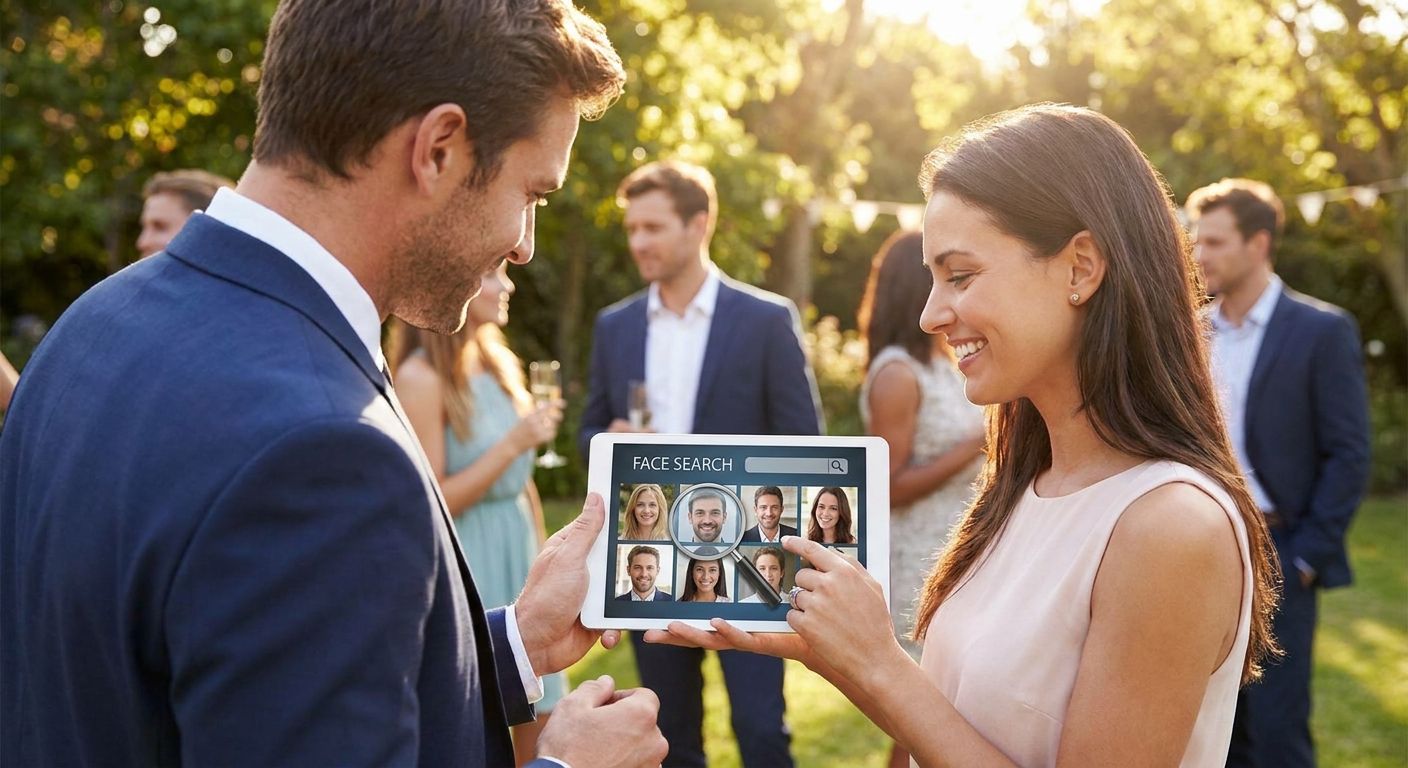
Guest face search turns a folder of 800 engagement ceremony photos into a personal album for every guest in under a minute — no scrolling, no "can you send me that one photo" texts for weeks after the event. Here's the exact setup, step by step, for 2026.
TL;DR
- Guest face search for engagement ceremony photos lets guests find themselves via a selfie scan instead of scrolling hundreds of images.
- FotoOwl's face recognition gallery is built for this exact workflow — upload once, guests self-serve their photos.
- Setup takes five steps: gallery creation, bulk upload, face indexing, QR distribution, and guest onboarding.
- Skip manual tagging in 2026 — it does not scale past 100 guests and burns editing hours you should bill for.
Why this matters
Engagement ceremonies pack more candid, high-emotion faces into two or three hours than most weddings do in a full day — parents, cousins, college friends, the fiancé's entire extended family meeting for the first time. Every one of them wants their photo, fast, and most will not wait a week for a Google Drive link.
Manually sorting and emailing individual shots does not scale once your guest count crosses 60 or 70 people. Guest face search for engagement ceremony photos solves this by letting each guest scan their own face and pull only the shots they appear in — out of a gallery that might hold 500 or 1,000 images. You stop being the bottleneck between the shoot and the delivery.
What you'll need
- A cloud-based event gallery platform with face recognition built in — not a bolt-on plugin
- A stable upload connection at the venue, or an offline-first sync option for low-signal locations
- A QR code or shareable link guests can scan on-site or receive via WhatsApp
- Roughly 30-60 minutes of prep time before doors open, depending on guest list size
- A photographer or assistant assigned to bulk uploads during the ceremony, not just after
FotoOwl's engagement ceremony photo gallery software is built around this exact list, so most of the setup below happens inside one platform rather than stitching together three separate tools.
The steps
1. Create the event gallery before the ceremony starts
Set up the gallery 24-48 hours ahead, not the morning of. This gives you time to test uploads, confirm face recognition is active, and generate the QR code guests will scan.
Name the gallery clearly — "Sharma-Patel Engagement 2026" beats a generic project ID — because that name shows up in the guest-facing link and in WhatsApp messages you send later.
Common mistake: creating the gallery the same morning and skipping the test upload. If face indexing has a hiccup, you want to catch it before 120 guests are trying to scan at once.
2. Turn on face recognition and set matching sensitivity
Face recognition needs to be explicitly enabled per gallery — it is not always on by default depending on your plan settings. Check this before any photos land in the gallery, since indexing runs on upload, not retroactively in some tools.
Matching sensitivity matters more at engagement ceremonies than you'd think: family members often share features, and ceremonies frequently involve close-up group shots with 8-10 faces per frame. A setting that's too loose returns near-strangers; too tight, and guests miss half their own photos.
3. Upload photos continuously during the event, not just afterward
Bulk-upload in batches every 30-45 minutes rather than waiting until the end. This lets face indexing catch up in real time, so guests scanning mid-event already see early photos in their personal results.
Use a direct-to-cloud upload path from your camera or card reader instead of manually dragging files from a laptop. FotoOwl's Beam upload tool exists specifically to cut this step down, moving shots from camera to cloud without a manual export in between.
Expected outcome: by the time the ceremony wraps, 60-70% of the day's photos are already indexed and searchable, not sitting in an unprocessed queue.
4. Distribute the QR code or WhatsApp link at the venue
Print the QR code on a table tent, welcome board, or a printed card at the guest book — somewhere people naturally pause. Pair it with a WhatsApp broadcast link for guests who'd rather tap than scan.
WhatsApp photo delivery works well here because most engagement ceremony guests are already messaging each other in a family or friend group — dropping the gallery link into that thread gets faster adoption than a standalone app download.
Common mistake: only sharing the link once, at the very end of the event. Share it early and again 30 minutes before the ceremony wraps, when people are already reaching for their phones for photos.
5. Walk guests through the self-serve face scan
Guests take a quick selfie inside the gallery interface, and the system matches that face against every uploaded photo. No manual search, no scrolling through 400 images to find the three they're in.
This step needs almost zero instruction if the interface is clean — but it helps to have one signed example ready (your own selfie, matched against a few sample shots) so older guests understand what's happening before they try it themselves.
6. Confirm same-day delivery before guests leave
Spot-check that at least a handful of guests successfully pulled their matched photos before the venue empties out. This is also the moment to push same-day engagement ceremony photo delivery as a value-add — guests who get photos before they've left the venue talk about it, and that word-of-mouth is worth more than any portfolio shot.
Set up guest face search for your next event
See how FotoOwl's face recognition gallery handles engagement ceremony photo delivery.
Troubleshooting
Face matching returns too many wrong results. Lower the sensitivity threshold in gallery settings, and re-check indexing on any batch uploaded before the setting change — those photos may need re-indexing.
Guests can't find the QR code fast enough. Add a second printed copy near the exit, not just the entrance — most guests want photos as they're leaving, not arriving.
Photos aren't indexing in real time. Confirm face recognition was toggled on before the first upload batch. Photos uploaded before activation sometimes need a manual re-index pass.
Low-connectivity venue drops uploads mid-batch. Switch to an offline-first upload workflow that queues locally and syncs once signal returns, rather than retrying the same failed batch repeatedly.
Older guests skip the self-serve scan entirely. Have a staff member on hand for the first 15-20 minutes to demo it once — adoption jumps sharply after guests see one successful match in front of them.
Duplicate uploads clutter the gallery. Run a duplicate check before guests start scanning; near-identical burst shots slow down face-match accuracy and confuse guests scrolling their results.
Tools and resources
- Guest face search for finding photos at large weddings — the same workflow scaled to bigger guest counts
- A camera-to-cloud upload tool (Beam or equivalent) to cut manual export time
- A printed or digital QR code generator tied to your gallery link
- A WhatsApp broadcast list or group for same-day distribution
What to do next
Once guest face search is running smoothly for one engagement ceremony, the same setup carries over almost unchanged to weddings, corporate mixers, and school events — the gallery structure barely changes, only the guest volume does.
FAQ
What is guest face search for engagement ceremony photos?
Guest face search lets attendees scan a selfie and instantly pull every photo they appear in from the full event gallery. It replaces manual scrolling through hundreds of images with a self-serve match, typically returning results in seconds.
How much does face recognition photo software cost in 2026?
Pricing varies by platform and guest volume, so check current plans directly on the provider's site. Most photographers factor the cost into their event package rather than billing it separately.
Do guests need to download an app to use face search?
No — most modern platforms run face search through a browser link or WhatsApp, with no app install required. Guests scan a QR code, take a selfie, and get matched photos immediately.
Is face search accurate for group and family photos?
Accuracy depends on lighting, angle, and how many faces appear per frame, but modern face recognition handles group shots with 8-10 people reliably when matching sensitivity is tuned correctly. Testing the setting before the event matters more than the algorithm itself.
Can guest face search work at venues with poor WiFi?
Yes, if the platform supports offline-first uploads that queue locally and sync once connectivity returns. Without that feature, poor signal at the venue can delay both uploads and guest-side matching.
How is guest face search different from manual photo tagging?
Manual tagging requires a human to label every guest in every photo, which does not scale past small groups. Face search automates that matching instantly across hundreds or thousands of images.
When should photographers set up face search before an event?
Set the gallery up 24-48 hours before the ceremony to test uploads and confirm face indexing is active. Setting it up the morning of leaves no buffer if something misconfigures.
Can guests get their photos the same day as the engagement ceremony?
Yes, if photos are uploaded continuously during the event rather than in one batch afterward. Continuous upload lets face indexing catch up in real time, so guests can search and download before they even leave the venue.
One last thing
The photographers who get the most repeat bookings from engagement ceremonies aren't the ones with the best lens — they're the ones whose guests got their photos before the car ride home. Guest face search is the difference between a gallery link nobody opens for three weeks and one that's already being reposted to Instagram Stories before the venue lights come up.