
Sell Photos Online as a Wedding Photographer (2026 Guide)

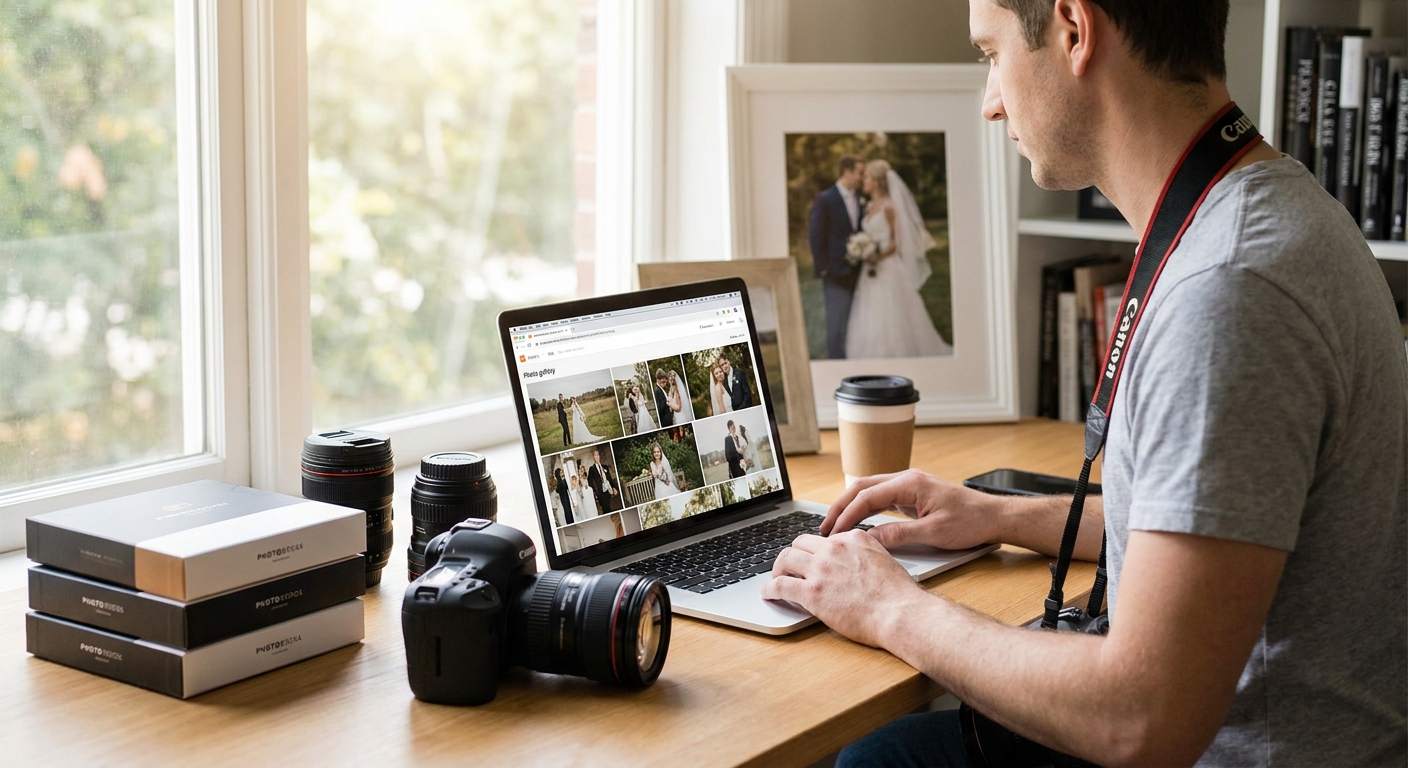
Wedding photographers leave money on the table every single wedding because guests forget to buy the photos they already love. Here's how to fix that in 2026, from gallery setup to the WhatsApp nudge that actually converts.
TL;DR
- Sell photos online as a wedding photographer using a gallery built for checkout, not just sharing — Buy verdict on any platform with face recognition and in-gallery payments.
- Face recognition search cuts a 2,000-photo gallery down to a guest's own 40-60 photos in seconds.
- WhatsApp delivery outperforms email links for wedding galleries because guests open WhatsApp within minutes, not days.
- Price your digital downloads and print add-ons before the wedding day, not after the first inquiry.
- Automated reminder messages at day 3 and day 10 recover sales that a single delivery email never will.
Why this matters
Most wedding photographers still deliver a gallery link, post it once, and hope. That approach loses sales quietly — guests scroll past a 1,500-photo album, never find themselves, and never buy a single print. In 2026, the photographers growing their per-wedding revenue aren't shooting more; they're selling smarter with tools that turn a gallery into a storefront.
Selling photos online as a wedding photographer is a delivery problem before it's a pricing problem. Fix delivery — how fast guests find their own photos and how easily they pay for them — and revenue follows.
What you'll need
- A cloud gallery platform with built-in selling, not a plain file-sharing folder
- Face recognition or tagging so each guest can search for themselves
- A payment gateway connected to the gallery (UPI, cards, or wallets depending on your market)
- WhatsApp or SMS delivery, since most 2026 guests check WhatsApp before email
- A pricing sheet for digital downloads, prints, and highlight reels, finalized before the wedding
- 3-5 hours for upload, tagging, and QA before you send the first link
If you're still using a generic cloud drive, start with a photo selling platform for wedding photographers built specifically for this workflow — it changes every step below.
The steps
1. Pick a gallery platform built for selling, not just sharing
A sharing-only tool gets your photos seen. A selling platform gets them bought. The difference is checkout: can a guest pay for a digital download or print add-on inside the gallery, in under 30 seconds, without leaving to email you first?
Look at the best photo gallery software for wedding photographers before you commit to anything. Check whether the platform supports face recognition search, in-gallery checkout, and bulk download limits you control. A platform that gates full-resolution downloads behind payment protects your revenue by default.
Common mistake: choosing a platform on storage price alone. Cheap storage with no selling layer means you're still manually invoicing every guest who wants a print — that's hours you don't get paid for.
2. Set your pricing structure before the wedding day
Decide your digital download price, print sizes, and any bundle (say, full gallery access plus a highlight reel) before you shoot, not after the couple asks. Photographers who wait to price after delivery consistently under-price out of guilt or urgency — guests see the delay as negotiable.
A simple three-tier structure works in most 2026 markets: single digital download, full gallery unlock, and a print-plus-digital bundle. Keep it to three choices. More options slow guests down at checkout and kill conversion.
3. Upload and organize photos by moment, not just date
Guests don't search by timestamp — they search by "the bride's entry" or "our table." Group photos into named moments (ceremony, sangeet, reception, family portraits) inside the gallery so guests browsing on a phone find their section in two taps.
Expected outcome: a gallery organized by moment sees noticeably higher time-on-gallery and more repeat visits in the days following delivery, because guests come back to check specific sections rather than abandoning after one scroll.
4. Turn on face recognition so guests find themselves fast
This is the single biggest lever for conversion. A 2,000-photo wedding gallery is overwhelming; a guest who has to scroll through all of it to find 40 photos of themselves will give up before they buy anything.
Face recognition search lets a guest upload one selfie and get their own photos back in seconds. Fewer taps between "I want my photos" and "here they are" means more guests who actually complete a purchase instead of closing the tab.
5. Share the gallery link through WhatsApp, not just email
Email open rates for event photo galleries lag badly behind WhatsApp in 2026 — guests forget passwords, miss the email in a promotions tab, or just don't check inbox the way they check chat apps. WhatsApp delivery puts the link directly in a thread guests already open multiple times a day.
Set up automated WhatsApp delivery the moment the gallery is ready, not two days later when you finally get to admin work. Speed matters here: the wedding is fresh, excitement is high, and that's the highest-conversion window you'll get.
6. Add print and digital add-ons at checkout
Once a guest has found their photos, the purchase decision should take one more click, not five. Offer the digital download as the default option, with a print upgrade or highlight reel add-on shown at the same checkout step. Bundling at the point of decision lifts average order value more reliably than a separate follow-up email ever will.
Common mistake: hiding pricing until after a guest creates an account. That extra friction step is where most abandoned carts happen.
7. Automate reminders and reel delivery to boost late sales
Most purchases don't happen on day one. A reminder at day 3 and another at day 10 — timed around when guests are sharing photos on social media and feeling nostalgic — recovers sales a single delivery message misses entirely.
Personalized highlight reels are the highest-converting add-on for late sales, because they arrive as something new to share, not a repeat of photos guests already saw. Ship that reel as a second delivery moment, not bundled silently into the first one.
Set up your selling gallery today
Face recognition, WhatsApp delivery, and checkout in one wedding gallery.
Troubleshooting
- Low download-to-purchase conversion: Check if guests can find their own photos in under 10 seconds. If not, face recognition search is missing or misconfigured — fix that before touching pricing.
- Guests can't find themselves in a large gallery: Split the gallery into named moment folders and confirm face tagging ran across all uploads, not just the first batch.
- Payment confusion at checkout: Reduce pricing tiers to three or fewer and make the download price visible before any account creation step.
- Full-resolution photos leaking without payment: Confirm your platform watermarks or resolution-limits previews and only unlocks full-size files post-payment.
- Slow uploads on the wedding day venue wifi: Upload in batches through a mobile app that queues and retries instead of one giant folder transfer — venue wifi drops mid-upload more often than photographers expect.
- Guests asking for photos on WhatsApp instead of buying: Redirect every WhatsApp request to the gallery link itself; answering individually undercuts the platform you set up to avoid that exact work.
Tools and resources
- A cloud gallery platform with in-built selling and checkout
- Face recognition search for guest-side photo discovery
- WhatsApp delivery integration for the first share and every reminder
- A pricing sheet finalized before the shoot, covering digital, print, and reel bundles
- Automated reminder scheduling at day 3 and day 10 post-delivery
What to do next
Once your selling gallery is live, the next lever is the highlight reel — a short, personalized video edit that gives guests a second reason to return and buy after the initial gallery share. Read the guide on personalized highlight reels to see how reel delivery fits into the same selling workflow without adding editing hours to your week.
FAQ
What is the best way to sell photos online as a wedding photographer in 2026?
Use a gallery platform with face recognition search, in-gallery checkout, and WhatsApp delivery rather than a plain file-sharing link. That combination is what drives guests from viewing to buying in 2026.
How much should I charge for digital wedding photo downloads?
Pricing varies by market, but a three-tier structure — single download, full gallery unlock, and a print-plus-digital bundle — converts better than a long price list. Set it before the wedding, not after.
Is WhatsApp better than email for delivering wedding photo galleries?
Yes, for most 2026 audiences. WhatsApp messages get opened within minutes, while gallery links sent by email often sit unread in a promotions folder for days.
Do I need face recognition to sell wedding photos online?
You don't need it, but galleries with face recognition search convert far better because guests find their own photos in seconds instead of scrolling through hundreds of images.
How do I stop guests from downloading full-resolution photos without paying?
Choose a platform that watermarks or resolution-limits preview images and only unlocks full-size files after payment clears. This is a platform setting, not something you manage manually per guest.
When should I send reminder messages for photo sales?
Send one reminder around day 3 and another around day 10 after delivery. Most purchases happen in that window, when guests are still sharing photos and feeling nostalgic about the wedding.
Can I sell prints and digital downloads through the same gallery?
Yes, and you should offer both at the same checkout step. Bundling a print upgrade alongside the digital download at the moment of decision lifts average order value more than a separate follow-up email.
One last thing
The photographers who sell the most aren't the ones with the biggest galleries — they're the ones who make the gallery small for each guest. A 2,000-photo wedding album feels like work to browse; a guest's own 45 photos, surfaced by face recognition in seconds, feels like a gift worth paying for. Fix the find-yourself step in 2026 before you touch a single price point.
Related guides
- WhatsApp photo delivery for wedding photographers
- Best AI event and wedding photo sharing apps in 2026
If a guest needs more than two taps to find their own face in the gallery, you've already lost the sale.