
How AI is Revolutionizing Video Editing and Content Production in 2026

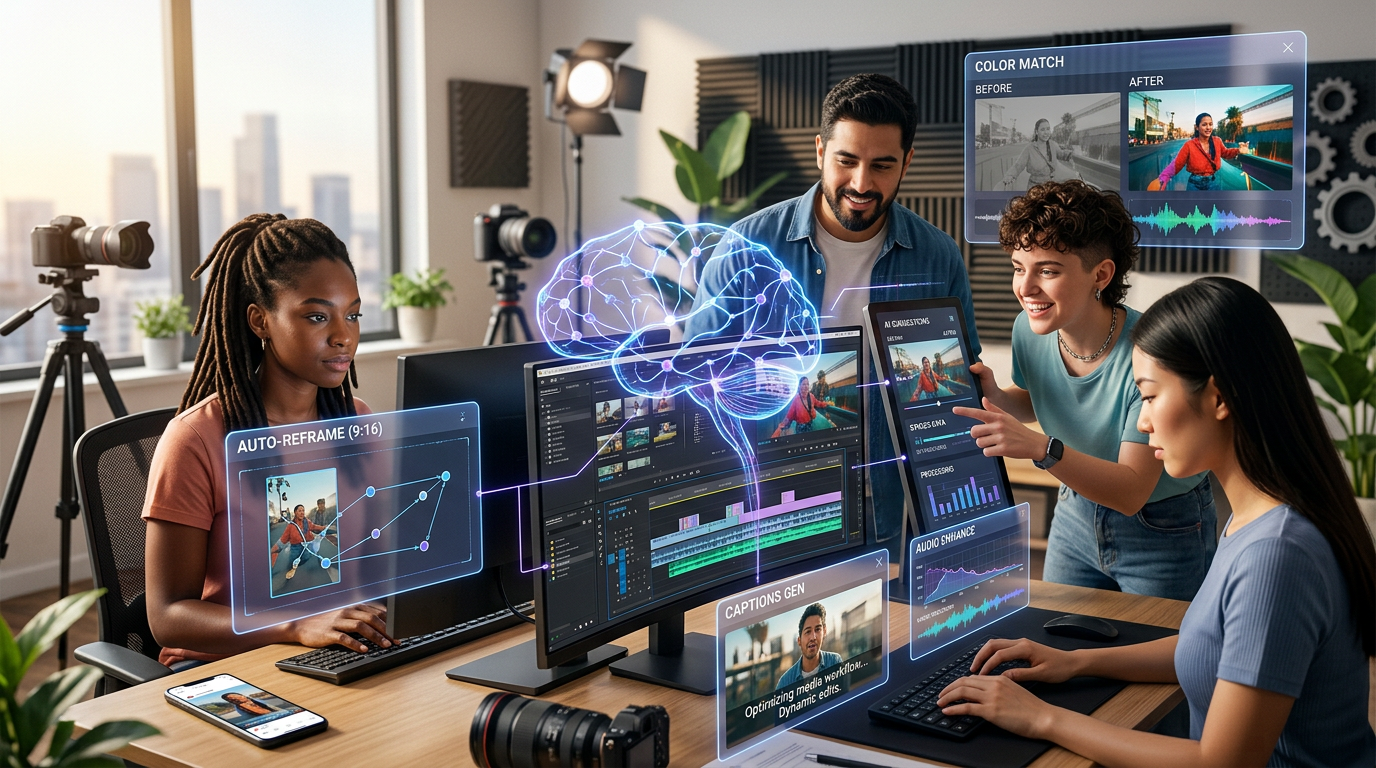
AI and human creativity working side by side — the new standard for video production in 2026.
In 2026, AI is not just speeding up video editing — it is fundamentally changing who can create professional video content, how fast it gets done, and how personal it can feel for every viewer.
Quick Answer
AI video editing tools in 2026 automate the most time-consuming parts of post-production — color correction, audio sync, scene detection, captioning, and even personalized reel generation — letting creators focus entirely on storytelling. Whether you are a professional editor or an event photographer, AI now handles the repetitive work at a scale and speed no manual workflow can match.
In This Article:
- How AI is Changing Video Editing
- Top AI Video Editing Tools in 2026
- How AI Automates Common Editing Tasks
- Benefits of AI in Video Production
- Enhancing Video Quality with AI Effects
- AI and Social Media Video Creation
- AI-Powered Video for Event Photographers
- What's Next — Future Trends in AI Video Editing
The world of video editing is in the middle of a fundamental transformation. In 2026, artificial intelligence is not just speeding up editing — it is opening up new creative possibilities for everyone, from professional editors to event photographers and social media creators. Many of the time-consuming, repetitive tasks editors once faced are now automated, letting creators focus more on storytelling and far less on technical details.
With billions of hours of video consumed daily and rising demand for high-quality content, AI tools have become essential in helping teams produce more content, faster, and with consistent quality across every format and platform.
1. How AI is Changing Video Editing
AI is not simply adding new features to editing software — it is changing the entire editing process itself. Modern AI uses machine learning to tackle tasks like color correction, audio syncing, scene detection, and intelligent cropping. Work that used to take hours now happens in minutes, or automatically.
Beyond improving efficiency, AI is enabling creative effects like real-time style transfers and automated storytelling assistance that were previously complex or prohibitively expensive. For editors and creators, understanding these AI-powered changes is essential to staying competitive in a fast-evolving landscape.
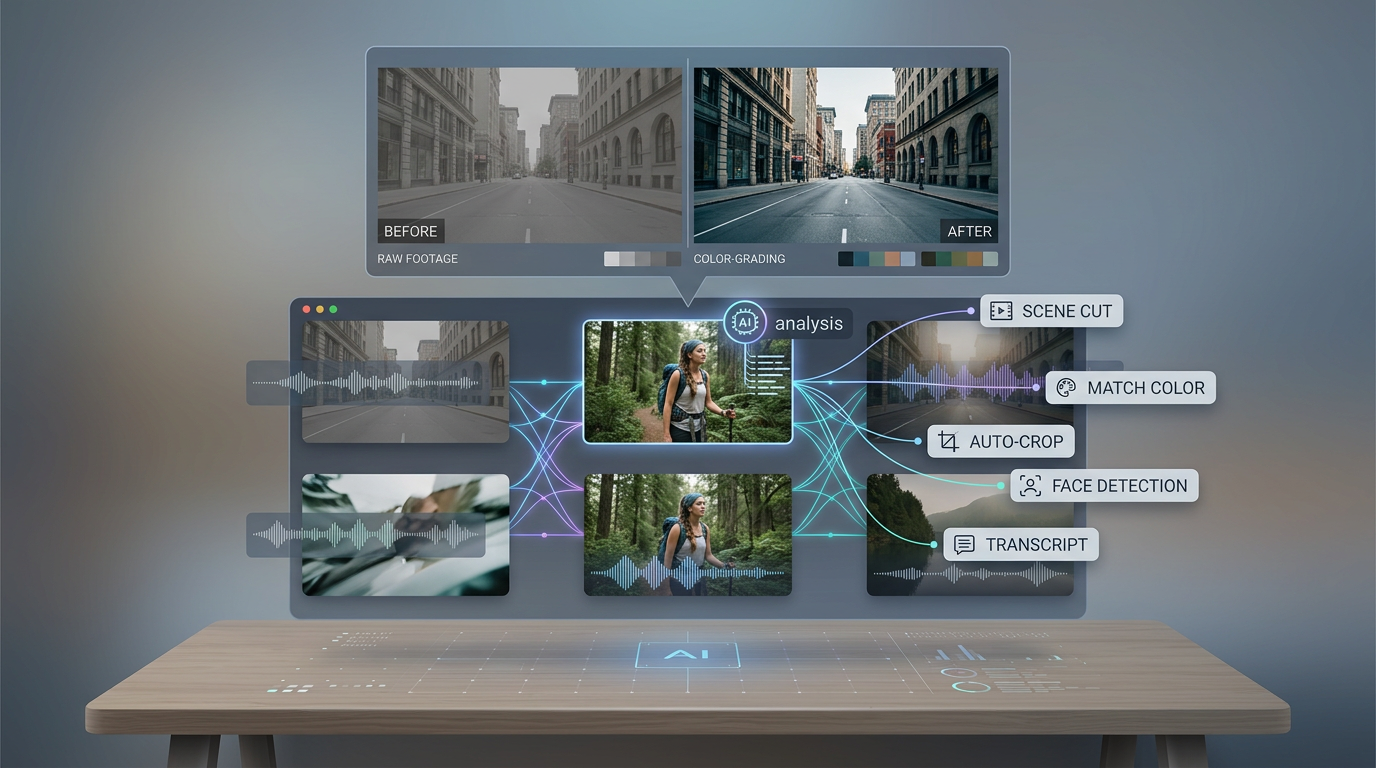
AI analyzing a video timeline — scene detection, color correction, and automated tagging happening simultaneously.
2. Top AI Video Editing Tools in 2026
The market for AI-powered video tools has matured significantly. Here are the leading platforms making the biggest impact right now.
Note: Pricing figures below are indicative based on publicly available information. Always verify current pricing directly on each tool's website before making a purchase decision, as subscription rates change frequently.
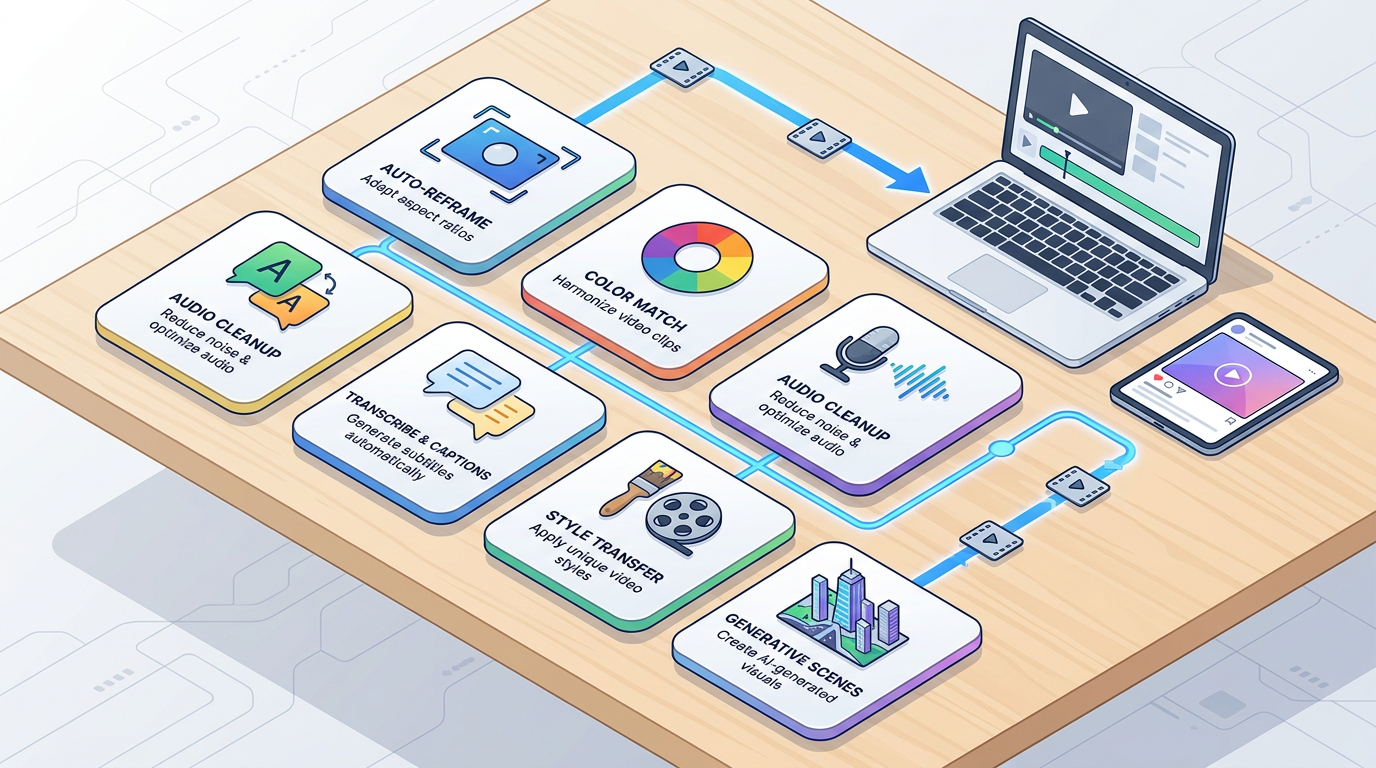
A snapshot of the AI video editing landscape in 2026 — automation now covers everything from rough cuts to final delivery.
| Tool | Best For | Key AI Features | Integration |
|---|---|---|---|
| Adobe Premiere Pro | Professional editors | Auto Reframe, Speech-to-Text, AI Color Matching | Adobe Creative Cloud |
| DaVinci Resolve Studio | Color grading specialists | AI color correction, facial recognition | Standalone |
| Final Cut Pro | Mac users | Machine learning analysis, auto-cropping | macOS exclusive |
| Runway ML | Creative experimentation | AI video generation, style transfer | Web-based / API |
| Descript | Podcasts and interviews | Transcription editing, voice cloning | Standalone |
Adobe Premiere Pro leads with its AI-powered Auto Reframe, which effortlessly adjusts videos for multiple platforms simultaneously. DaVinci Resolve focuses heavily on AI-driven color grading that can match different cameras and lighting setups almost instantly. Final Cut Pro provides AI-assisted rough cuts with predictive rendering for smoother, faster editing on Mac. Cloud platforms like Runway ML offer unique creative AI effects — turning videos into stylized animations in real time — that were previously out of reach for independent creators.
3. How AI Automates Common Editing Tasks
AI has moved well beyond simple automation. It now actively makes editorial decisions — taking over tedious jobs without sacrificing quality.
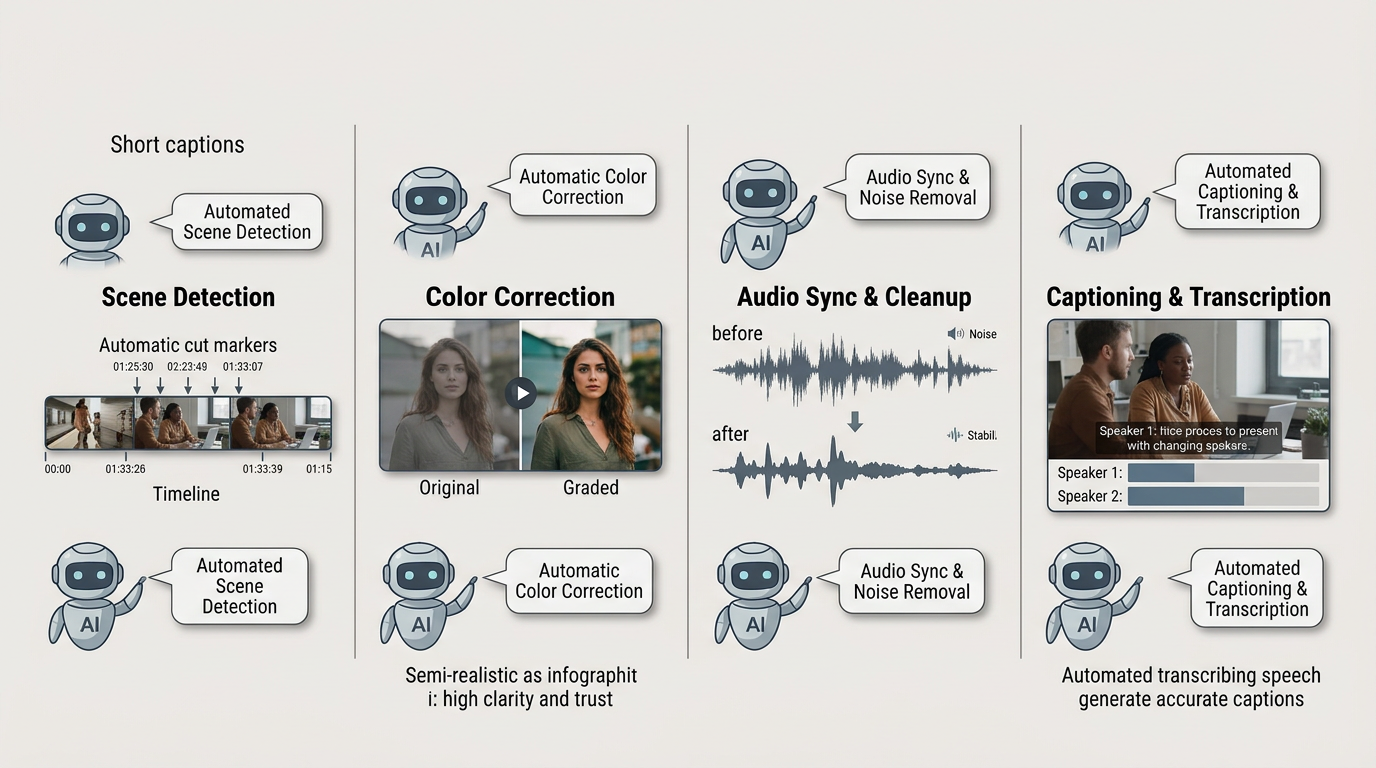
Four editing tasks that used to take hours — now handled automatically by AI in minutes.
Scene Detection: AI scans audio and video to detect where scenes change, identifying speaker switches or transitions flawlessly — no manual scrubbing required.
Color Correction: Automated grading applies consistent color tones across shots, matching footage from different cameras and lighting conditions with precision.
Audio Sync and Cleanup: AI automatically aligns multi-camera audio, removes background noise, and balances audio levels across a full timeline.
Captioning and Transcription: AI generates highly accurate subtitles with speaker differentiation and timing optimized for social platforms — a process that once required a dedicated specialist.
What This Looks Like in Practice
To illustrate the impact of AI automation at scale, consider a few realistic scenarios. A wildlife documentary team working with 200 hours of footage can use AI to tag clips by species and behavior, compressing weeks of editing prep into a matter of days. A multinational firm producing training videos across multiple languages can automate dubbing and localization, cutting an eight-week process down to just over one week. Fashion brands can generate dozens of social media videos in different formats, all automatically cropped and captioned, from a single source shoot.
The underlying pattern is consistent: AI absorbs the volume work so editors can focus on the decisions that actually require creative judgment.
4. Benefits of AI in Video Production
Using AI tools in video production delivers far more than speed. The compound benefits across a production workflow are substantial.
Faster turnaround: Edits complete 60–80% more quickly, owing to automated rough cuts and smart asset management. Deliverables that once took three days can be ready in one.
Lower costs: Post-production expenses can drop by 40–50%, freeing budgets for more projects, higher-quality shoots, or creative experimentation that was previously unaffordable.
Consistent quality: AI standardizes color, audio, and format across every video in a project, reducing revision loops and improving client satisfaction without adding manual QC time.
Smaller teams, bigger output: Individual editors can now efficiently manage tasks that once required a team of specialists — colorists, audio engineers, subtitle editors — working separately.
5. Enhancing Video Quality with AI Effects
AI is raising the baseline quality of video output in ways that go far beyond faster workflows.
Upscaling: AI upscales HD footage to 4K or 8K by intelligently adding fine detail — useful for archival footage or lower-resolution source material that needs to meet modern distribution standards.
Noise Reduction: Frame-by-frame noise removal preserves sharpness while cleaning grain and compression artifacts, particularly valuable in low-light event footage.
Stabilization: Selective correction removes unwanted camera shake while keeping intentional movement natural, so handheld shooting styles stay intact.
Dynamic Color Grading: AI automatically applies cinematic, mood-enhancing color corrections tailored to each individual shot, rather than applying a flat LUT across the entire timeline.
6. AI and Social Media Video Creation
Social media's fast pace and diverse format requirements are a natural fit for AI-powered editing. The platforms that distribute video reward volume, consistency, and platform-native formatting — exactly where AI excels.
Multi-platform optimization: AI creates versions tailored to Instagram, TikTok, YouTube, and more from a single source file, each sized and formatted correctly without manual re-editing.
Auto-captioning: Since a large proportion of social video is watched with sound off, AI-generated captions with accurate timing and keyword optimization significantly boost engagement.
Engagement-driven editing: AI suggests cuts and pacing that align with platform-specific algorithms and viewer behavior patterns observed across millions of videos.
Trend analysis: AI tracks trending audio, visual effects, and content structures, and surfaces suggestions for integrating them before the trend peaks.
Popular tools supporting social creators include Loom AI for extracting shareable moments from meetings, Pictory for converting long-form content into video, InVideo AI for template-driven social video production, and Jasper Video for AI-assisted marketing scripts and campaign content.
Getting the Most from AI Tools
The creators seeing the strongest results from AI video tools share a few consistent habits. They define clear goals before selecting tools — optimizing for reach and engagement requires different configurations than optimizing for conversions. They set brand guidelines and style preferences inside AI platforms upfront, so outputs stay consistent with their visual identity. They test and refine AI outputs regularly based on performance data rather than assuming the first result is optimal. And they stay current on platform algorithm changes, since AI tools evolve alongside the platforms they serve.
7. AI-Powered Video for Event Photographers
For event photographers specifically, AI video is no longer a separate discipline — it is becoming part of the standard post-event delivery workflow.
The same guests who receive their photos now expect personalized video content to accompany them. AI tools are closing that gap rapidly. Platforms like ReelIt — Foto Owl AI's automated video reel feature — generate personalized video reels for every event guest automatically. A wedding with 500 guests does not produce one shared highlight film; it produces 500 individual reels, each featuring that guest's moments, delivered without any manual editing work by the photographer.
This is the direction AI video is heading for event work: not just faster editing, but genuinely personalized video delivery at scale. For photographers who have historically treated video as an optional upsell requiring significant extra effort, AI changes that equation entirely.
8. What's Next — Future Trends in AI Video Editing
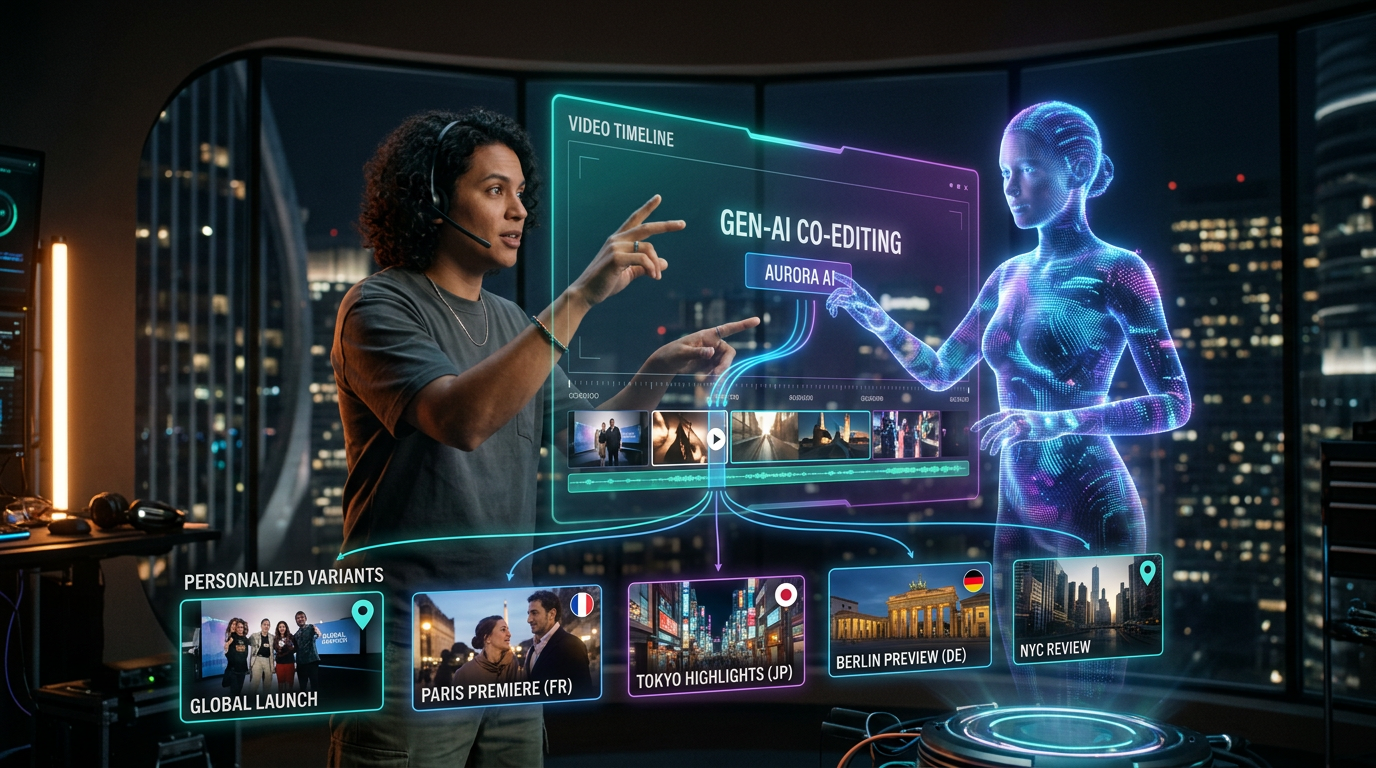
The near future of video editing — real-time AI collaboration, generative scenes, and personalized content variants generated on demand.
The capabilities available in 2026 represent an early chapter. The trajectory is clear, and the next wave of AI video tools will go considerably further.
Real-time collaborative AI will allow teams and AI assistants to work together interactively on a shared timeline, with AI offering contextual suggestions as edits happen rather than after the fact.
Generative video content will enable the creation of entire scenes, characters, and storylines from text or audio prompts — not as novelties, but as production-ready elements integrated into standard editing pipelines.
Predictive editing will anticipate the best cuts based on real audience engagement data, making editorial decisions informed by how similar content has performed rather than by intuition alone.
Integrated content workflows will link video editing directly with thumbnail generation, social post creation, email campaigns, and blog content — treating all outputs as a single content system rather than isolated deliverables.
Voice-directed editing will allow hands-free command of editing software through natural speech, removing the interface entirely for many routine operations.
Personalized content versions will become a standard output — not one finished video, but many variants optimized for different audience segments, platforms, and even individual viewers.
Sustainable production will see AI reduce resource usage and compute overhead for greener, more efficient editing processes at scale.
Ready to add personalized AI video reels to your event workflow?
Foto Owl AI's ReelIt generates a personalized video reel for every guest — automatically, after every event. Zero editing required.
Start Free Trial10,000 photos per year · No credit card required
Conclusion
The AI revolution in video editing is well underway. Whether you are a seasoned editor working on long-form productions or an event photographer looking to deliver more value to every client, 2026 is the right moment to integrate AI into your workflow. The tools are mature, the results are measurable, and the gap between those using AI and those not is widening quickly.
Start with one tool. Measure the time saved. Then expand from there — the compounding effect on your output quality and turnaround speed will be immediate and significant.
Have thoughts on which AI video tools are working best for your photography or content workflow? Drop a comment below — we'd love to hear what's making the biggest difference for you.