Logo

Best Photo Selection Tool for Photographers

The ultimate AI-based photo sharing platform for professional photographers—online galleries for access, client proofing for album picks, wedding-ready delivery at scale, and AI to speed up sorting. Share via QR code, face recognition, and real-time collaboration with clients.

Best Photo Selection Tool for Photographers - FotoOwl AI Photo Selection Software

Photo Selection and much more...

From wedding photography to corporate events, our all-device friendly photo sharing platform is perfect for photographers of all types. Whether you need to share photos with guests or manage high-quality event photography, FotoOwl has you covered.

Realtime Collaboration with Clients

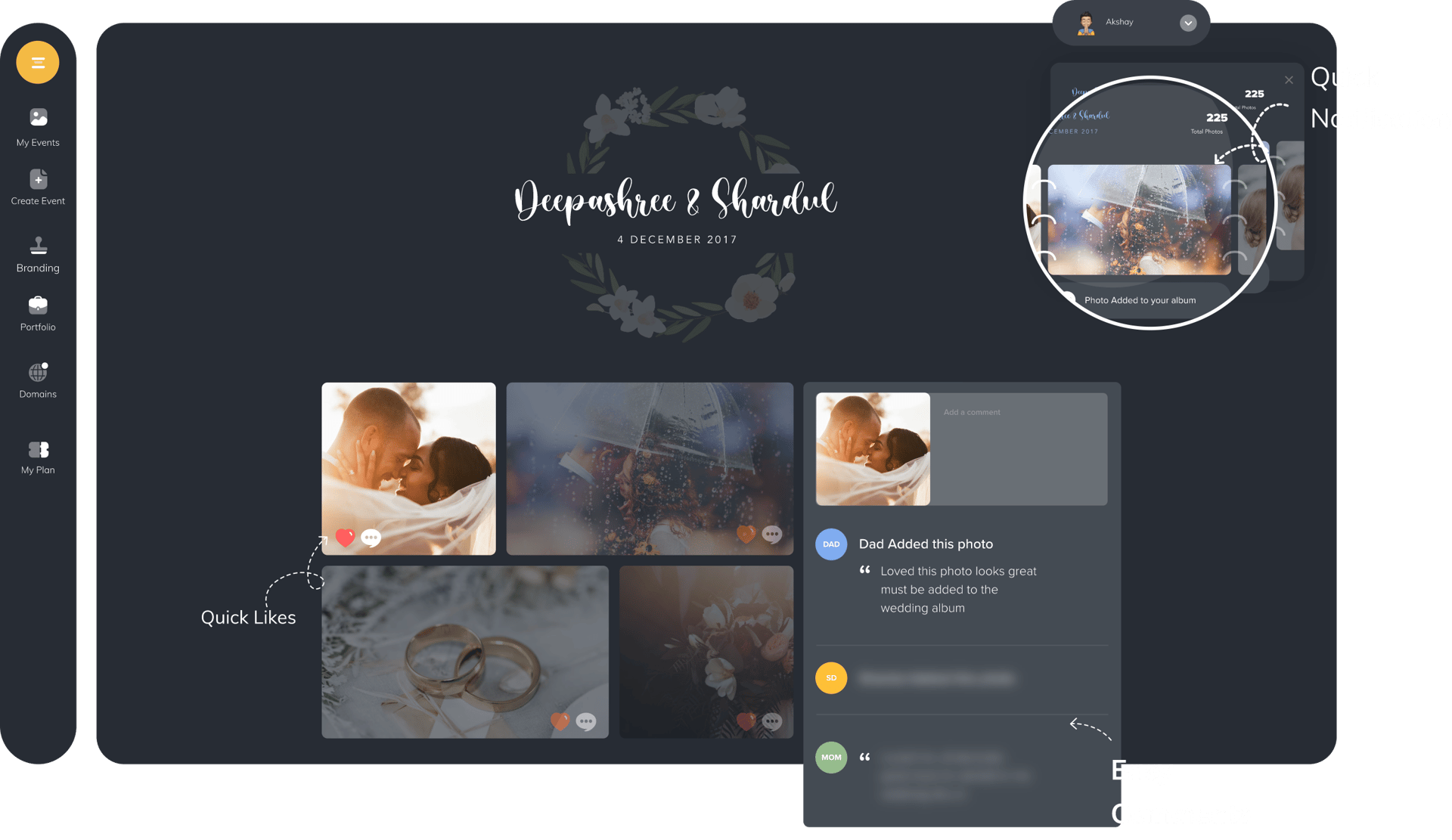
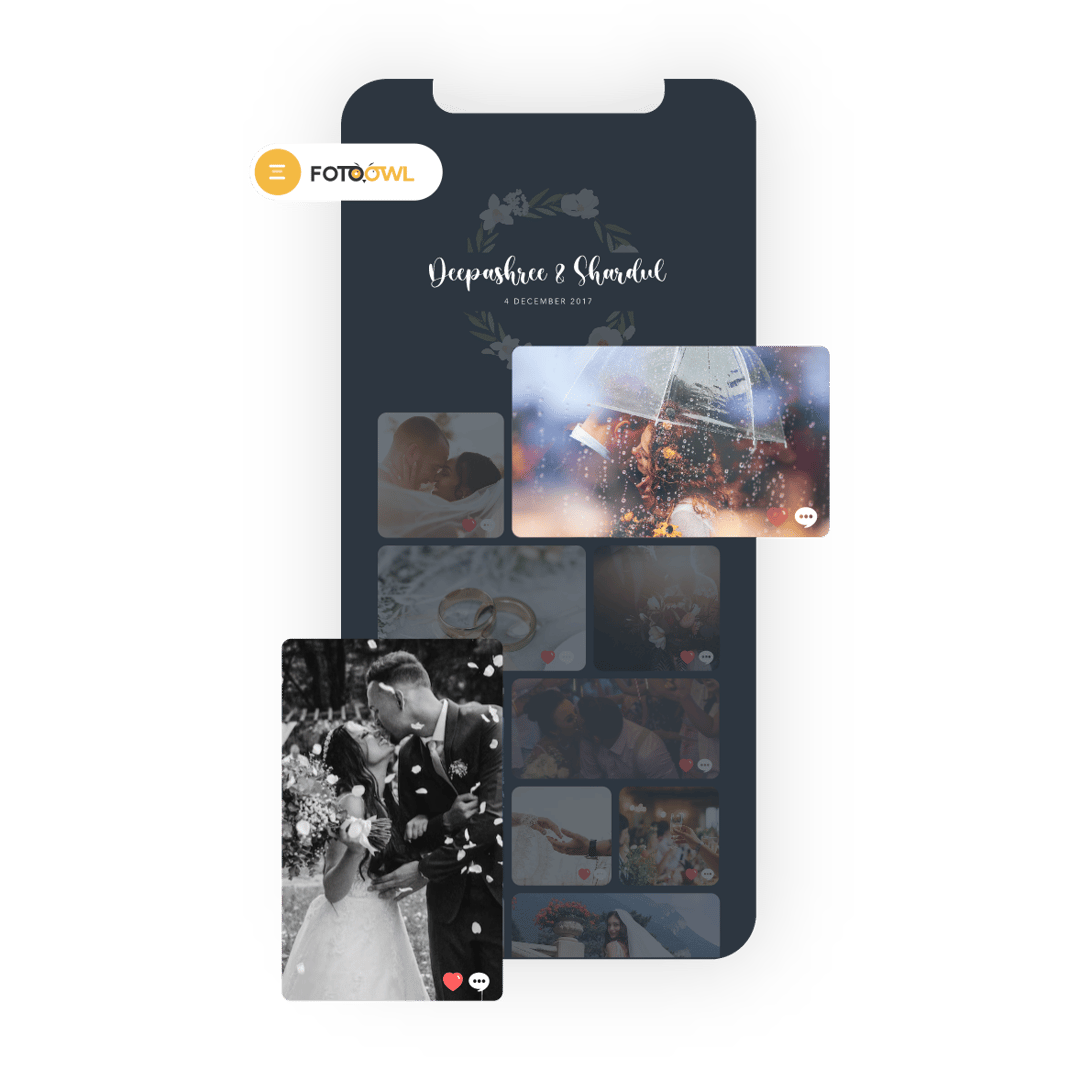
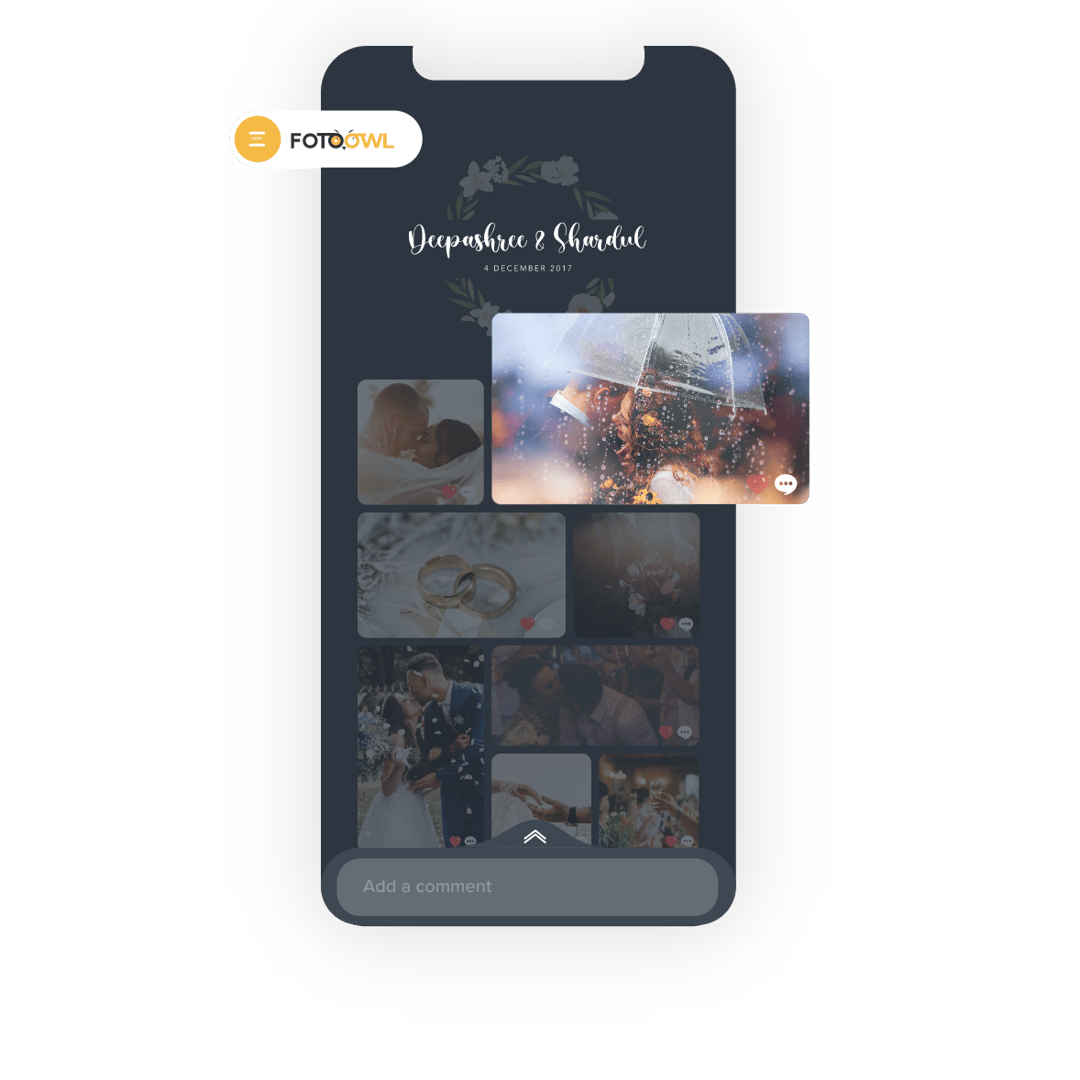
Collaborate with your clients in real-time to select wedding photos, pre-wedding shoots, and event photography. Our platform enables clients to like and comment on photos, making it the best photo selection tool for photographers.
Export Selected Photos

Export all selected photos from your FotoOwl Dashboard. Download in original quality or export the names to filter images locally. Our AI photo selection software ensures high-quality event photography and corporate event photography.

Reduce Photo Selection Time and Improve Workflow

Improve workflow and save precious time with our smart photo selection process. As the best app for advanced photo sharing, we help you click more photos and worry less about organization.

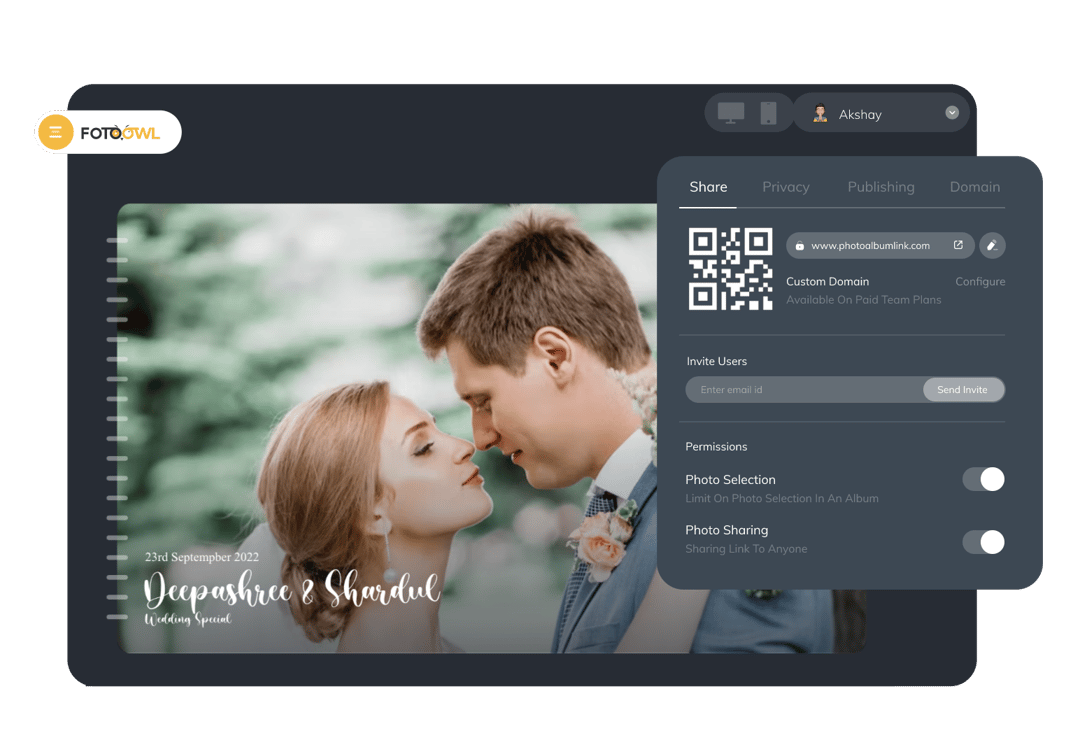
Set Limit On How Many Photos Can Be Selected

Limit the number of photos that can be selected by clients and avoid confusion. Our platform to share photos with face recognition ensures safe and secure photo sharing for all your photography needs.

Use Case

Where to use

The best photo selection tool for professional photographers spans four workflows: secure online access, structured client proofing, high-volume wedding delivery, and AI-assisted shortlisting. Clients select anytime from any device while your studio keeps one clear record of approvals—ideal for weddings, pre-wedding shoots, corporate events, and awards ceremonies.

Wedding Photography

Share wedding photos with guests via QR code, enable face recognition photo sharing, and let couples select their favorite moments with our AI-based photo sharing platform.

Corporate Events

Manage high-quality event photography with our safe and secure photo sharing platform. Perfect for team building, conferences, and corporate gatherings.

Sports Photography

Capture and share action-packed moments with our all-device friendly photo sharing platform. Enable real-time collaboration with teams and fans.

Content Creation

Use our advanced photo selection using AI to streamline your content creation workflow. Perfect for social media, marketing, and brand campaigns.

Specification

Foto Owl Photo Selection ties online sharing, client likes and comments, and export controls into one spec—whether you run wedding proofing, corporate galleries, or AI-assisted event delivery with face recognition and QR code access.

Photo Selection

Like Photos to select

Transform your photo selection process with our intuitive like-based system. Perfect for photographers and clients, this feature streamlines the selection of your best shots with a simple, engaging interface that works seamlessly across all devices. Our AI photo selection software makes it easy to manage wedding photography, pre-wedding shoots, and corporate events.

Like Photos to select - Best Photo Selection Tool for Photographers

One-Click Selection

Select your best photos instantly with a simple like action, making the process quick and intuitive for all device friendly photo sharing

Universal Access

Access your photo selection tool from any device, anywhere in the world, at any time - perfect for safe and secure photo sharing

Smart Organization

Automatically organize selected photos into dedicated collections for easy management with our AI-based photo sharing platform

Collaboration

Comment on Photos

Enhance your photo selection process with interactive commenting features. Perfect for wedding photography, corporate events, and content creation, our platform enables real-time collaboration between photographers and clients. Share specific feedback, mark areas for improvement, and streamline your workflow with our advanced photo selection using AI.

Comment on Photos - Platform to like and comment on the photos

Interactive Feedback

Provide specific feedback on photos with our intuitive commenting system, perfect for high-quality event photography

Mobile-Friendly

Comment and collaborate on the go with our all-device friendly photo sharing platform

Organized Discussions

Keep all photo-related discussions organized and easily accessible with our smart photo selection software

Management

Manage Selected Photos

Take control of your photo selection workflow with our comprehensive management tools. From creating custom selection links to setting selection limits and quick delivery options, we provide everything you need to efficiently handle your photo selection process. Perfect for wedding photography, corporate events, and awards ceremonies.

Manage Selected Photos - Best tools for automated photo selection

Custom Selection Links

Generate unique, secure links for each collection with customizable access settings for safe and secure photo sharing

Selection Controls

Set precise limits on photo selection and customize selection criteria for each project with our AI photo selection software

Quick Export

Efficiently download selected photos or export selection data directly to your dashboard with our advanced photo sharing platform

How it works

Photo selection from gallery share to local RAW album

Watch the walkthrough, then explore the client mobile experience, auto RAW copy, and how online, client, wedding, and AI workflows fit together on FotoOwl.

Video tutorial

Open on YouTube if the embed does not load.

Client picks on mobile, RAW files ready on your machine

Share lightweight previews for proofing while clients like and shortlist from any phone. When selections are confirmed, matching RAW files copy from your local folder into a curated album—no manual hunting through thousands of files.

Photo selection visual

9:41FotoOwl

Photo Selection

Priya & Rohan's Wedding

247 / 380

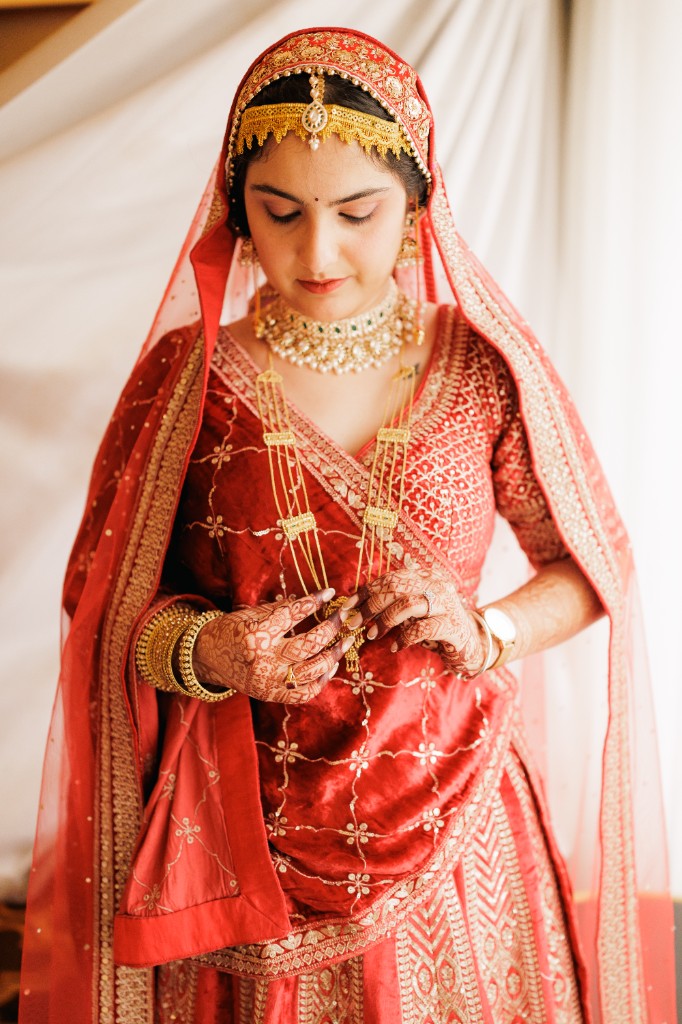
Bride wedding portrait
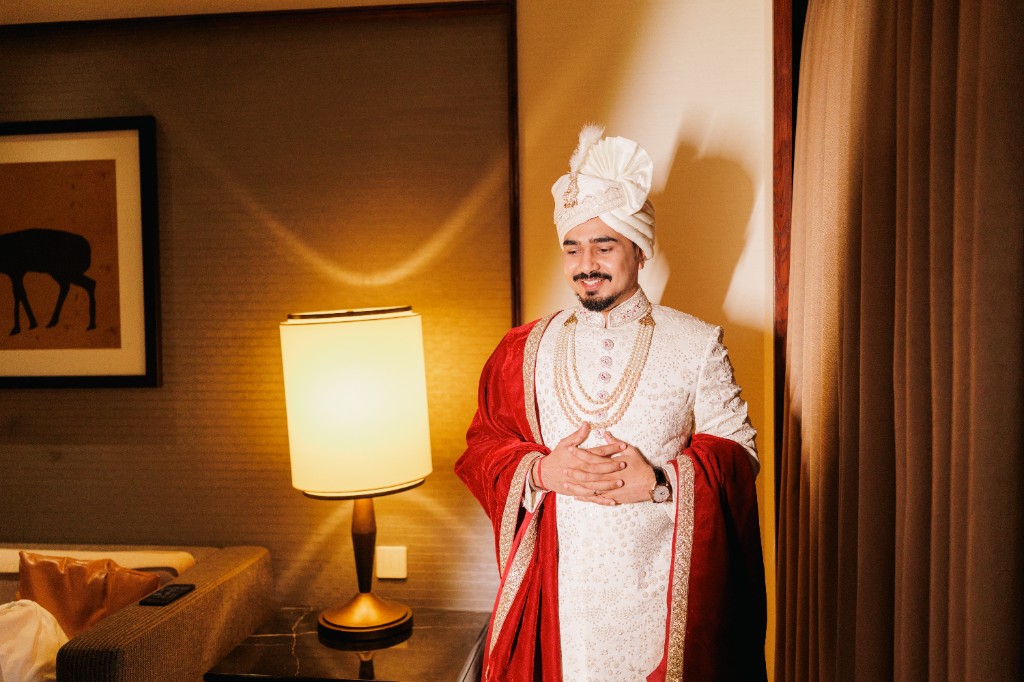
Groom wedding portrait

Mark favorite

Continue

Auto RAW copy to your selected album

Auto RAW copy

RAW

Local Folder

380 RAW files

Copy
247 / 380

Selected Album

247 RAW copied

Compare Online, Client, Wedding, and AI Photo Selection Workflows

Most photographers mix these four approaches. Use online galleries for access, client proofing for album decisions, wedding-ready delivery for scale, and AI to cut sorting time on big shoots.

Online photo selection

Secure galleries guests and clients open on any device.

Online tools solve the first mile: upload once, share a link or QR code, and let people browse without downloading zip files. They work well when you mainly need viewing and downloads, but many studios still chase feedback in chat apps. Pairing online access with structured shortlisting keeps selections in one branded place instead of scattered threads.

Client photo selection

Guided proofing so couples and families pick favorites faster.

Client-driven selection gives you a single source of truth for album picks. Clients like, comment, and revisit choices while you keep lightweight JPEG previews in the gallery and retain RAW files on your side. Fewer back-and-forth rounds mean faster edits. See how selection fits the wider product in our photo selection product documentation.

Wedding photo selection

Scale, speed, and guest sharing on top of client proofing.

Weddings add volume: more guests, more functions, and tighter delivery expectations. You need mobile-first curation for the couple plus distribution paths that do not slow your studio down. Purpose-built wedding photo sharing software for photographers combines selection, branded galleries, and guest access so you are not juggling separate tools after every celebration.

AI photo selection

Surface strong frames sooner on large event sets.

AI assists where manual sorting hurts most—near-duplicates, blinkers, and thousands of frames from a single day. It is most effective inside a full delivery workflow, not as a standalone sorter: clients still get smooth proofing while your team spends less time on repetitive triage. Online access, client approvals, wedding scale, and AI speed stack together when they share one platform.

FAQ

Photo selection software questions

Answers on online galleries, client proofing, weddings, AI-assisted sorting, and sharing with guests.

What is the difference between online photo selection and client proofing?

Online selection is about getting images in front of people safely—links, QR codes, and mobile-friendly browsing. Client proofing adds rules: favorites, comments, selection caps, and a clear record of what was approved. Studios that only share folders often still lose time reconciling feedback; combining both layers in FotoOwl keeps access and approvals together.

How should wedding photographers handle photo selection at scale?

Start with JPEG previews so the couple can shortlist from their phones while you keep RAW files local. Layer guest sharing and studio branding so you are not switching tools per function. For a full wedding delivery stack—including selection alongside galleries and guest access—see our wedding photo sharing software for photographers.

Does AI photo selection replace client choices?

No. AI helps your team triage large sets—fewer duplicate scans, faster first passes—while clients retain control over final picks. The best results come when AI sits inside the same gallery clients already use for proofing, not in a disconnected desktop-only tool.

Can clients select photos from phones and tablets?

Yes. Proofing is designed for phones and tablets as well as desktop, so wedding parties and corporate stakeholders can review on the device they already carry. Selection limits and export options stay synced to your dashboard.

How do I share galleries with different guest groups?

Use separate access links when VIPs, family, and general guests need different collections or permissions. Step-by-step guidance is in our multiple access links for guest photo delivery tutorial.

Where can I learn setup details for photo selection in FotoOwl?

The photo selection product documentation walks through enabling selection on an event, setting limits, exporting picks, and tying proofing into your sharing workflow.
Ocean waves meeting shore

Try Foto Owl AI

From online galleries to client proofing, Foto Owl unifies how you share and select images. Wedding studios get scalable delivery; every photographer benefits from AI-assisted sorting, face recognition, and QR access in one photo selection platform.

Whether you are comparing wedding workflows or streamlining corporate proofing, our smart selection software reduces back-and-forth and keeps RAW editing efficient—secure, branded sharing on every device.

No credit card required