
AI Gallery: Face Recognition Photo Sharing for Event Photographers
Upload your wedding or event photos once. Share one gallery link so guests can use a selfie to find the photos they appear in — without asking your studio to sort and send individual folders.
AI photo sharing built for professional wedding and event photographers.
Already using FotoOwl? Log inISO 27001 · SOC 2 · GDPR
Saurav & Roshni
1,248 photos · one link
View gallery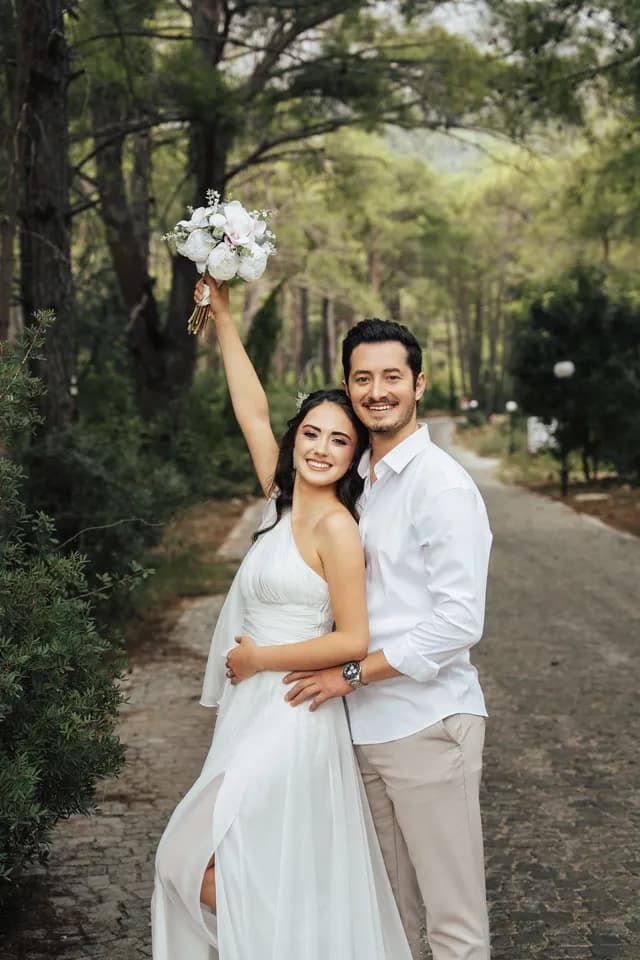
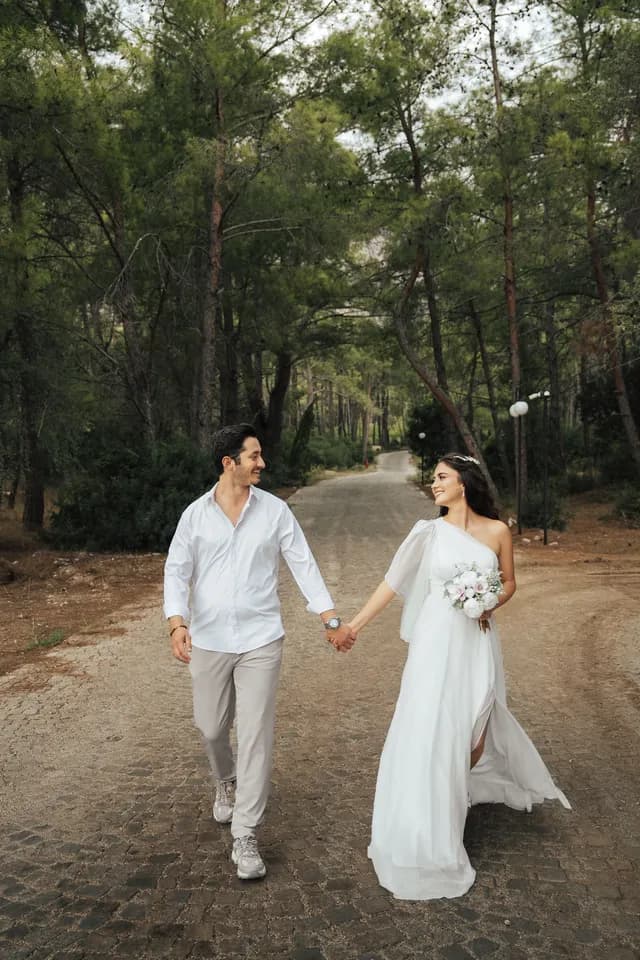

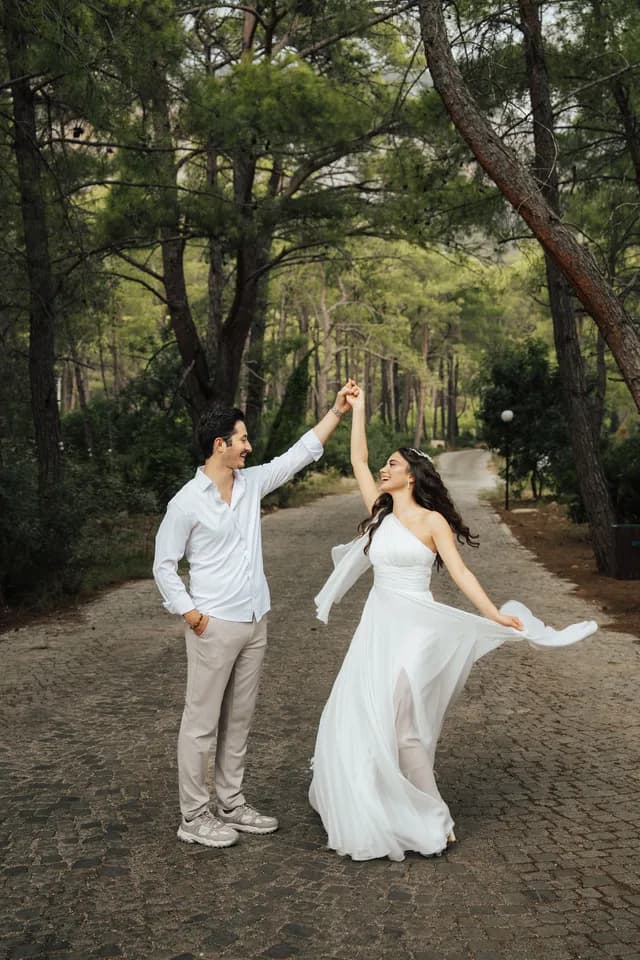
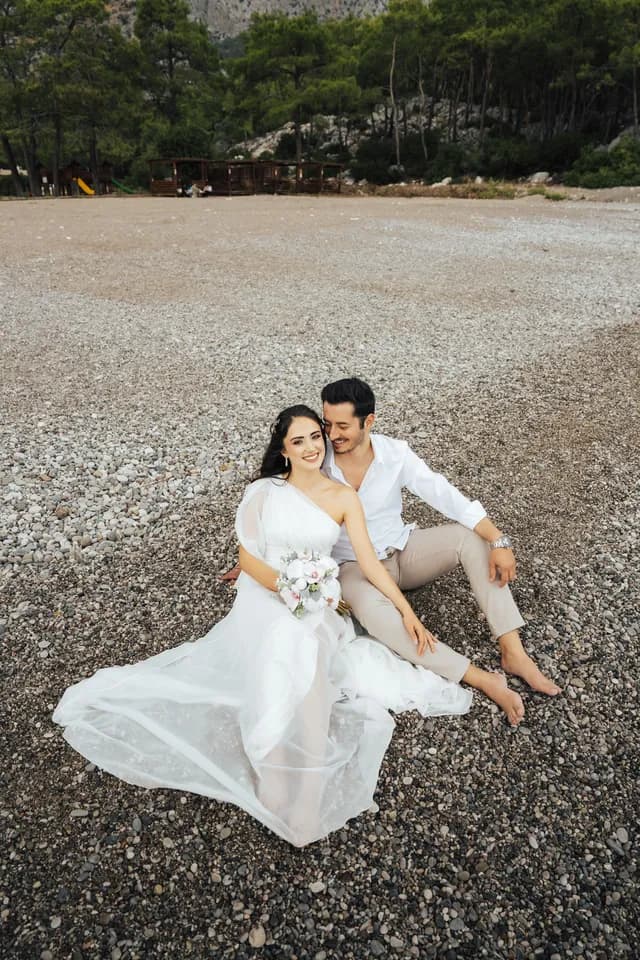
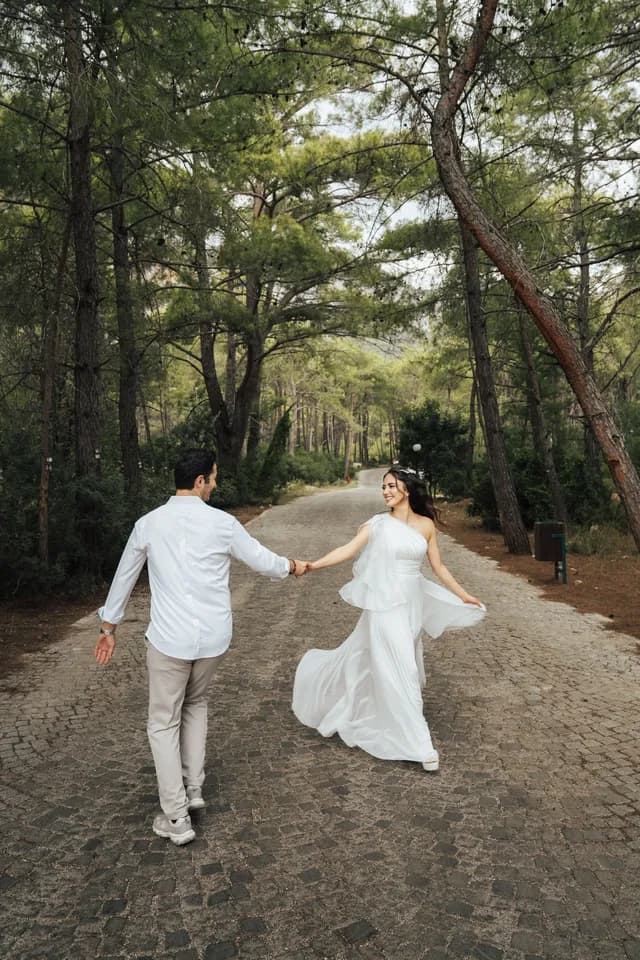
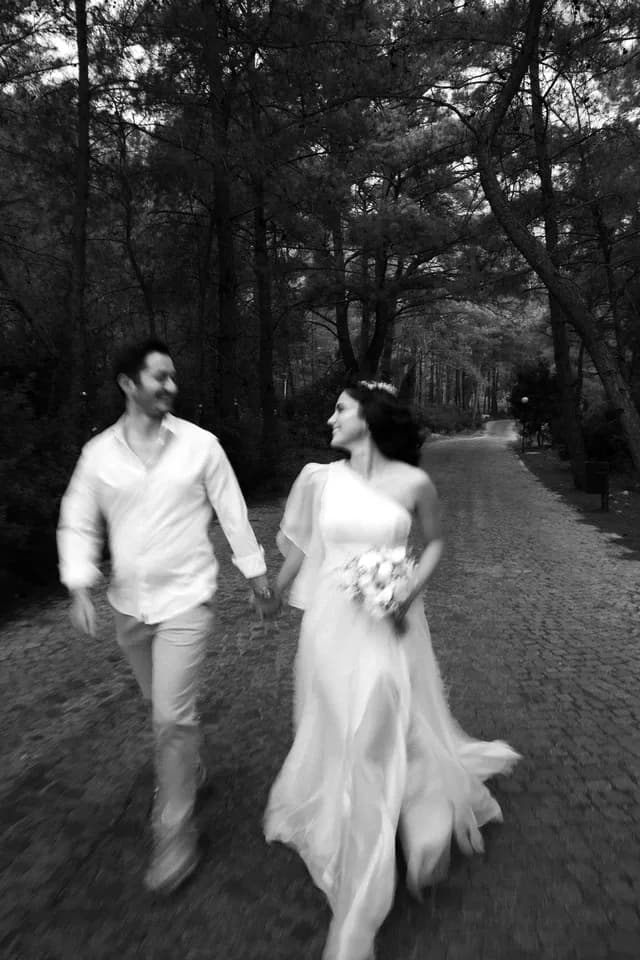
 Hi Ananya · 46 photos of you


Before AI Gallery
Event photo sharing, the old way: “When will the photos be ready?”
Arjun shot Saurav & Roshni's wedding: five functions, 400 guests, 6,000 frames. On Monday morning his phone becomes the delivery desk.
Week 1
The folder hunt.
Arjun scrolls thousands of frames looking for one aunt across five functions.
Week 2
One giant drive link.
Everyone gets everything. Guests scroll past strangers, and the couple's private moments travel too.
Week 3
Half the guests never look.
The excitement has faded. His best work reaches fewer people than were in it.
Chats
Unread · 17
- Roshni's aunt9:14Could you send the haldi photos too? 🙏3
- Kabir (Saurav's cousin)9:02Hi! When will the photos be ready?2
- Ananya8:47Can you send the ones with me in the pink lehenga?1
- Roshni's dad8:30Can you put all the photos in one folder?4
- +91 98•• ••• •218:12Hi, I was at the sangeet. Photos link?1
- SauravSunBro the family group is going crazy 😅6
How it works · the photographer
How AI photo sharing works: upload once, share one link.
Sunday night, Arjun does it differently: five steps from an empty event to 400 guests holding their own photos. He never sorts a folder by face.
- 01
Create the event
Name it, pick a gallery theme and add collections like Haldi, Sangeet and Reception.
- 02
Upload once
From the dashboard, Google Drive, Dropbox, Box or Lightroom — or live from your camera with Beam.
- 03
Share one link or QR
Publish, then send the Guest Access link on WhatsApp or print the event QR code at the venue.
- 04
Guests take a selfie
The gallery opens in the phone's browser. Each guest takes one selfie to start face search.
- 05
Each guest gets their photos
AI matches the selfie to every photo that guest appears in. They see those — not the whole event.
Want the whole journey, from QR registration to gallery sales? See how FotoOwl works
How it works · the guests
Face recognition photo sharing: one selfie, only their photos.
All 400 guests get in the same way. Here's Ananya, Roshni's college friend, trying it at the reception: the full gallery on a tablet, face search on her phone.
Saurav & Roshni
1,248 photos · one link
View gallery


Access & privacy
One gallery, four links. Each person sees only theirs.
Ananya, the chief guest and the couple all open the same wedding. Pick a person to see what their link unlocks — and how they get in.
Viewing as AnanyaSaurav & Roshni's wedding · Guest AccessOnly theirs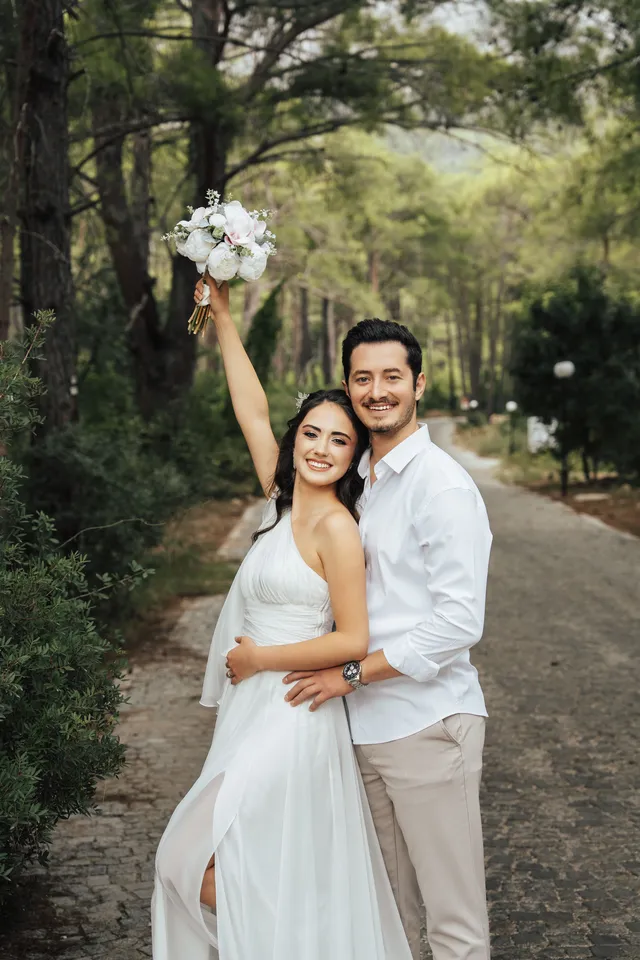
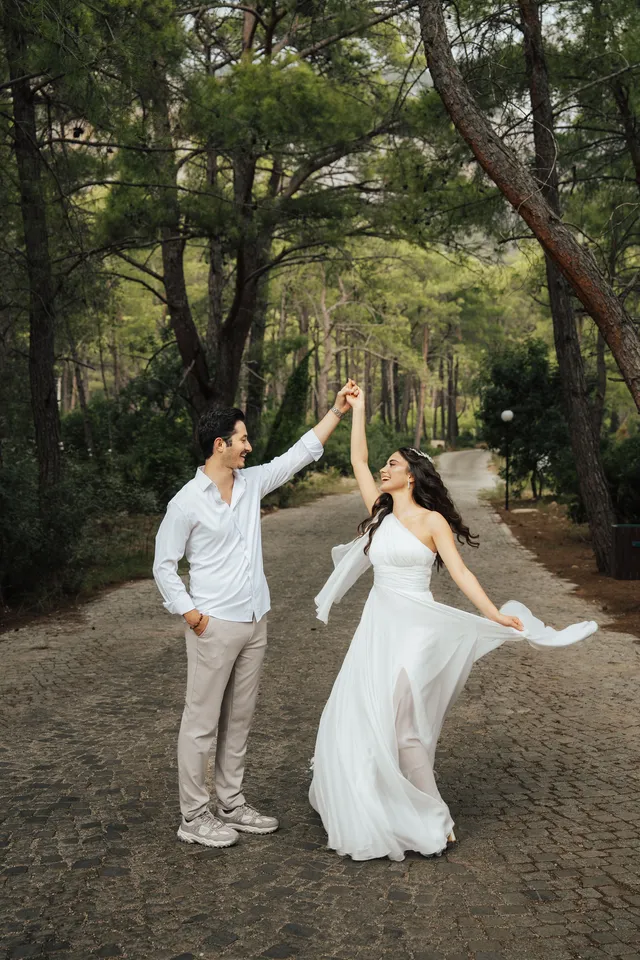
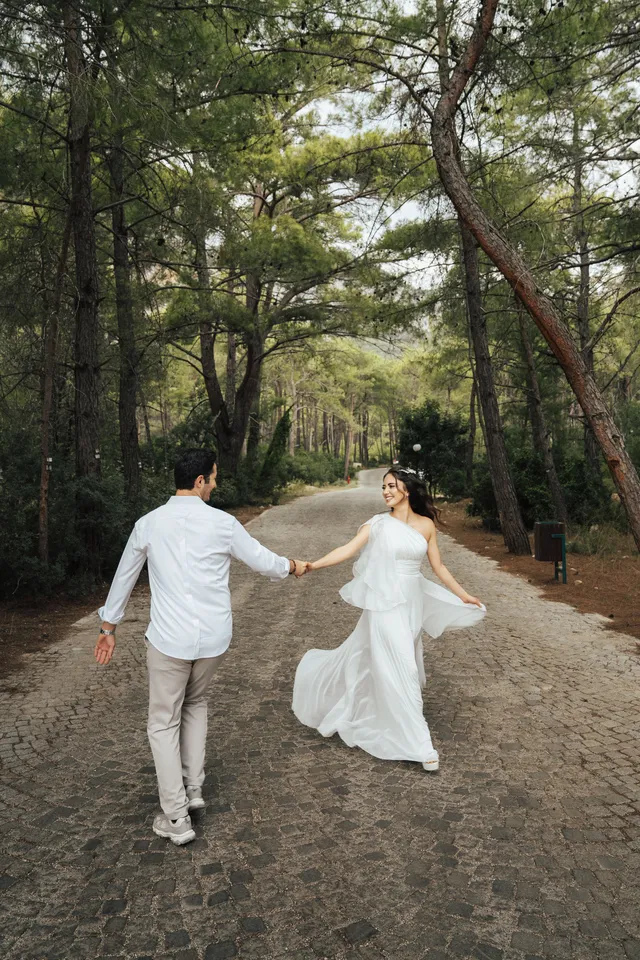



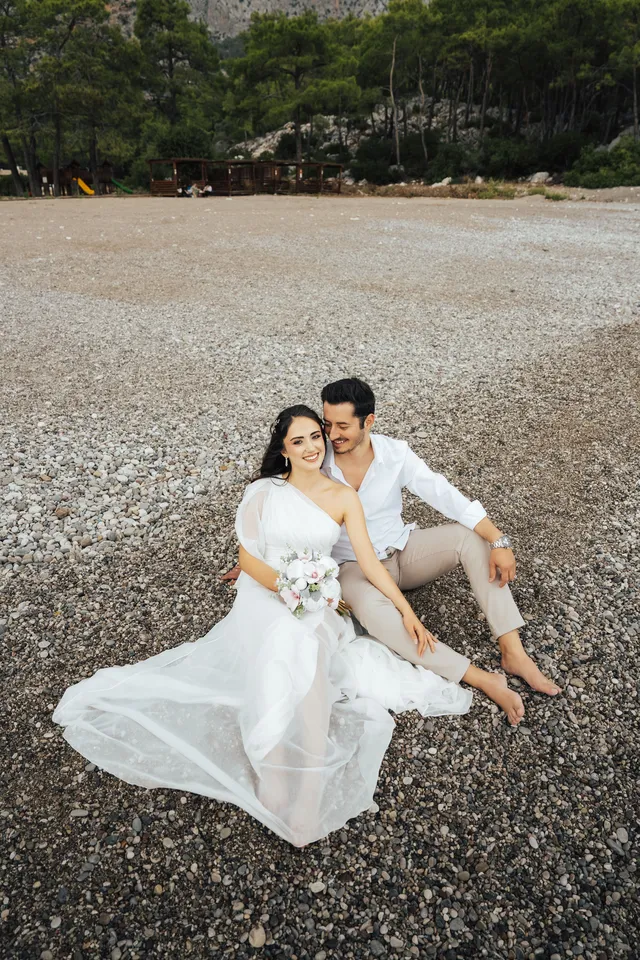
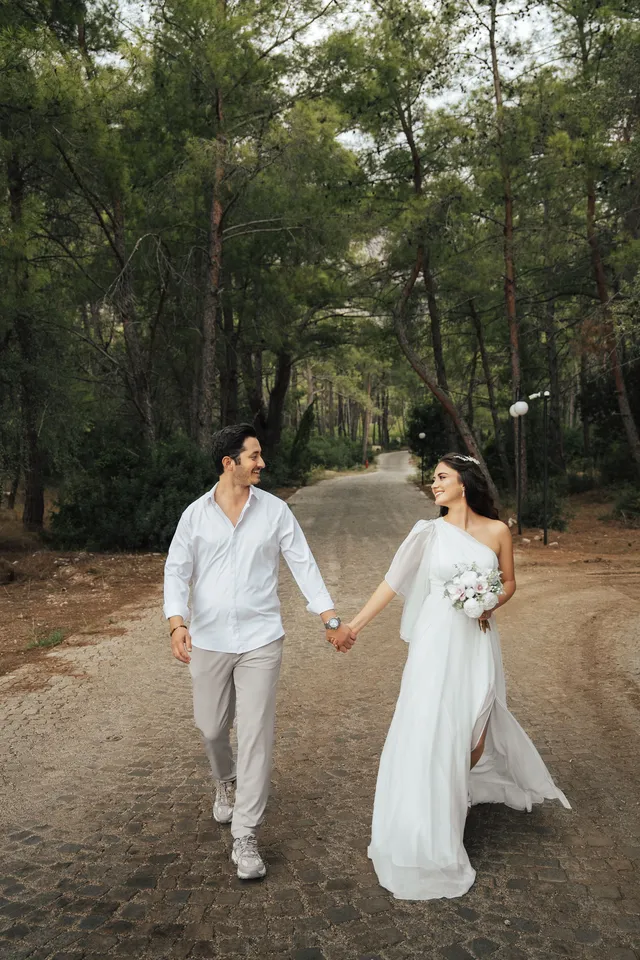
5 photos match Ananya's selfie · the other 1,243 stay locked
Every guest gets the same link. Each one only sees the photos their selfie matches.
Event settings · Privacy
The rules are switches Arjun flips per event.
A group photo appears for every guest matched in it. Everything else stays behind the link, PIN and download rules you choose.
Read the sharing docs- Nothing is public until you publish
- Upload and arrange in private. Guests get in only after you publish the event.
- A 6-digit PIN per link
- Guest Access and Full Access each get their own 6-digit PIN. Turn on “Do Not Ask PIN” when you want zero friction.
- Your registration form
- Choose which details guests share — name, phone, email, WhatsApp — so you can notify them when their photos are up.
- Download on or off
- Bulk Download and Single Download are separate switches. Allow both, one, or neither.
- An expiry date
- Set when the gallery closes. Links and QR codes stop working after that date, and you can extend it anytime.
Private by setting. Secure by certification.
TLS 1.3 in transit · AES-256 at rest
 ISO 27001:2022CertifiedAudited information-security management for the people, systems and data behind every gallery.
- SOC 2CompliantIndependent controls for the security, availability and confidentiality of your clients' photos.
 GDPRCompliantGuest data and face searches are handled under GDPR, and deletion requests are honoured.
Client gallery for photographers
A client gallery built for your studio.
Guests see Aura Studios' theme, colours and watermark on every screen. It's an online gallery for photographers: set the look once per event and it carries from the cover to the last download.
- ThemesPick a gallery theme per event and switch it anytime.
- Colours & title fontMatch the gallery to your studio or the wedding card.
- Cover imageSet separate desktop and mobile cover positions.
- WatermarkAdd your studio mark to shared photos.
- Collections & sortingOrder ceremonies, hide collections, choose the photo sort.
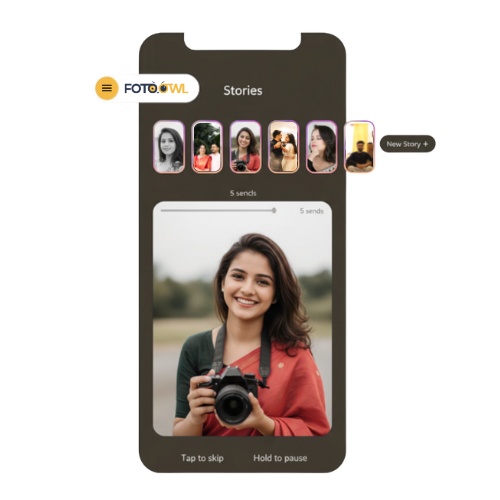
- Highlights & StoriesFeature the best moments up front, in a story-style sequence.
The same wedding, with AI Gallery
Deliver an Indian wedding without individual folders.
Five functions, 400 guests, one gallery link. Nobody waits for a folder, and Arjun's Monday inbox stays quiet.
Before the wedding · Arjun
The event QR goes on the welcome board.
During the functions · Arjun
Photos upload in batches — or live with Beam.
Same evening · The guests
Guests take a selfie and see only their photos.
After the wedding · Saurav & Roshni
Saurav & Roshni heart their album picks.


Connected workflows
Before and after the gallery, the crew connects.
AI Gallery handles delivery. Beam fills it live from your camera, and Photo Selection handles album proofing with the couple.
Camera-to-cloud
Beam
Your camera's built-in FTP sends each photo to the event in about 5 seconds. Guests can have it on their phone in under 30 seconds.
Beam camera-to-cloud uploadsClient proofing
Photo Selection
Share a selection link and the couple hearts their album picks. You copy the file names or download the selection — no spreadsheets of file numbers.
Explore Photo SelectionFull walkthrough
How FotoOwl works
See where AI Gallery sits in the full flow, from guest registration to delivery and sales.
See the full walkthrough
What is included?
Start free. Upgrade when the events grow.
FotoOwl has a free plan so you can explore AI Gallery before you upgrade. Storage and features depend on your plan, and Beam camera uploads are included on every paid plan. The pricing page has the current prices, storage and billing terms for your country.
See plans and pricingStudios and brands delivering with FotoOwl


FAQ
Face recognition photo sharing, answered.
How does face recognition photo sharing work?
You create an event in FotoOwl, upload your photos and publish it. Then you share one Guest Access link or QR code. Each guest opens it on their phone, takes a selfie, and AI Gallery shows them every photo they appear in. Guests on Guest Access never see photos they are not in.
Do guests need an app or an account?
No. Unlike a photo sharing app with face recognition that every guest has to download, AI Gallery opens in the phone's browser from your link or QR code. What guests enter depends on your settings: by default they type a 6-digit event PIN (you can switch this off with “Do Not Ask PIN”) and fill a short form with the fields you choose, such as name, phone, email or WhatsApp. VIP Guest Access asks only for a selfie.
Who can see or download gallery photos?
Until you publish the event, only you. After that, it depends on the link: Guest Access and VIP Guest Access show each guest only the photos their selfie matches, while Full Access shows the whole gallery. A group photo appears for every guest who is matched in it. Bulk Download and Single Download are separate switches, and you can set an expiry date after which links and QR codes stop working.
Can I deliver photos during an event?
Yes. Upload in batches during the event so guests can search while it is still on, or use Beam: your camera's built-in FTP sends each photo to the event in about 5 seconds, and it can reach a guest's phone in under 30 seconds. Beam needs internet at the venue (Wi-Fi or a phone hotspot) and is included on paid plans.
How much storage and gallery access do I get?
It depends on your plan. FotoOwl has a free plan so you can explore the platform before upgrading, and paid plans add more storage and features. The pricing page always has the current storage, billing and plan details for your country.
Can clients select photos for albums?
Yes, through Photo Selection. Share the Photo Selection link and your client sees the full gallery with a heart on every photo; the photos they heart become the album shortlist. AI Gallery handles delivery to guests, and Photo Selection handles proofing with the couple.
Is AI Gallery secure and GDPR compliant?
Yes. FotoOwl is ISO 27001:2022 certified, SOC 2 compliant and GDPR compliant. Photos are encrypted with TLS 1.3 in transit and AES-256 at rest, every share link has its own 6-digit PIN, and guests on Guest Access only ever see the photos their selfie matches. We also honour data deletion requests.
How accurate is face matching?
Matching works best with a clear, front-facing selfie in good light, so add a one-line instruction near your QR code. Heavy shadows, side profiles or faces that are very small in a frame can be missed. For people who need every photo — like the couple or the family — share Full Access as well.
Can the gallery carry my studio's branding?
Yes. AI Gallery is an online gallery for photographers, so it carries your studio's look. Choose a theme, set colours, the title font and cover image for desktop and mobile, add a watermark and a footer message, and order or hide collections. You can also feature Highlights and Stories at the top of the gallery.


Shoot the wedding. Let every guest find themselves.
Create your FotoOwl account, upload your first event and share one gallery link with every guest.
Free plan available · ISO 27001 · SOC 2 · GDPR
Already using FotoOwl? Log in